 EN
 IT Italiano
 ES Español
 FR Français
 DE Deutsch
Description
What it is
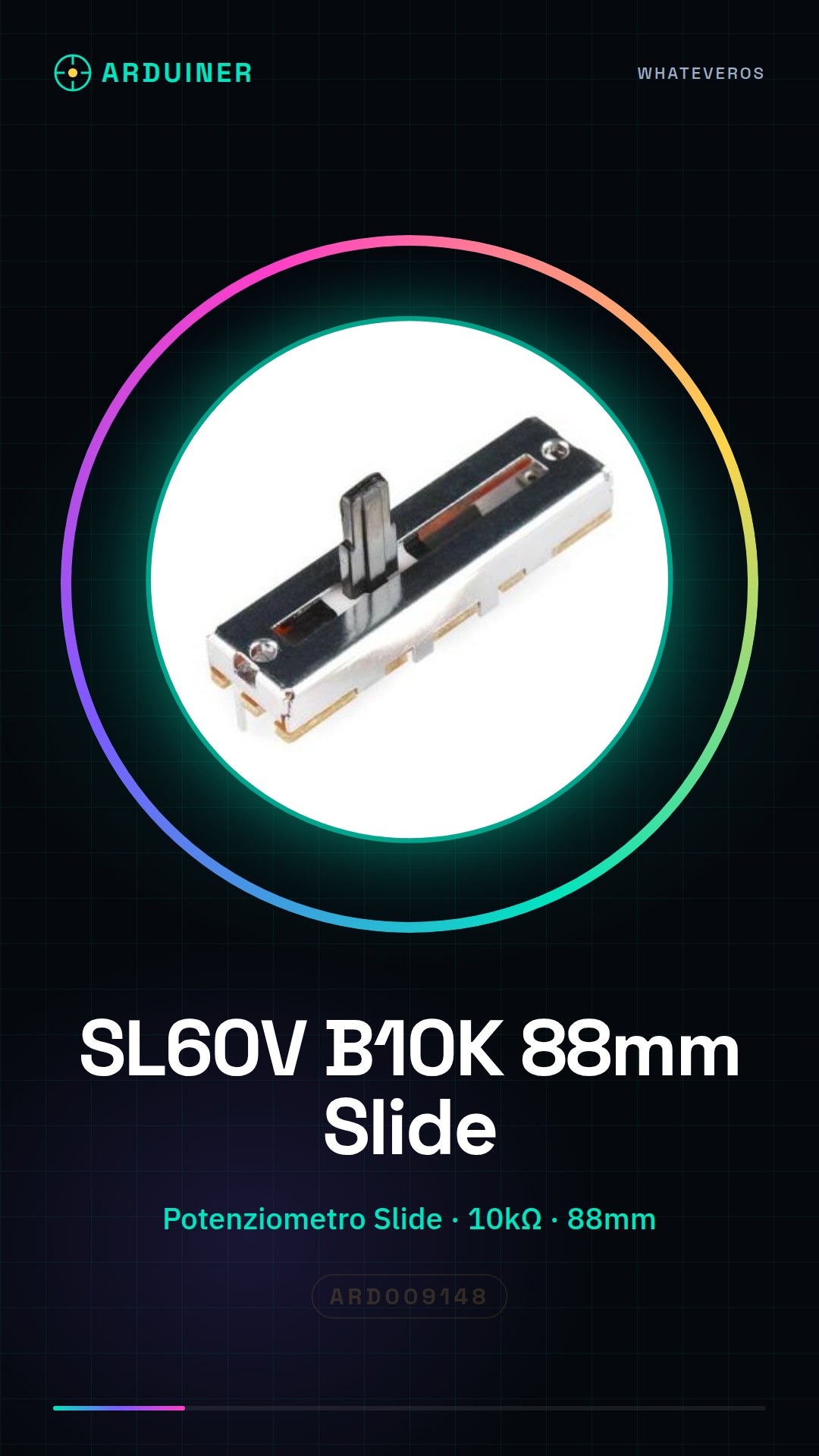
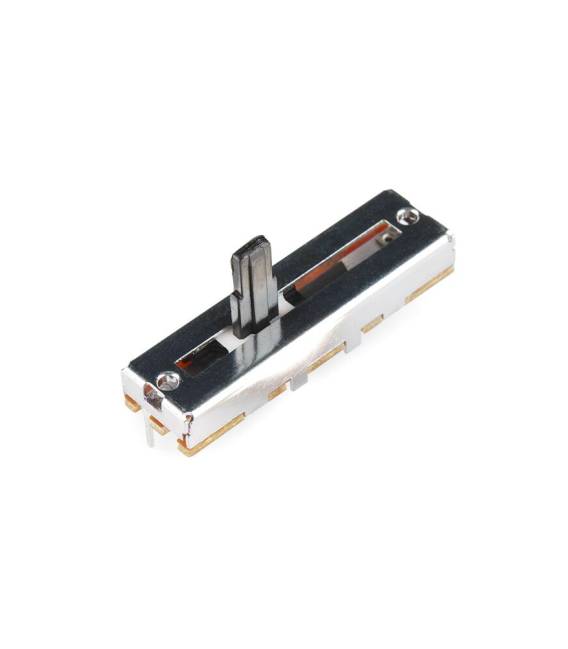
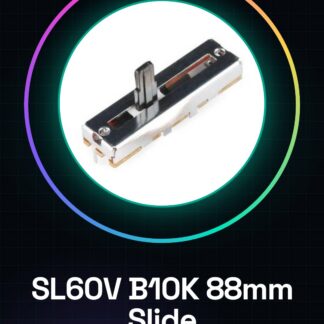
The SL60V B10K potentiometer slide is an electronic component used for continuously adjusting various parameters, such as volume in audio systems. With a total length of 88mm, this type of potentiometer slide offers lateral movement for value adjustment.
Features
- Type: Potentiometer Slide
- Nominal Resistance: B10K (10kΩ)
- Total Length: 88mm
- Used in consoles and faders
What it is for
Potentiometer slides SL60V are ideal for DIY audio projects, musical instrument controls, or any other device that requires linear adjustment. You can use it to create a controllable lighting system where the LED brightness changes based on the position of the slider.
Tutorial: How to use SL60V B10K Potentiometer Slide
The SL60V B10K slide potentiometer is an electronic component useful for continuously adjusting volume or other parameters. It is ideal for DIY audio projects, musical instrument controls, and any other device requiring linear adjustment.
What you need
- Arduino Uno
- Jumper wire
- Breadboard
Steps
- Connect the slide potentiometer to the breadboard using jumper wires. Check the polarity: the central end is the wiper (W), while the side ends are the terminals (A and B).
- Connect the A, B, and W terminals of the potentiometer to the Arduino’s analog pins 0, 1, and 2 respectively.
- Open the Arduino IDE software and upload the sketch for reading analog values to a serial monitor.
- Check the datasheet for the potentiometer’s resistance (in this case, B10K indicates 10kΩ).
- Adjust the slide potentiometer and observe how the values read by the sketch change in the Arduino IDE.
Example code
void setup() {
  Serial.begin(9600);
}

void loop() {
  int sensorValue = analogRead(A2);
  Serial.println(sensorValue);
}
Mini project
Create a controllable lighting system with the slide potentiometer, where the LED brightness changes based on the position of the slider.
Common mistakes
- Connecting the wrong pins on the Arduino
- Failing to verify power and polarity correctly
- Using an inappropriate resistance value for the potentiometer
Recommended accessories
- RGB LED
- 220Ω resistor
- Prototype panel
- Breadboard
Frequently asked questions
What is the difference between this and a rotary potentiometer?
The slide offers linear adjustment, while the rotary provides an exponential curve of control.
Can I use this potentiometer with other microcontrollers?
Yes, but make sure that your device’s analog pins are compatible and powered correctly.
Reviews
There are no reviews yet.