 EN
 IT Italiano
 ES Español
 FR Français
 DE Deutsch
Description
What it is
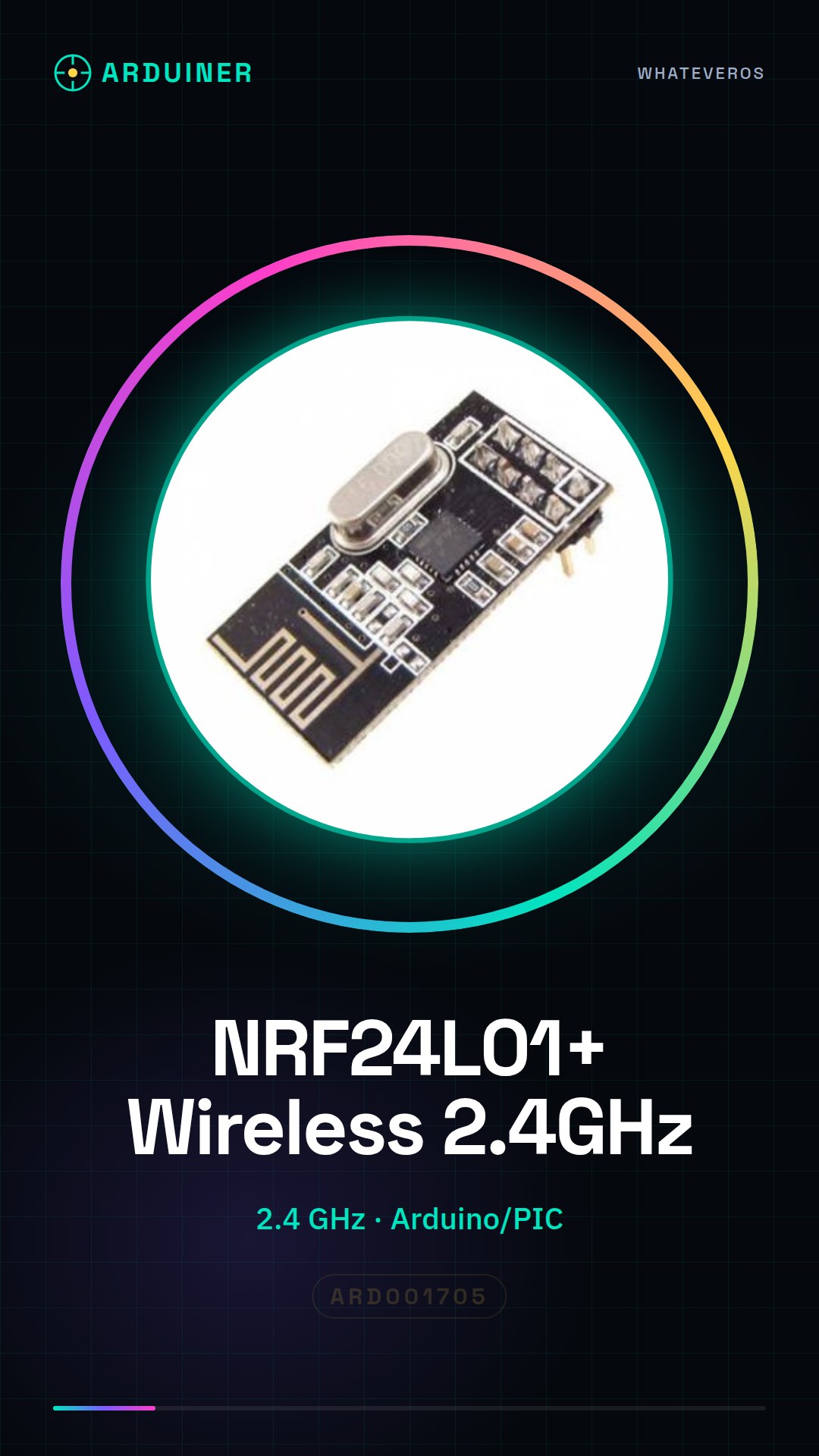
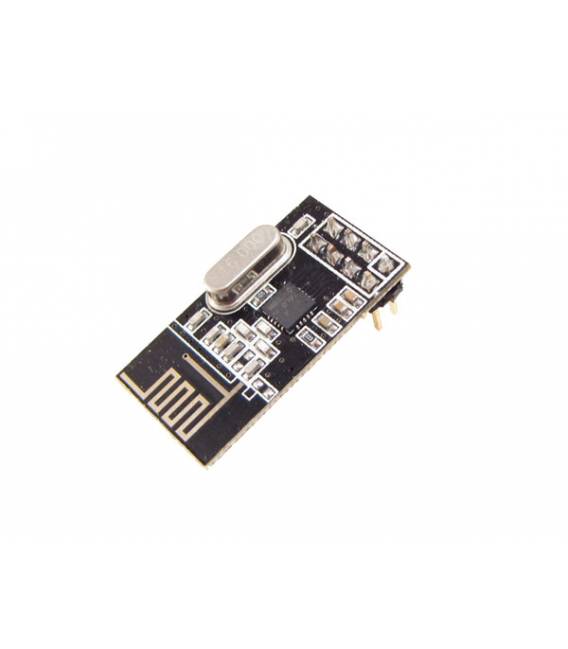
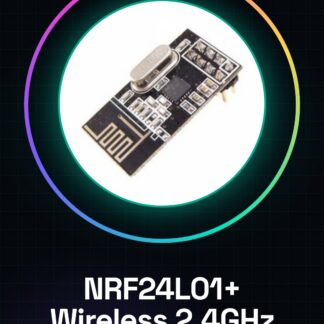
The NRF24L01+ module is a wireless component that enables wireless communication between Arduino devices and other microcontrollers. It is designed to work in IoT environments, for remote sensors and wireless networks.
Features
- 2.4GHz Transceiver
- Compatible with Arduino and PIC
What it is for
NRF24L01+ modules are ideal for projects that require wireless communication between devices, such as creating an alarm system where two Arduinos exchange data through the module. Additionally, it is usable in IoT networks and remote sensors.
Tutorial: How to Use NRF24L01+ Wireless Module
The NRF24L01+ module is a wireless component that enables wireless communication between Arduino devices and other microcontrollers. It is ideal for IoT projects, remote sensors, and wireless networks.
What you need
- Arduino Uno or compatible
- NRF24L01+ Module
- USB Type B Cable
- Connect to Computer
Steps
- Connect the following pins of the NRF24L01+ module to the Arduino: VCC to 3.3V, GND to GND, CE to D7, CSN to D8, SCK to 13, MOSI to 11, MISO to 12.
- Install the RF24 library through the Arduino Library Manager.
- Load the ‘GettingStarted’ example sketch from the RF24 library to test the module.
- Check if the received data matches the data sent from the second device connected in the same way.
Example code
// Includere la libreria
#include <RF24.h>
// Definire le pin utilizzate
const int CE_PIN = D7;
const int CSN_PIN = D8;
RF24 radio(CE_PIN, CSN_PIN);
void setup() {
  radio.begin();
}
void loop() {}
Mini project
Create an alarm system with two communicating Arduinos via NRF24L01+. When the main Arduino receives a danger signal, it sends a warning to the secondary Arduino that turns on an LED.
Common mistakes
- Incorrectly connected pins
- RF24 library not installed or incorrectly configured
- Incorrect frequency set in the module
Recommended accessories
- NRF24L01+ module for secondary
- RGB LED
- 330Ω resistor
Frequently asked questions
How can I control the transmitter power?
Check the module datasheet to correctly set the power.
What are the limits of communication range?
The range varies based on the environment and power. Generally, it can reach up to 100 meters in optimal conditions.
Reviews
There are no reviews yet.