 EN
 IT Italiano
 ES Español
 FR Français
 DE Deutsch
Description
What it is
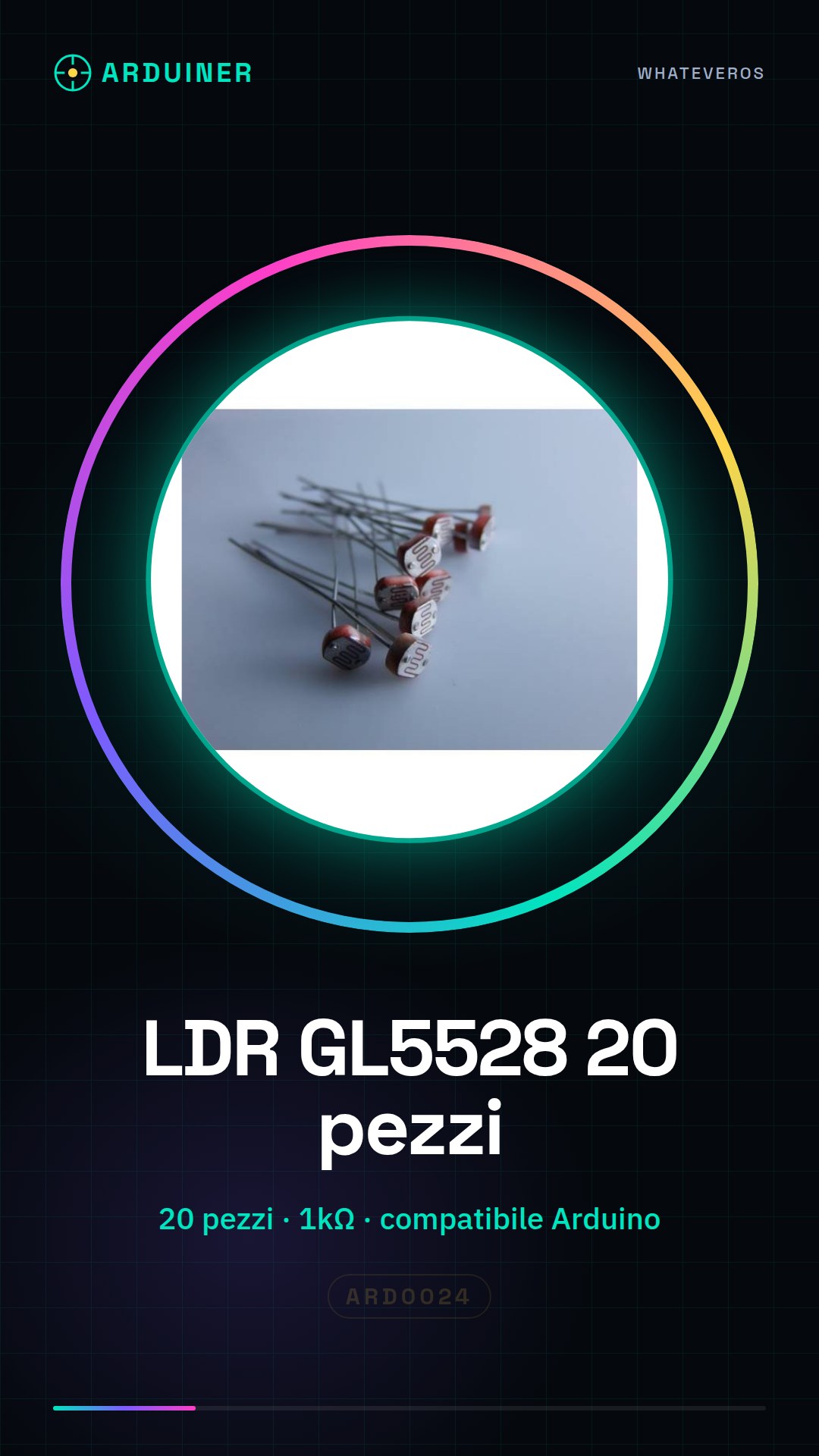
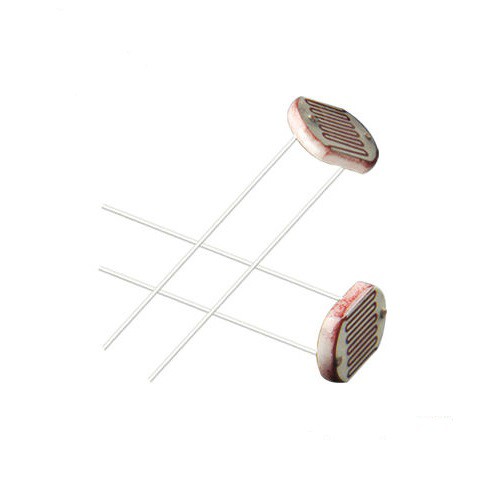
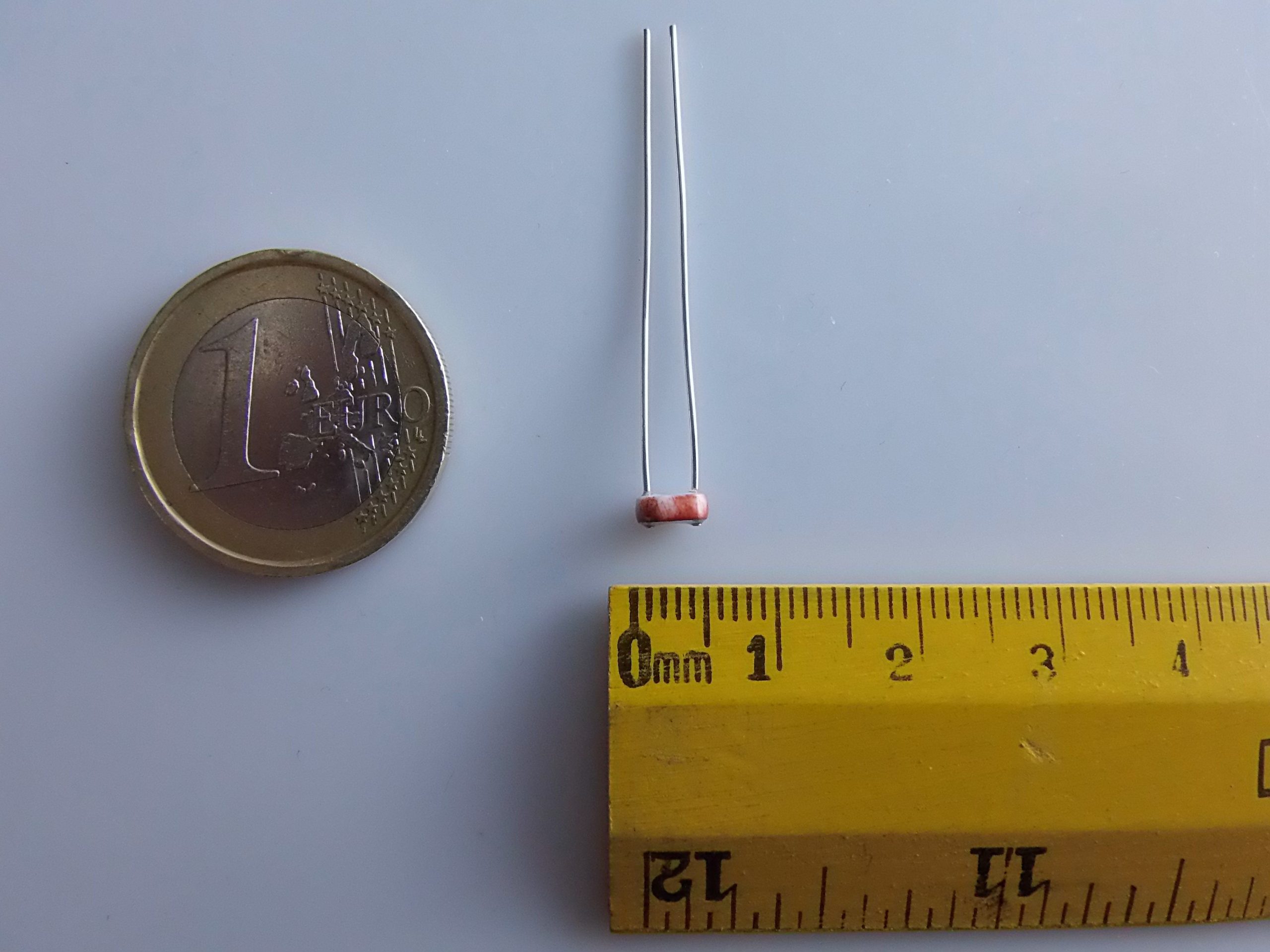
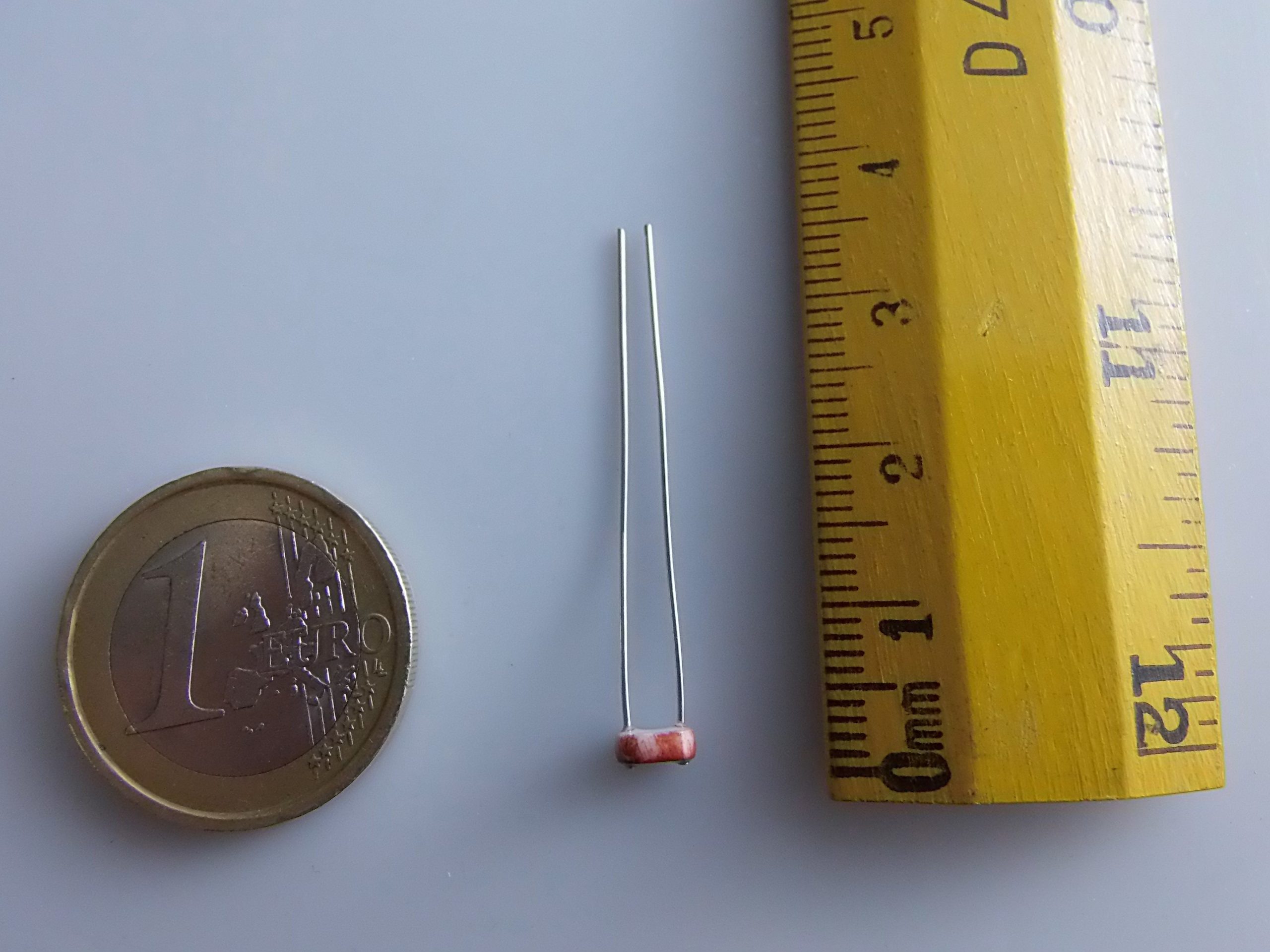
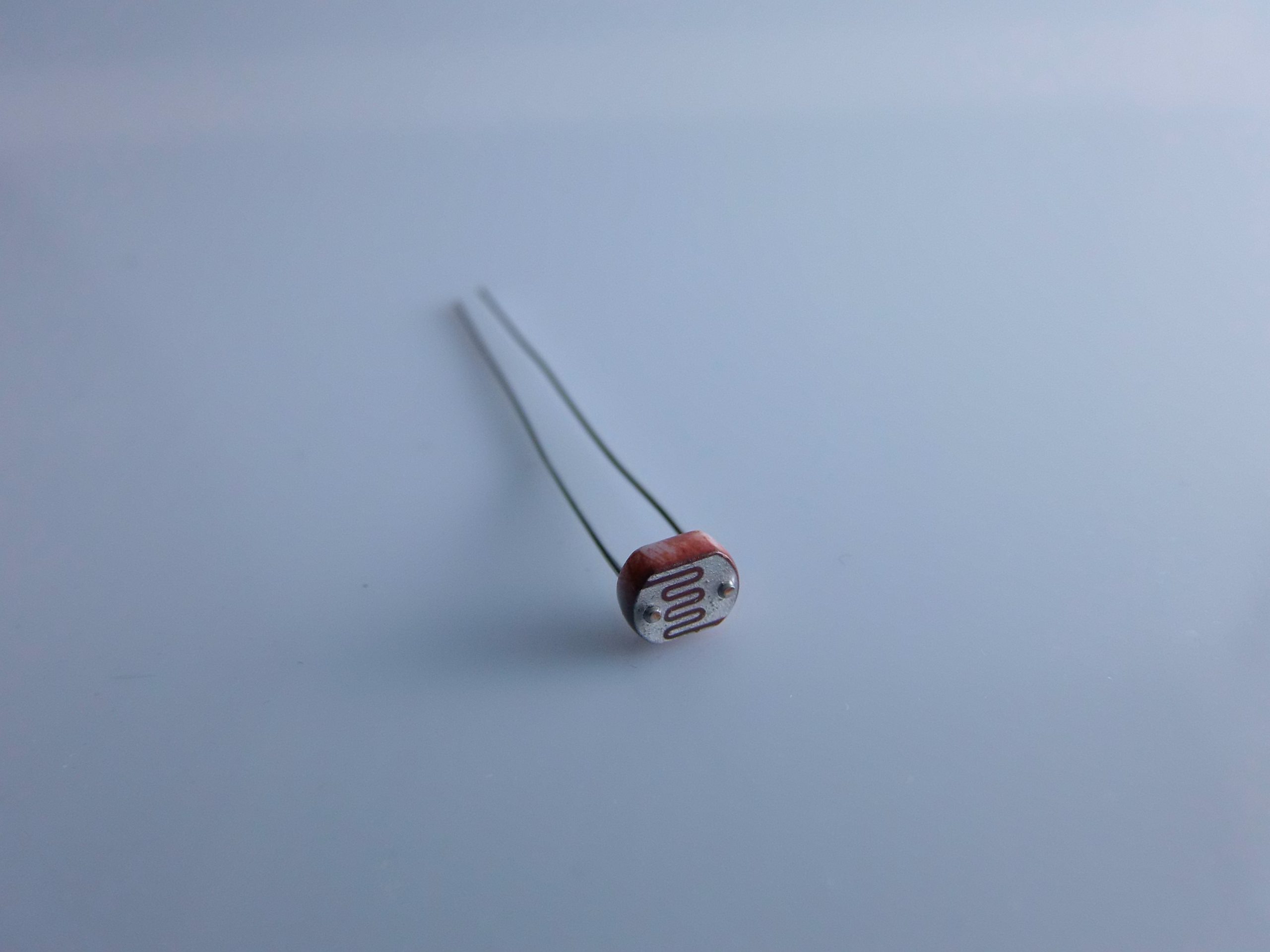
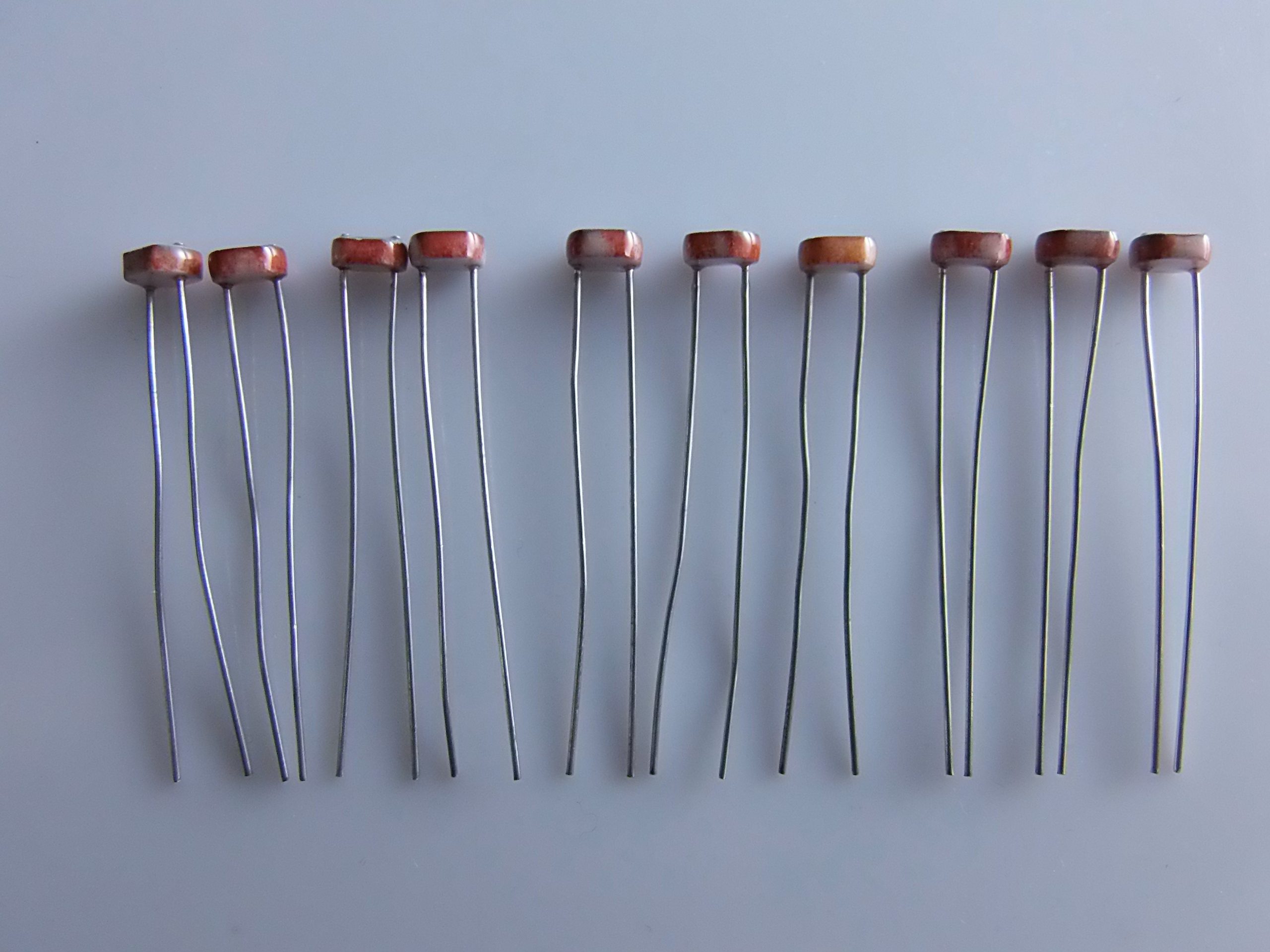
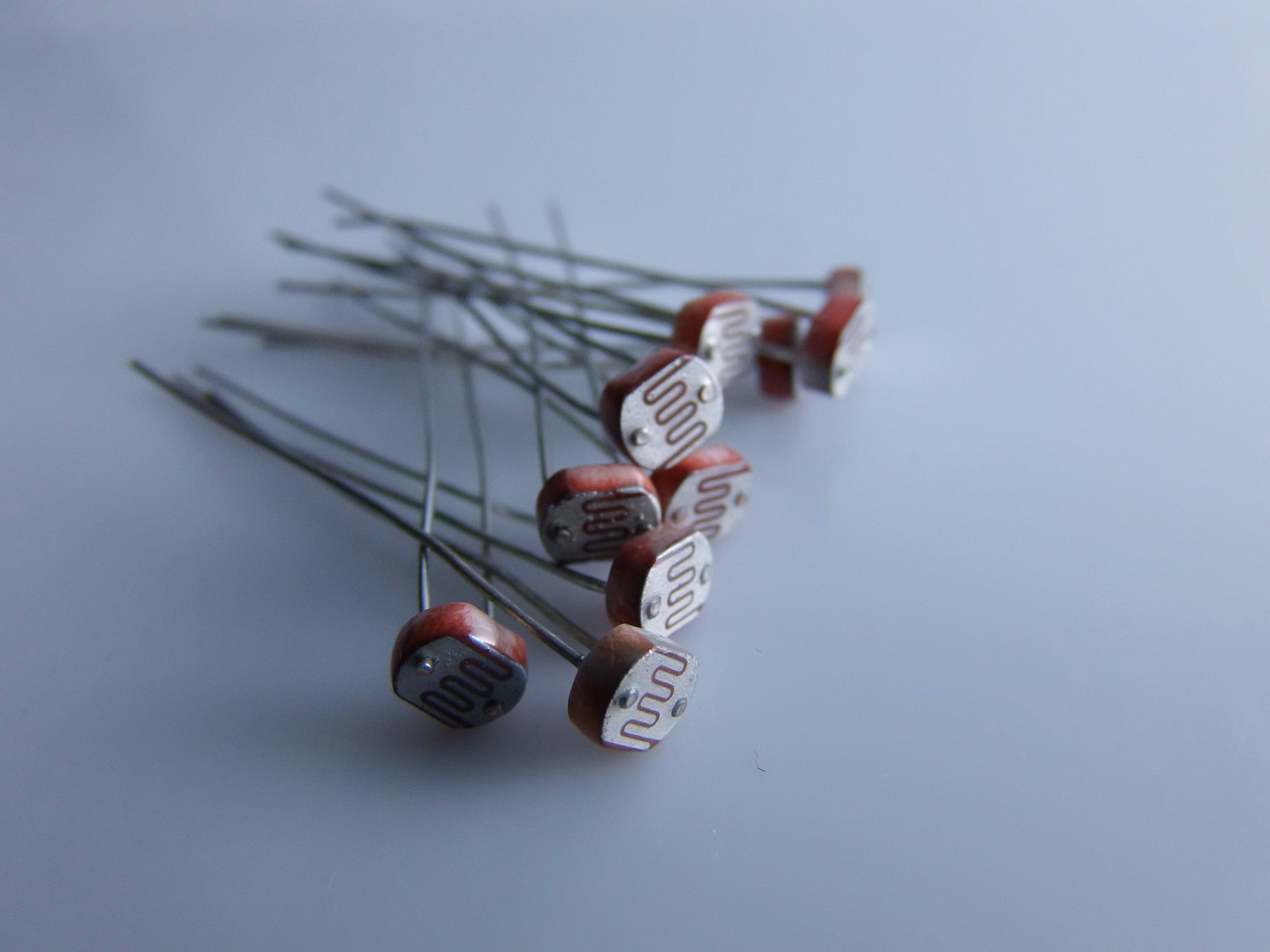
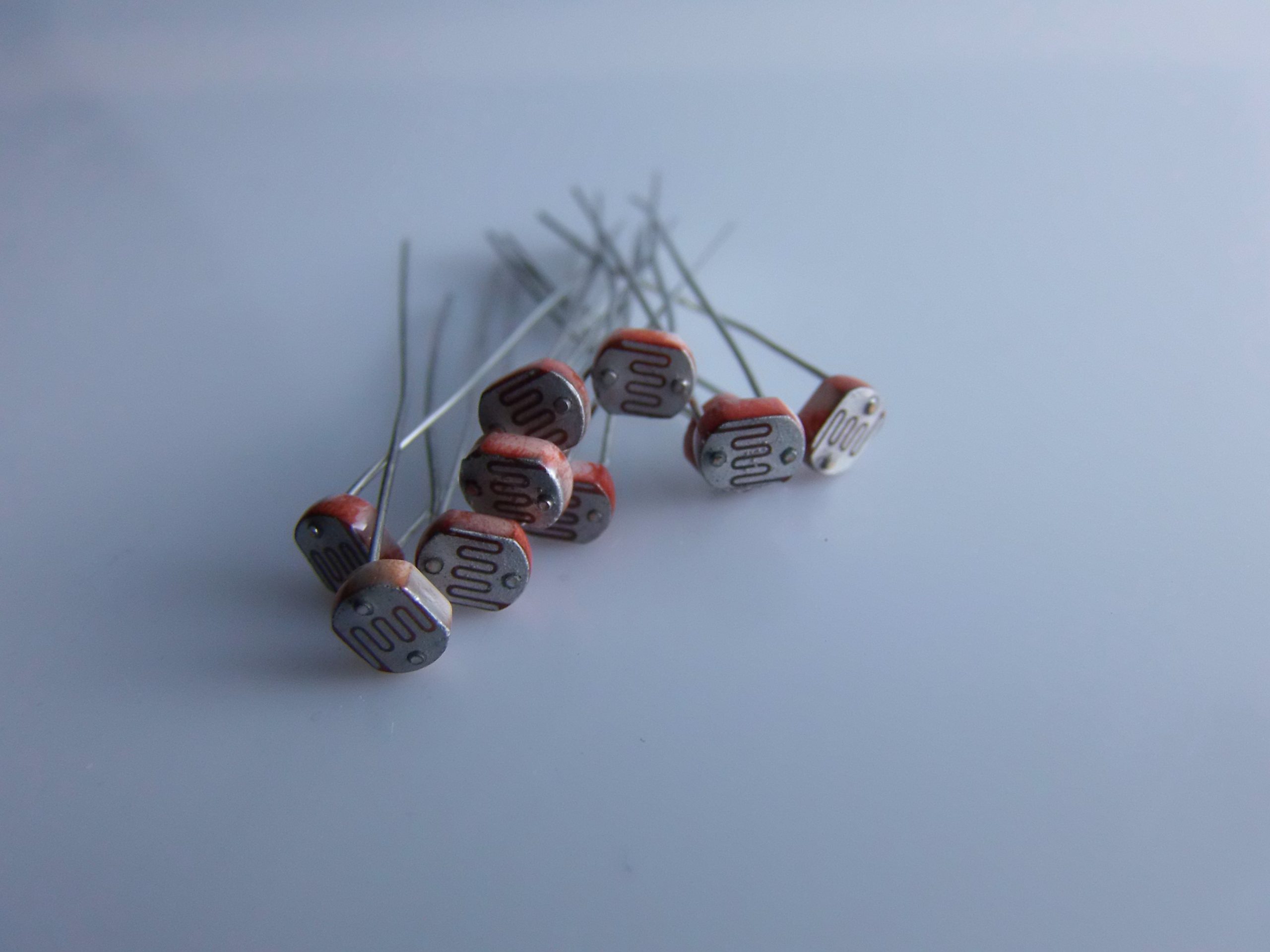
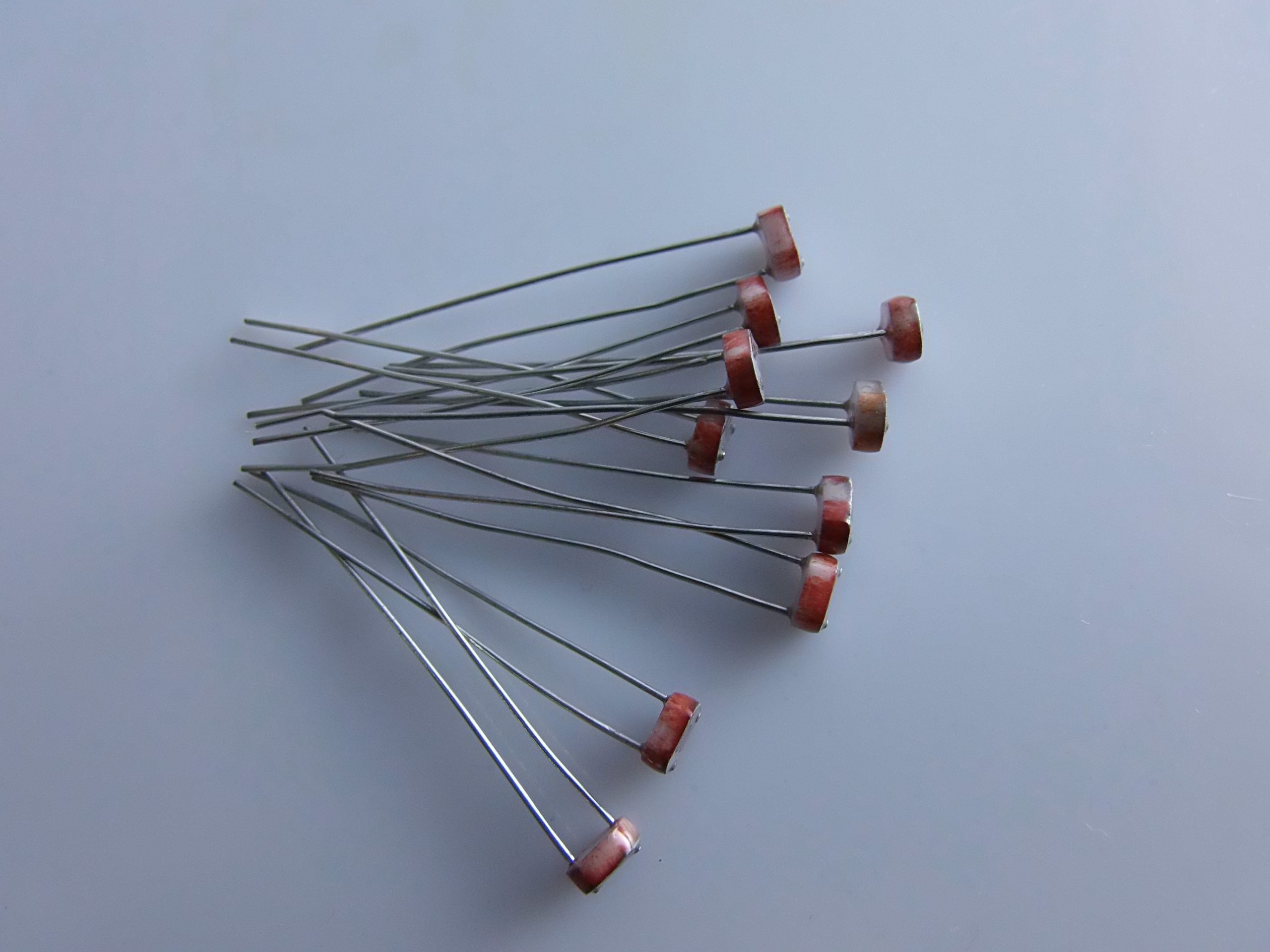
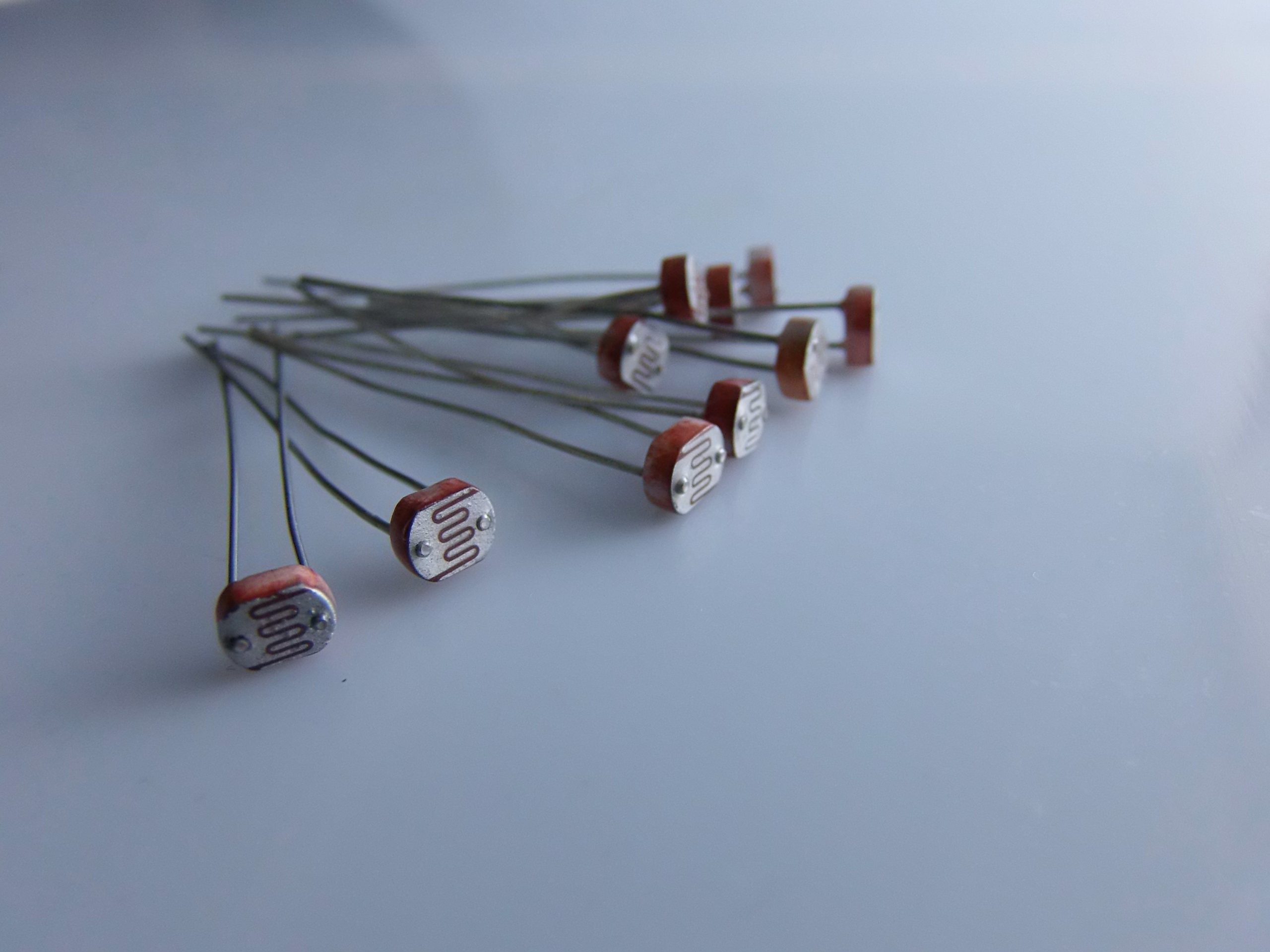
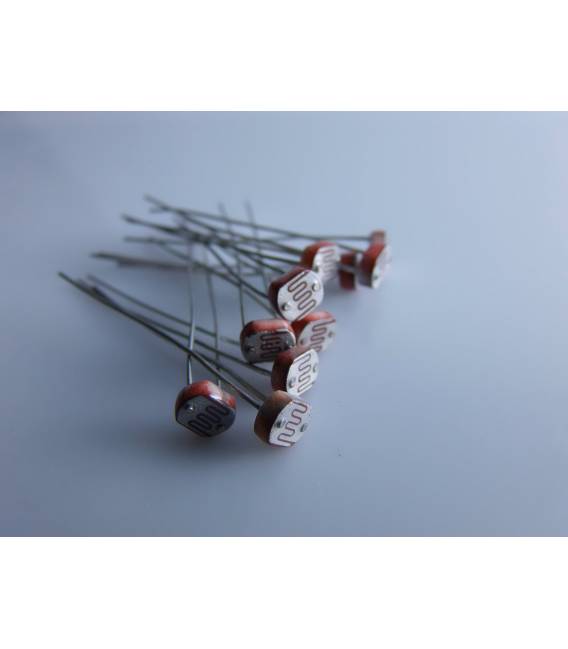
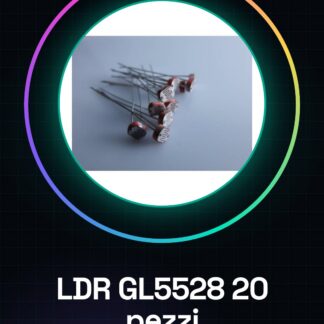
The GL5528 LDR Photoresistor Kit (20 Pieces) contains 20 GL5528 LDR photoresistors compatible with Arduino. These photoresistors are ideal for light level detection in a wide range of applications.
Features
- 20 Pieces GL5528 LDR
- Compatible with Arduino
- Resistance value: 1kΩ (check the datasheet)
What it is for
GL5528 LDR photoresistors are essential components for projects requiring light level detection. They can be used in various devices such as automatic light sensors or environmental monitoring systems. Examples of use include creating an automatic light control system that turns a lamp on or off based on ambient light levels.
Tutorial: How to Use GL5528 LDR Photoresistors
The GL5528 LDR photoresistors are essential components for projects requiring light detection. Ideal for beginners and intermediate makers, these photoresistors can be used in various devices such as automatic light sensors or environmental monitoring systems.
What you need
- Arduino uno or compatible
- USB cable
- Trainable connections (jumpers)
- 20 GL5528 LDR photoresistors
Steps
- Connect your Arduino to a computer via USB cable.
- Use jumpers to connect a photoresistor between analog 0 and ground on the Arduino, and a resistor between analog 0 and the +5V of the microcontroller.
- Open Arduino IDE and create a new sketch.
- Add the necessary instructions to read analog values from pin A0 (see code below).
- Compile and run the sketch on your Arduino.
- Observe how the values change based on the ambient light level.
Example code
int sensorPin = A0;

void setup() {
  Serial.begin(9600);
}

void loop() {
  int sensorValue = analogRead(sensorPin);
  Serial.println(sensorValue);
}
Mini project
Create an automatic light control system that turns a lamp on or off based on ambient light.
Common mistakes
- Connect the digital pin instead of the analog one.
- Do not use a resistor between the Arduino and the photoresistor, causing damage to the microcontroller.
- Ignore the specifications in the photoresistor’s datasheet.
- Use a voltage higher than what the photoresistor supports.
Recommended accessories
- Variable resistors
- Relay to control electrical devices
- LCD display to show real-time data
- Temperature sensors
Frequently asked questions
What is the maximum resistance of the photoresistor?
Check the datasheet.
Can I use these photoresistors with Raspberry Pi?
Yes, but you will need to adapt the code to Python or C++.
Reviews
There are no reviews yet.