 EN
 IT Italiano
 ES Español
 FR Français
 DE Deutsch
Description
What it is
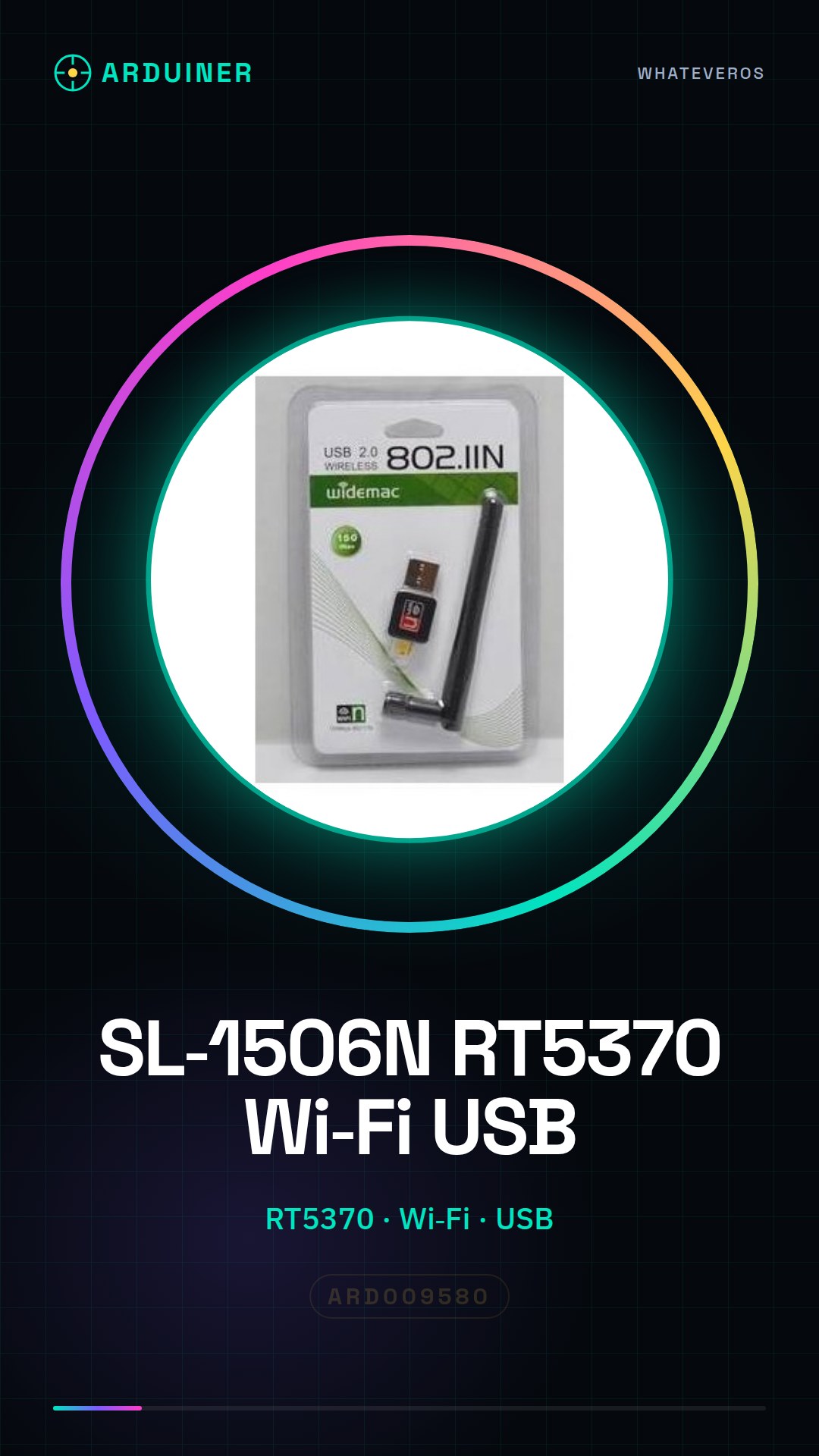
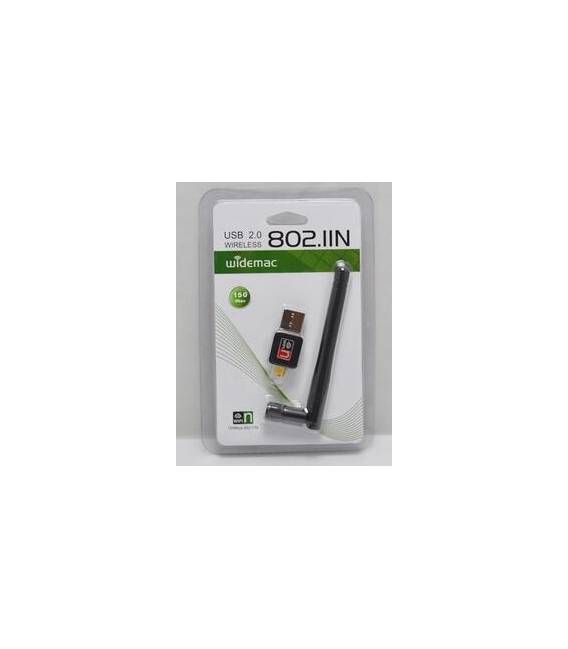
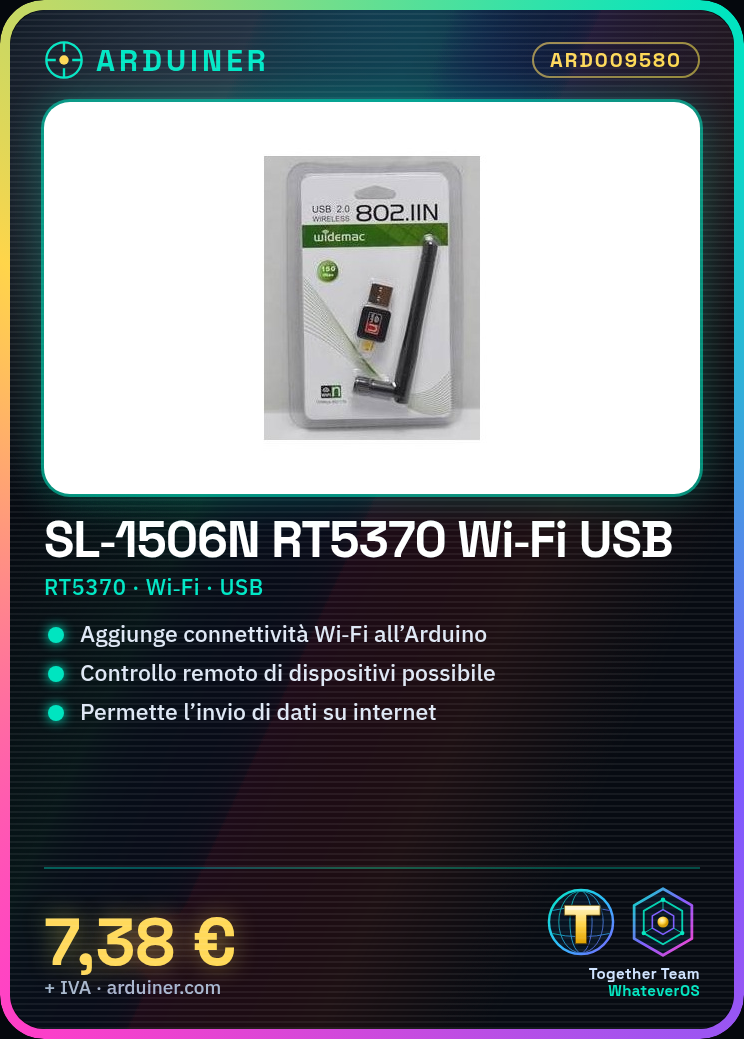
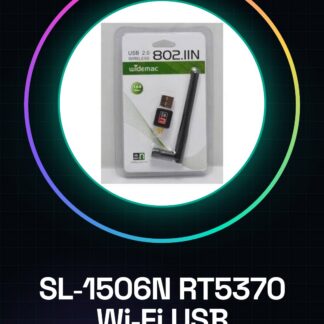
The SL-1506N RT5370 Wi-Fi USB adapter is designed to add wireless connectivity features to your Arduino projects.
Features
- Chip: SL-1506N RT5370
- Connection: Wi-Fi
- Interface: USB
- SKU: ARD009580
- Price: 7.38 €
What it is for
This Wi-Fi USB adapter is perfect for connecting your Arduino project to the internet, allowing you to control remote devices, send data online, or interact with web services. It can be used to create applications such as a simple dynamic website with an Arduino UNO and a web framework like ESP8266WebServer.
Tutorial: How to use the RT5370 Wi-Fi card
This Wi-Fi USB adapter is perfect for connecting your Arduino project to the internet. Suitable for both beginners and intermediate users.
What you need
- Arduino UNO or compatible
- USB cable
- Wi-Fi antenna (optional)
Steps
- 1. Connect to your Arduino UNO with the USB cable.
- 2. Install the Wi-Fi library in your Arduino IDE.
- 3. Connect the RT5370 Wi-Fi shield to your Arduino.
- 4. Check the datasheet for power supply specifications.
- 5. Run the example code to connect to Wi-Fi.
- 6. Verify the connection with a test command.
- 7. Disconnect the Wi-Fi shield from your Arduino.
- 8. Turn off the Arduino.
Example code
```
#include <WiFi.h>

const char* ssid = "TUSSID";
const char* password = "TUPASSWORD";

void setup() {
  Serial.begin(9600);
  WiFi.begin(ssid, password);
  while (WiFi.status() != WL_CONNECTED) {
    delay(1000);
    Serial.println("Connecting to WiFi...");
  }
  Serial.println("Connected to the WiFi network");
}

void loop() {}
```
Mini project
Create a simple dynamic website with an Arduino UNO and the RT5370 Wi-Fi shield using a web framework like ESP8266WebServer.
Common mistakes
- Do not check the power supply specifications on the datasheet.
- Do not install the Wi-Fi library correctly.
- Connect the Wi-Fi shield backwards.
- Do not verify the Wi-Fi connection.
Recommended accessories
- Arduino UNO
- Wi-Fi Antenna
- USB cable
- Serial monitor
Frequently asked questions
How can I verify the Wi-Fi connection?
Run `Serial.println(WiFi.localIP());` in your Arduino code.
What are the power supply specifications?
Check the datasheet.
Can I use this board with an Arduino Mega?
Yes, but check the compatibility on the datasheet.
How can I disconnect from the Wi-Fi network?
Run `WiFi.disconnect();` in your Arduino code.
Reviews
There are no reviews yet.