 EN
 IT Italiano
 ES Español
 FR Français
 DE Deutsch
Description
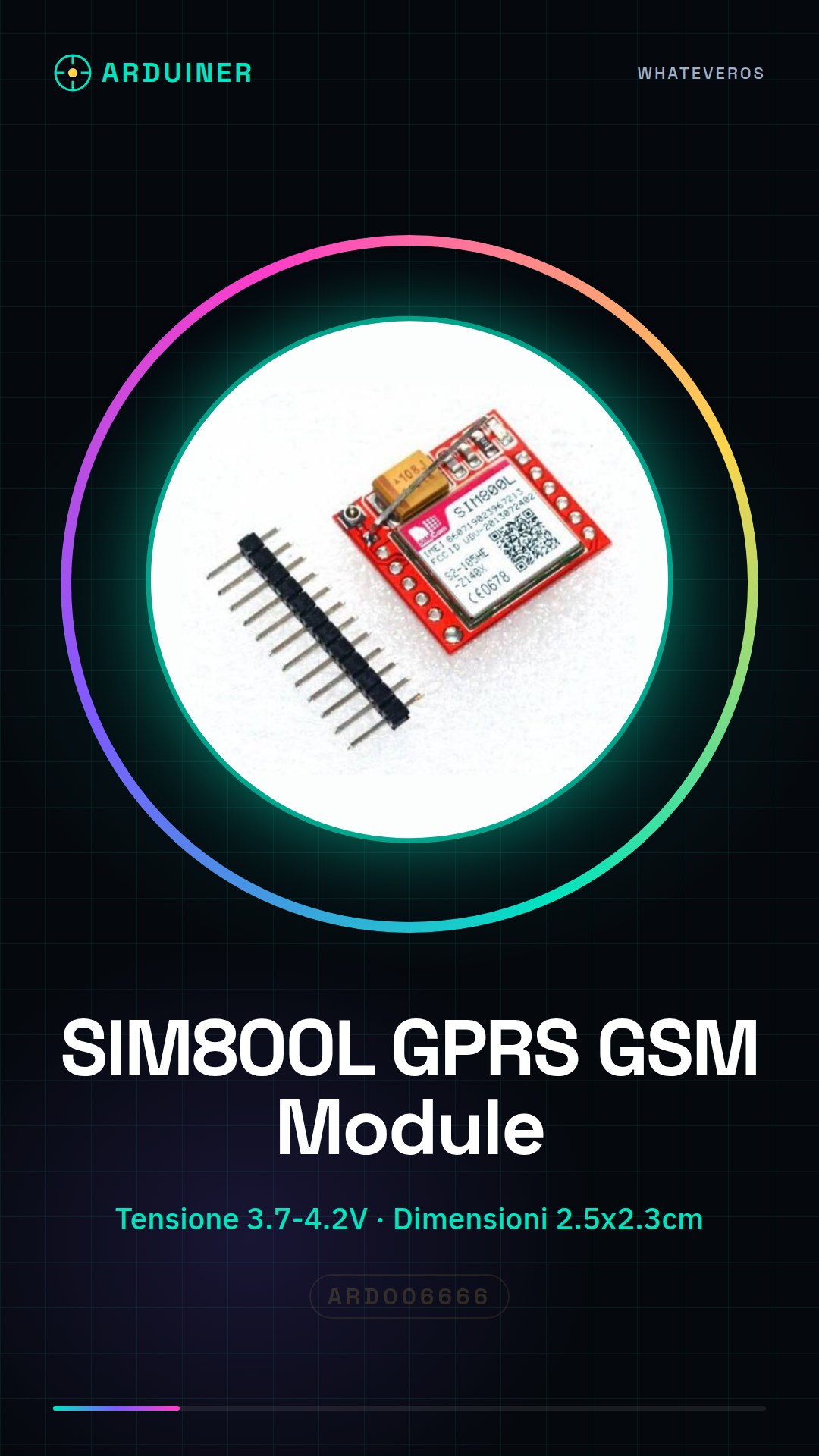
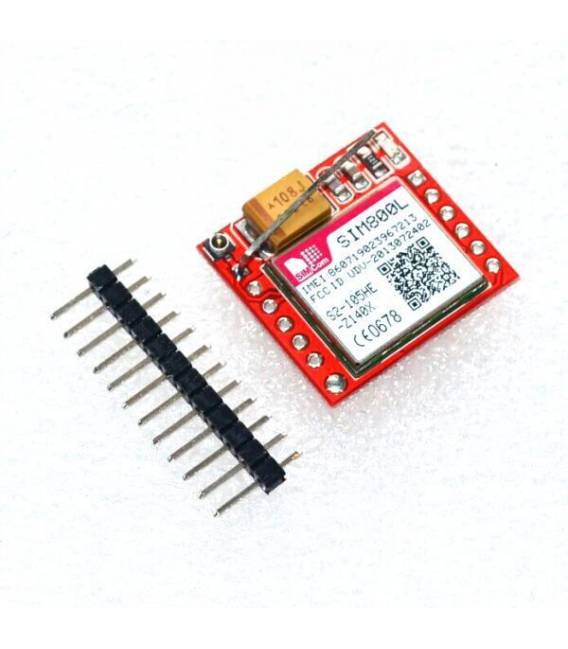
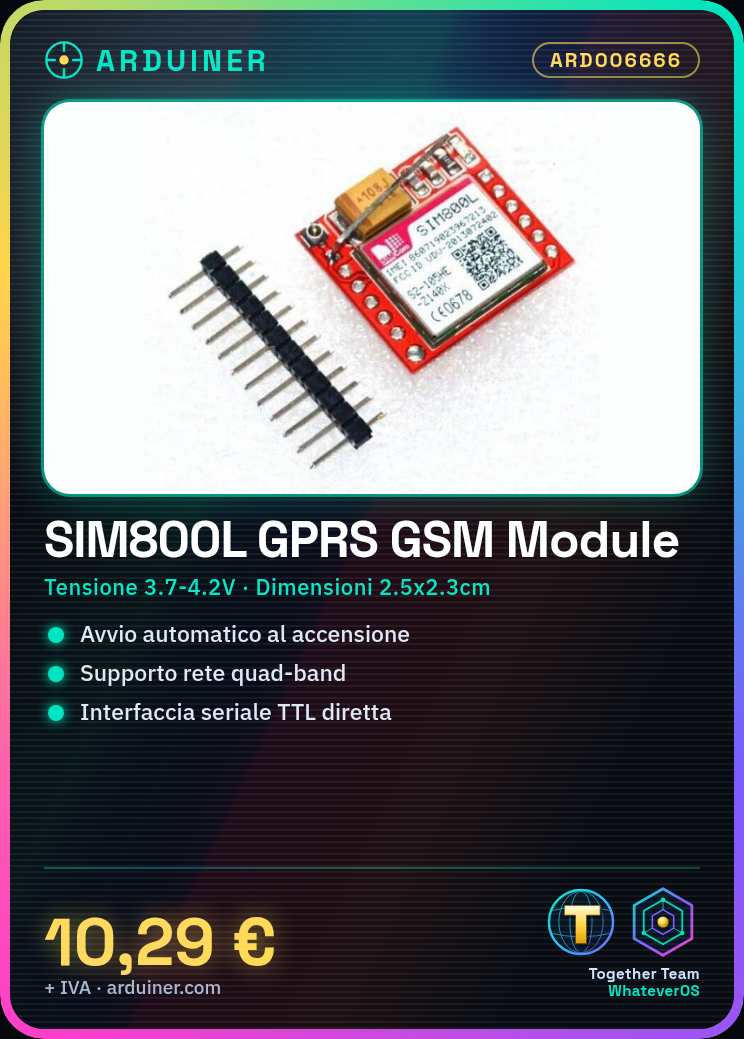
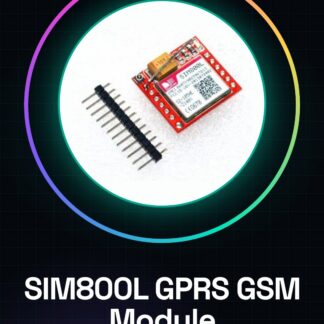
SIM800L GPRS GSM Module MicroSIM Card Core Board Quad-band TTL Serial Port FZ1332
Description:
The pin is unsoldered.
Module type: SIM800L (newer module, performance on par with sim900/m590)
Operating voltage: 3.7 ~ 4.2 v (peak current 1a, please pay attention to it)
Network support: quad-band network
Module size: 2.5 cm x 2.3 cm
Interface: TTL serial port, connect directly to MCU. No need for max232
The module turns on automatically after being powered on, and searches for network automatically as well.
One way LED signal (slow flash when in signal, fast flash when no signal)
Tutorial: How to use SIM800L GPRS/GSM Module
The SIM800L module is a crucial component for anyone wanting to create connected devices that can send SMS, make phone calls, and connect to the Internet via GPRS. Ideal for home automation or remote monitoring projects.
What you need
- Arduino Uno/Nano
- MicroSD SIM
- Connection to computer
- Software Serial Monitor
Steps
- Connect the VCC and GND pins of the SIM800L module to the Arduino power supply (5V or 3.3V).
- Connect the TX of the module to an RX of the Arduino, and vice versa for RX signals.
- Check that the MicroSD SIM is correctly inserted into the SIM800L module.
- Load an example sketch onto Arduino or create a new one following the datasheet instructions.
- Open the Serial Monitor in Arduino IDE to send commands to the module and receive responses.
- Verify GPRS/GSM connectivity through specific AT commands (refer to the datasheet).
- Test sending an SMS or making a call using the corresponding commands of the SIM800L module.
- Optimize the sketch to integrate it into the final project.
Example code
void setup() {
  Serial.begin(9600);
  delay(1000); // tempo di attesa
}

void loop() {
  Serial.println("AT+CSQ"); // comando per verificare la qualità della connessione GSM/GPRS
}
Mini project
Create a home security system that sends an SMS to the owner when it is triggered.
Common mistakes
- Power supply error for the module
- Unstable connectivity due to poor network quality
- Incorrect or malformed AT commands
Recommended accessories
- RTC DS3231 module for timed communication management
- 3.7V LiPo battery with protection to power the module autonomously
- 5V Relay Module to activate external devices
- 16×2 LCD Display to show status messages
Frequently asked questions
What is the difference between GPRS and GSM?
GSM allows phone calls, while GPRS enables Internet access.
How can I tell if the SIM800L module is connected correctly?
Check the power supply voltage and TX/RX connections. Use AT commands to test connectivity.
Reviews
There are no reviews yet.