 EN
 IT Italiano
 ES Español
 FR Français
 DE Deutsch
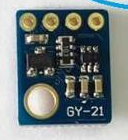
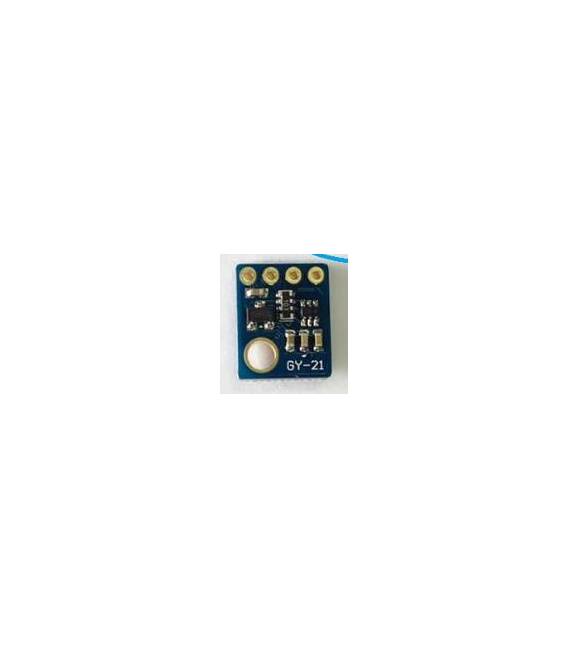
Description
Tutorial: How to Use SI7021 SHT-21 HTU21
The SI7021 SHT-21 HTU21 is a multifunction sensor that measures temperature and humidity. It is useful for environmental monitoring projects, climatology, or any application requiring precision.
What you need
- Arduino or compatible
- 3.3V or 5V power cable
- Multimeter (optional)
Steps
- 1. Installation: Download and install the arduino-cores for SHT21.
- 2. Connection: Connect VCC to 3.3V or 5V Arduino, GND to GND, D2 to Arduino pin D2.
- 3. Check the datasheet: Verify the measurement frequency.
- 4. Load the code: Use the following sketch.
- 5. Run the code: Check the printed data.
- 6. Test: Use the multimeter to compare values.
- 7. Configuration: Adjust the measurement frequency.
- 8. Monitoring: Connect to a display to view the data.
Example code
```cpp
#include <Wire.h>
#include <SHT21.h>

SHT21 sht;

void setup() {
  Serial.begin(9600);
}

void loop() {
  float temp = sht.readTemperature();
  float hum = sht.readHumidity();
  Serial.print("Temp: "); Serial.print(temp);
  Serial.print(" C Hum: "); Serial.println(hum);
}
```
Mini project
Build an environmental monitoring system with SHT21 and Arduino in 30 minutes.
Common mistakes
- Connect VCC to 5V instead of 3.3V.
- Omit checking the datasheet.
- Forget using a multimeter for testing.
- Do not adjust the measurement frequency.
Recommended accessories
- Display for Arduino
- 3.3V power supply cable
- Multimeter
- Protective case for Arduino
Frequently asked questions
What are the minimum requirements for Arduino?
Arduino Uno or compatible.
Can I use 5V?
Yes, but check the datasheet for compatibility.
How long does the battery last?
Not necessary, direct power supply.
Reviews
There are no reviews yet.