 EN
 IT Italiano
 ES Español
 FR Français
 DE Deutsch
Description
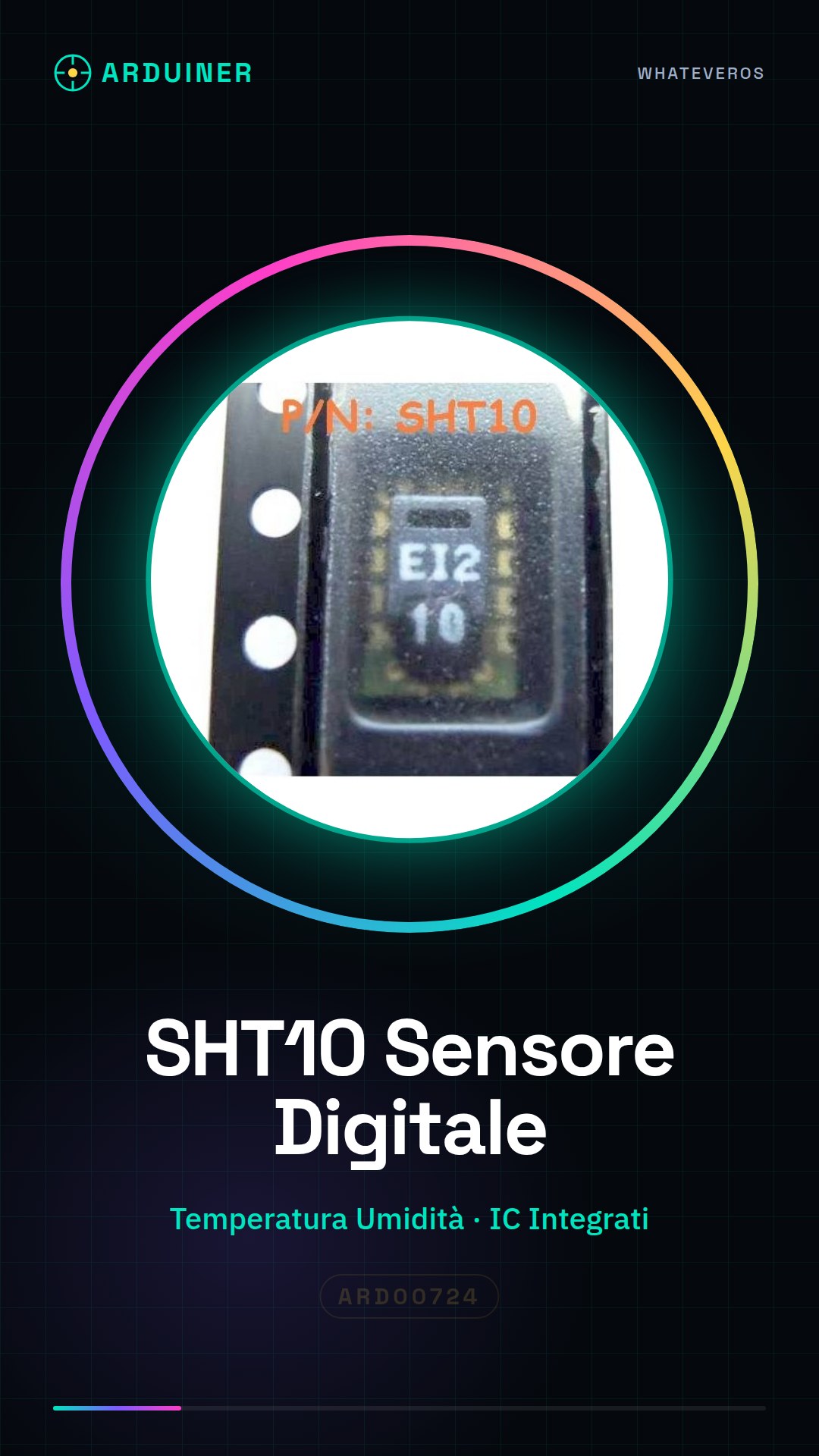
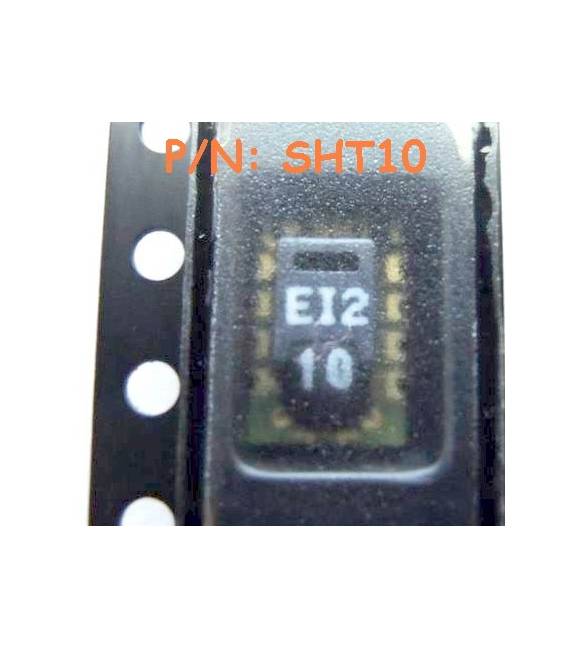
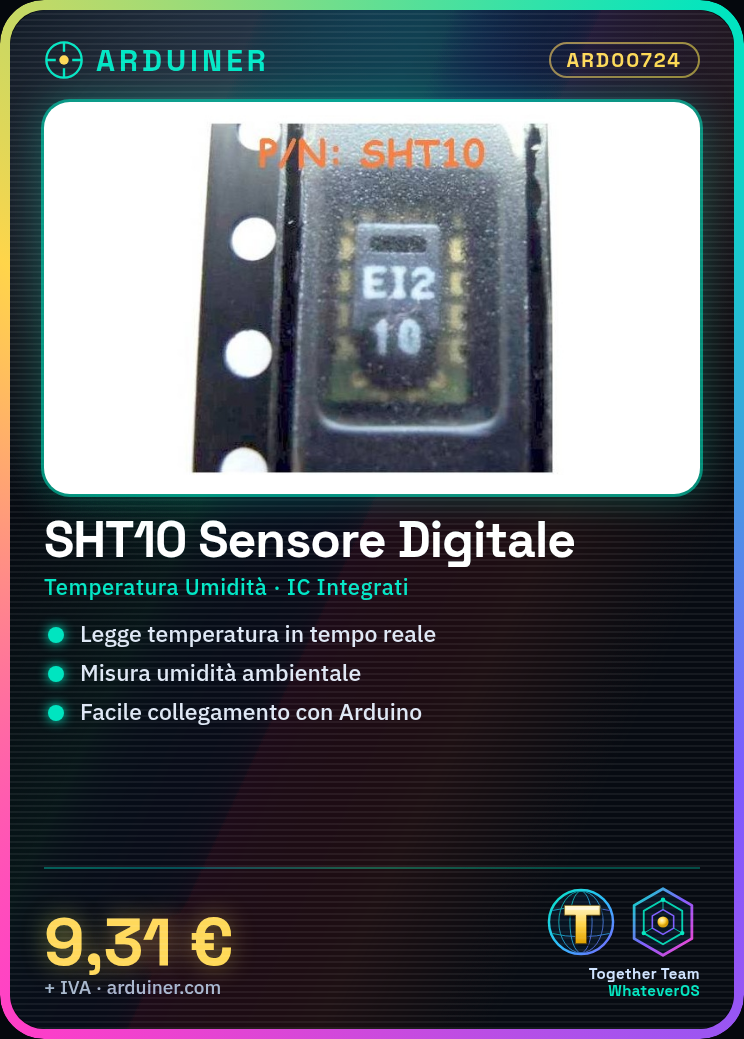
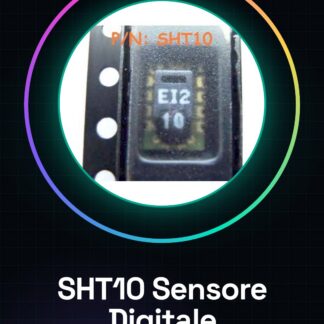
SHT10 Digital Temperature and Humidity Sensor IC Integrated Circuits
Tutorial: How to Use the SHT10 Digital Temperature and Humidity Sensor
The SHT10 is a digital sensor that measures temperature and humidity in the environment. Ideal for environmental monitoring projects, this component is particularly useful for beginner makers due to its ease of use.
What you need
- Arduino
- USB Cable
- Power Connection
Steps
- Connect the SHT10 to the data pin (SCK) and command pin (SDA) of the Arduino
- Install the necessary library to manage the sensor commands
- Write a simple sketch that reads temperature and humidity values from the SHT10
- Upload the sketch to the Arduino via the USB cable
- Open the Serial Monitor in Arduino IDE to view the data received from the sensor
- Check the SHT10 datasheet to optimize reading settings and data accuracy
- Create a graph or table that records changes in temperature and humidity over time
- Try connecting the sensor to an LCD display to display the data in a more intuitive way
Example code
const int SCK = 2; // pin di comando del SHT10
const int SDI = 3; // pin dati del SHT10
void setup() {
Serial.begin(9600);
}
void loop() {
float temp = readTemperature();
float humidity = readHumidity();
Serial.print("Temp: "); Serial.println(temp);
Serial.print("Humidity: "); Serial.println(humidity);
delay(1000); // attendi 1 secondo prima di rilevare nuovi dati
}
Mini project
Create an alarm system for extreme temperature and humidity conditions. Configure the SHT10 sensor to send a notification when values exceed or fall below a certain limit.
Common mistakes
- Do not verify the correct installation of the library
- Ignore the importance of correctly configuring the data and command pins of the SHT10
- Omit the verification of the maximum and minimum acceptable values for the sensor
- Forget to regularly update the sketch with new settings or features
Recommended accessories
- Arduino Uno R3
- LCD Display 16×2
- 3.7V LiPo Battery
- ESP8266 Wi-Fi Module
Frequently asked questions
How can I optimize the accuracy of the SHT10 data?
Check the datasheet to correctly set the read and calibration times.
The sensor is not communicating with the Arduino. What to do?
Check the connections and verify that the library is installed correctly.
Reviews
There are no reviews yet.