 EN
 IT Italiano
 ES Español
 FR Français
 DE Deutsch
Description
What it is
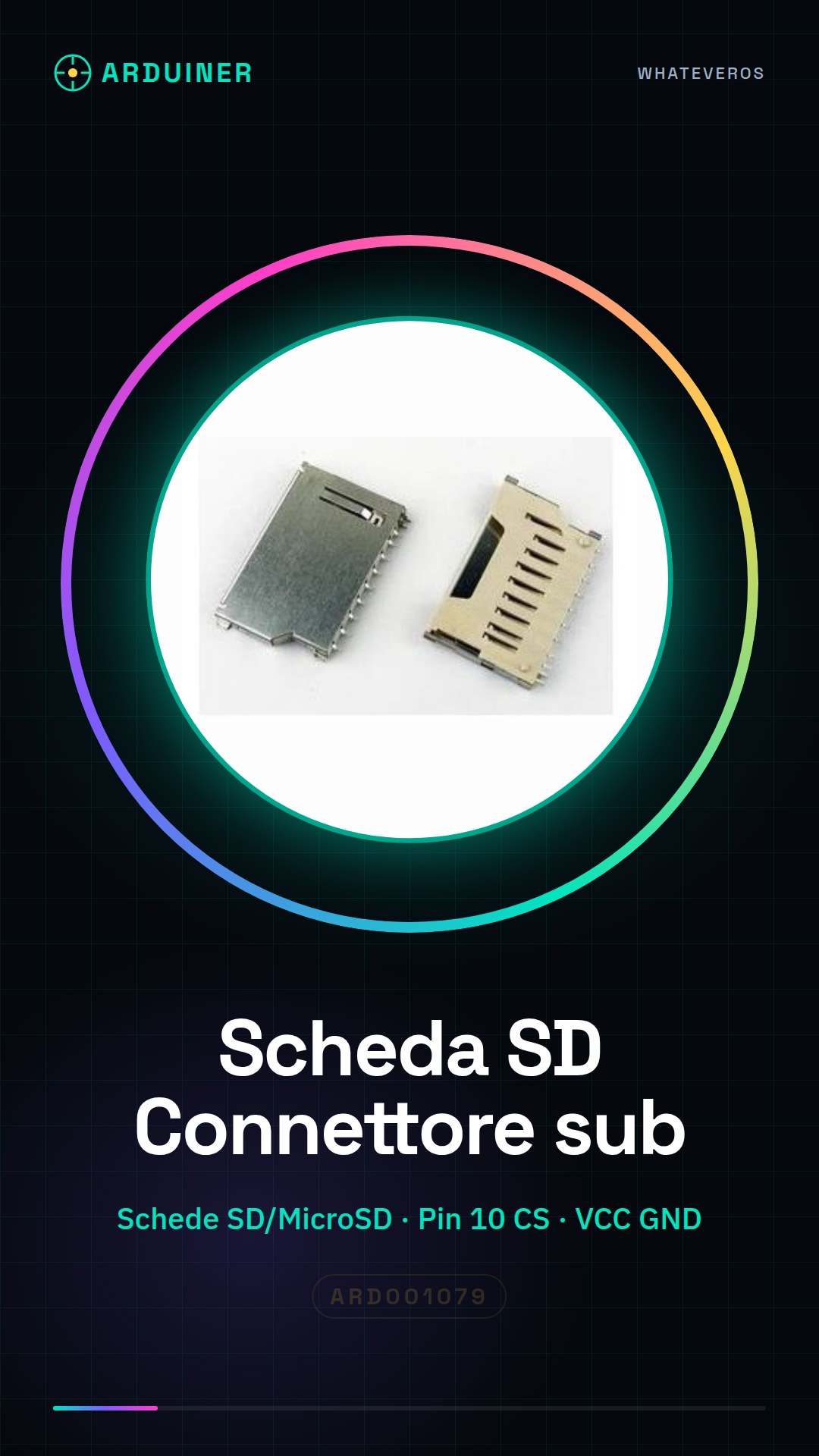
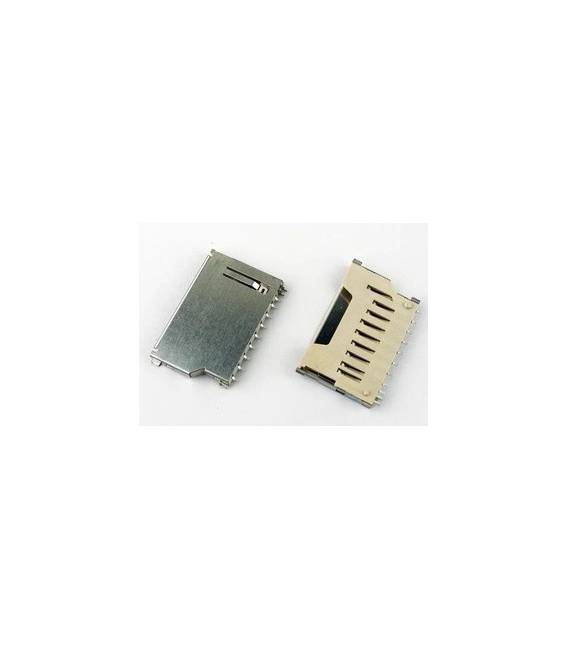
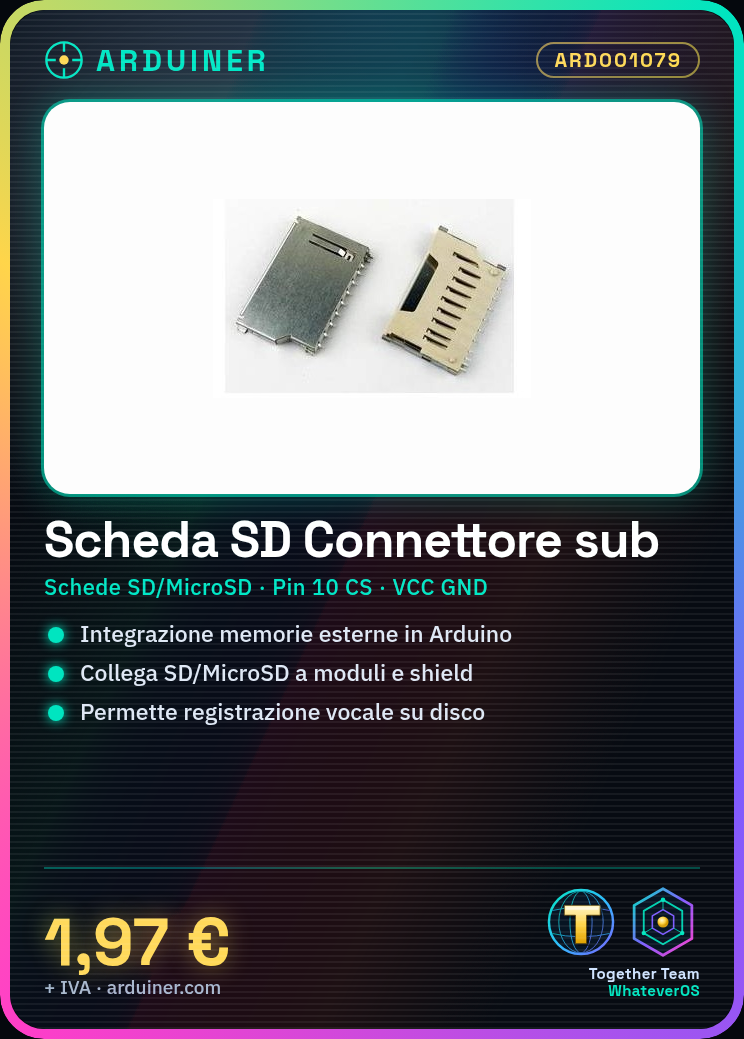
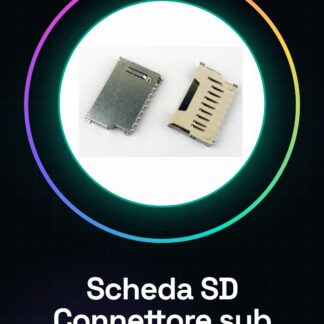
The SD Card Connector, or sub connector for SD and MicroSD cards, is an essential component to facilitate the integration of external memory cards in Arduino projects. This connector allows you to easily connect an SD or MicroSD card to modules and shields.
Features
- SD and MicroSD Card Connector
- Ideally suited for Arduino projects
What it is for
It is used to easily connect external memory cards to your projects, making it simpler to use SD or MicroSD cards. You can use it to create features such as voice detection and disk recording.
Tutorial: How to Use SD Sub Connector
The sub connector for SD and MicroSD cards allows you to easily connect external memory cards to your Arduino projects. Ideal for both beginners and experienced makers.
What you need
- Arduino Uno or compatible
- SD/MicroSD Card
- USB-A to B cable (or microUSB)
Steps
- Connect the sub connector to the SD/MicroSD card.
- Insert the SD card into the connector and ensure it is properly seated.
- Connect the connector to pin 10 of the Arduino for the CS (Chip Select) switch.
- Connect the following pins of the connector to the corresponding pins of the Arduino: VCC, GND, CMD, CLK, and DAT.
- Verify the compatibility of the SD card with your project through the datasheet.
- Install the SD library for Arduino from the Arduino IDE library manager.
- Write a simple sketch to read or write data to the SD card.
- Test the sketch by uploading the code to the Arduino and checking the output.
Example code
// Includi la libreria
#include <SD.h>
// Definisci i pin di connessione
const int chipSelect = 10;
void setup() {
  Serial.begin(9600);
  if (!SD.begin(chipSelect)) {
    Serial.println("Errore durante l'inizializzazione della scheda SD!");
    return;
  }
  Serial.println("Scheda SD inizializzata.");
}
void loop() {}
Mini project
Create a voice recorder that records conversations onto an SD card using the sub connector and a microphone.
Common mistakes
- Do not verify the compatibility of the SD card with the connector.
- Connect the pins of the connector incorrectly.
- Forget to install the SD library for Arduino.
- Insufficient power supply issues for the SD card.
Recommended accessories
- Condenser microphone
- Batteries or USB power supply
- 3D printer to create a custom support
- RGB LED
Frequently asked questions
How can I check if my connector is compatible with the SD card?
Check the datasheet of the connector and the SD card to ensure that the pins are correctly aligned.
Which libraries do I need to install to use this connector?
Install the SD library from the Arduino IDE library manager.
Reviews
There are no reviews yet.