 EN
 IT Italiano
 ES Español
 FR Français
 DE Deutsch
Description
What it is
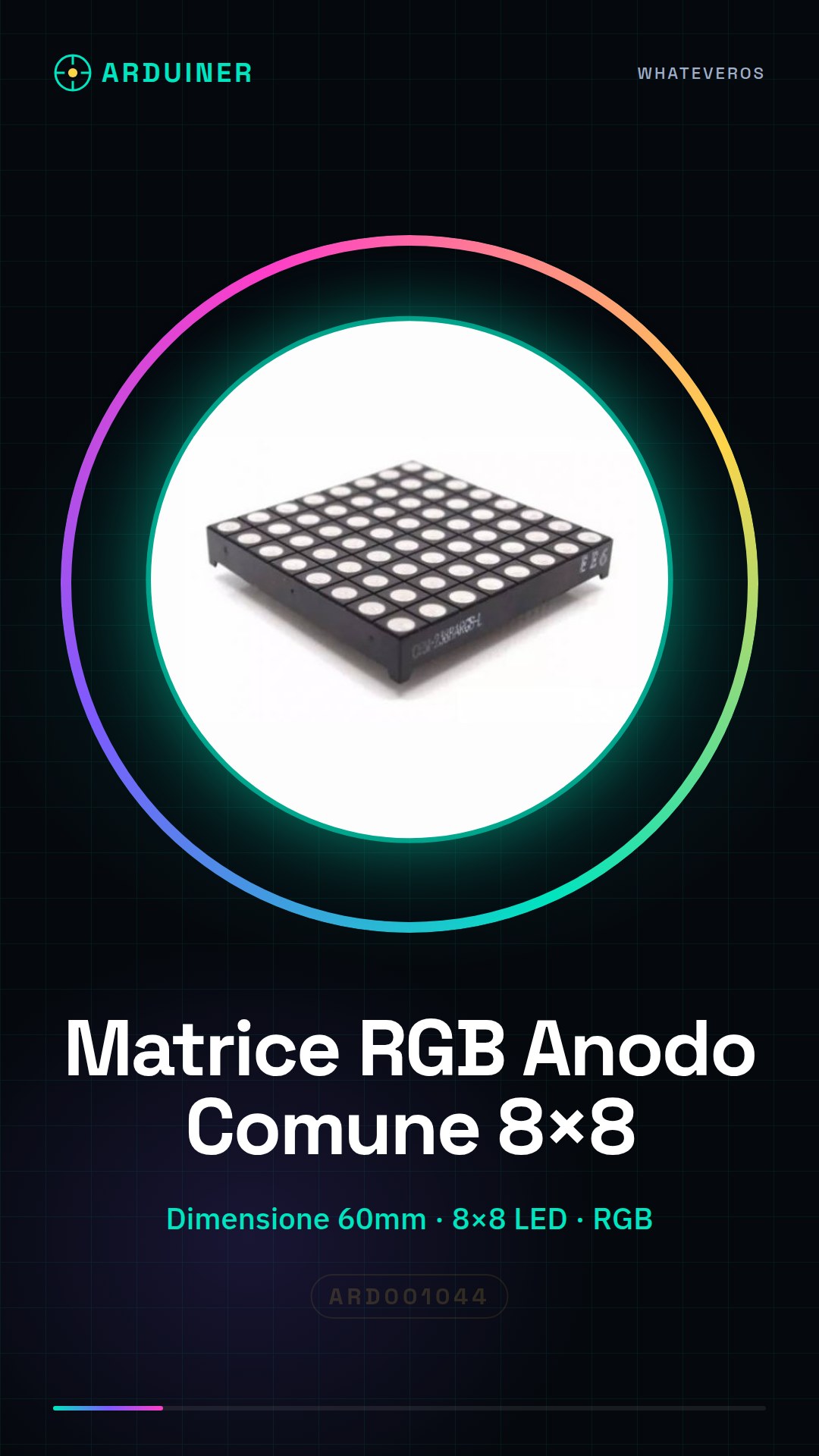
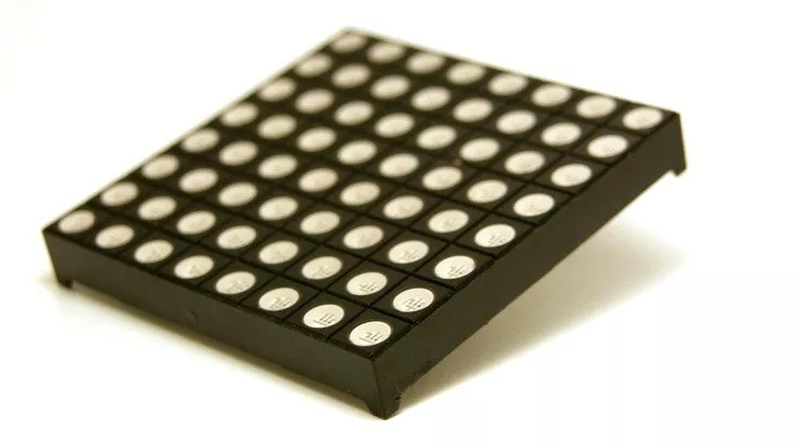
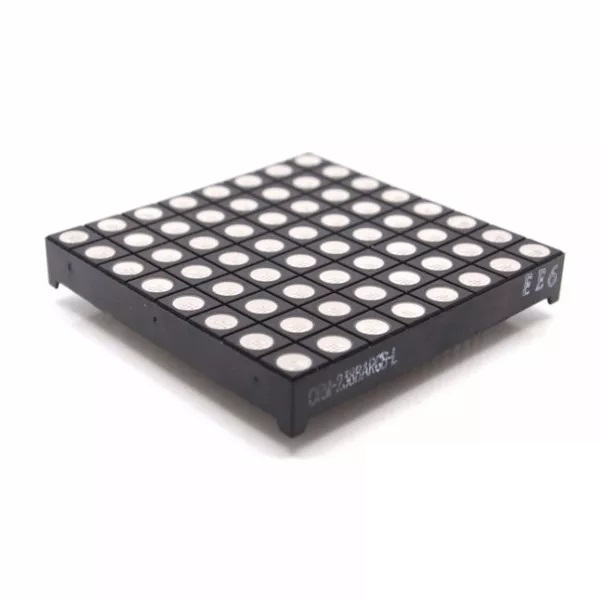
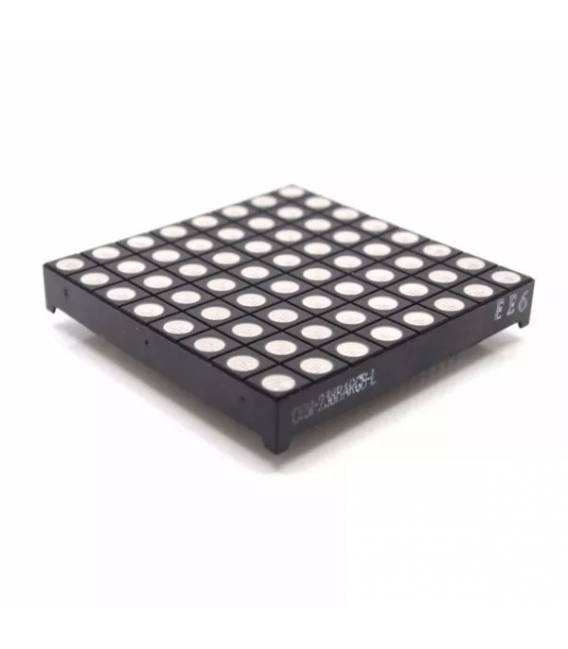
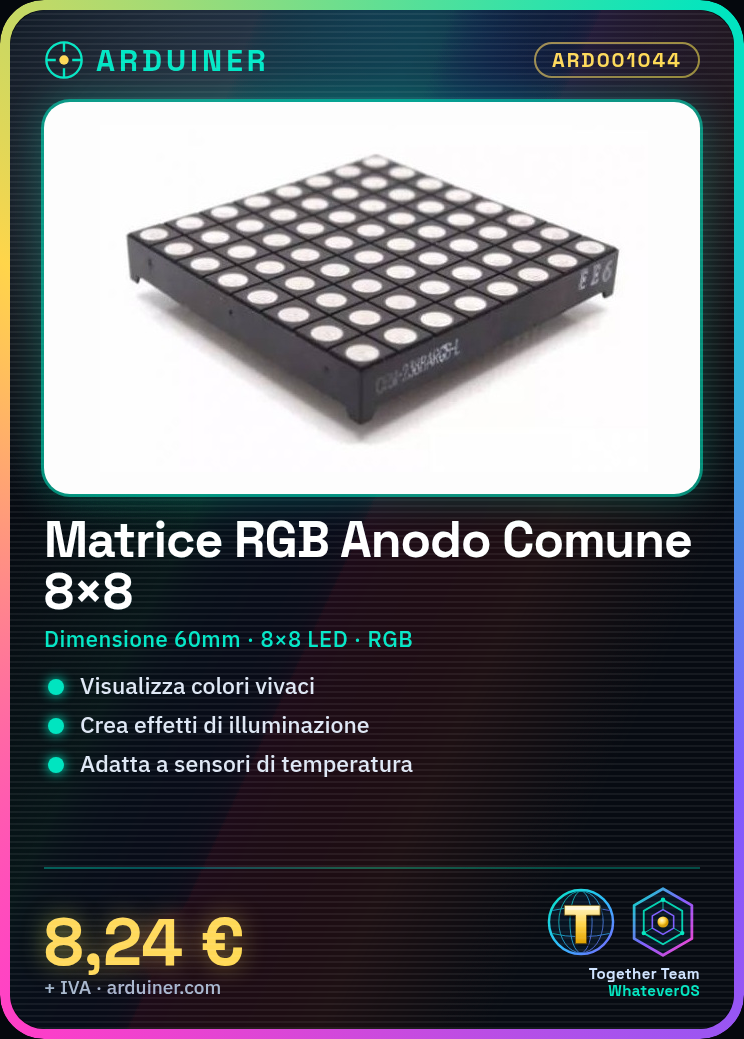
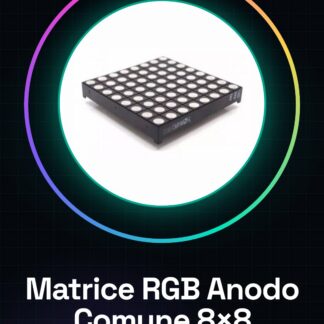
The 8×8 Common Anode RGB Multicolour LED Matrix 60mm is an electronic component used to create dynamic visual effects in Arduino projects. This matrix allows for the display of information in vibrant colors.
Features
- Type: 8×8 Common Anode RGB LED Matrix
- Size: 60mm
What it is for
This matrix is ideal for lighting projects, dynamic displays, and interactive applications. It can be used to create an RGB LED display that changes color based on data received from a temperature or ambient light sensor.
Tutorial: How to Use 8×8 Common Anode RGB LED Matrix
The RGB LED matrix is an ideal component for displaying information in vibrant colors. It is perfect for lighting projects, dynamic displays, and interactive applications.
What you need
- Arduino Uno or compatible
- USB cable
- Jumpers
Steps
- Connect the RGB LED matrix to the Arduino using jumpers. Check the connections between VCC, GND and the data pins.
- Download the Arduino IDE software and open an existing sketch or create a new one.
- Insert the necessary library inclusion in the code for managing the RGB LED matrix. Check the product datasheet.
- Configure the Arduino output pins that will be used to control the RGB LED matrix.
- Write the code to turn on, off, and change the color of the LEDs based on project requirements.
- Compile and send the code to the Arduino microcontroller.
- Verify that the RGB LED matrix is working correctly by displaying the desired colors.
- Modify and optimize the code to create more complex lighting effects.
Example code
Includere la libreria necessaria (verifica sul datasheet). Configura i pin. Scrivi funzioni per accendere, spegnere e cambiare colore delle LED.Mini project
Create an RGB LED display that changes color based on data received from a temperature or ambient light sensor.
Common mistakes
- Incorrect connections between the RGB LED matrix and Arduino
- Incorrect or missing libraries in the code
- Incorrect pin configuration in the code
- Inadequate power connection
Recommended accessories
- Arduino Uno R3
- USB A-MicroB cable
- Arduino Project Jumper Kit
Frequently asked questions
What is the difference between common anode and common cathode?
In the case of common anode, all LEDs share a single positive connection. In the case of common cathode, all LEDs share a single negative connection.
How can I control individual LEDs on the matrix?
Use the code to select specific rows and columns of the matrix. Check the product datasheet for detailed instructions.
Which libraries are needed to use this matrix?
Check the product datasheet for the specific library required or use a generic one like Adafruit NeoPixel if supported.
Reviews
There are no reviews yet.