 EN
EN IT Italiano
 ES Español
 FR Français
 DE Deutsch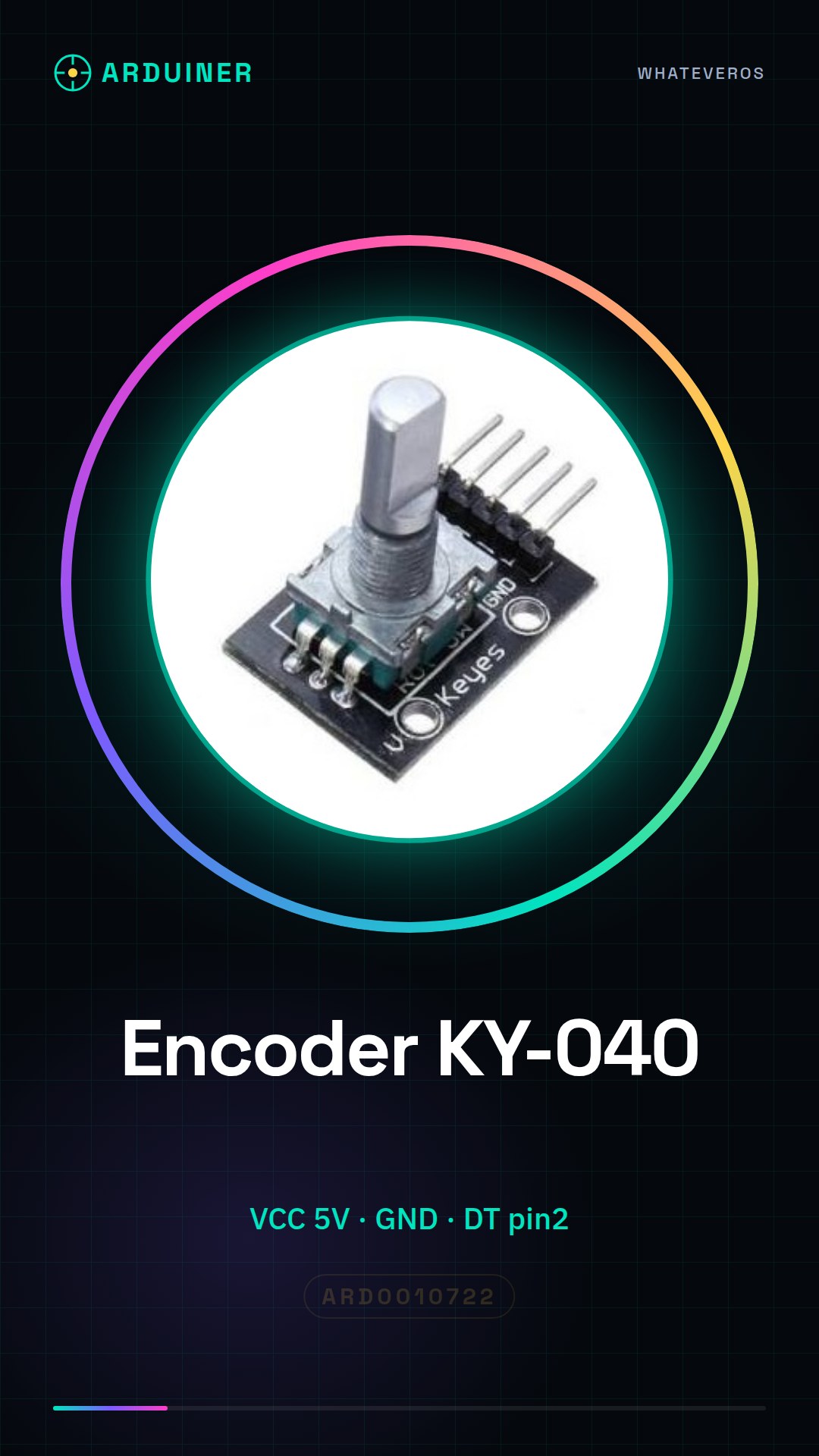
Description
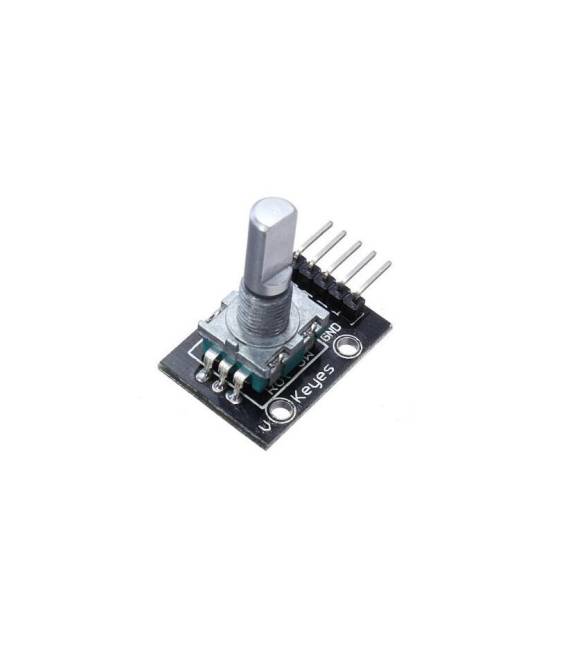
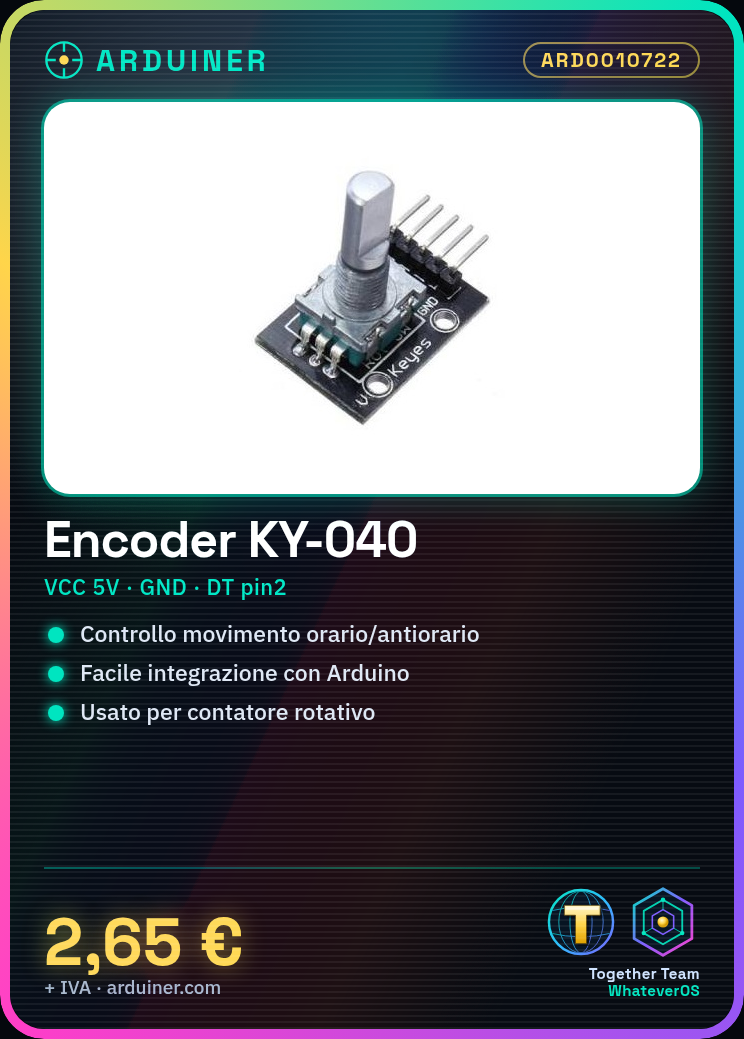
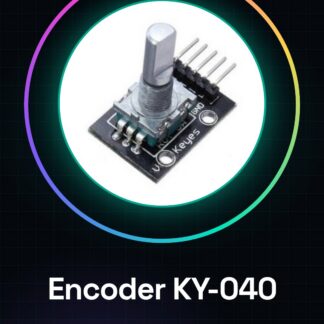
What is it The rotary encoder module KY-040 is a component used in Arduino projects for managing rotational inputs. This device allows control of movement in either clockwise or counterclockwise direction and can be easily integrated into applications requiring precise control. Features Essential component for Arduino projects Ideal for beginners and intermediates Ability to control movement in clockwise or counterclockwise direction What it is used for The rotary encoder module KY-040 is used to create custom user interfaces, such as a rotational counter that displays the number of encoder rotations and allows sending the current value by pressing a button. It is compatible with Arduino. Tutorial: How to Use Rotary Encoder Module KY-040 The rotary encoder module KY-040 is a useful device for Arduino projects that require rotational input. Ideal for beginners and intermediates, it allows control of movement in clockwise or counterclockwise direction. What it requires Arduino Uno USB cable to connect to the computer Steps Connect the pins of the rotary encoder KY-040 to the following Arduino pins: VCC to 5V, GND to GND, DT to pin 2, CLK to pin 3, and SW to pin 4. Open Arduino IDE and create a new sketch. Insert the following code to read the values of the rotary encoder KY-040. Compile and upload the sketch to the Arduino. Rotate the encoder in both clockwise and counterclockwise directions to see how the displayed values change. Press the central button of the encoder to test its switch function. Check the datasheet of the rotary encoder KY-040 for any necessary changes in the code or connections. Example code const int CLK_PIN = 3; const int DT_PIN = 2; const int SW_PIN = 4; int last_DT_state = LOW; void setup() { Serial.begin(9600); pinMode(CLK_PIN, INPUT); pinMode(DT_PIN, INPUT); pinMode(SW_PIN, INPUT_PULLUP); } void loop() { int CLK_state = digitalRead(CLK_PIN); int DT_state = digitalRead(DT_PIN); if (CLK_state != last_DT_state) { if (DT_state == LOW) encoderValue–; else encoderValue++; } last_DT_state = CLK_state; if (!digitalRead(SW_PIN)) Serial.println(encoderValue); } Mini-project Create a rotational counter that displays the number of rotations of the KY-040 encoder and press the button to send the current value. Common errors Incorrect pins during connection. Not checking the central button state. Missing initialization of necessary variables in the code. Accessories recommended

Reviews
There are no reviews yet.