 EN
 IT Italiano
 ES Español
 FR Français
 DE Deutsch
Description
What it is
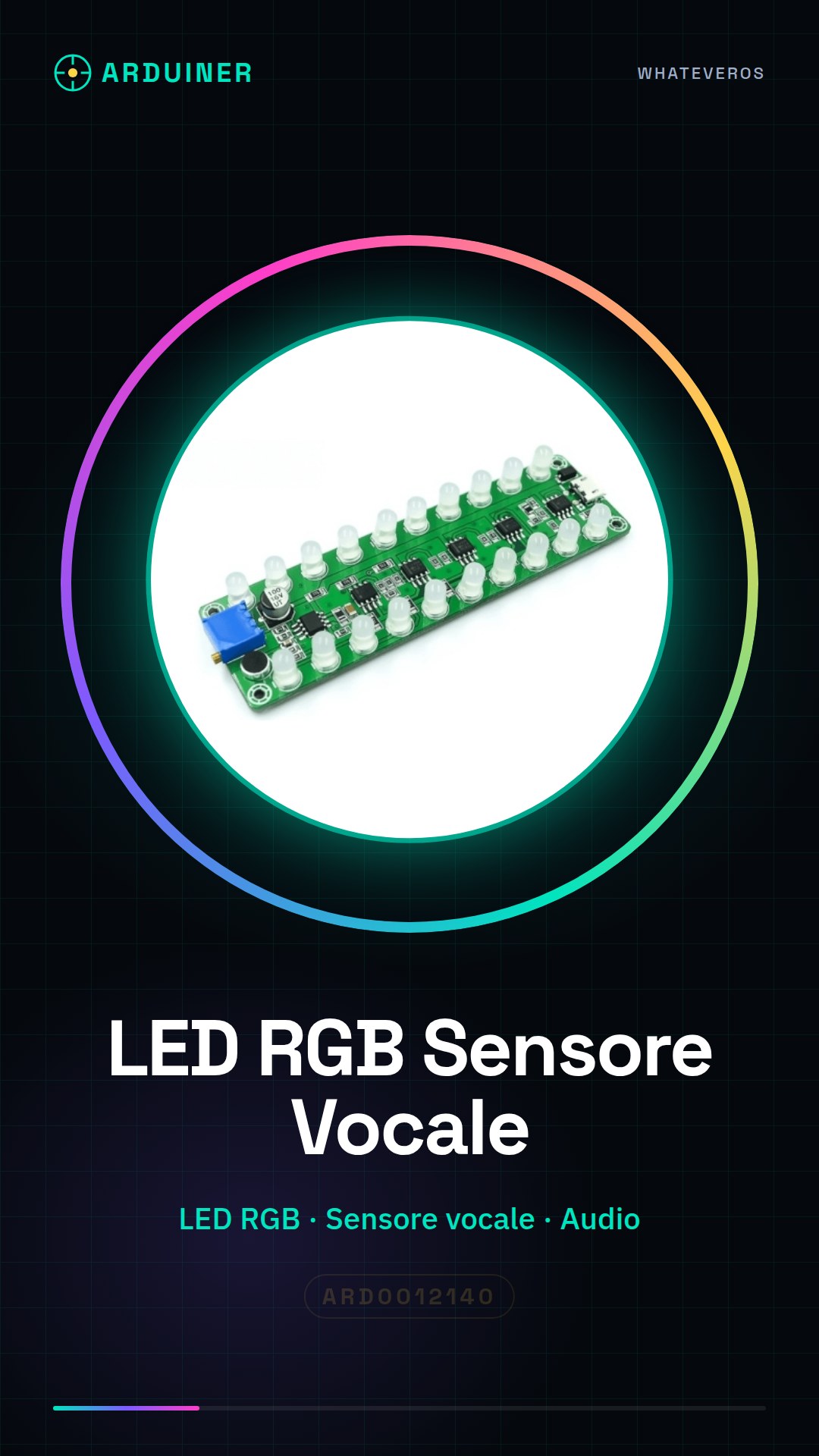
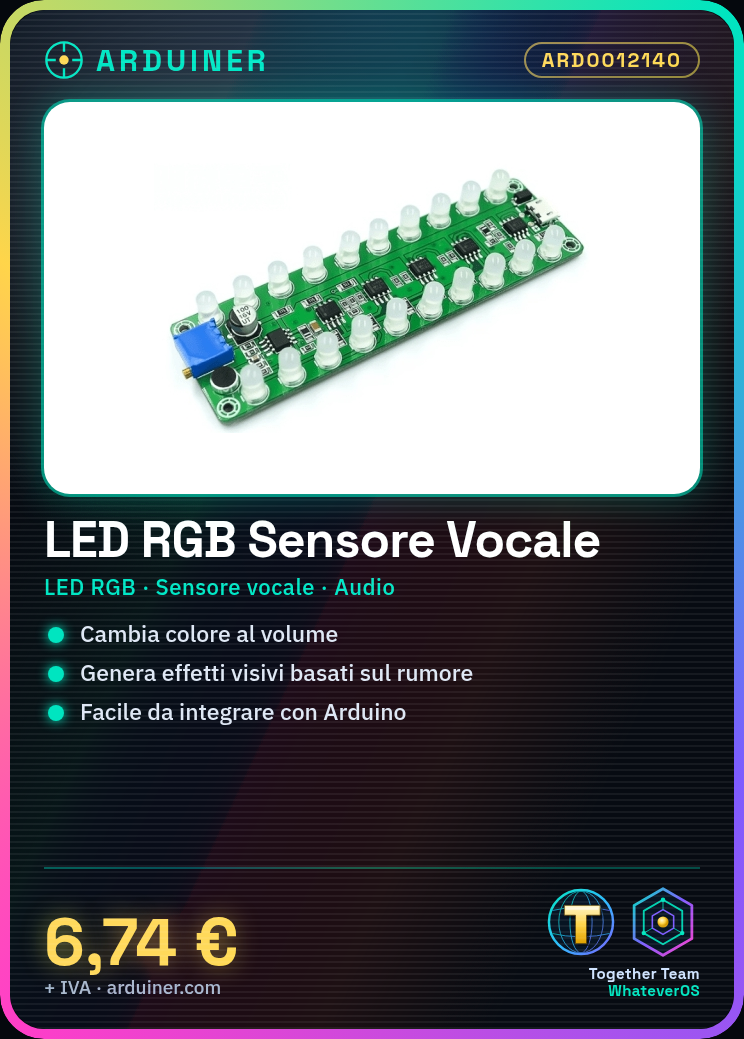
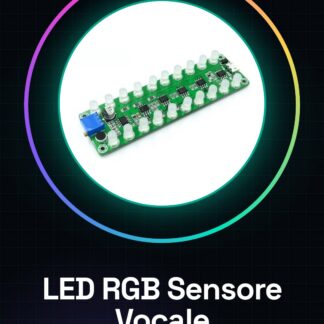
The RGB LED Voice Activation Sensor / Voice Activation Sensor Amplifier Audio Level Meter / LED Indicator Audio Melody Flashing Lamp is a multi-functional component that allows for audio level measurement and the creation of visual effects based on surrounding noise. This device integrates an RGB LED and a voice sensor, enabling the creation of interactive projects that respond to the ambient volume.
Features
- Integrates an RGB LED
- Voice Activation Sensor
- Voice Activation Sensor Amplifier
- Audio Level Meter
- LED Indicator
- Audio Melody Flashing Lamp
What it is for
This component is ideal for music and interaction projects that require a visual response to the ambient volume. It can be used to create a light that changes color based on the ambient volume, suitable for Arduino and maker projects. Check the datasheet for further details on compatibility and technical specifications.
Tutorial: How to use RGB LED / Amplifier / Audio Level Spectrum
This multi-component serves to create color and sound effects based on the surrounding noise. Ideal for music and interaction projects.
What you need
- Arduino or compatible
- Connection cable
- 5V Power Supply
- Microphone (if not included)
Steps
- 1. Connect the Arduino to the computer for code upload.
- 2. Connect the RGB LED to digital pins 9-11.
- 3. Connect the amplifier to analog pin 0.
- 4. Connect the microphone to analog pin 1.
- 5. Connect the indicator LED to digital pin 13.
- 6. Load the provided code.
- 7. Test the microphone and amplifier.
- 8. Adjust the volume and colors with the code.
Mini project
Create a light that changes color based on the ambient volume. Takes 30 minutes.
Common mistakes
- Do not connect the RGB LED to an analog pin.
- Forget to load the code.
- Connect the amplifier to a digital pin.
- Omit the connection of the LED indicator.
Recommended accessories
- External microphone
- 220 ohm resistors
- 1 kohm resistors
- Connection cable
Frequently asked questions
The microphone is not working?
Check the datasheet to verify if the microphone is correctly connected.
How to adjust the volume?
Modify the value of the volume variable in the code.
The RGB LED does not change color?
Check the datasheet to verify if the RGB LED code is correct.
The code is not working?
Check the connection and code upload.
Reviews
There are no reviews yet.