 EN
 IT Italiano
 ES Español
 FR Français
 DE Deutsch
Description
What it is
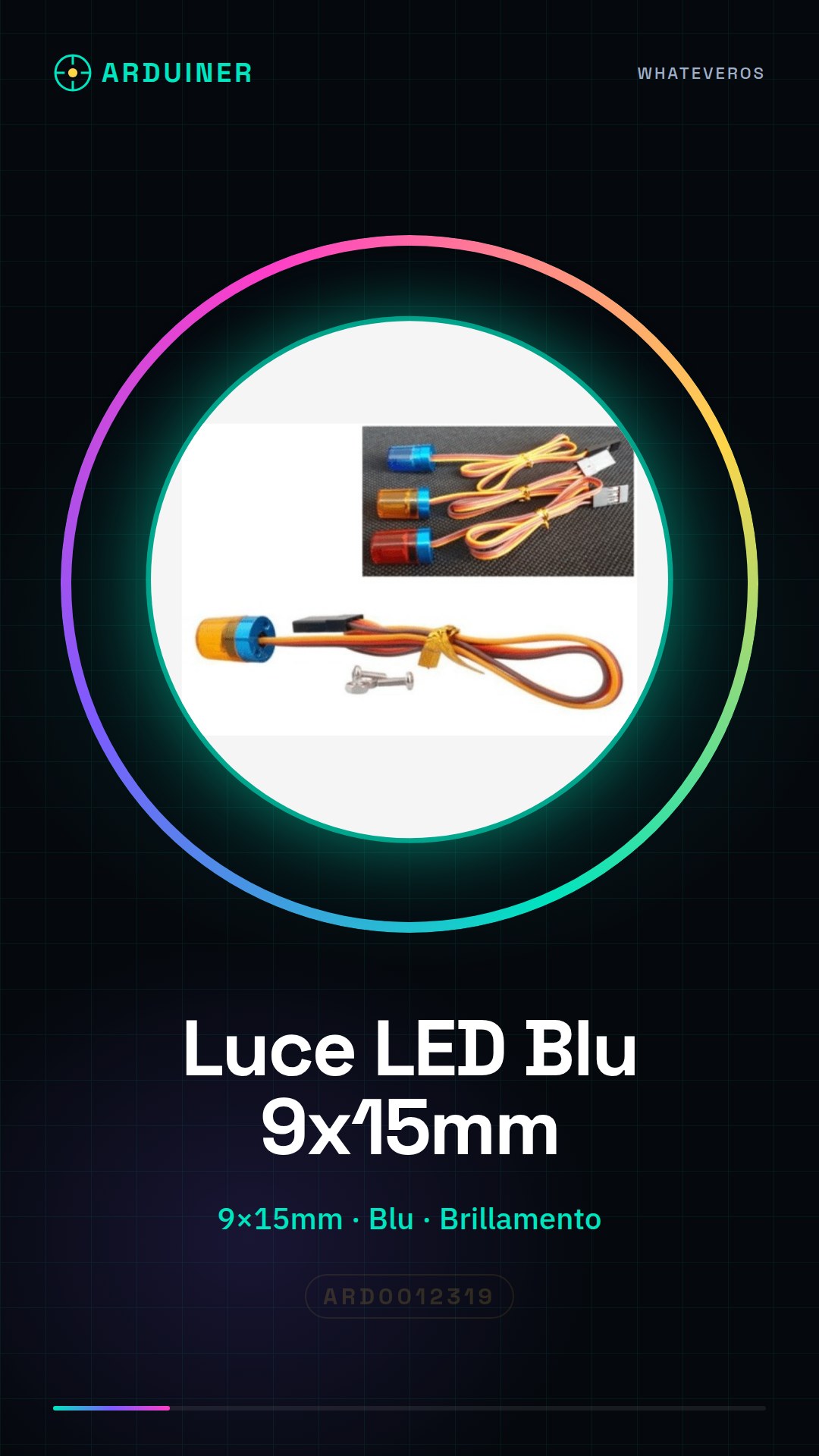
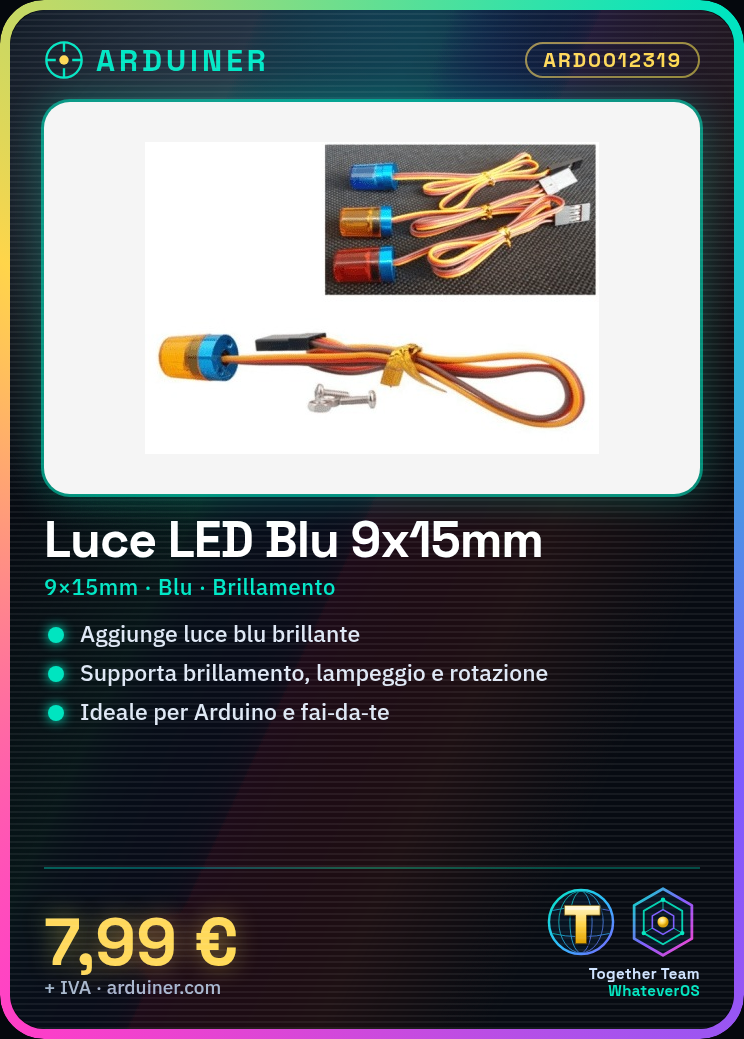
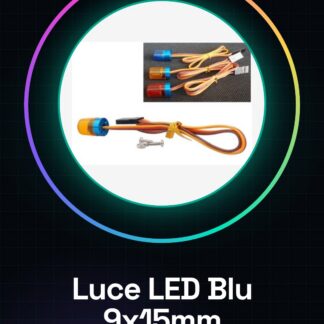
Blue LED 9 * 15mm with blinking / flashing / rotating function. Ideal for Arduino and maker projects.
Features
- Dimensions: 9 * 15mm
- Color: Blue
- Functions: Blinking, flashing, rotating
What it is for
Perfect for adding a bright touch of light to your electronic projects. You can create interesting visual effects like a flashing clock, synchronizing the light with the system time.
Tutorial: How to use the Blue LED 9 * 15mm with blinking / flashing / rotating function
This blue LED 9 * 15mm is ideal for adding a bright touch of light to your electronic projects. With its blinking, flashing, and rotating functions, it is perfect for beginners and intermediate makers who want to create interesting visual effects.
What you need
- Arduino Uno or compatible
- jumper wire
- resistor
- multimeter
- screwdriver
Steps
- Check the operating voltage of the LED on the datasheet and connect the appropriate resistor between the LED and the Arduino.
- Connect the jumper wire between the resistor and the Arduino.
- Verify the connection with a multimeter.
- Write the Arduino sketch to control the blinking of the LED.
- Test the LED blinking.
- Modify the sketch to implement color rotation (change the base color of the LED).
- Verify that the LED functions correctly in all modes.
- Repeat the steps with different configurations to explore further visual effects.
Example code
void setup() {
  pinMode(LED_PIN, OUTPUT);
}

void loop() {
  // Codice per il brillamento, lampeggiante e rotazione della LED
}
Mini project
Create a blinking clock with the blue LED. Use the system time to make the LED blink differently during the day and night.
Common mistakes
- Do not connect the correct resistor and burn the LED.
- Write the sketch without testing the connection first.
- Do not check the operating voltage of the LED on the datasheet.
- Do not test the project with a multimeter before running the sketch.
Recommended accessories
- Variable resistors
- LED color control module
- Arduino Nano
- Prototype kit
Frequently asked questions
How can I control the color of the LED?
To change the color, modify the voltage applied to the LED’s color pins, if available, or change the color value in the code.
What other effects can I create with this LED?
You can create effects such as glowing, flashing, color rotation, and more, by modifying the Arduino sketch.
Reviews
There are no reviews yet.