 EN
 IT Italiano
 ES Español
 FR Français
 DE Deutsch
Description
What it is
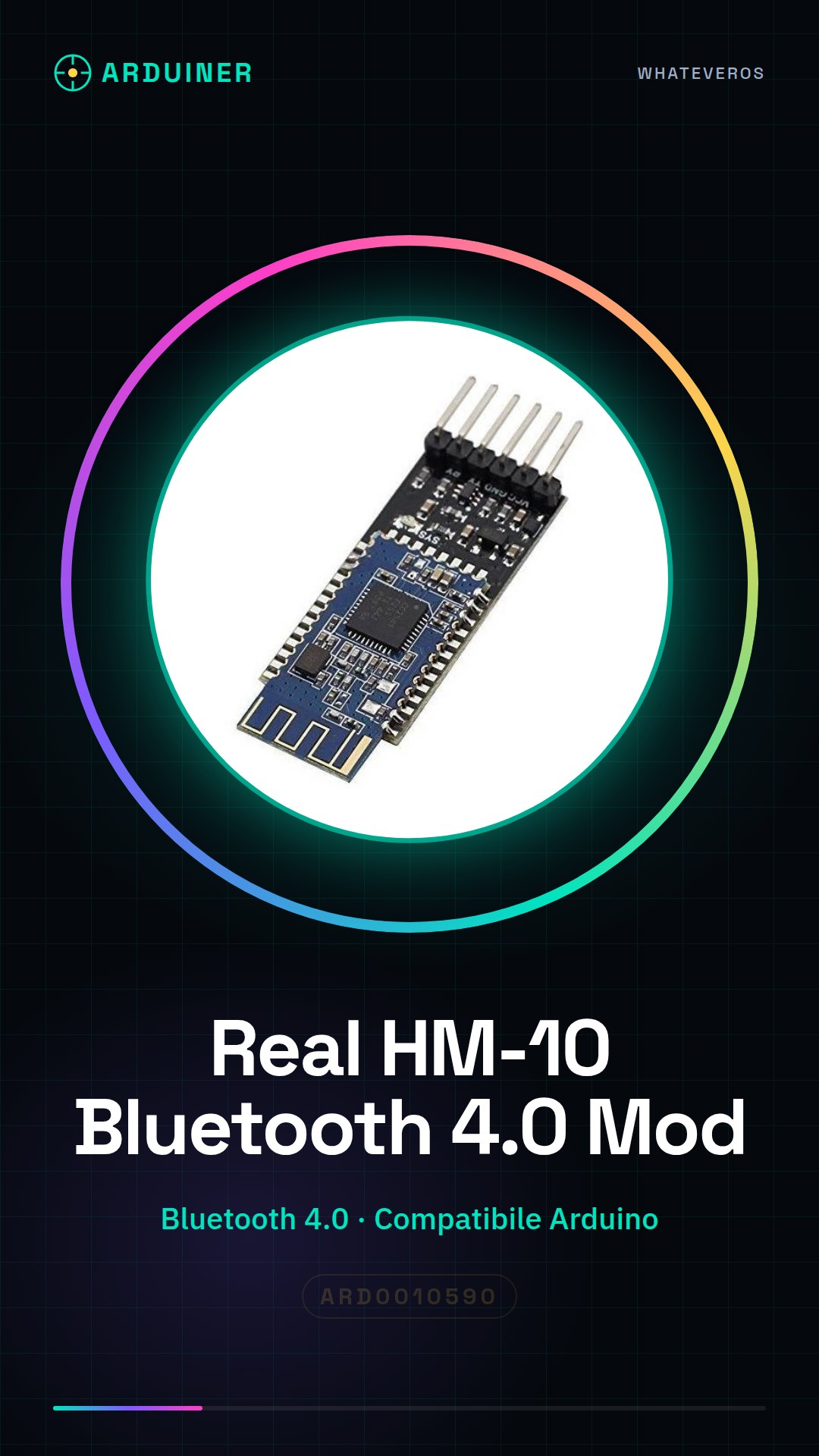
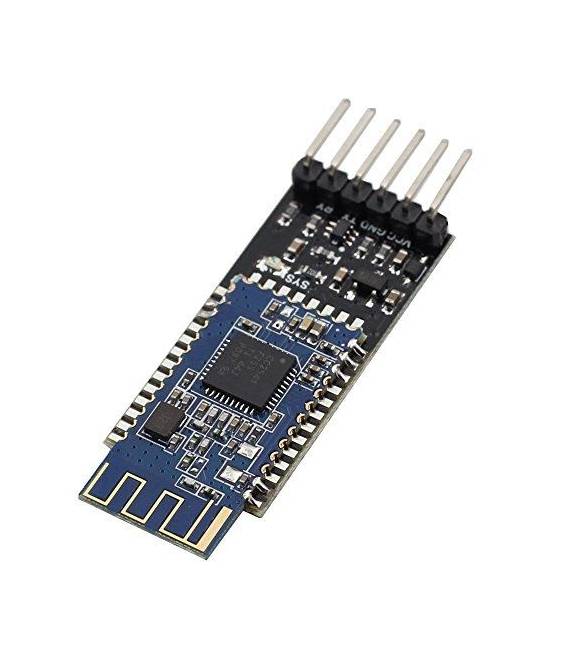
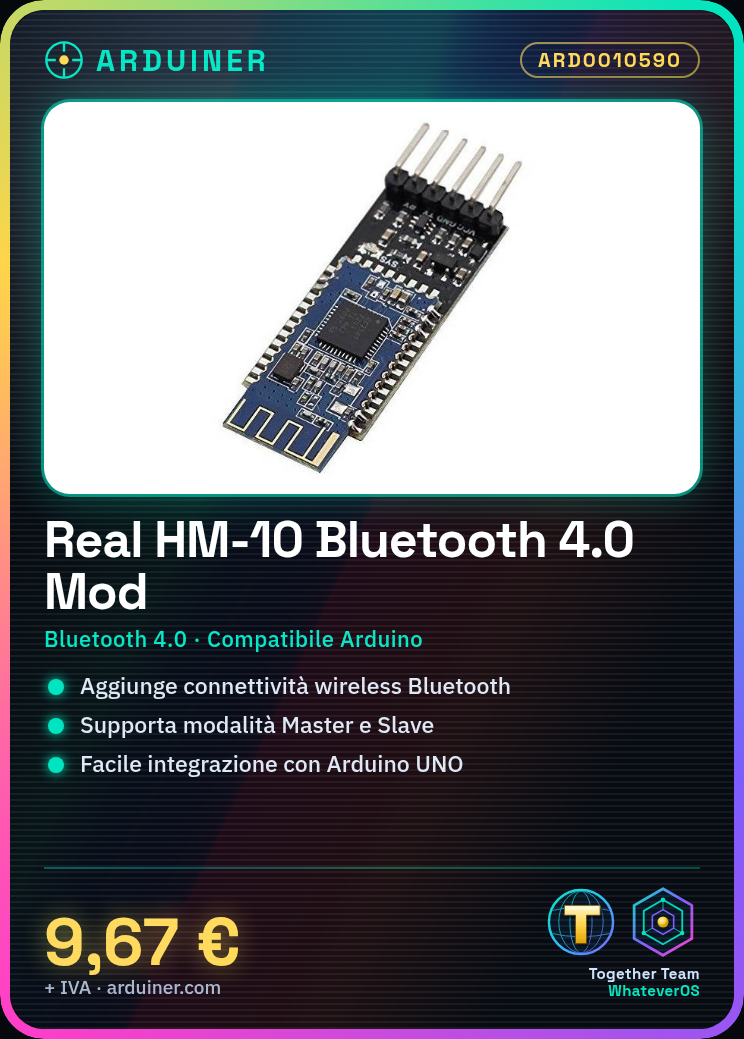
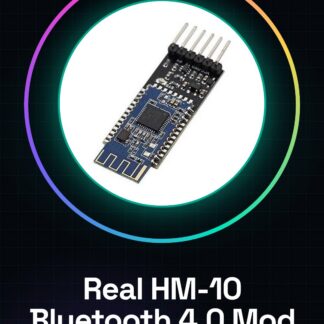
The HM-10 Bluetooth module is a device compatible with Arduino that allows adding wireless communication features to projects. This Real HM-10 module supports Bluetooth 4.0 technology and can be used in both Master and Slave modes.
Features
- Compatible with Arduino
- Bluetooth 4.0 Technology
- Master and Slave Modes
What it is for
HM-10 modules are ideal for robotics projects, IoT devices, and any application that requires reliable wireless connectivity between Arduino and other devices. It allows beginners and intermediate makers to easily integrate Bluetooth communication into their projects.
Tutorial: How to Use Real HM-10 Bluetooth 4.0 Master Slave Module
The Real HM-10 Bluetooth 4.0 Master Slave Module is ideal for adding Bluetooth 4.0 connectivity to Arduino projects. It is useful for beginner and intermediate makers who want to integrate wireless communication features.
What you need
- Arduino UNO or compatible
- USB cable
- 10kΩ resistor
- Micro USB
- Computer with Arduino IDE
Steps
- 1. Download and install the Arduino IDE.
- 2. Connect the Arduino to a computer.
- 3. Check the datasheet for the RX/TX pin specification.
- 4. Connect the TX pin of the Arduino to the RX pin of the Real HM-10.
- 5. Connect the RX pin of the Arduino to the TX pin of the Real HM-10.
- 6. Connect the VCC pin of the Real HM-10 to the 5V of the Arduino.
- 7. Connect the GND pin of the Real HM-10 to the GND of the Arduino.
- 8. Connect a 10kΩ resistor between GND and VCC of the Real HM-10.
Example code
```cpp
#include <SoftwareSerial.h>

SoftwareSerial bluetooth(2, 3); // TX Arduino a RX HM-10, RX Arduino a TX HM-10

void setup() {
  bluetooth.begin(9600);
}

void loop() {
  if (bluetooth.available()) {
    Serial.write(bluetooth.read());
  }
}
```
Mini project
Create a simple sketch that sends test messages from the computer to the Arduino via Bluetooth and receives the data.
Common mistakes
- Ensure that the connections are made correctly.
- Check the RX/TX pin specification in the datasheet.
- Ensure the 10kΩ resistor is correctly connected.
- Check the communication speed (9600 bps).
Recommended accessories
- Arduino UNO
- USB cable
- SoftwareSerial for Arduino
- 10kΩ resistor
Frequently asked questions
How can I verify if the module is working?
Use the Serial.println() function to send messages from the computer to the Arduino.
What are the specifications of the Real HM-10?
Check the datasheet to obtain complete specifications.
Can it work with Arduino Mega?
Yes, but make sure the RX/TX pin is correct.
What are the hardware requirements for the Arduino?
Arduino UNO or compatible with RX/TX pins.
Reviews
There are no reviews yet.