 EN
 IT Italiano
 ES Español
 FR Français
 DE Deutsch
Description
What it is
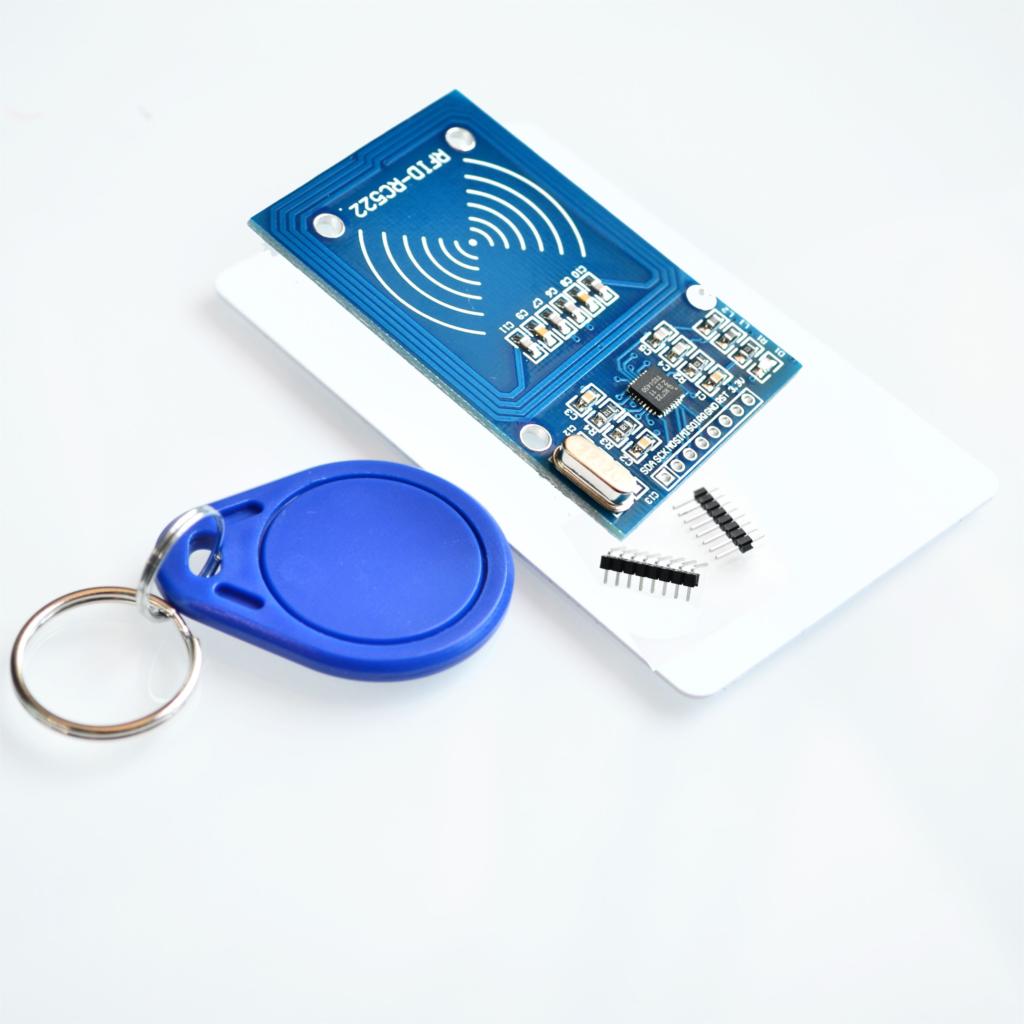
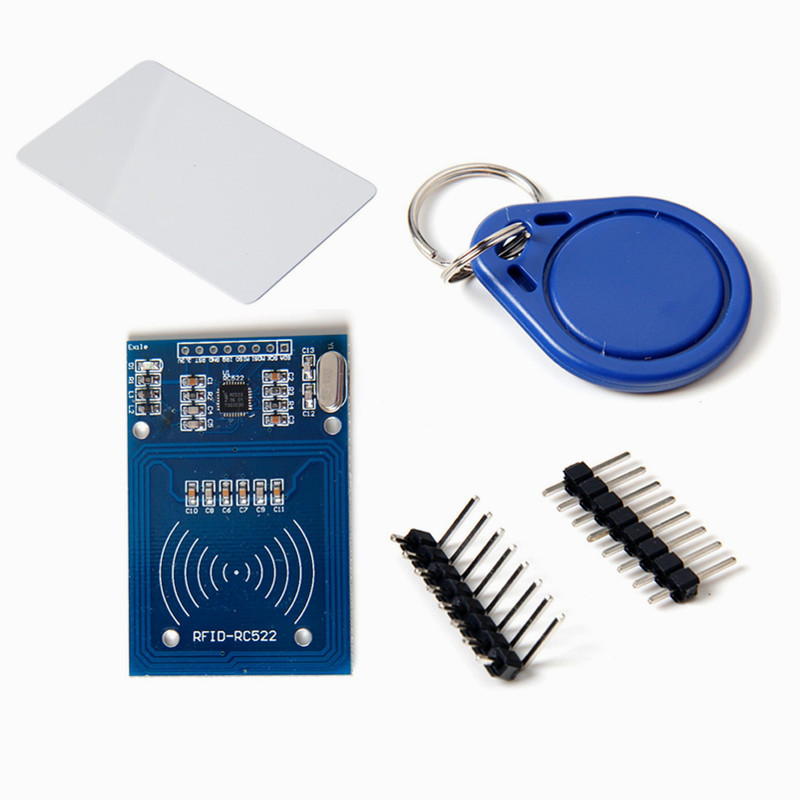
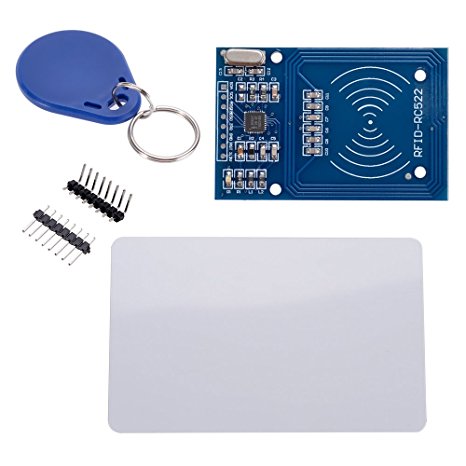
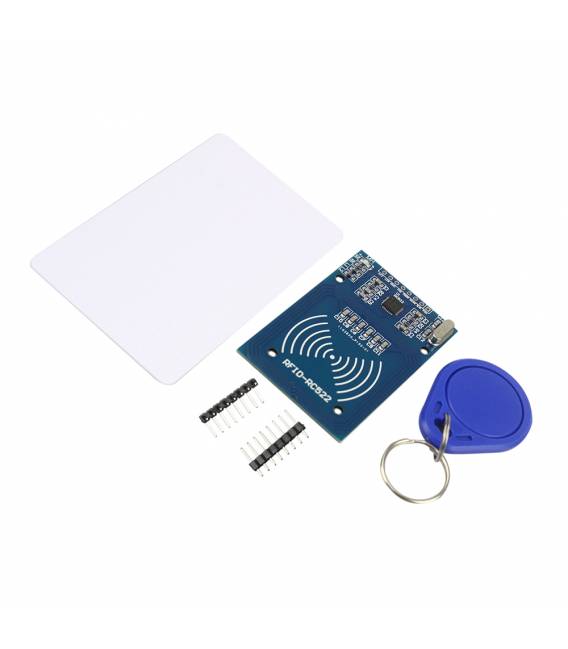
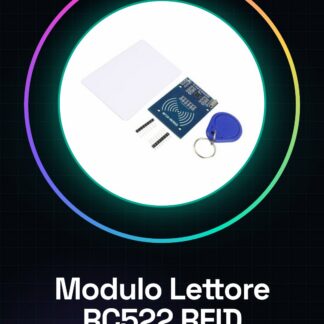
The RC522 RFID Mifare RF Kit with RFID Card and RFID Keychain (blue version) is a complete kit for reading and writing RFID tags. It includes the RC522 module, an RFID card, and an RFID keychain.
Features
- RC522 RFID Mifare Module
- RFID Card
- RFID Keychain (blue version)
- SKU: ARD0010814
- Price: 15.31 €
What it is for
The RC522 RFID Mifare RF Kit is ideal for home automation and security projects. You can use it to create an RFID-based access system using the RFID keychain and an Arduino.
Tutorial: How to use RC522 RFID Mifare RF Kit Module
The RC522 RFID Mifare RF Kit is ideal for projects that require reading and writing RFID tags. Useful for makers and designers.
What you need
- Arduino
- Power supply cable
- PC with Arduino IDE
- Mifare RFID Tag
Steps
- 1. Install the RC522 module on the Arduino Shield.
- 2. Connect the VCC of the module to the 5V of Arduino.
- 3. Connect the GND of the module to the GND of Arduino.
- 4. Connect the SDA of the module to pin 10 of Arduino.
- 5. Connect the SCL of the module to pin 11 of Arduino.
- 6. Download and install the MFRC522 library in Arduino IDE.
- 7. Load the example sketch MFRC522.h onto Arduino.
- 8. Try to read an RFID Mifare tag.
Example code
```
#include <MFRC522.h>

MFRC522 mfrc522;

void setup() {
  Serial.begin(9600);
  mfrc522.PCD_Init();
}

void loop() {
  if (mfrc522.PICC_IsNewCardPresent()) {
    if (mfrc522.PICC_ReadCardSerial()) {
      Serial.println(mfrc522.uid.uidByte[0], HEX);
    }
  }
}
```
Mini project
Create an RFID-based access system using an RFID key fob and an Arduino with this module. In 30 minutes, you can install the module, connect it to the Arduino, and program the code to control access.
Common mistakes
- Connect VCC to 3.3V instead of 5V.
- Omit the MFRC522 library.
- Fail to install the IDE correctly.
- Forget to connect SDA and SCL to the correct pins.
Recommended accessories
- RFID Mifare tag
- Arduino Shield
- RFID key fob
- Power supply cable
Frequently asked questions
What are the minimum requirements for the Arduino?
Arduino Uno or higher.
Can I use a power supply other than 5V?
Check the datasheet, but 3.3V is acceptable.
What are the reading limits for RFID tags?
The module supports Mifare 1 and Mifare Ultralight tags.
Can I use another type of Arduino Shield?
Check the compatibility on the datasheet.
Reviews
There are no reviews yet.