 EN
 IT Italiano
 ES Español
 FR Français
 DE Deutsch
Description
What it is
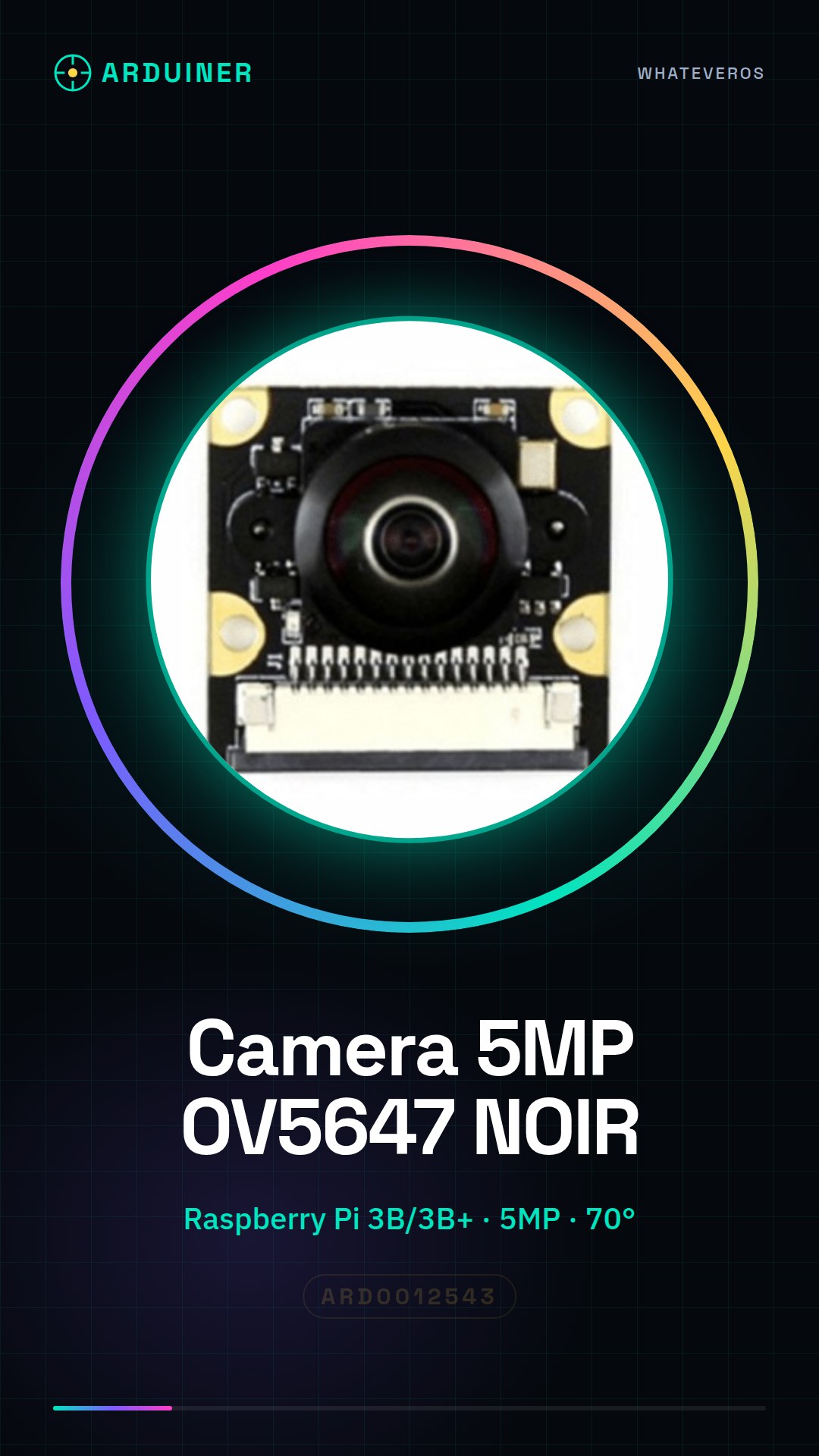
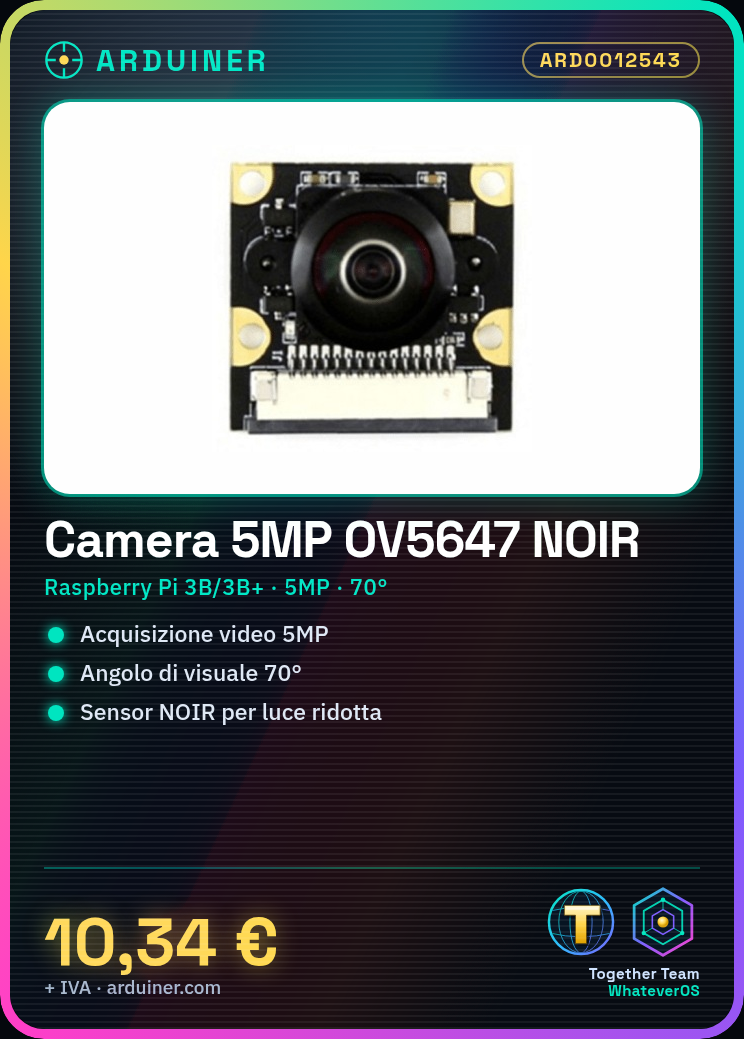
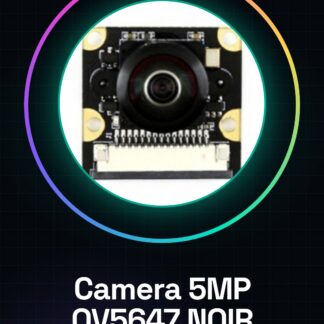
The 5MP OV5647 NOIR 70° Camera is a video and image acquisition device designed for compatibility with Raspberry Pi 3B/3B+. This camera offers a 5MP resolution and a 70° field of view, making it suitable for a variety of applications.
Features
- Compatible with Raspberry Pi 3B/3B+
- 5MP Resolution
- 70° Field of View
- NOIR Sensor to reduce noise in low-light conditions
What it is for
The 5MP OV5647 NOIR 70° Camera is ideal for computer vision projects, home security, and environmental monitoring. It can be used to create home monitoring systems, image processing applications, and computer vision projects. It is suitable for beginner and intermediate makers who want to start with Raspberry Pi.
Tutorial: How to use the 5MP OV5647 NOIR 70° Camera for Raspberry Pi
This low-cost camera with 5MP resolution and a 70° field of view is ideal for computer vision and image processing projects. It is suitable for beginner and intermediate makers who want to start with a Raspberry Pi.
What you need
- Raspberry Pi 3B/3B+
- SD card with Raspbian installed
- Micro USB cable for power
- HDMI cable (if using a monitor)
- Ethernet cable or Wi-Fi connectivity
- Image processing software
Steps
- Install Raspbian on an SD card and insert it into the Raspberry Pi.
- Connect the camera to the Raspberry Pi using the CSI connector.
- Power the Raspberry Pi via micro USB.
- Access the Raspbian terminal.
- Install the camera support software by running: sudo apt-get install -y libraspberrypi-bin.
- Verify the camera configuration by running: vcgencmd get_camera.
- Install the desired image processing software (e.g., OpenCV).
- Start taking and acquiring images.
Example code
import cv2

cap = cv2.VideoCapture(0)

while True:
    ret, frame = cap.read()
    cv2.imshow('Camera', frame)
    if cv2.waitKey(1) & 0xFF == ord('q'):
        break

cap.release()
cv2.destroyAllWindows()
Mini project
Create a home monitoring system in 30 minutes with the OV5647 camera. Install OpenCV and create a Python script that takes photos regularly and saves them to a remote server.
Common mistakes
- Camera recognition issues: check the CSI connection and system configuration.
- Dark or low-quality images: check exposure settings and ambient lighting.
- Software installation difficulties: follow the official Raspbian repository instructions carefully.
- Synchronization issues between Raspberry Pi and camera: ensure all libraries are up to date.
Recommended accessories
- Ethernet cable
- Wi-Fi antenna
- HDMI monitor
- Raspberry Pi prototyping kit
Frequently asked questions
What is the maximum resolution of the camera?
The maximum resolution is 5 megapixels. Check the datasheet for specific details.
How can I access the photos’ files?
The photos taken are saved in the default Raspbian directory. Check the save path in your Python script or application.
Can it be used with other Raspberry Pi models?
The camera is designed for the 3B and 3B+ models. Check the datasheet for compatibility with other models.
Reviews
There are no reviews yet.