 EN
 IT Italiano
 ES Español
 FR Français
 DE Deutsch
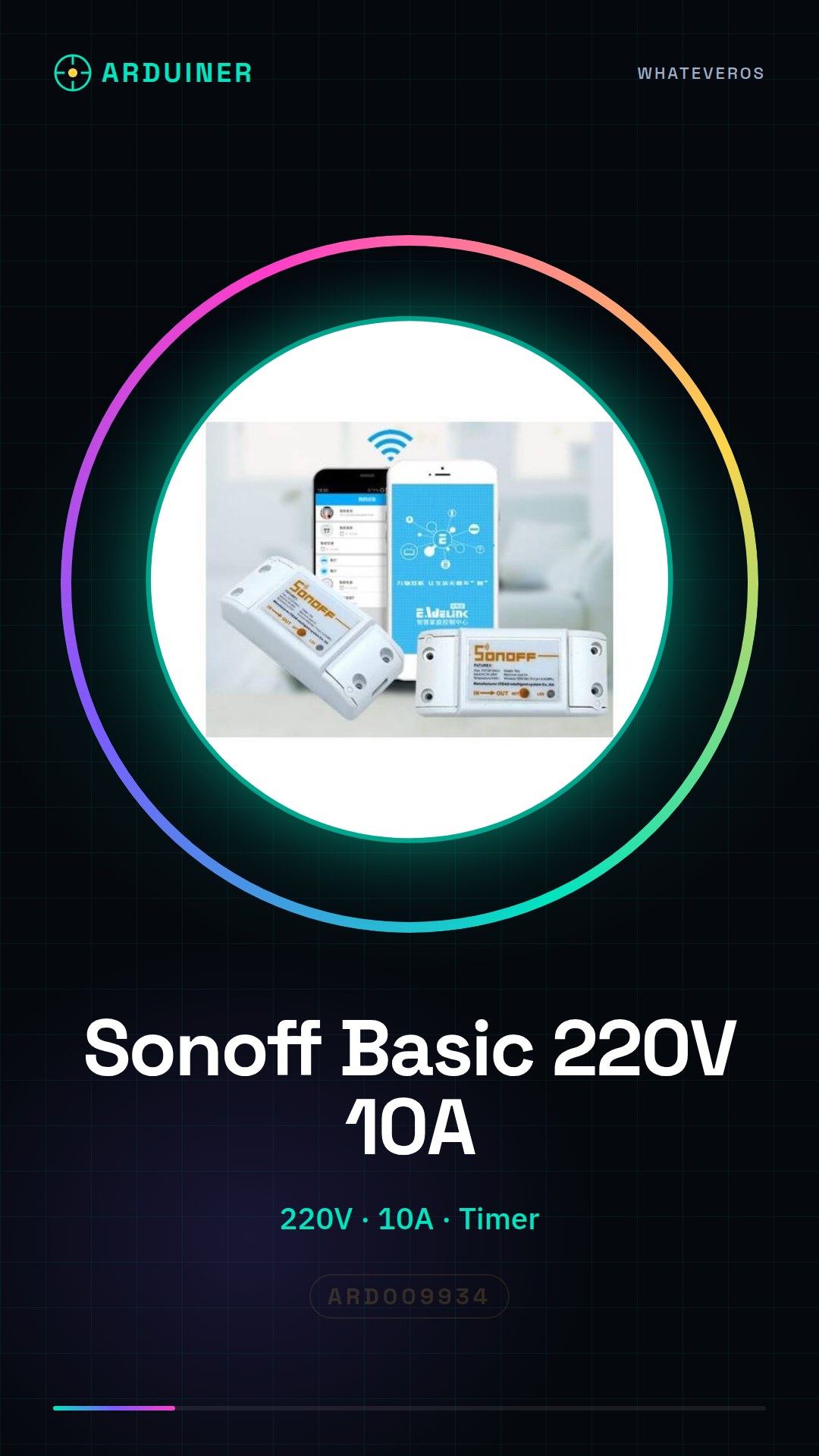

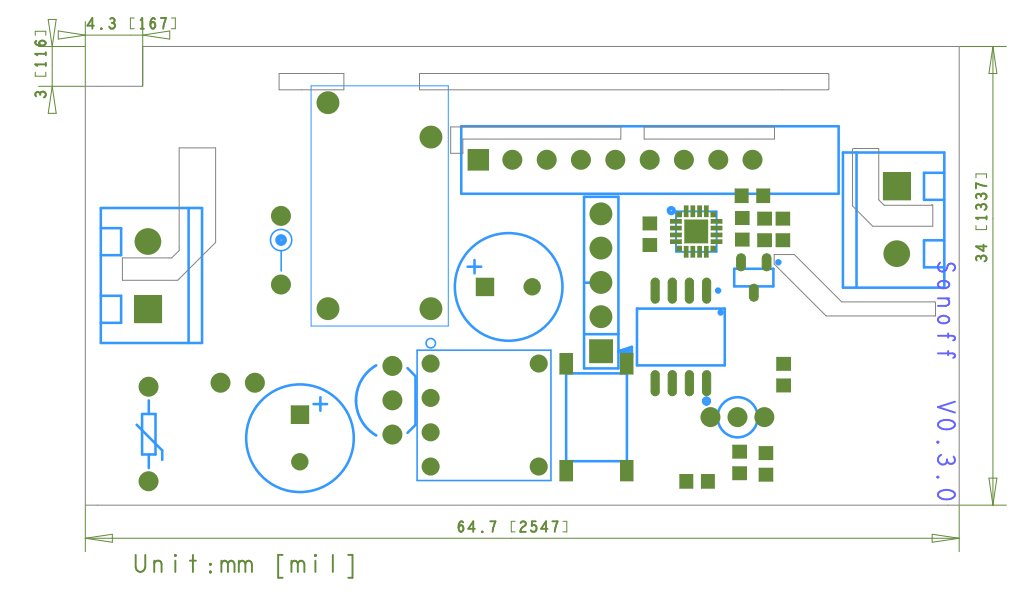
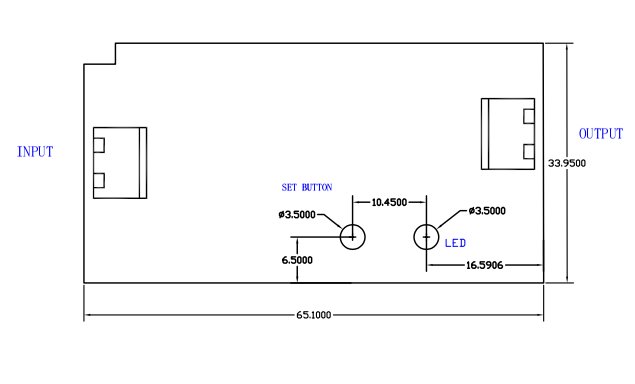
Description
What it is
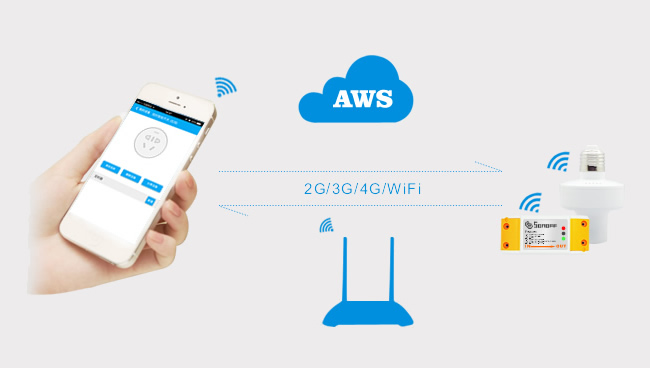
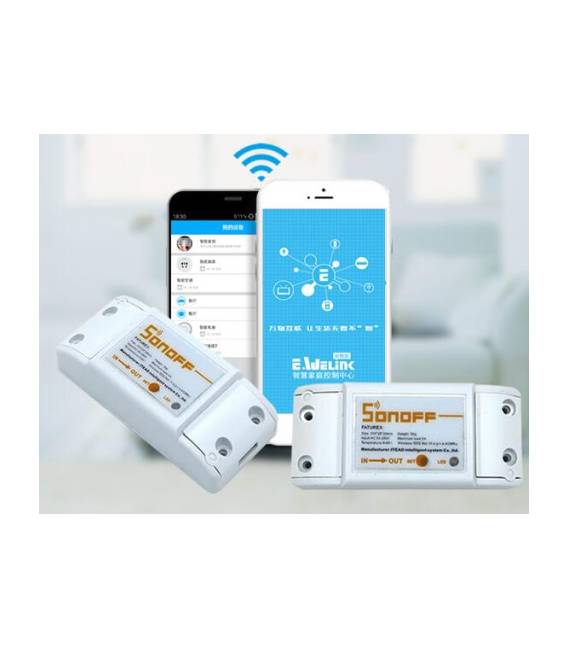
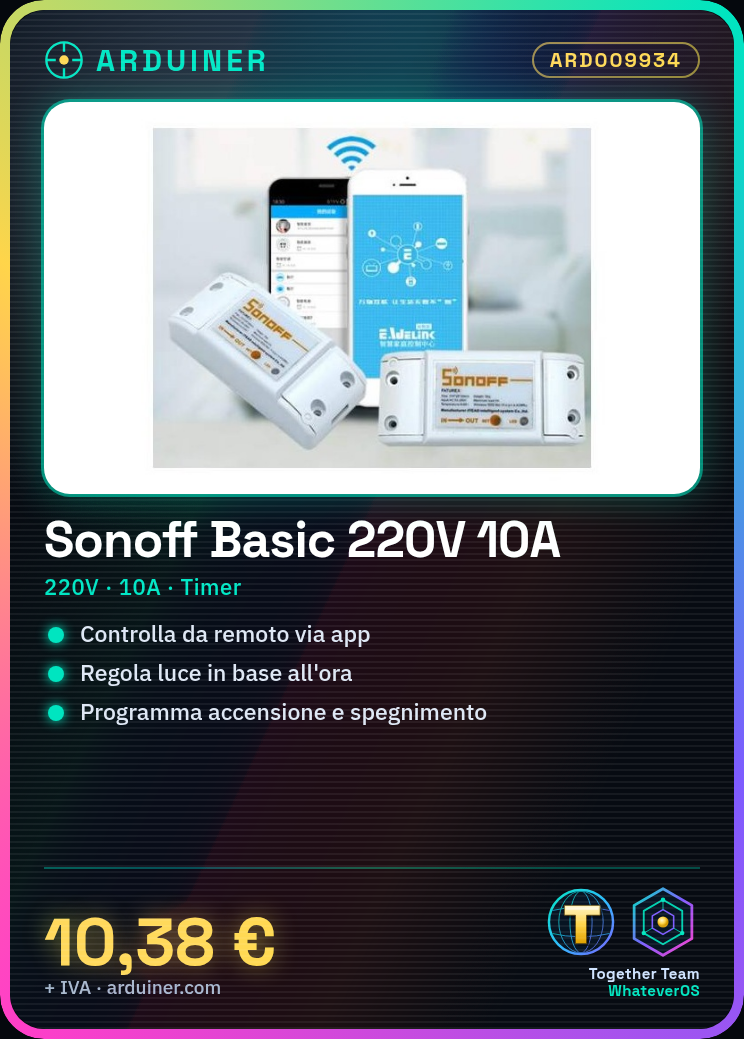
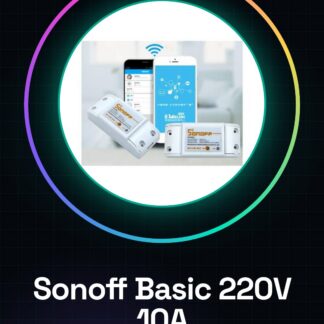
The Sonoff Basic is a Wi-Fi switch for smart homes that allows you to control electrical devices from anywhere in the world through a simple app. Ideal for beginners and makers who want to start with smart control of their home appliances.
Features
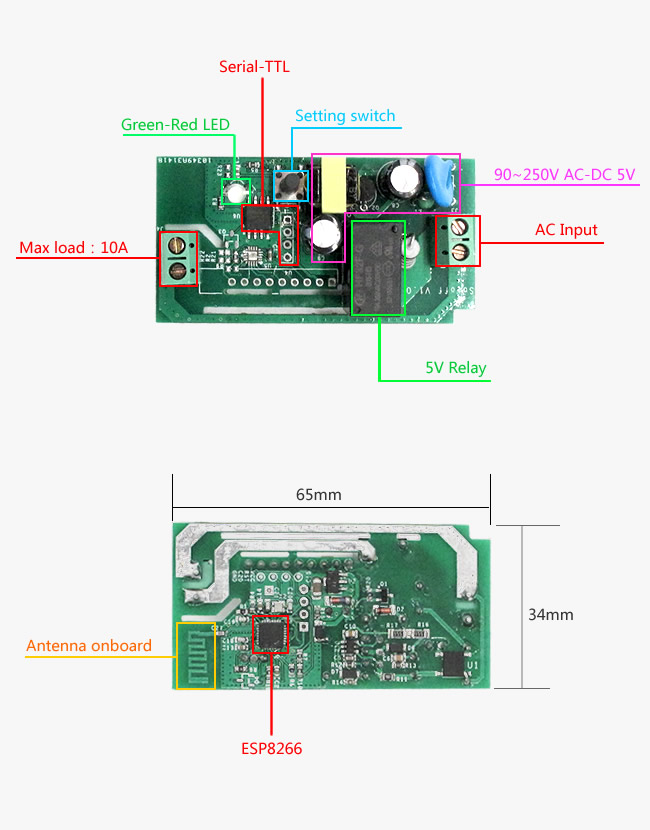
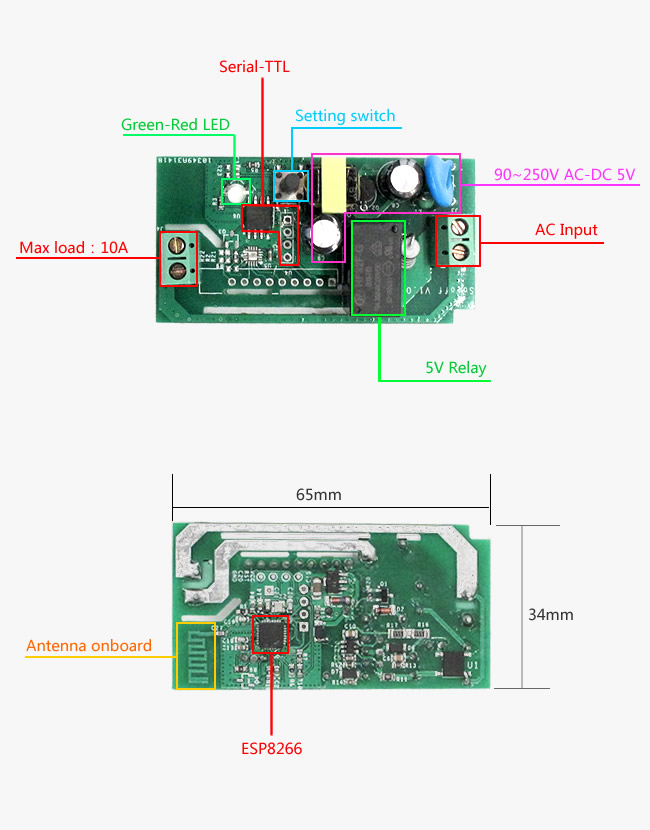
- Voltage: 220V
- Maximum Current: 10A
- Smart Wi-Fi Switch
- Includes timer and automatic scheduling
What it is for
It is used to create a smart lighting system by connecting lamps or other devices suitable for 220V. Typical uses include adjusting brightness based on the time of day and the automatic start of devices.
Tutorial: How to use Sonoff Basic 220V
The Sonoff Basic is a smart Wi-Fi switch that allows you to control electrical devices from anywhere in the world through a simple app. Ideal for beginners and makers who want to start with smart control of their home appliances.
What you need
- Sonoff Basic
- Stable Wi-Fi connection
- Tuya Smart Home app or similar
Steps
- Connect the Sonoff Basic power supply to the 220V electrical outlet
- Use an Ethernet cable to connect the Sonoff to a stable home Wi-Fi network (temporarily)
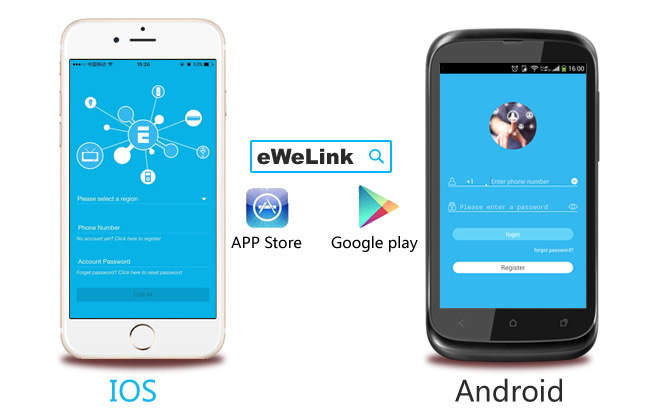
- Open the Tuya Smart Home app on your smartphone or tablet, create an account if necessary
- Follow the app instructions to add the new Sonoff Basic device to your Wi-Fi network
- Once connected, remove the Ethernet cable and use only the Wi-Fi connection from now on
- Configure timers and smart control rules through the app
- Test the functionality of the Sonoff Basic by connecting an electrical device to the outlet
Mini project
Create a smart lighting system: Connect suitable lamps or lights for 220V to the Sonoff Basic. Use the app to automatically adjust brightness based on the time of day.
Common mistakes
- Wi-Fi connection problems
- Difficulty adding the device through the app
- Outlet not responding when changing state via the app
Recommended accessories
- Smart ceiling light
- Smart thermostat
- Motion sensor for home alarms
- Set of smart home sensors
Frequently asked questions
How can I add the Sonoff Basic to my Wi-Fi network?
Follow the app Tuya Smart Home instructions which will guide you step by step through the configuration.
Can I control multiple devices with a single app?
Yes, the app supports managing multiple Sonoff Basic devices and other smart home devices.
Reviews
There are no reviews yet.