 EN
 IT Italiano
 ES Español
 FR Français
 DE Deutsch
Description
What it is
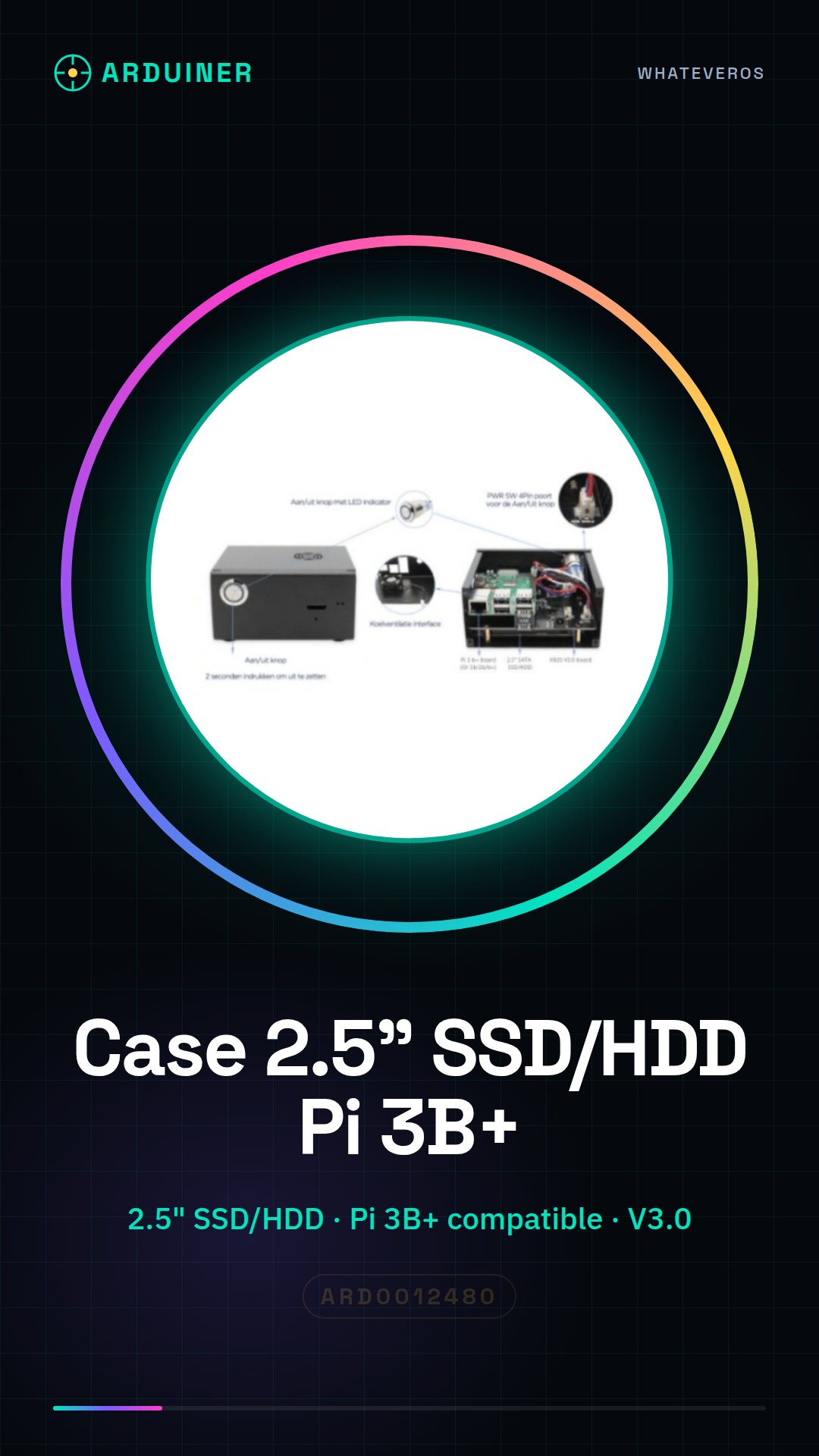
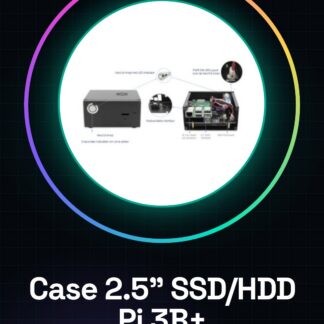
The Raspberry Pi 3B+ X820 V3.0 2.5inch SSD/HDD Case is a protective enclosure designed specifically for the Raspberry Pi 3B+. This case allows for the installation of a 2.5 inch hard drive or SSD to increase the device’s storage capacity.
Features
- Compatible with Raspberry Pi 3B+
- Internal dimensions: 2.5 inch SSD/HDD
- Version: V3.0
- Check the datasheet for additional details
What it is for
This case is designed to protect the Raspberry Pi 3B+ from external damage and to extend the device’s storage capacity. It is ideal for beginners and intermediate users who want to create a personal file server or run other projects that require extensive storage capacity.
Tutorial: How to use the Raspberry Pi 3B+ X820 V3.0 SSD/HDD Cases
This case is ideal for protecting and extending the storage capacity of your Raspberry Pi 3B+. Perfect for beginners and intermediate users who want to expand the storage capabilities of their device.
What you need
- Raspberry Pi 3B+
- SSD or HDD
- Micro USB cable for power supply
- MicroSD card cable for optional configuration
Steps
- 1. Ensure that the Raspberry Pi 3B+ is disconnected from any other power source.
- 2. Insert the microSD card into the Raspberry Pi 3B+ for initial configuration.
- 3. Insert the SSD or HDD into the designated position in the case.
- 4. Connect the SSD/HDD to the case via the USB cable.
- 5. Connect the case to the Raspberry Pi 3B+ via the micro USB cable.
- 6. Power on the Raspberry Pi 3B+ with the USB power supply cable.
- 7. Configure the Raspberry Pi 3B+ to recognize the SSD/HDD.
- 8. Check the datasheet for any additional specifications.
Mini project
Create a personal file server using the SSD/HDD installed in the case.
Common mistakes
- USB cable not connected properly.
- The Raspberry Pi 3B+ does not recognize the SSD/HDD.
- Missing initial microSD card configuration.
- Insufficient power supply for the SSD/HDD.
Recommended accessories
- USB power supply for Raspberry Pi 3B+
- Micro USB cable
- microSD card
- File system management software
Frequently asked questions
The Raspberry Pi 3B+ does not recognize the SSD/HDD.
Check that it is properly connected and that the initial configuration has been completed.
What hardware specifications are required?
Check the datasheet.
Can I use an HDD instead of an SSD?
Yes, but make sure it is supported by the Raspberry Pi 3B+.
How can I install the SSD/HDD?
Follow the steps in the tutorial.
Reviews
There are no reviews yet.