 EN
 IT Italiano
 ES Español
 FR Français
 DE Deutsch
Description
What it is
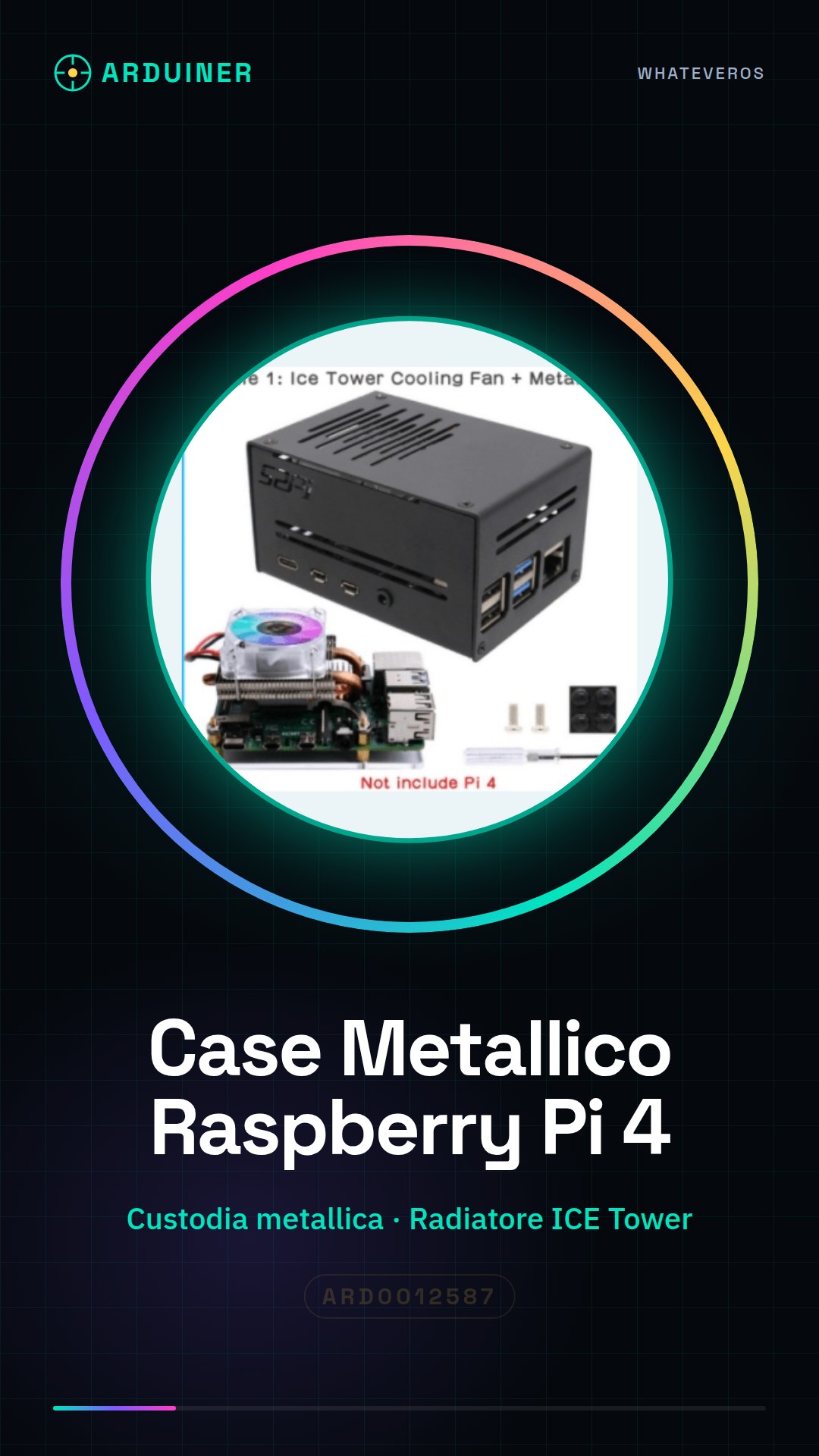
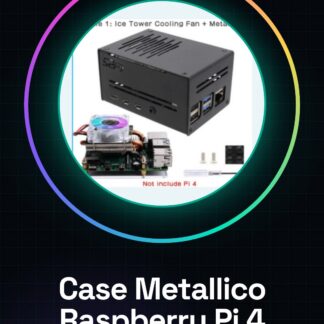
The Raspberry Pi 4 Metal Case for Raspberry Pi 4 & Raspberry Pi Horizontal ICE Tower Cooler / CPU Cooling Fan is a component designed to protect and cool your Raspberry Pi 4. This set includes a robust metal case and an ICE Tower radiator with an integrated fan to improve heat dissipation and ensure stable and quiet operation of the device.
Features
- Compatible with Raspberry Pi 4
- Metal case for protection
- ICE Tower radiator for heat dissipation
- Integrated fan for cooling
- Quiet design
What it is for
This component is ideal for projects that require high performance and thermal stability, such as creating a Raspberry Pi 4-based web server. The combination of metal case and ICE Tower radiator ensures safe and efficient use of the device.
Tutorial: How to Use the Metal Case and ICE Tower Heatsink for Raspberry Pi 4
The metal case and ICE Tower heatsink for Raspberry Pi 4 are ideal for those who want to improve heat dissipation and protect their Raspberry Pi. This component is particularly useful for projects that require high performance and thermal stability.
What you need
- Raspberry Pi 4
- Screwdrivers (Phillips #1 and #0)
- ICE Tower Fan
Steps
- Completely disconnect the Raspberry Pi 4 from the power supply.
- Open the metal case following the manufacturer’s instructions.
- Insert the Raspberry Pi 4 into the metal case.
- Check that the Raspberry Pi 4 is correctly positioned inside the case.
- Install the ICE Tower fan on the top side of the metal case.
- Check that the ICE Tower fan is correctly installed and secured.
- Connect the ICE Tower fan to the GPIO port of the Raspberry Pi 4.
- Check that the ICE Tower fan is powered and functioning correctly.
Mini project
Create a Raspberry Pi 4 web server with the metal case and ICE Tower radiator. This project takes about 30 minutes and allows you to use your Raspberry Pi safely and quietly.
Common mistakes
- Do not check that the Raspberry Pi 4 is completely shut down before installing the case.
- Do not secure the ICE Tower fan properly.
- Do not connect the ICE Tower fan correctly to the GPIO port of the Raspberry Pi 4.
- Do not check that the ICE Tower fan is functioning correctly after installation.
Recommended accessories
- USB-C Power Supply for Raspberry Pi 4
- SD Card with installed operating system
- Ethernet cable or Wi-Fi to connect the Raspberry Pi 4 to the Internet
Frequently asked questions
How can I verify that the ICE Tower fan is installed correctly?
Check that the ICE Tower fan is securely mounted to the metal case and is properly connected to the Raspberry Pi 4’s GPIO port.
Can I use the metal case and the ICE Tower heatsink with other Raspberry Pi models?
Check the datasheet to see if the metal case and the ICE Tower heatsink are compatible with other Raspberry Pi models.
Reviews
There are no reviews yet.