 EN
 IT Italiano
 ES Español
 FR Français
 DE Deutsch
Description
What it is
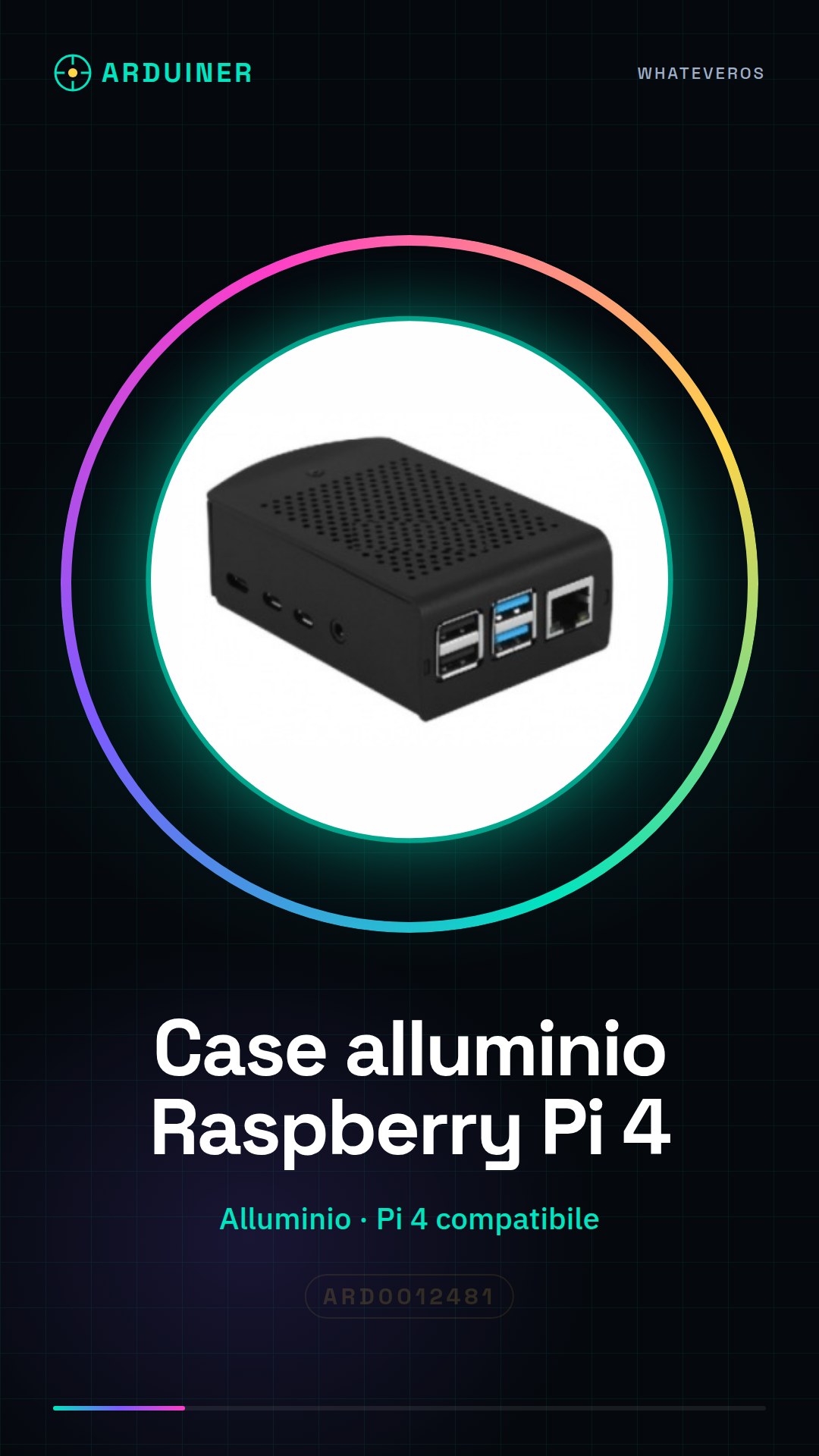
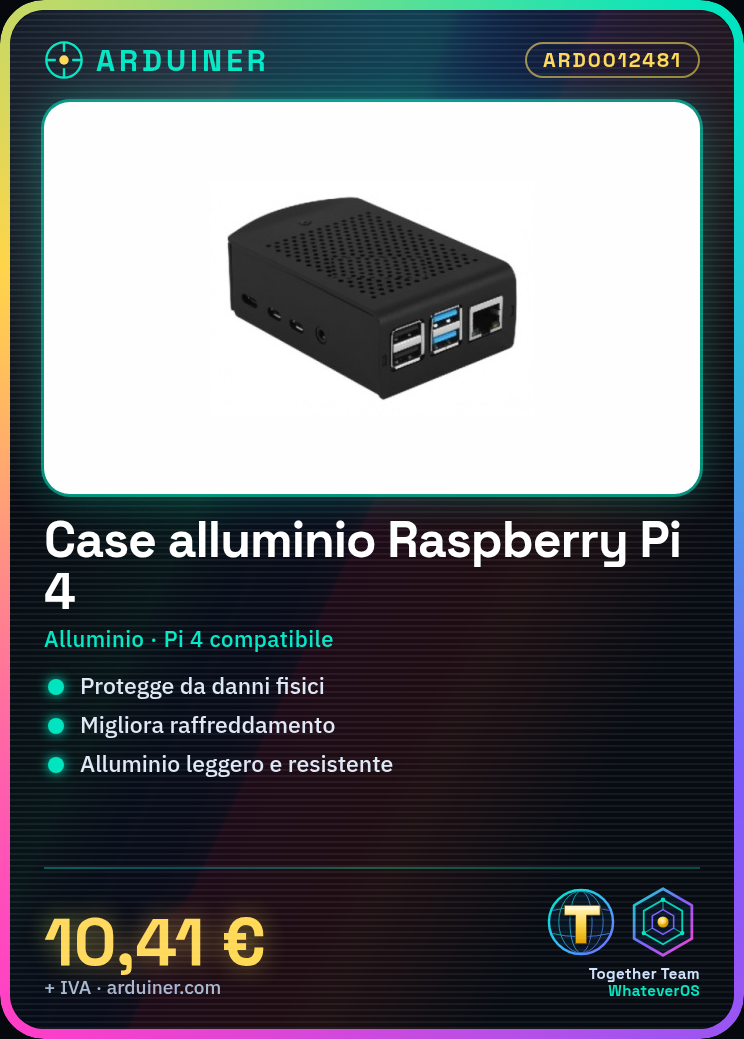
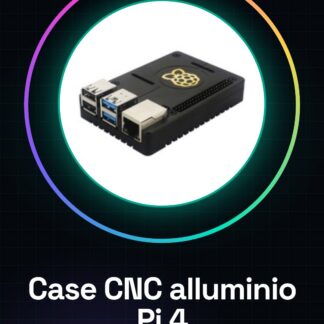
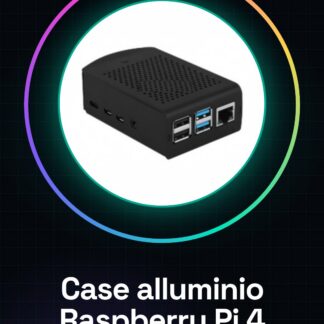
The Raspberry Pi 4 aluminum alloy case is an aluminum case designed to protect and improve the cooling of the Raspberry Pi 4. This case offers a robust and durable solution for your device, making it more resistant to physical damage and heat damage.
Features
- Materials: Lightweight and durable aluminum
- Compatible with Raspberry Pi 4
- Optimizes device cooling
- Protection against physical damage
What it is for
This case is ideal for beginner and intermediate maker projects, providing protection and improving the performance of the Raspberry Pi 4. You can use it to create a simple file server, a multimedia center, or any other project that requires the protection and cooling of the Raspberry Pi 4.
Tutorial: How to use the Raspberry Pi 4 Aluminum Alloy Cases
This case protects the Raspberry Pi 4 and makes it more resistant to physical damage, ideal for beginner and intermediate maker projects.
What you need
- Raspberry Pi 4
- Assembly Instructions
- Connecting Wires
- Cases Handle
Steps
- 1. Ensure the Raspberry Pi 4 is turned off.
- 2. Clear out the inside of the case.
- 3. Connect the Raspberry Pi 4 to the power supply and network cards.
- 4. Insert the Raspberry Pi 4 into the bottom part of the case.
- 5. Ensure all connectors are properly positioned.
- 6. Close the case with the top part.
- 7. Check the datasheet for power supply specifications.
- 8. Turn on the Raspberry Pi 4 and start configuring it.
Mini project
Create a simple file server using the Raspberry Pi 4 protected in the case.
Common mistakes
- Do not turn on the Raspberry Pi 4 with the case open.
- Do not force connectors during installation.
- Ensure the Raspberry Pi 4 is fully inserted into the case.
- Check the connection stability before closing the case.
Recommended accessories
- USB Power Supply
- Ethernet Cable
- HDMI and Audio Wires
- Cases Handle
Frequently asked questions
Can I use this case with previous versions of the Raspberry Pi?
Check the datasheet to see if the case is compatible with the Raspberry Pi 4 version.
Does the case include the connecting wires?
No, the connecting wires must be purchased separately.
How can I open the case if I can’t remove the top part?
Check that all connectors are fully inserted and try again. If the problem persists, contact customer service.
Does the case protect the Raspberry Pi 4 from electrical damage?
The case offers physical protection, but does not protect from electrical damage. Check the safety specifications on the datasheet.
Reviews
There are no reviews yet.