 EN
 IT Italiano
 ES Español
 FR Français
 DE Deutsch
Description
What it is
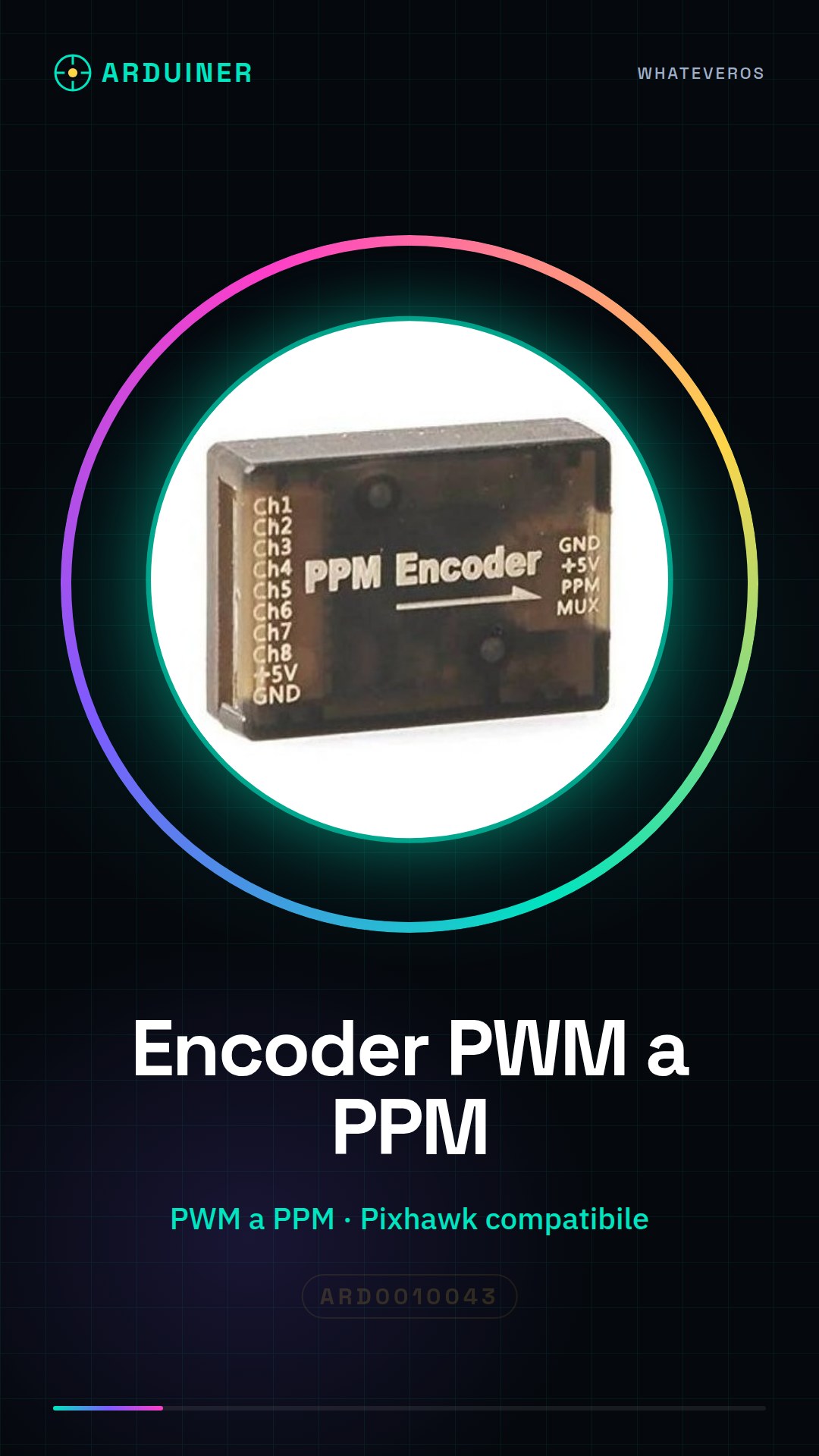
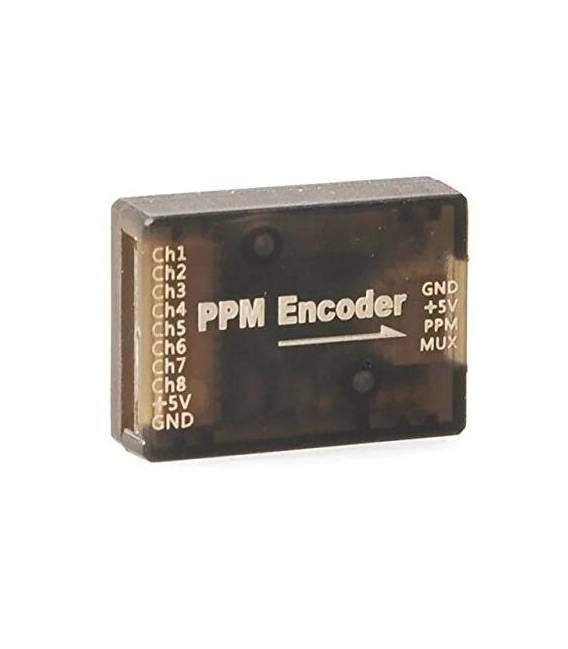
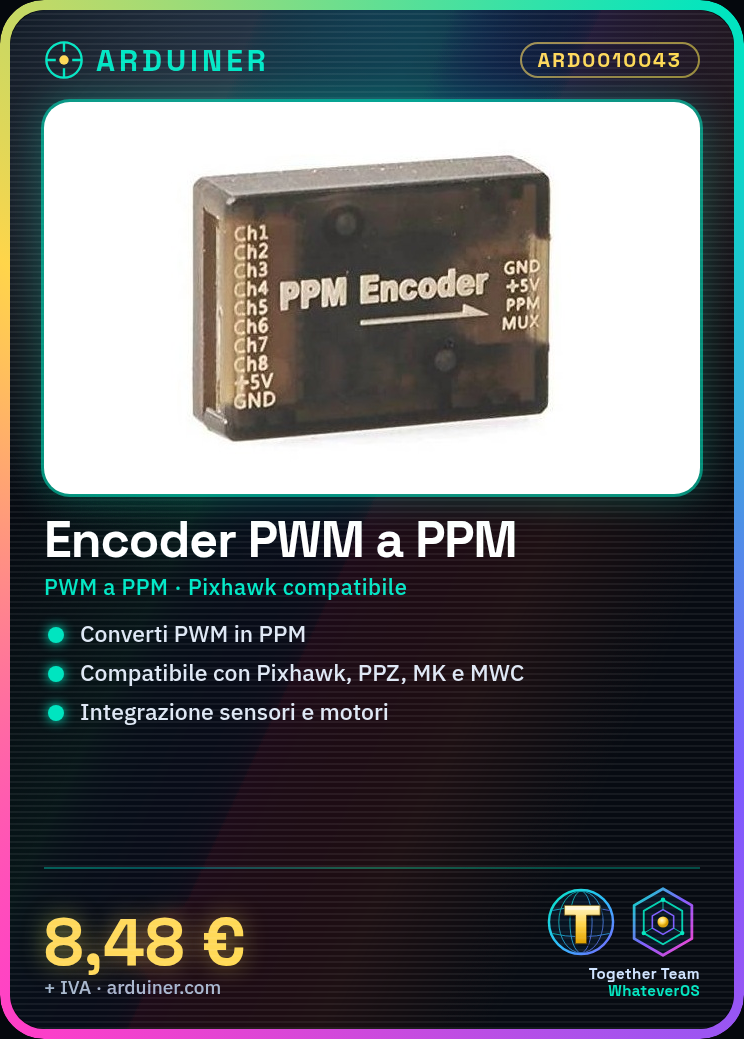
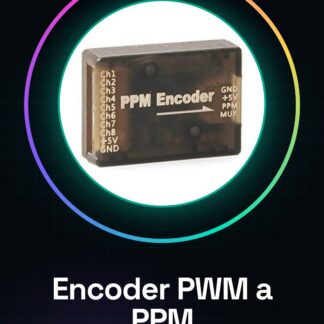
The PWM to PPM Encoder is a crucial component for drones and motor control systems that use the Pixhawk, PPZ, MK, or MWC protocol. This device allows the conversion of PWM (Pulse Width Modulation) signals to PPM (Pulse Position Modulation) signals, facilitating integration with sensors and control systems.
Features
- PWM to PPM Conversion
- Compatible with Pixhawk, PPZ, MK, and MWC drones
What it is for
It is used to optimize motor control in drone systems. It allows the management of PWM signals through a button or control circuit, effectively integrating sensors and external devices.
Tutorial: How to use PWM to PPM Encoder
This component enables the conversion of PWM signals to PPM signals, essential for integrating sensors on drones.
What you need
- PWM to PPM Encoder
- Arduino or compatible microcontroller
- Power supply cable
- Connection cables
Steps
- 1. Check the datasheet for your microcontroller specifications.
- 2. Connect the power cable to the Encoder.
- 3. Connect the PWM input pins of the Encoder to the correct pins of your microcontroller.
- 4. Connect the PPM output pins to the input of your system.
- 5. Load an example sketch onto Arduino.
- 6. Verify the correct signal conversion.
- 7. Test the integration with your system.
- 8. Configure your system to use PPM signals.
Example code
```void setup() { Serial.begin(9600);}void loop() { int value = analogRead(PWM_PIN); Serial.println(value); delay(100);}```Mini project
Create a motor control system using the PWM to PPM Encoder to convert signals and control the motor via a button.
Common mistakes
- Connect the power pins correctly.
- Verify that the input and output pins are compatible.
- Ensure that the signal frequency is supported by your microcontroller.
- Check that the signals are correctly converted.
Recommended accessories
- Arduino Nano
- Stepper Motors
- Button
- Connection Cables
Frequently asked questions
How can I verify the correct signal conversion?
Use an oscilloscope or signal analysis software to check the frequency and shape of the PPM signal.
Which PWM input pins can I use?
Check the datasheet of your microcontroller to determine the available pins.
Does the component only support 500 Hz PWM signals?
Check the datasheet to determine the maximum supported frequency.
Can I use this component with a non-Arduino microcontroller?
Yes, but make sure the pins and specifications are compatible.
Reviews
There are no reviews yet.