 EN
 IT Italiano
 ES Español
 FR Français
 DE Deutsch
Description
What it is
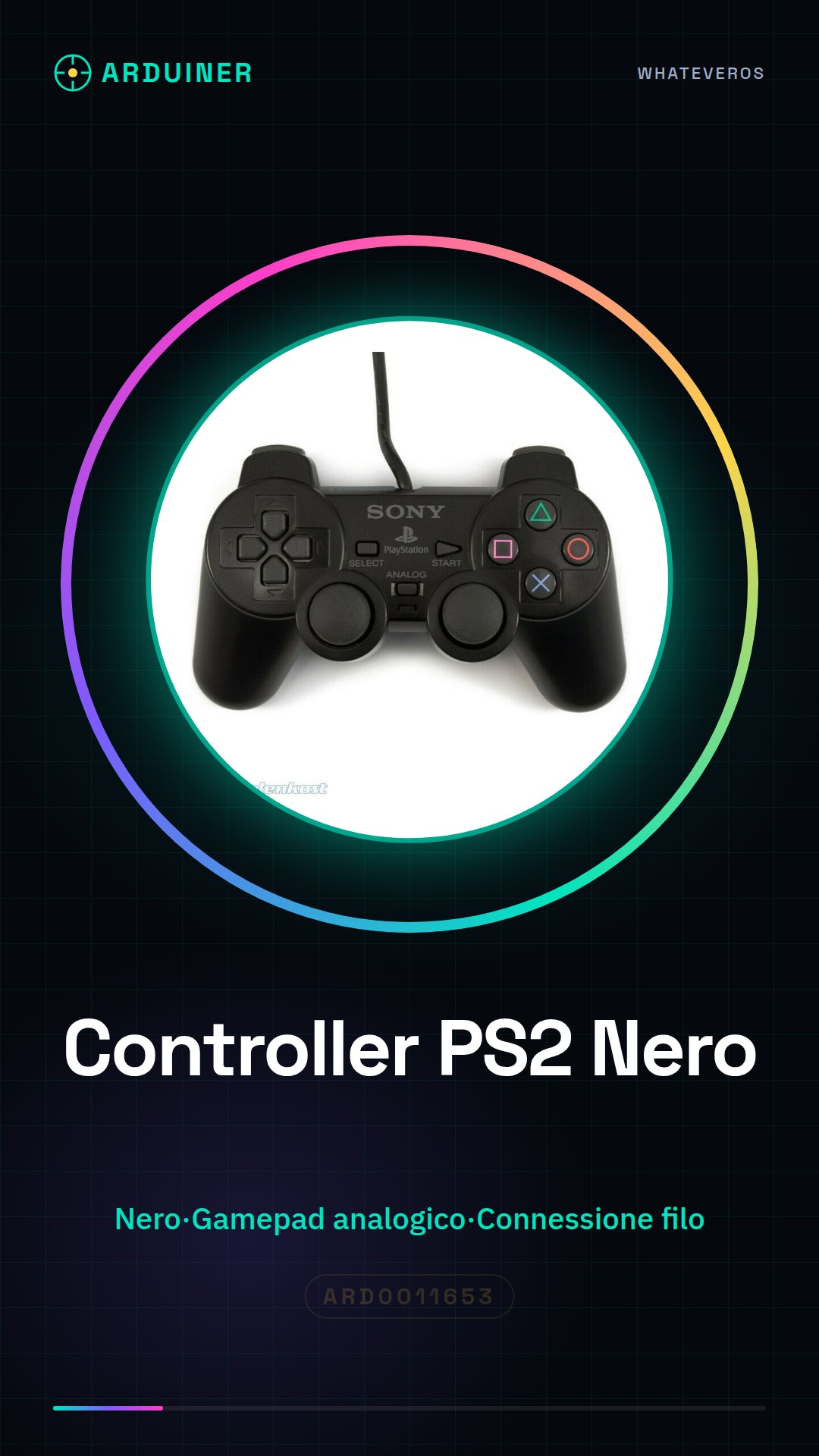
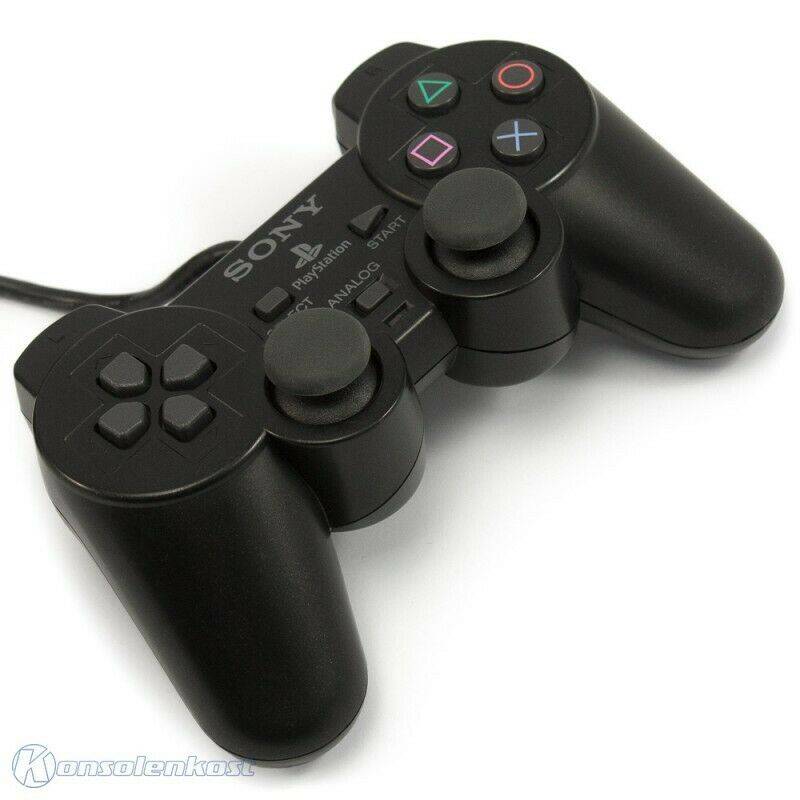
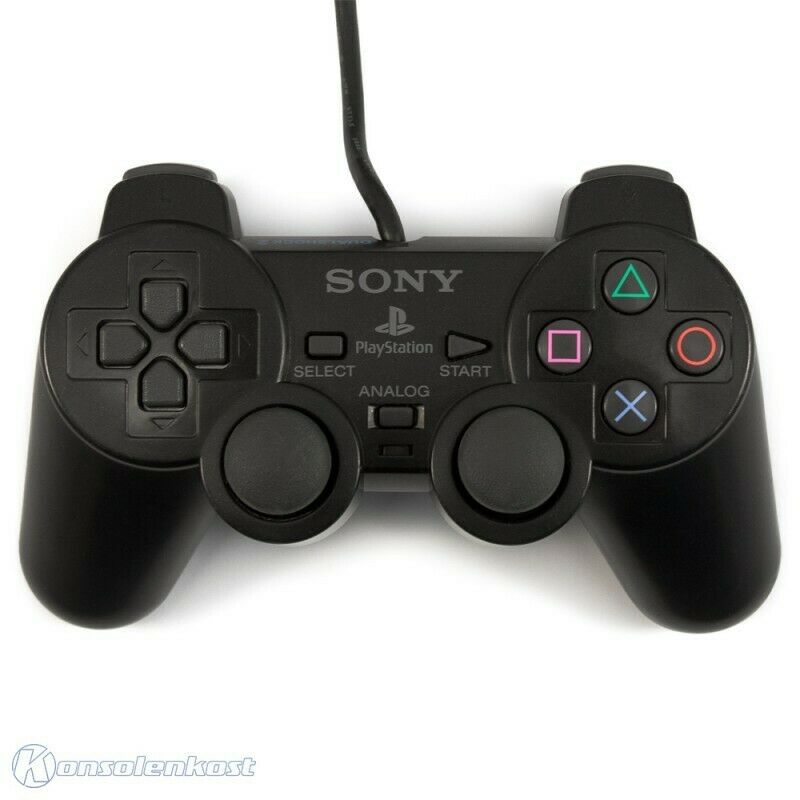
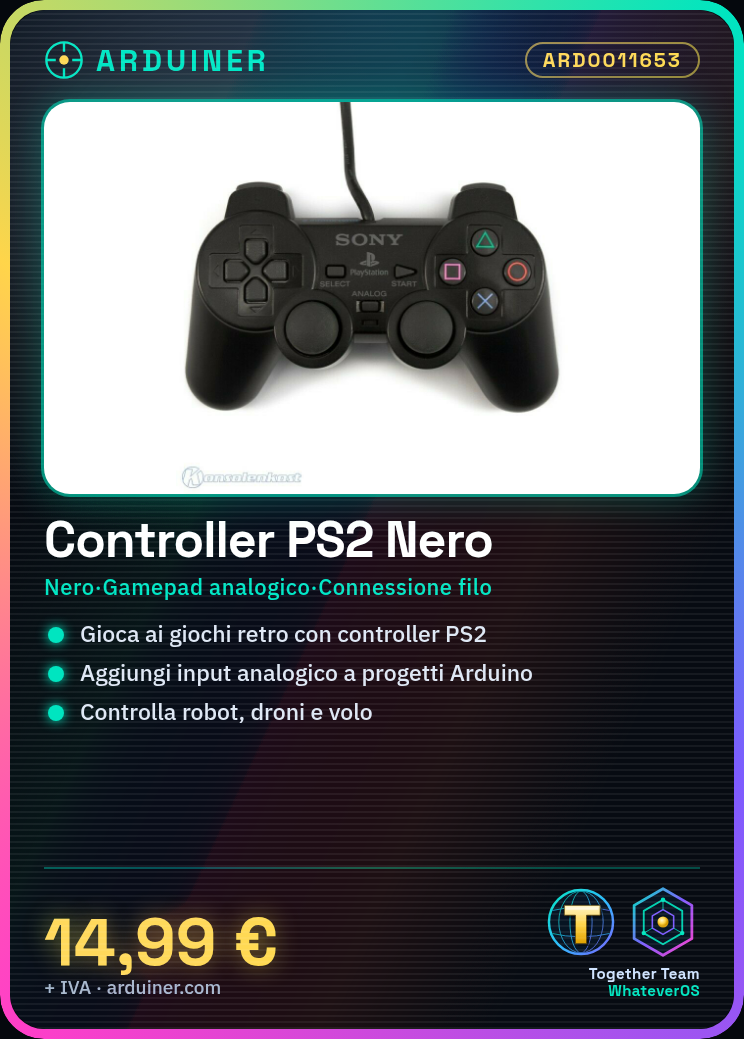
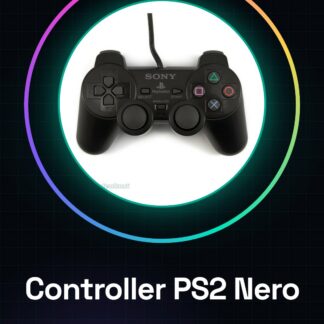
Black PlayStation 2 Controller Analog Gamepad with cable. A classic console gamepad now reusable for electronic projects.
Features
- Color: Black
- Type: Analog Gamepad
- Connection: with cable
What it is for
Great for retro games and modding projects on Arduino or Raspberry Pi. You can use it to add analog and digital input to electronic projects such as robots, drones, or flight simulations. Configure the buttons and analog joysticks axes to perform specific actions in the code.
Tutorial: How to use Black PlayStation 2 Controller
The PS2 controller is an excellent choice for anyone who wants to add analog and digital input to projects based on Arduino or Raspberry Pi. Ideal for games, flight simulations, or any application that requires precise user input.
What you need
- Computers with Windows, Mac OS, or Linux operating systems
- USB cable (not included)
- PS2 drivers (if necessary)
Steps
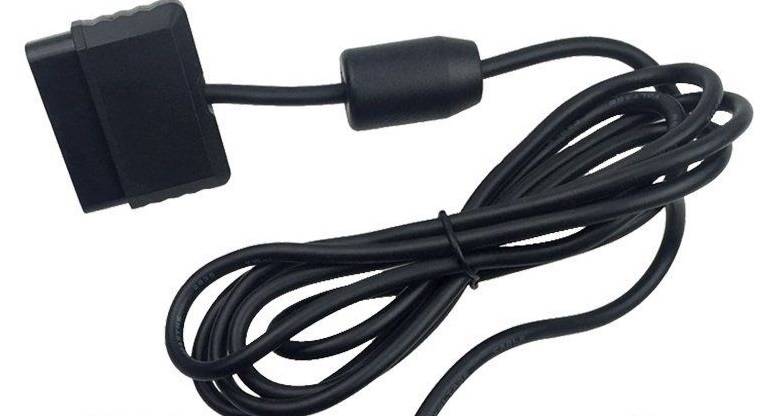
- Connect the PlayStation 2 controller to the computer via a USB to PS/2 adapter or PS/2 cable
- Check that the device drivers are installed correctly
- Open the development console (e.g., Arduino IDE, Pygame) and verify the installation of the necessary packages to manage the PS2 controller
- Write a simple sketch or script to read data from the controller
- Test the controller’s features within the sketch/script
Example code
// Esempio di codice Python per Pygame
import pygame
pygame.init()
joystick = pygame.joystick.Joystick(0)
joystick.init()
while True:
    for event in pygame.event.get():
        if event.type == pygame.JOYBUTTONDOWN:
            print('Tasto premuto')
Mini project
Create a control system for a robot or drone using the PS2 controller as the primary user interface. Configure the buttons and analog joysticks to perform specific actions in the code.
Common mistakes
- The controller is not recognized by the computer
- The drivers are not installed correctly
- The controller inputs are not read as expected
Recommended accessories
- USB to PS/2 adapter
- PS/2 cable
- Arduino prototyping kit
- Joystick management library (e.g., pygame)
Frequently asked questions
Does the PS2 controller work with Arduino?
Yes, but it requires a USB to PS/2 adapter and additional software.
Where can I find the PS2 controller drivers?
Drivers can be downloaded from the official website or installed automatically through libraries like pygame.

Reviews
There are no reviews yet.