 EN
 IT Italiano
 ES Español
 FR Français
 DE Deutsch
Description
What it is
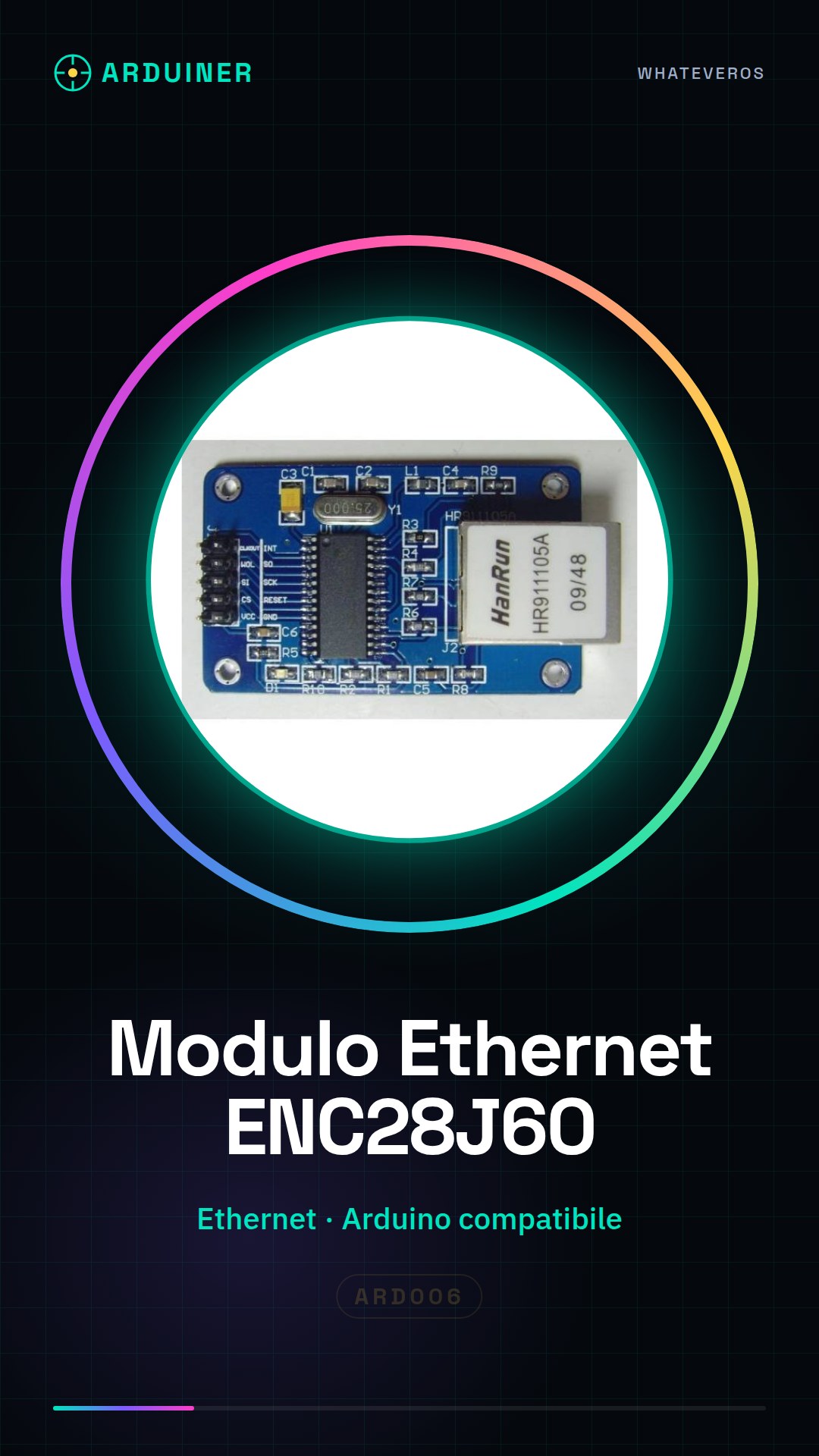
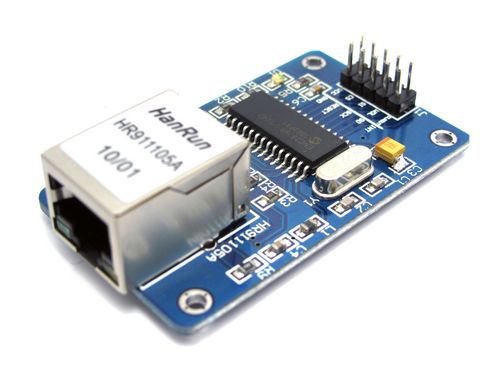
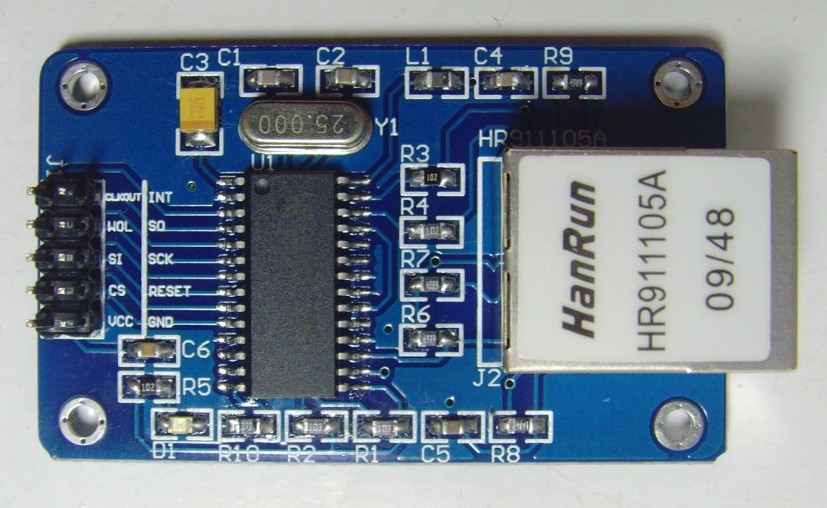
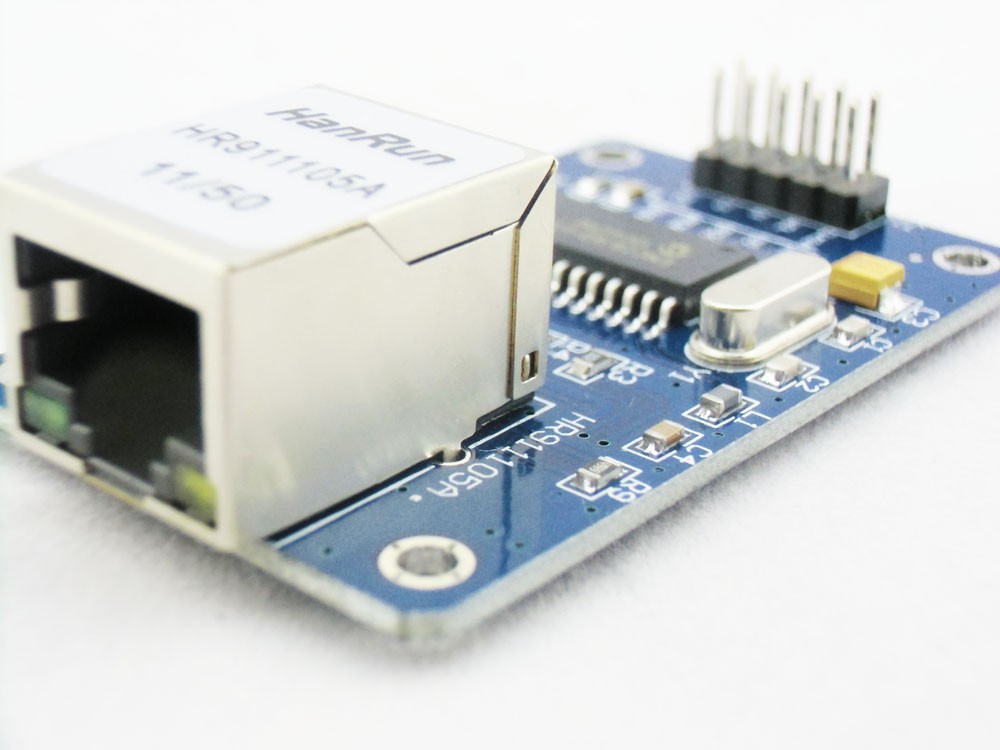
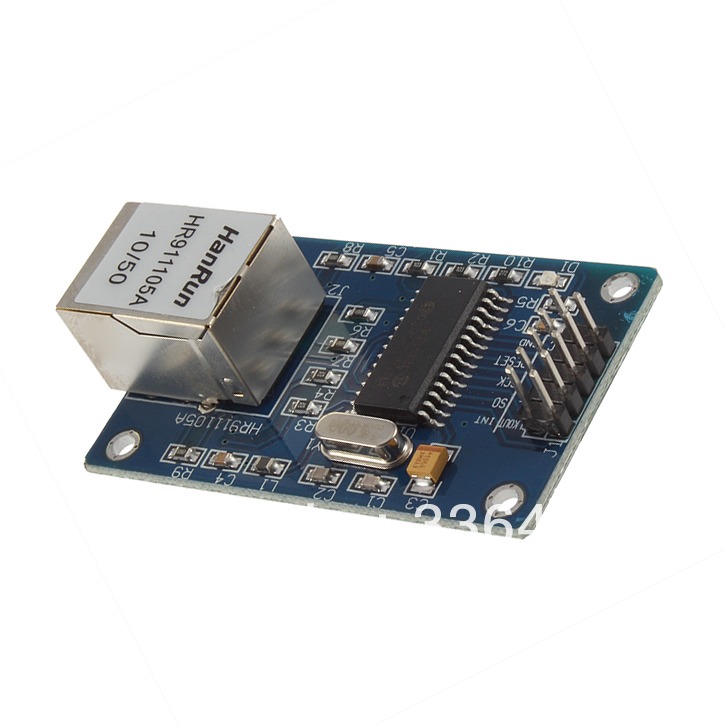
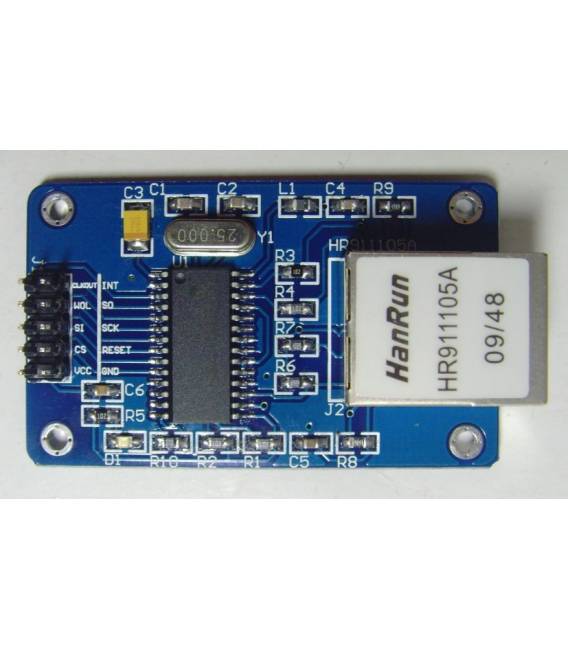
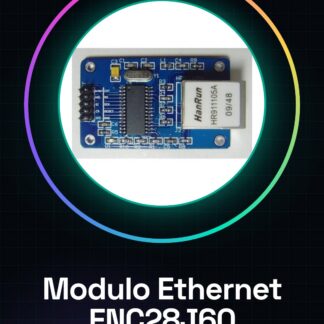
The ENC28J60 module is a component that allows adding Ethernet connectivity to projects based on Arduino, 51 microcontrollers, STM32, and LPC.
Features
- Ethernet Connectivity
- Compatible with Arduino, 51 microcontrollers, STM32, and LPC
- SKU: ARD006
- Price: 6.79 €
What it is for
The ENC28J60 module is ideal for creating electronic and IoT projects that require an Internet connection. For example, you can create a network-connected temperature sensor that sends data to an online platform like ThingSpeak.
Tutorial: How to Use ENC28J60 Ethernet Module
The ENC28J60 module is an essential component for adding Ethernet connectivity to projects based on Arduino, 51 microcontrollers, STM32, and LPC. Ideal for beginners and makers who want to create network-connected smart devices.
What you need
- Arduino or compatible microcontroller
- USB cable
- Computer with Arduino IDE installed
Steps
- Connect the ENC28J60 module to pin 10 of Arduino for enable and to the data pins defined in the datasheet.
- Connect the Ethernet connectors of the module to the local network infrastructure.
- Install the EtherCard library through the Arduino IDE library manager.
- Load the example sketch provided by the library to test the communication.
- Verify the operation by checking the serial output that confirms the Ethernet connectivity.
Example code
/*
#include <EtherCard.h>
pinmode(10, OUTPUT);
byte mac[] = { 0x74, 0x69, 0x69, 0x2D, 0x30, 0x31 };
// verifica l'indirizzo IP nel datasheet
byte ip[] = { 192, 168, 1, 177 };
void setup() {
    if (ether.begin(mac) == 0)
        Serial.println(F("Failed to configure Ethernet using DHCP"));
}
void loop(){
}
*/
Mini project
Create a temperature sensor connected to the network that sends data to an online platform like ThingSpeak.
Common mistakes
- Ensure that the library is correctly installed.
- Check the physical connection between Arduino and the ENC28J60 module.
- Check the IP address configured in the code.
- Resolve any Ethernet connectivity issues.
Recommended accessories
- Arduino Uno
- Temperature sensors
- ESP8266 Wi-Fi Module (for comparative projects)
- 16×2 LCD to display data locally
Frequently asked questions
How can I configure the IP address?
Check the datasheet of the ENC28J60 module and modify the sketch with the correct IP address.
What is the maximum transfer speed?
Check the datasheet for specific details on the Ethernet speed.
Reviews
There are no reviews yet.