 EN
 IT Italiano
 ES Español
 FR Français
 DE Deutsch
Description
What it is
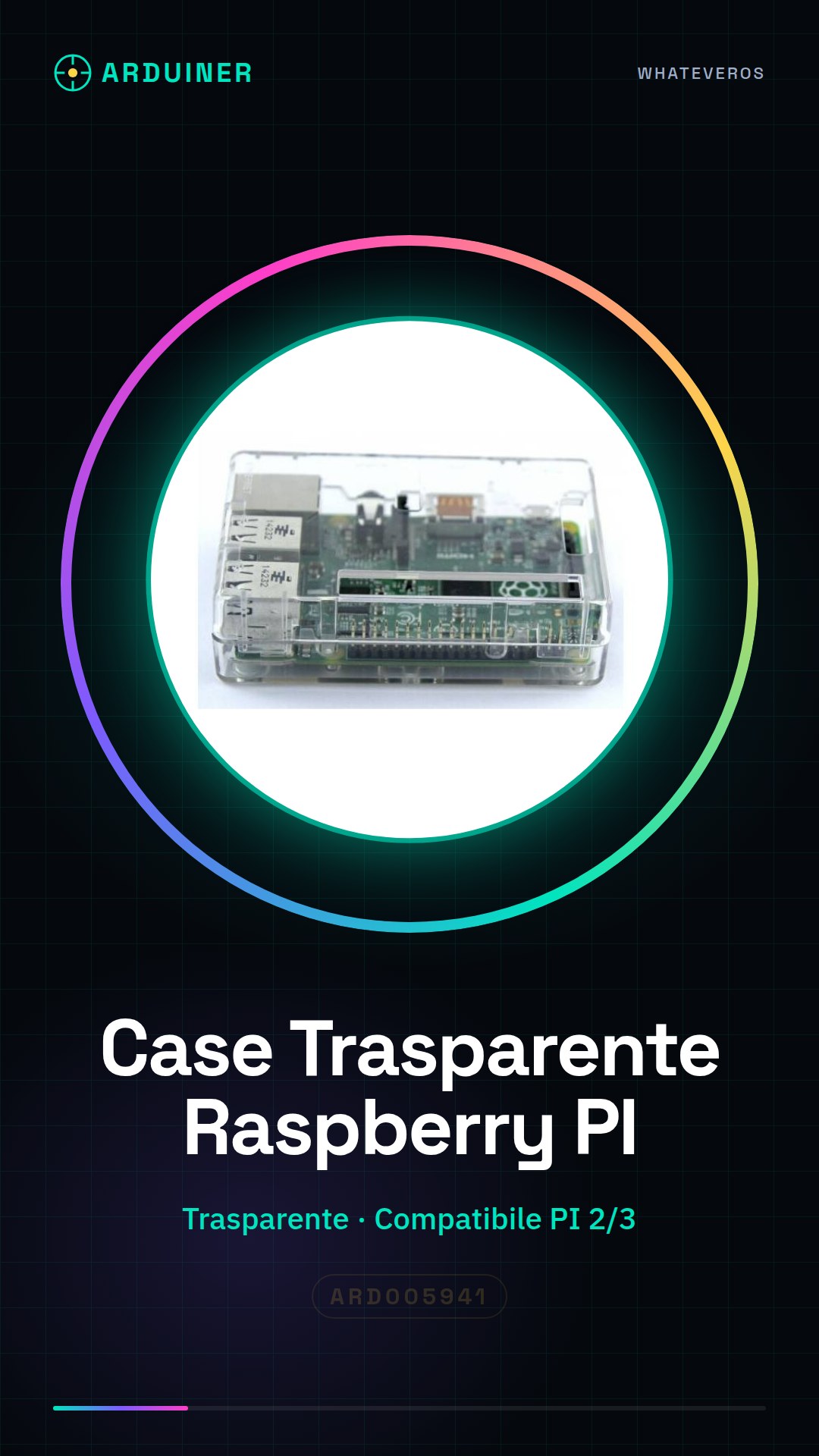
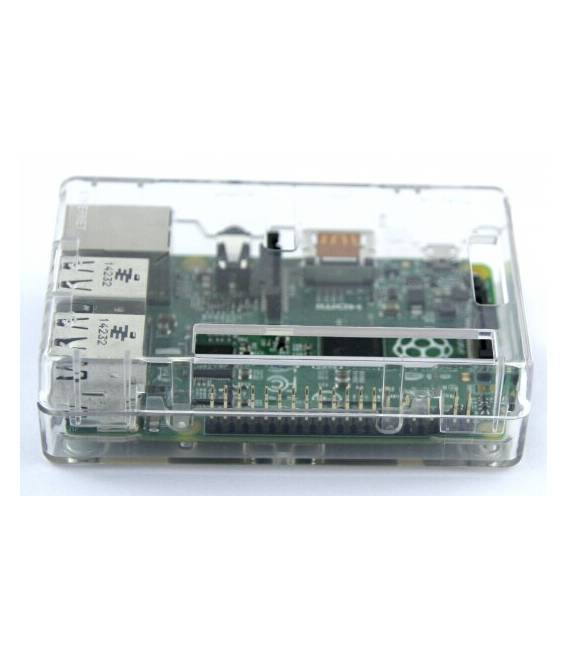
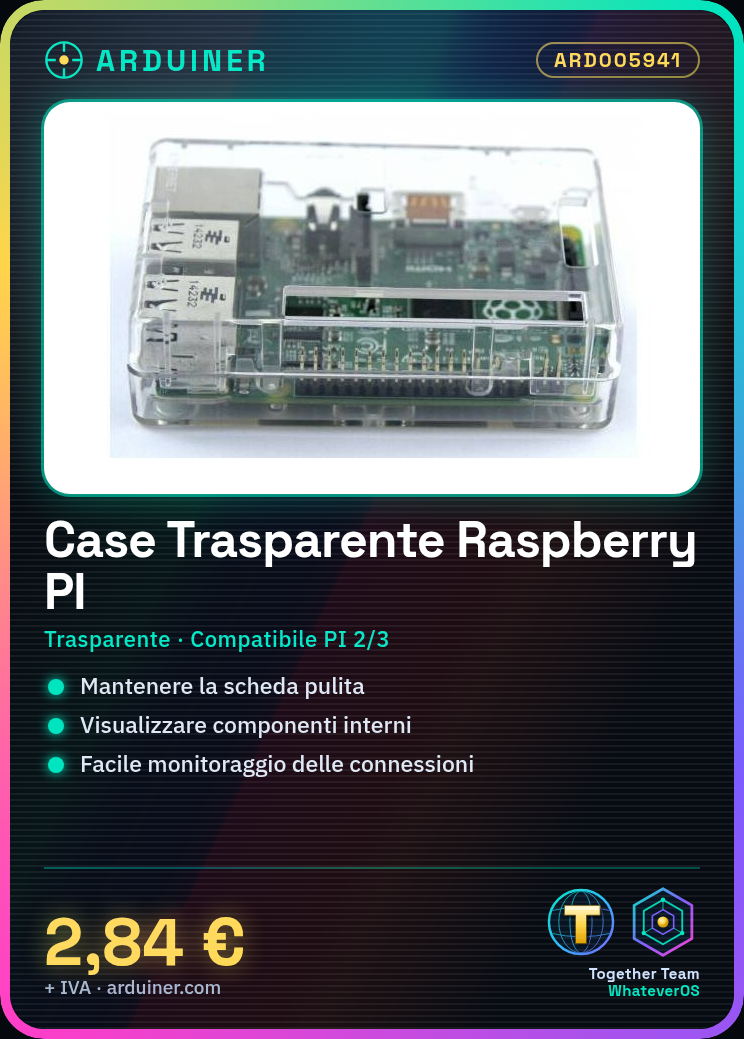
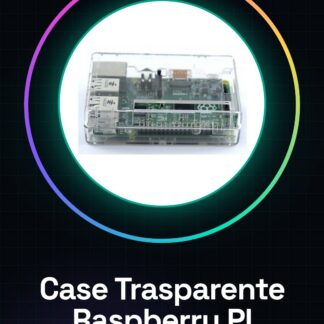
The Clear Case for Raspberry PI 2 / PI 3 is a protective and visible housing specifically designed for Raspberry PI 2 or 3 boards. This clear case keeps the board clean and visually appealing, making it easy to monitor connections and internal components.
Features
- Compatible with Raspberry PI 2 / PI 3
- Transparent material for a clear view of the board
What it is for
Ideally suited for visualization or display projects where transparency is an important factor. It can be used in applications such as digital clocks, interactive dashboards, and other devices that require a visual presentation of the Raspberry PI board.
Tutorial: How to use Clear Case for Raspberry PI 2 / PI 3
This clear case protects the Raspberry PI 2 or 3, keeping it clean and visible. Ideal for visualization or display projects.
What you need
- Clear Case for Raspberry PI 2 / PI 3
- Raspberry PI 2 or 3
- Power Supply Setup
- Monitor or HDMI Screen
Steps
- 1. Ensure the Raspberry PI 2 or 3 is turned off.
- 2. Remove any connected cables or peripherals from the Raspberry PI.
- 3. Prepare the clear case, make sure it is clean.
- 4. Insert the Raspberry PI 2 or 3 into the center of the case.
- 5. Connect the USB power cable to the Raspberry PI and feed it through the case hole.
- 6. Connect the screen or HDMI monitor to the Raspberry PI.
- 7. Close the clear case.
- 8. Power on the Raspberry PI and check connectivity.
Mini project
Create a real-time display. Connect a color screen display to the Raspberry PI and display the current time.
Common mistakes
- Do not power on the Raspberry PI with the case open.
- Do not connect the USB power cable before inserting the Raspberry PI into the case.
- Do not forget to close the case.
- Check the datasheet to see if your color screen display supports HDMI.
Recommended accessories
- Color screen display HDMI
- HDMI cable
- USB power cable
- Power supply for Raspberry PI
Frequently asked questions
Can I use this case with Raspberry PI 4?
Check the datasheet to see if the case is compatible with Raspberry PI 4.
Does the case protect the Raspberry PI from heat?
The transparent case does not include ventilation. Check if Raspberry PI 2 or 3 requires a cooling system.
Can I use the case with Raspberry PI Zero?
Check compatibility on the datasheet. The case may not be suitable for Raspberry PI Zero.
Does the case have power switches?
The case does not include power switches. Connect the power directly to the Raspberry PI.
Reviews
There are no reviews yet.