 EN
 IT Italiano
 ES Español
 FR Français
 DE Deutsch
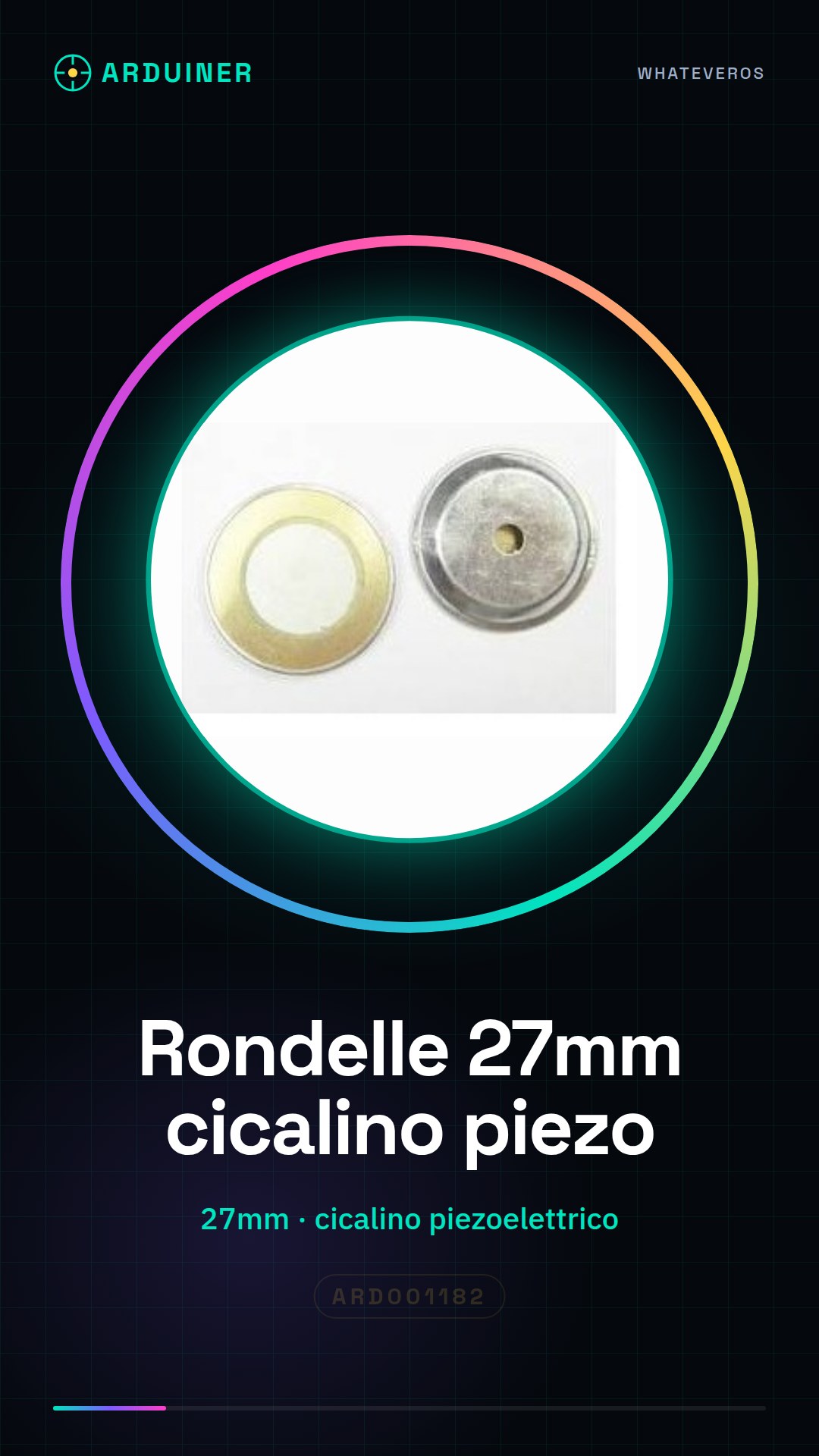
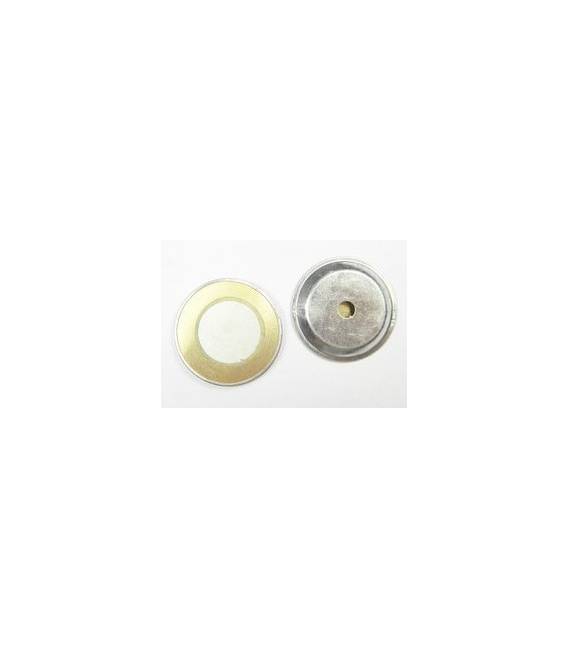
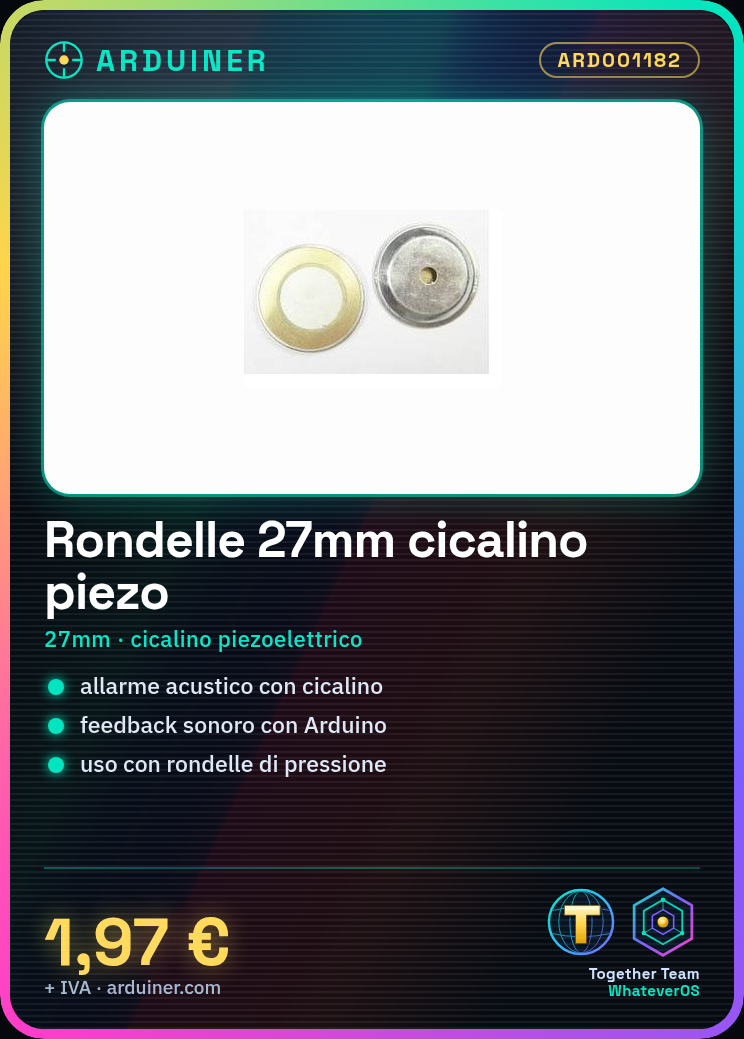
Description
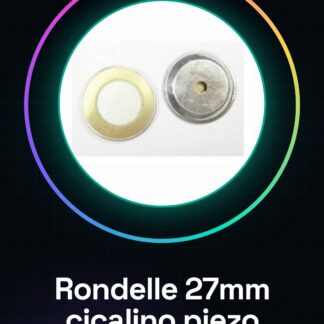
Diameter 2PCS 27MM, hydrocleaners, ceramic piezoelectric, piezoelectric buzzer, piezoelectric buzzer
Tutorial: How to use Piezoelectric Pressure Washers
Piezoelectric pressure washers are useful for creating acoustic alarms or sound signals in Arduino projects. Ideal for beginners and makers who want to add audio feedback to their devices.
What you need
- Arduino Uno
- USB Cable
- Jumpers
Steps
- Connect the piezoelectric buzzer between the digital output of the Arduino (for example, pin 9) and ground.
- Ensure that the washers are properly positioned around the buzzer to achieve a good connection.
- Download and upload the provided Arduino sketch.
- Test the project by pressing a button connected to another pin on the Arduino to activate the buzzer sound.
Example code
const int BUZZER_PIN = 9;

void setup() {
pinMode(BUZZER_PIN, OUTPUT);
}

void loop() {
tone(BUZZER_PIN, 1000); // Suona a 1 kHz
delay(500);
noTone(BUZZER_PIN);
delay(500);
}
Mini project
Create an acoustic alarm that sounds when a button connected to another pin on the Arduino is pressed.
Common mistakes
- Do not verify the correct position of the pressure washers.
- Use too high voltage for the piezo buzzer (check on the datasheet).
- Connect the buzzer end to ground without going through a digital pin of the Arduino.
Recommended accessories
- Tactil switch
- Pull-down resistor
- Arduino power cable
Frequently asked questions
How can I control the sound volume?
The piezo buzzer does not have direct volume control, but you can modify the frequency or use an external amplifier.
Can I connect multiple buzzers together?
Yes, by positioning the pressure washers correctly and ensuring that each buzzer is connected to a separate digital pin of the Arduino.
Reviews
There are no reviews yet.