 EN
EN IT Italiano
 ES Español
 FR Français
 DE Deutsch
Description
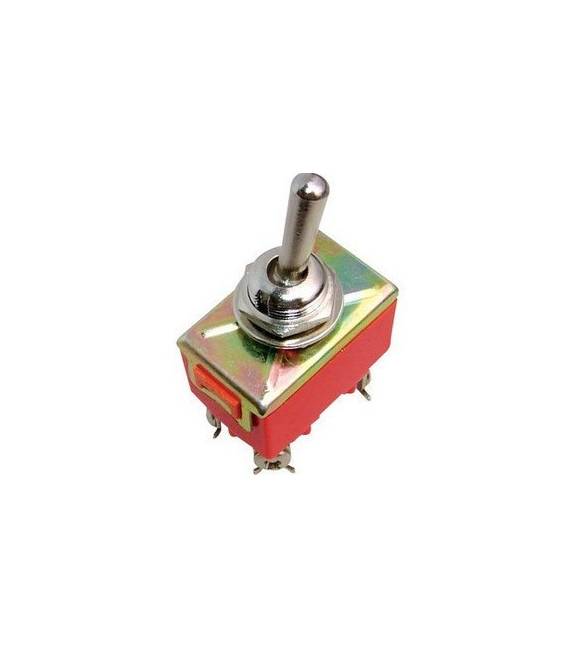
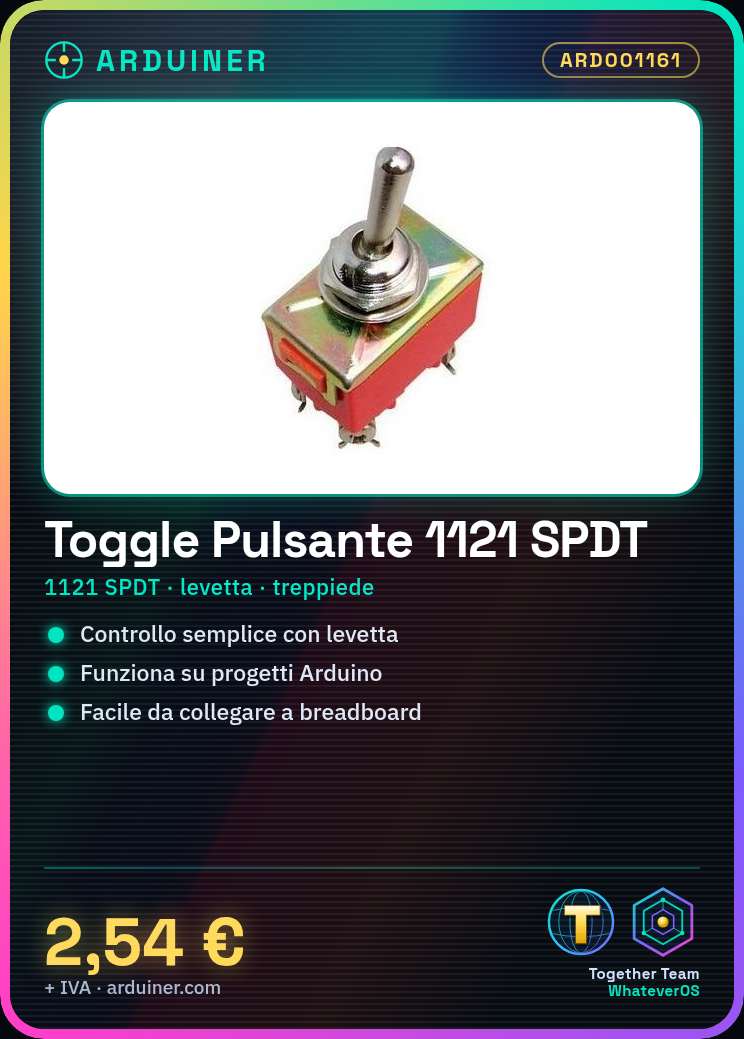
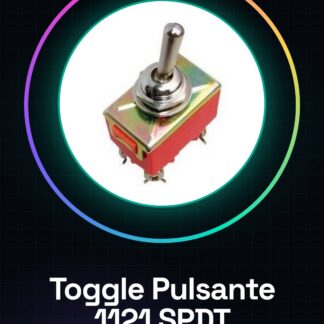
SPDT toggle switch, model 1121, ideal for Arduino projects, 3D printing, or drones. Follow these steps to connect the toggle switch to a breadboard: Position the switch with its contacts horizontally on two separate rows. Connect the switch legs to Arduino pins using jumper wires. For example, connect the central leg to a digital pin on Arduino (e.g., 2) and the other legs to ground. Write a simple sketch in Arduino to read the switch state: check if the button is pressed or released. Upload the sketch to the microcontroller and test the toggle switch function. Example code: const int interruptPin = 2; int buttonState; void setup() { pinMode(interruptPin, INPUT_PULLUP); Serial.begin(9600);} void loop() { buttonState = digitalRead(interruptPin); Serial.println(buttonState); delay(1000);} Mini-project: Create a lamp control system with the toggle switch: connect a resistor and an LED to a digital pin to turn the light on or off. Common errors: Not verifying if the pins are correctly configured in INPUT_PULLUP. Connecting the switch legs to the circuit without first testing on a breadboard. Using a high resistance for the LED, preventing proper illumination. Ignoring the use of a common ground for the switch contacts. Recommended accessories: LED resistors of various colors, jumper wires, breadboard.
Reviews
There are no reviews yet.