 EN
 IT Italiano
 ES Español
 FR Français
 DE Deutsch
Description
Tutorial: How to Use SN-48B Crimping Pliers
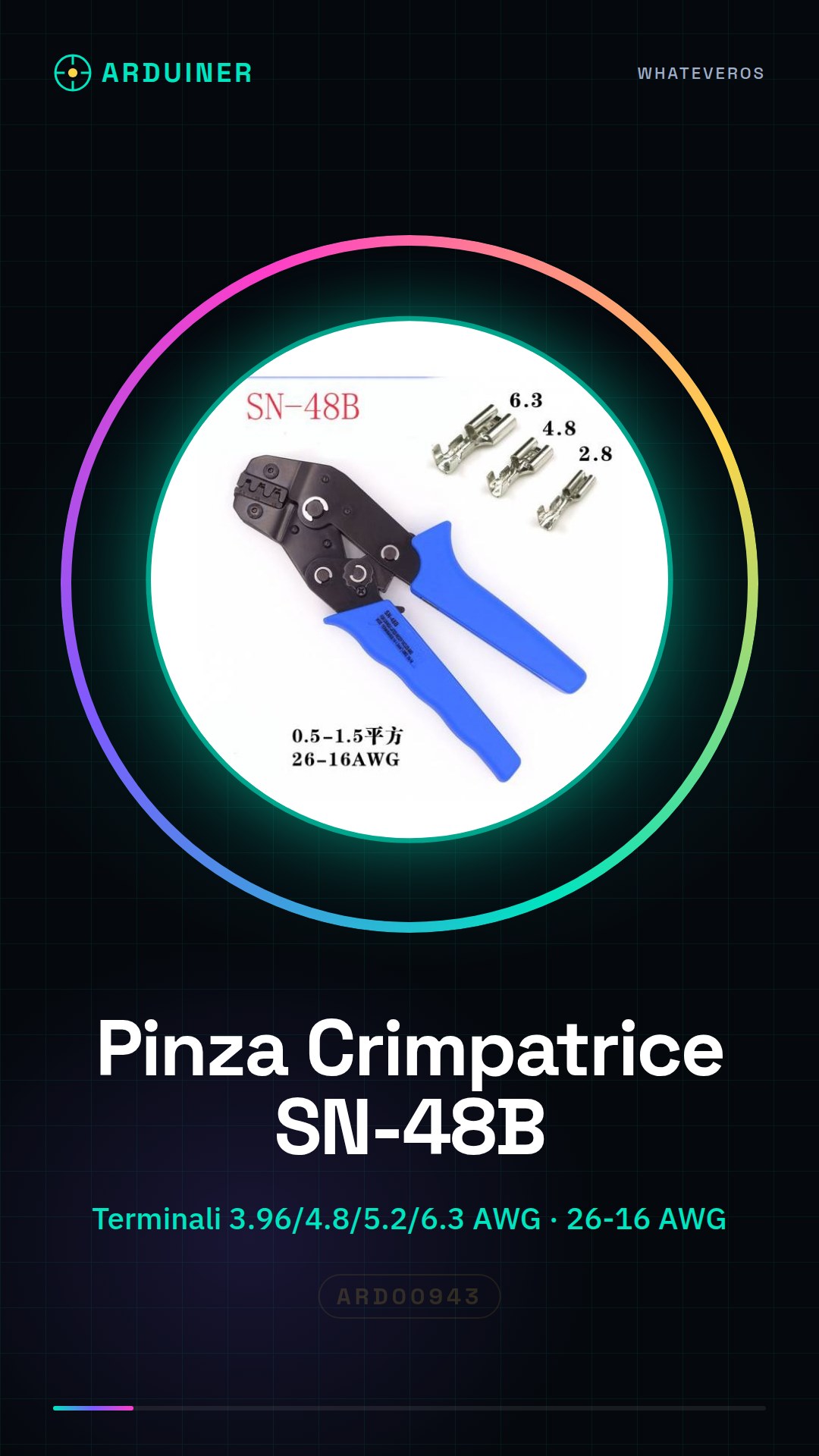
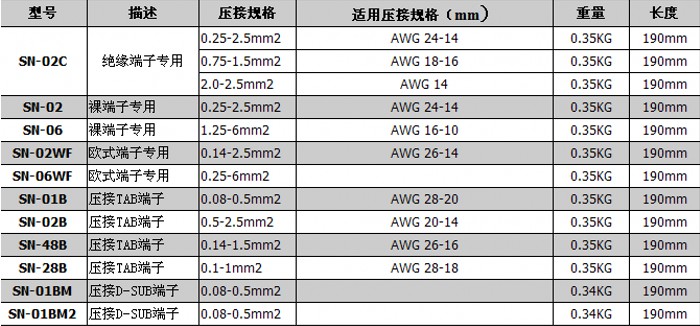
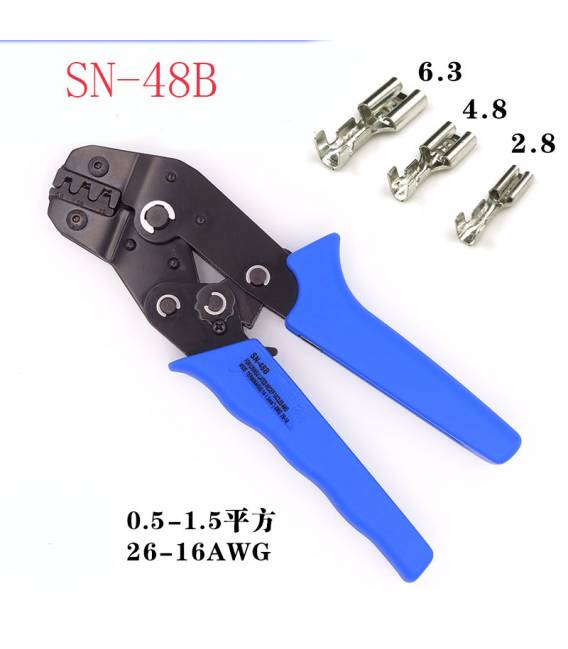
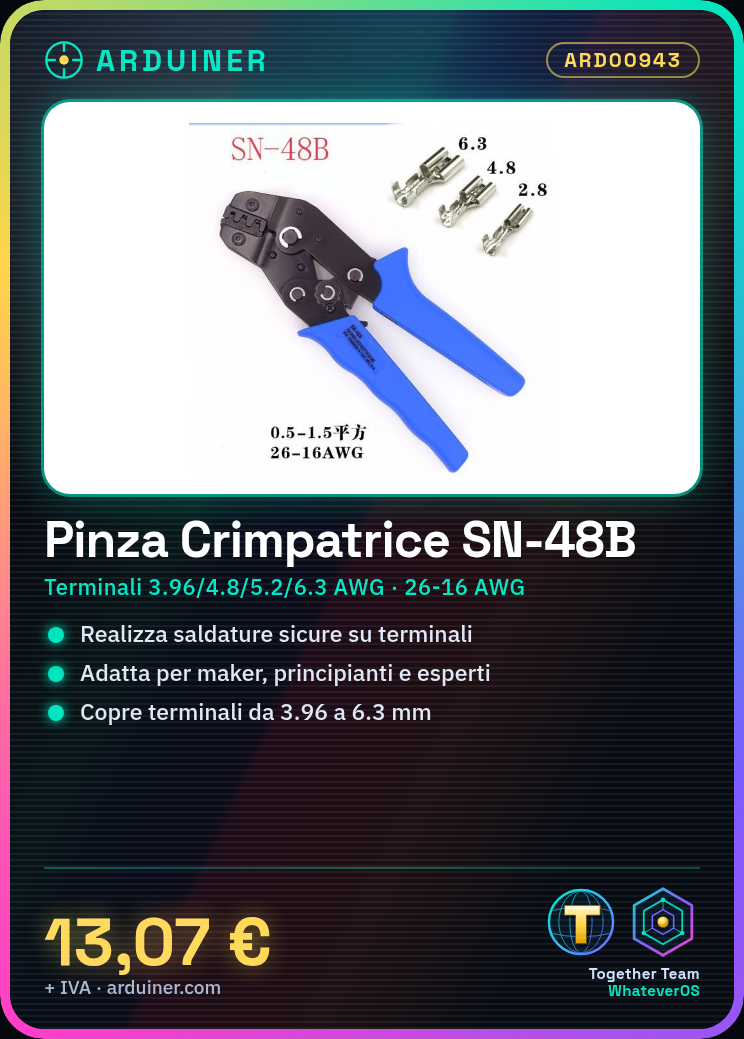
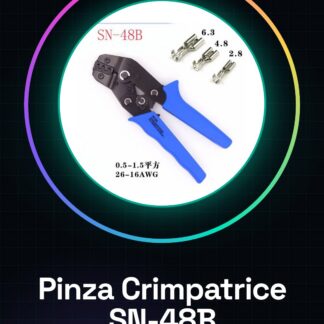
The SN-48B crimping pliers is an essential tool for makers working with electrical connectors. Ideal for both beginners and experts, it allows for secure solderless connections on terminals sized 3.96/4.8/5.2/6.3 AWG (from 26 to 16).
What you need
- SN-48B Crimping Pliers
- Cable to crimp
- Compatible terminals
Steps
- Check the datasheet for the dimensions of the terminals that the pliers can handle.
- Cut the cable by stripping the insulation to expose only the necessary filaments.
- Insert the terminal into the crimping pliers, ensuring it is positioned correctly relative to the internal guide of the pliers.
- Press the handle of the pliers firmly until you hear a click or feel the crimp is complete.
- Check that the terminal is properly crimped and soldered to the wire, examining the external appearance and looking for signs of overloading or poor crimping.
- If necessary, repeat steps 2-5 for additional terminals.
- Check the datasheet to see if a protective coating is required for the crimped terminals.
Mini project
Create a simple electrical control interface with a button and an LED, using the crimped terminals to connect them to an Arduino circuit.
Common mistakes
- Insert the terminal into the crimper incorrectly or off-center.
- Do not apply sufficient pressure during crimping, resulting in an insufficient solder joint.
- Trim too little or too much insulation from the wire before crimping.
Recommended accessories
- Electrical wire
- Terminals compatible with the SN-48B crimping pliers
- Tool for cutting insulated wires
- Protective kit for crimped terminals
Frequently asked questions
What wire gauges can I crimp with the SN-48B?
Check the datasheet for the specific wire dimensions between AWG26 and AWG16.
How do you know when the terminal has been crimped correctly?
The terminal should be securely attached to the wire without signs of overcrimping or undercrimping, and there may be a visible or tactile click.
Reviews
There are no reviews yet.