 EN
 IT Italiano
 ES Español
 FR Français
 DE Deutsch
Description
What it is
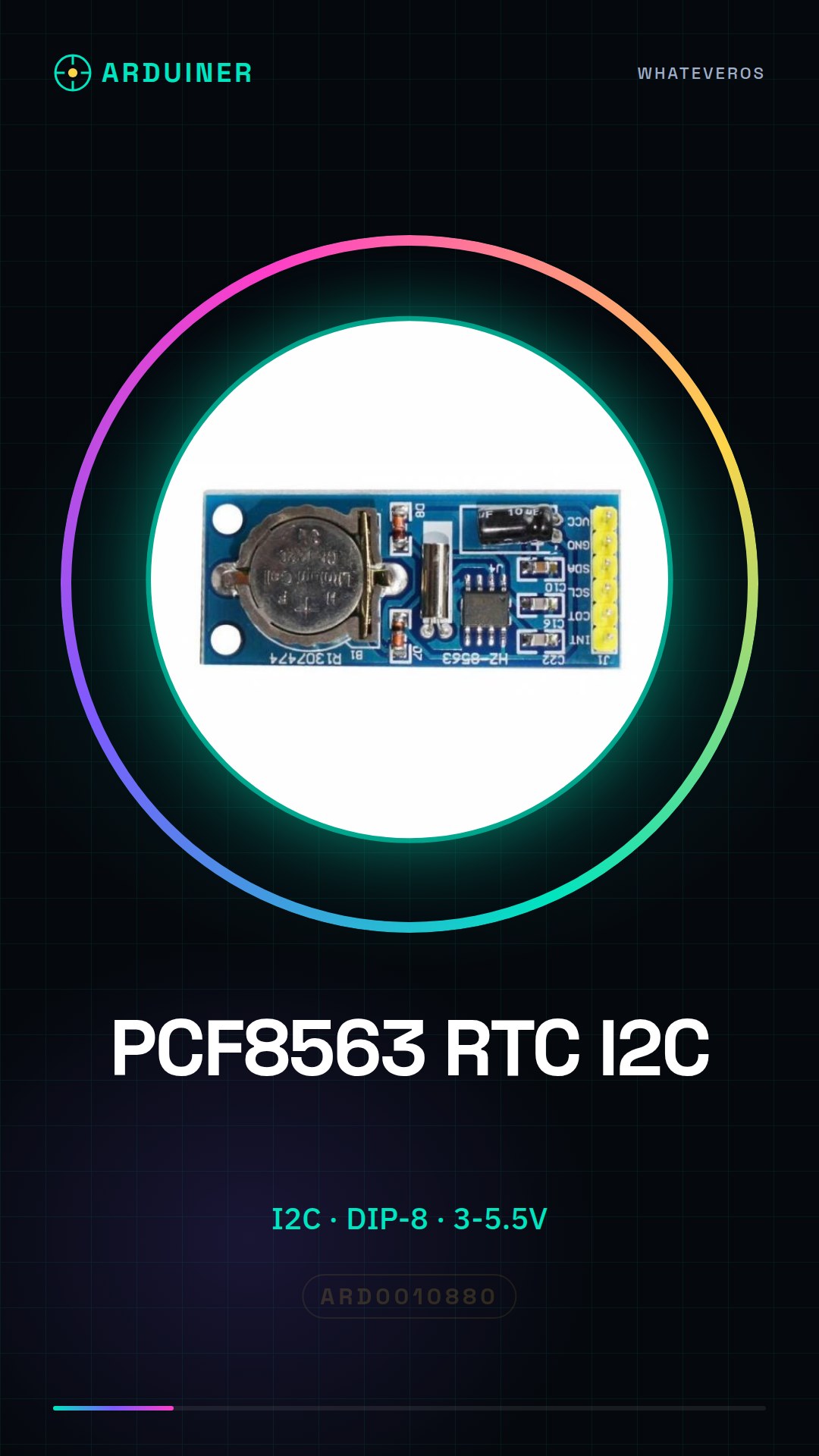
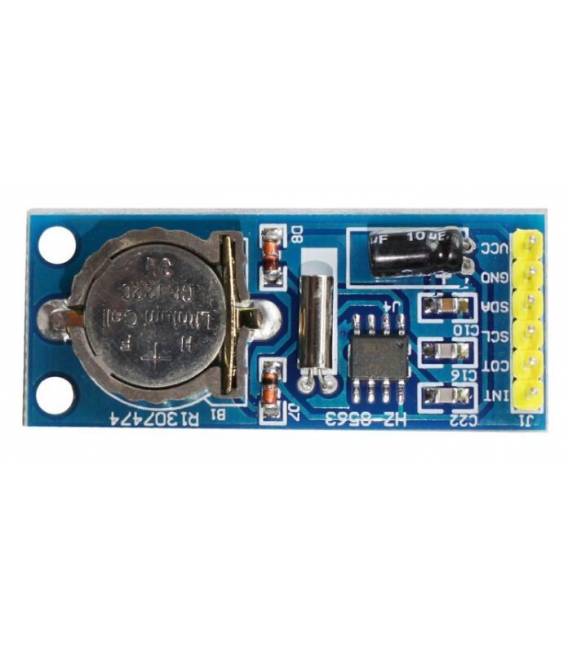
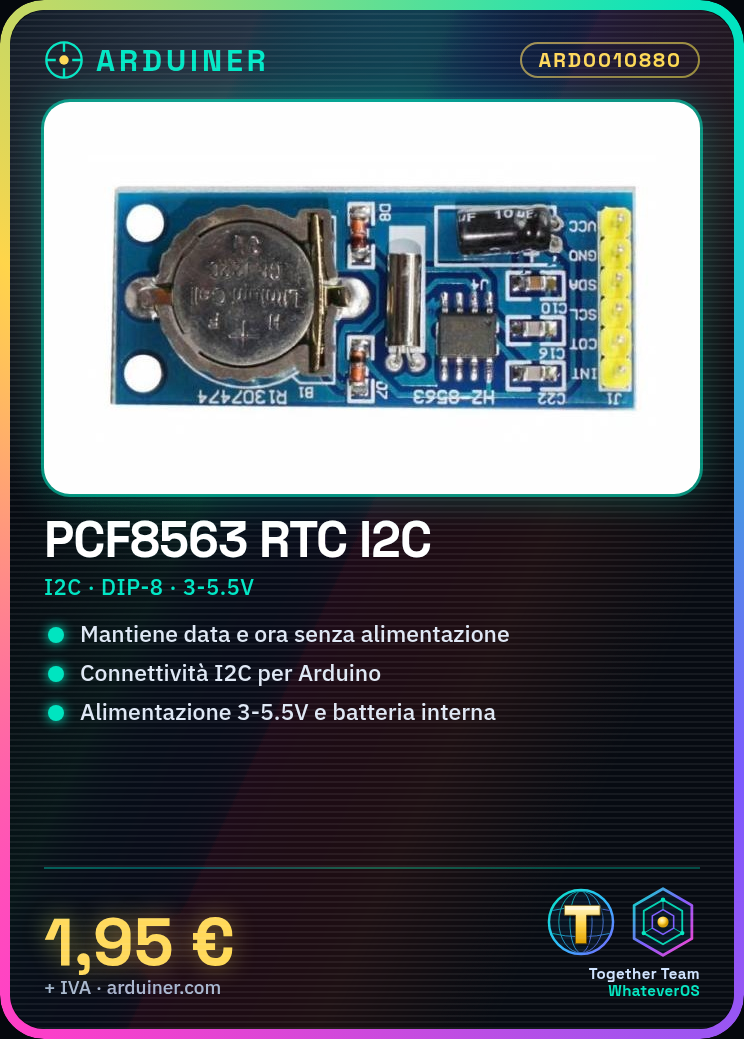
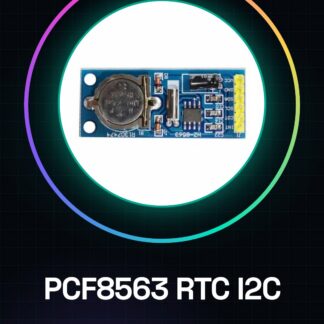
The PCF8563 is an IIC (Inter-Integrated Circuit) module for real-time clocks, designed to be used with Arduino and other microcontrollers. It allows the time and date to be maintained even when power is interrupted, thanks to an integrated battery.
Features
- I2C Communication
- Format: DIP-8
- Power Supply: 3-5.5V
- Operating Frequency: check datasheet
- Accuracy: check datasheet
- Integrated battery to maintain time in case of power interruption
What it is for
The PCF8563 module is ideal for Arduino projects that require a precise and reliable clock. It can be used to create digital clocks, timers, timing systems, event loggers, and much more. Its compatibility with Arduino makes it easy to integrate into a wide range of electronic projects.
Tutorial: How to use PCF8563
The PCF8563 is an RTC (Real Time Clock) module for Arduino that keeps track of time and date even when power is interrupted. Useful for projects requiring precise timing.
What you need
- Arduino
- I2C cable
- Pull-up resistor (10kΩ)
- PCF8563 module
- Optional battery
Steps
- 1. Installation: Download and install arduino-i2c-bench to test the module.
- 2. Connection: Connect VCC to 5V Arduino, GND to GND, SDA and SCL to pin 2 and 3 respectively.
- 3. Pull-up: Connect a pull-up resistor (10kΩ) between SDA and GND, between SCL and GND.
- 4. Load: Download the source code and load it onto your Arduino.
- 5. Test: Use i2c-bench to verify communication.
- 6. Configuration: Use i2c-bench to set the time and date.
- 7. Final Installation: Connect the module as described.
- 8. Test: Verify that the clock is functioning correctly.
Example code
```
#include <Wire.h>
#include <RTClib.h>

RTC_DS1307 rtc;

void setup() {
  Wire.begin();
  if (!rtc.begin()) {
    Serial.println("Failed to initialize the RTC!");
    while (1);
  }
}

void loop() {
  DateTime now = rtc.now();
  Serial.print(now.year(), DEC);
  Serial.print('/');
  Serial.print(now.month(), DEC);
  Serial.print('/');
  Serial.print(now.day(), DEC);
  Serial.print(' ');
  Serial.print(now.hour(), DEC);
  Serial.print(':');
  Serial.print(now.minute(), DEC);
  Serial.print(':');
  Serial.print(now.second(), DEC);
  Serial.println();
  delay(1000);
}
```
Mini project
Create a simple digital clock with Arduino and PCF8563. Connect the module to the 16×2 LCD display and display the time and date.
Common mistakes
- Omitting pull-up resistors can cause communication issues.
- Connecting SDA and SCL to non-I2C pins can cause errors.
- Do not upload the correct code for the RTC module.
- Forget to update the initial time and date.
Recommended accessories
- 16×2 LCD Display
- CR2032 Battery
- Arduino Uno
- Jumper Wire
Frequently asked questions
Does the module work with Arduino Uno?
Yes, it works with Arduino Uno.
Is it necessary to connect a battery?
No, but a CR2032 battery is recommended to keep the clock running in case of power disconnection.
Can I use another type of RTC?
Yes, but make sure it is compatible with I2C.
Reviews
There are no reviews yet.