 EN
 IT Italiano
 ES Español
 FR Français
 DE Deutsch
Description
What it is
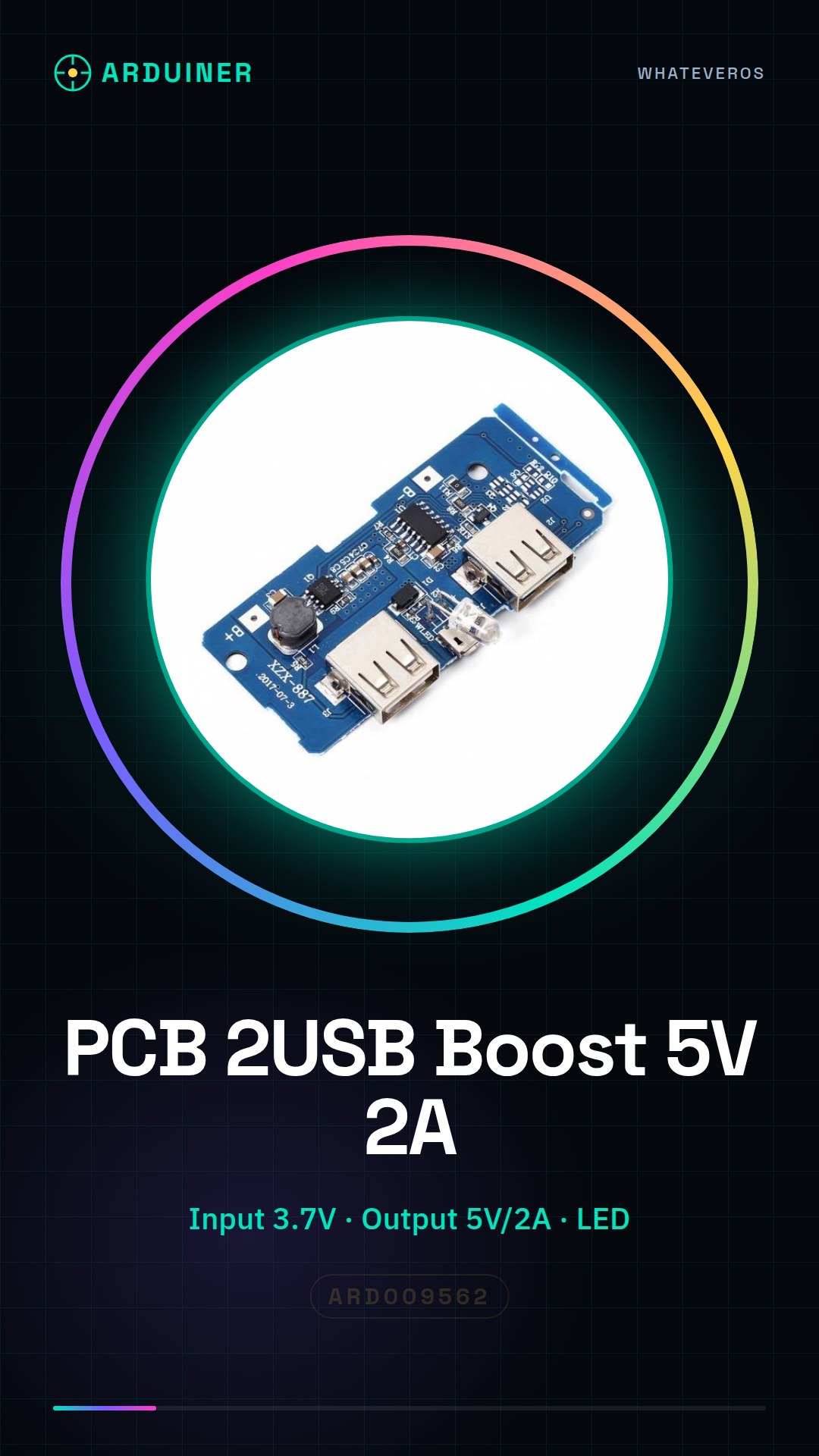
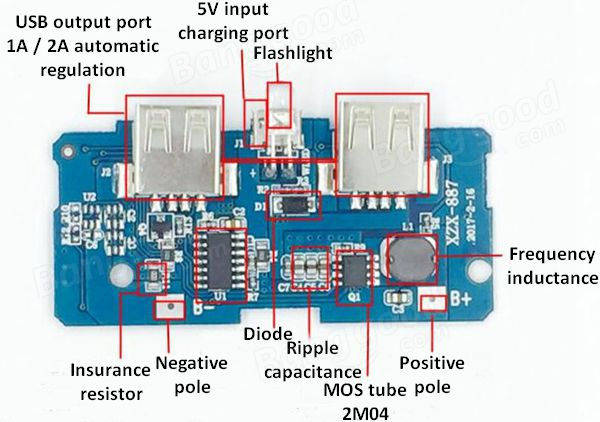
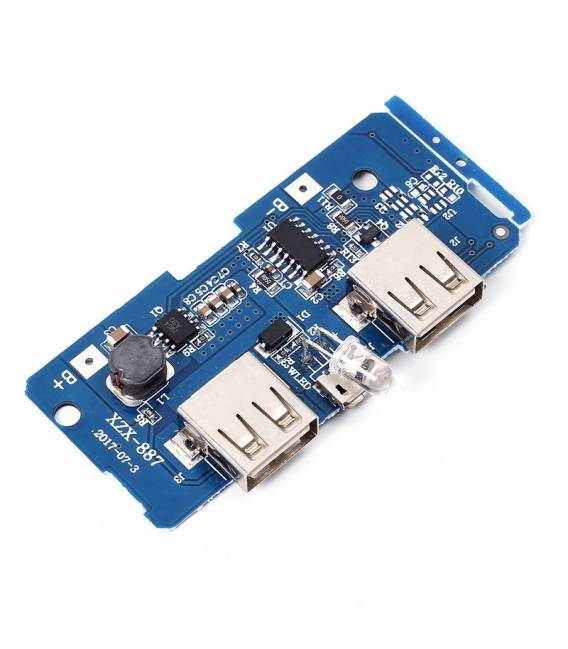
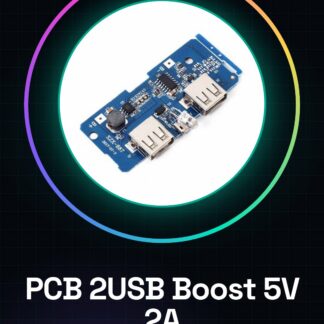
The PCB with 2 USB and Charge Level Indicator LED for Power Bank is a printed circuit board designed to convert 3.7V battery power (such as LiPo or Li-ion) to a 5V/2A USB output, providing protection and charge monitoring.
Features
- Input Voltage: 3.7V
- USB Outputs: 5V/2A
- Charge Level Indicator LED
- Maximum Output Power: check datasheet
What it is for
It is used to create a custom power bank with a 5V/2A USB power supply. It is suitable for portable projects that require a stable and safe power source.
Tutorial: How to use USB Boost 5V PCB
This PCB is ideal for anyone who wants to create a custom power bank with 3.7V battery power, such as a LiPo or Li-ion battery. With its ability to provide 5V/2A USB outputs and a visible LED indicator, it is perfect for portable projects.
What you need
- USB Boost 5V PCB
- 3.7V Battery (e.g., LiPo)
- JST-XH Cable
- Arduino Uno or similar
Steps
- Connect the 3.7V battery to the PCB using a JST-XH cable.
- Check that the LED indicator is on, confirming that the PCB is powered correctly.
- If you want to monitor the battery charge status, connect an Arduino serial port to the PCB and send commands to read the data.
- Connect a USB device (e.g., smartphone) to the first USB output of the PCB.
- Check that the device is charging correctly.
- If necessary, connect a second USB device to the second output.
- Monitor the LED indicator to ensure that the battery charge is sufficient.
- If needed, use the provided Arduino script to adjust the power flow.
Example code
// Script Arduino per monitoraggio del PCB USB Boost
void setup() {
  Serial.begin(9600);
}

void loop() {
  // Inserire qui i comandi specifici per leggere lo stato della batteria e dell'alimentazione.
}
Mini project
Create a portable power bank with a 5V/2A USB power supply. Connect the PCB to a LiPo battery, add two USB outputs, and monitor the LED indicator to check the battery charge.
Common mistakes
- Do not check if the LED indicator is on after connecting the battery.
- Connect a USB device with a current draw higher than 2A.
- Omit monitoring the battery charge status while using the power bank.
- Do not use an appropriate JST-XH cable to connect the battery to the PCB.
Recommended accessories
- 3.7V LiPo Battery
- JST-XH Cable
- Arduino Uno
- Additional LED Indicators
Frequently asked questions
Does the PCB support more than two USB outputs?
No, the PCB is designed to provide a maximum of two USB outputs.
What protection is built into the PCB?
It incorporates protections such as overcharge and short circuit to ensure the safety of the connected device.
How can I monitor the battery charge status?
By connecting an Arduino to the serial port of the PCB, it is possible to send specific commands to read the charge level.
Reviews
There are no reviews yet.