 EN
 IT Italiano
 ES Español
 FR Français
 DE Deutsch
Description
What it is
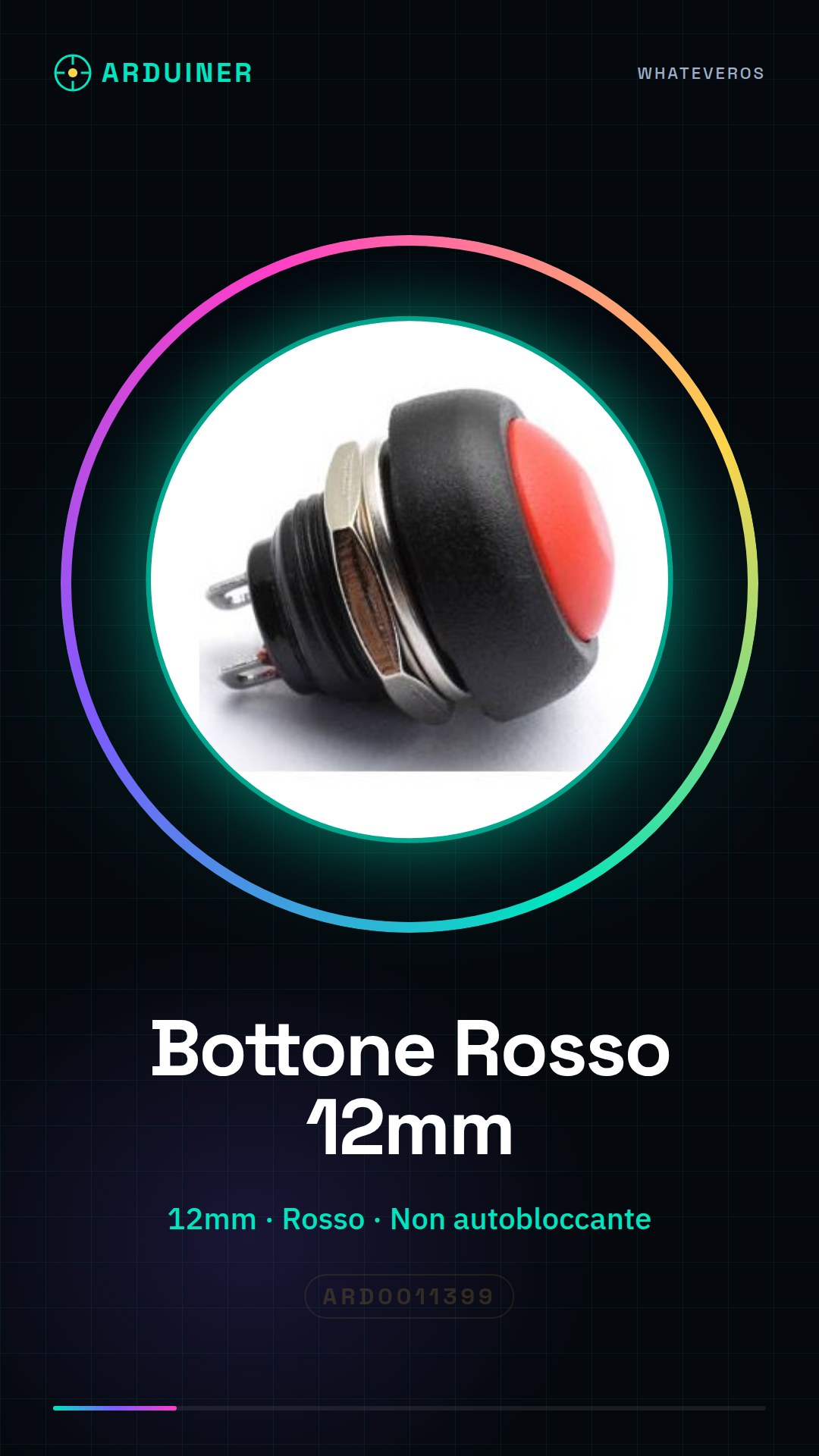
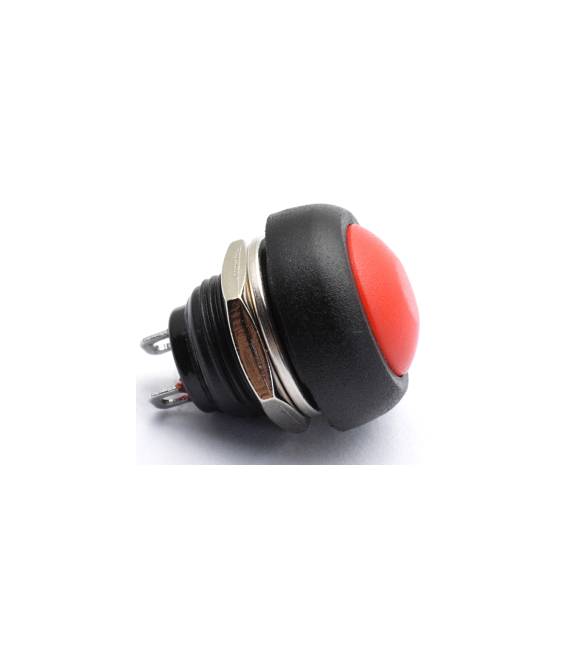
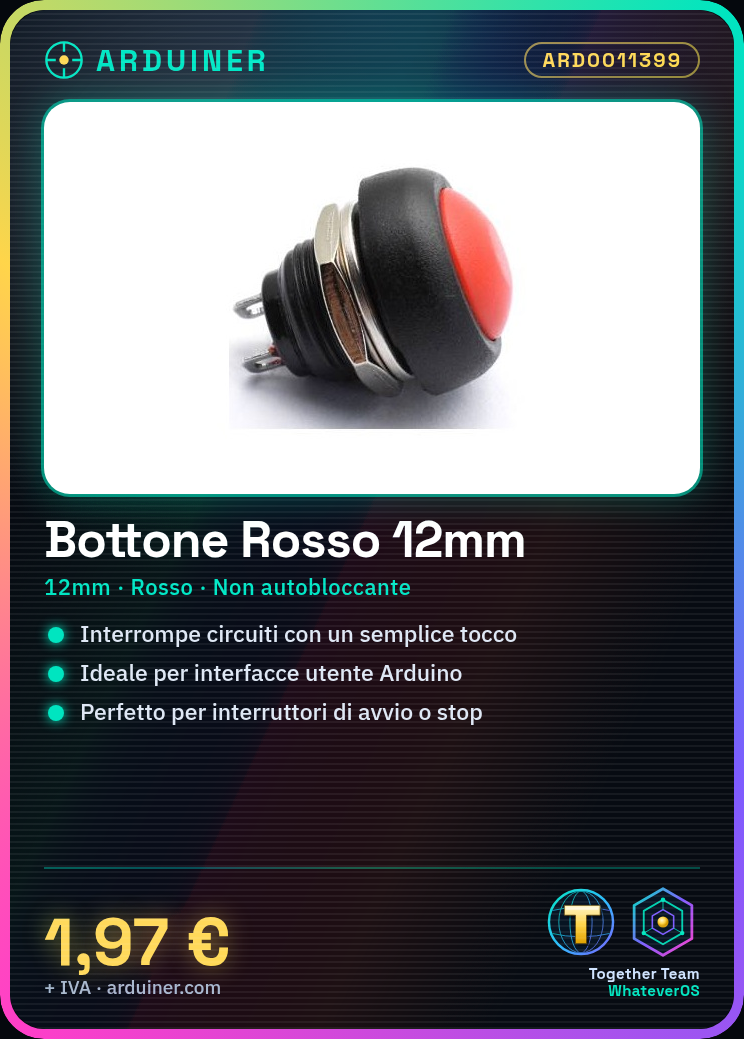
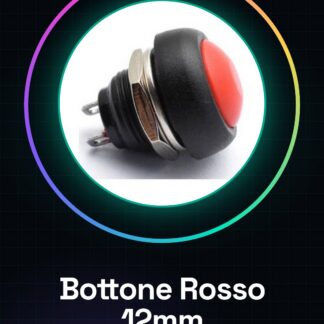
The PBS-33B is a red button measuring 12mm. It is not a self-locking switch.
Features
- Dimensions: 12mm
- Color: Red
- Type: Non-locking
- SKU: ARD0011399
- Price: 1.97 €
What it is for
The button can be used to interrupt circuits and create simple user interfaces in Arduino projects. It is ideal for beginners and can be used in various devices as start or stop switches.
Tutorial: How to Use Red Button PBS-33B
The red button PBS-33B is a simple and versatile component used to activate specific functions in Arduino projects. Ideal for beginners, this button can be used in various devices as start or stop switches.
What you need
- Arduino
- jumper cable
- power supply
Steps
- Step 1: Connect the button to an Arduino digital pin using a jumper cable. Check the button polarity on the datasheet if necessary.
- Step 2: Write an Arduino sketch to read the state of the button and display the output on an LED connected to another digital pin.
- Step 3: Upload the code to the Arduino.
- Step 4: Test the connection by pressing the button. The LED should turn on or off based on your sketch configuration.
Example code
const int bottonePin = 2; // Collega il bottone a questo pin
const int ledPin = 13;
int statoBottone = 0;
void setup() {
pinMode(bottonePin, INPUT);
pinMode(ledPin, OUTPUT);}
void loop() {
statoBottone = digitalRead(bottonePin);
if (statoBottone == HIGH) {
digitalWrite(ledPin, HIGH);} else {
digitalWrite(ledPin, LOW);}}
Mini project
Create a start switch for a slide projector. Connect the button to a digital pin on the Arduino and an LED as an indicator.
Common mistakes
- Connecting the button to the wrong pin
- Not checking the state of the button in the Arduino code
Recommended accessories
- LED
- 220Ω resistor
- 3D print to protect the button
- Jumper wire
Frequently asked questions
How can I connect multiple buttons?
Connect each button to a different digital pin and write a sketch that handles the state of each button.
What is the maximum voltage of the button?
Check the datasheet to obtain this information.



Reviews
There are no reviews yet.