 EN
 IT Italiano
 ES Español
 FR Français
 DE Deutsch
Description
What it is
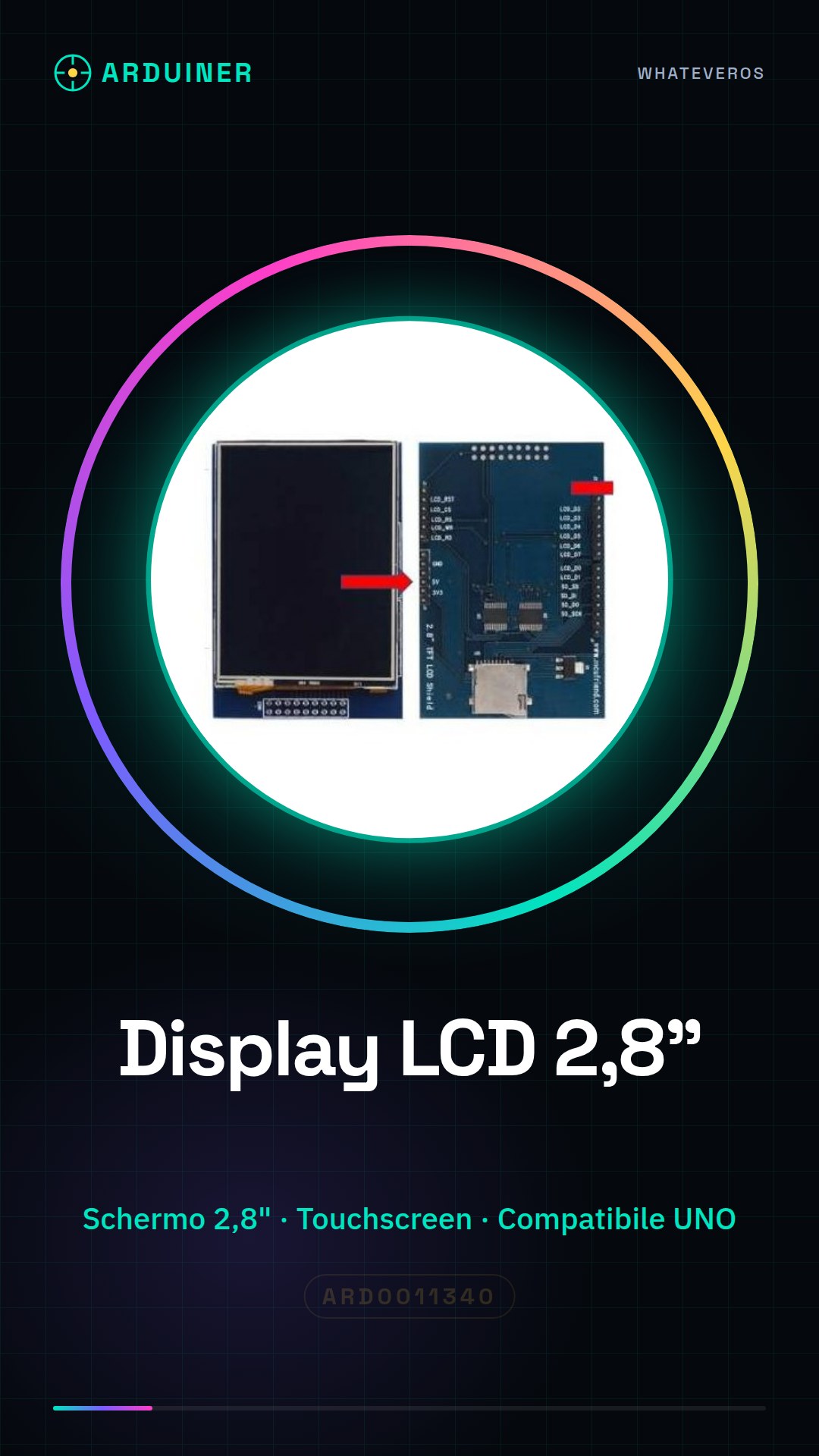
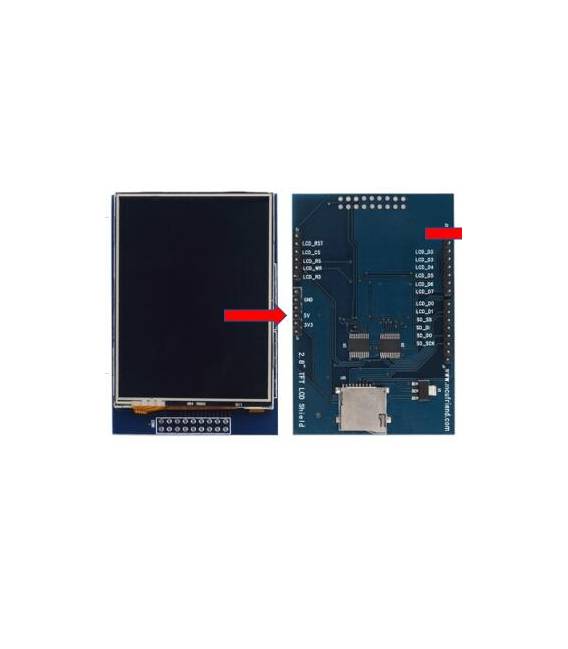
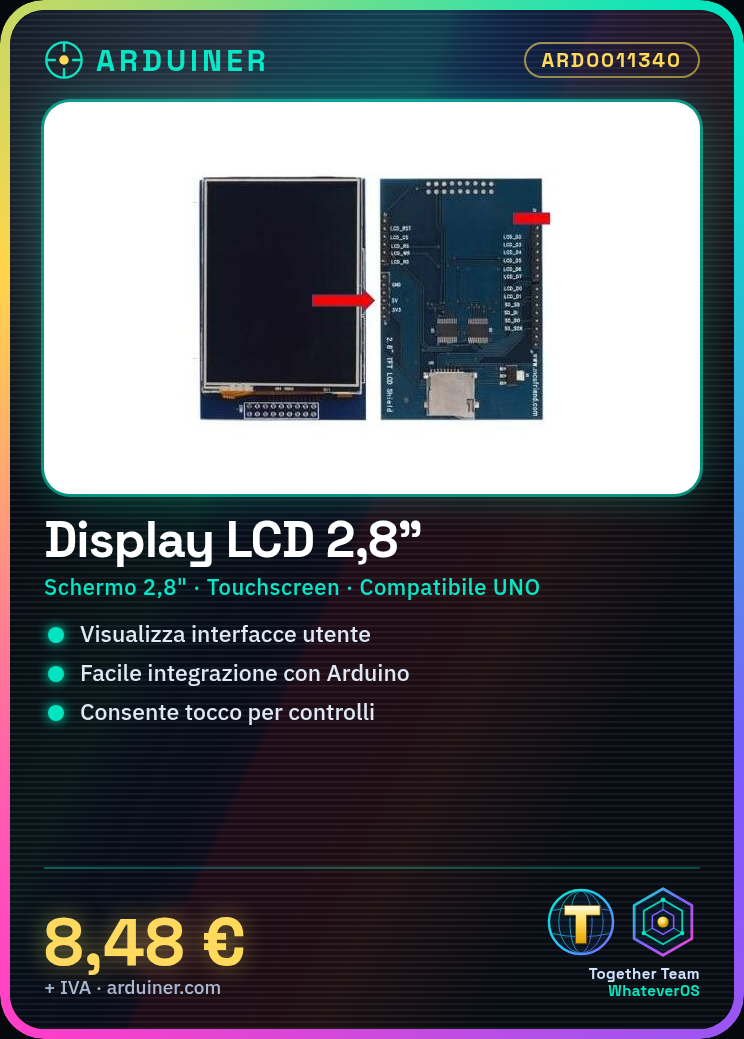
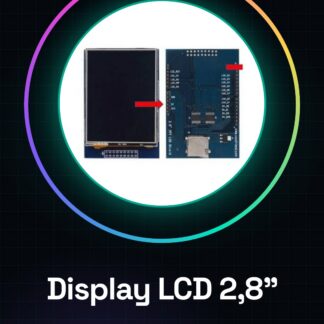
The 2.8 inch touchscreen LCD TFT display module is an electronic component designed to be used with Arduino UNO. This device provides an interactive and colorful display that can be integrated into various types of projects.
Features
- Type: Touchscreen LCD TFT Display
- Screen Size: 2.8 inches
- Compatible with Arduino UNO
What it is for
Touchscreen display modules are ideal for creating intuitive user interfaces. They can be used in projects such as interactive digital clocks, data visualization, or any other type of application that requires a colorful and interactive visual representation of data.
Tutorial: How to Use Touchscreen LCD TFT Display Module 2.8 inch
This 2.8 inch TFT LCD touchscreen display module for Arduino UNO is perfect for projects requiring an interactive and colorful display. Ideal for both beginners and more experienced creators.
What you need
- Arduino UNO
- USB A-MicroB cable
- Connect to computer
Steps
- Connect the TFT LCD touchscreen display module to the Arduino UNO board following the pinout table (check the datasheet).
- Install the necessary libraries to manage the display: Adafruit_GFX and GFX_TFT.
- Upload the example sketch provided by the module supplier to the Arduino IDE.
- Verify that the display is recognized correctly by opening the Serial Monitor window.
- Modify the sketch to display custom text, images, or graphs.
- Try interacting with the touchscreen and verify if the touch functions are configured correctly (check the datasheet).
- If necessary, add additional libraries to support specific characters or advanced color management.
- Explore more complex projects such as interactive digital clocks or monitoring applications.
Example code
/* Includi le librerie necessarie */
#include <Adafruit_GFX.h>
#include <GFX_TFT.h>

// Configura il display
TFT tft = TFT(TFT_CS, TFT_DC);

void setup() {
  tft.begin(); // Avvia il display
}

void loop() {
  tft.fillScreen(BLACK); // Riempie lo schermo di nero
}
Mini project
Create an interactive digital clock: display the current time, add buttons to adjust the time and a wake-up function.
Common mistakes
- Ensure the module is properly powered.
- Check the pin configuration in the code.
- Check if the libraries are installed correctly.
- Try resetting Arduino to solve display recognition issues.
Recommended accessories
- USB A-MicroB cable
- 5V power adapter
- 3D printer for housing protection
Frequently asked questions
How can I add custom characters?
Include the GFX_TFT_Fonts library and use the desired character files.
The display does not turn on, what should I do?
Check the connections and ensure the module is powered correctly.



Reviews
There are no reviews yet.