 EN
 IT Italiano
 ES Español
 FR Français
 DE Deutsch
Description
What it is
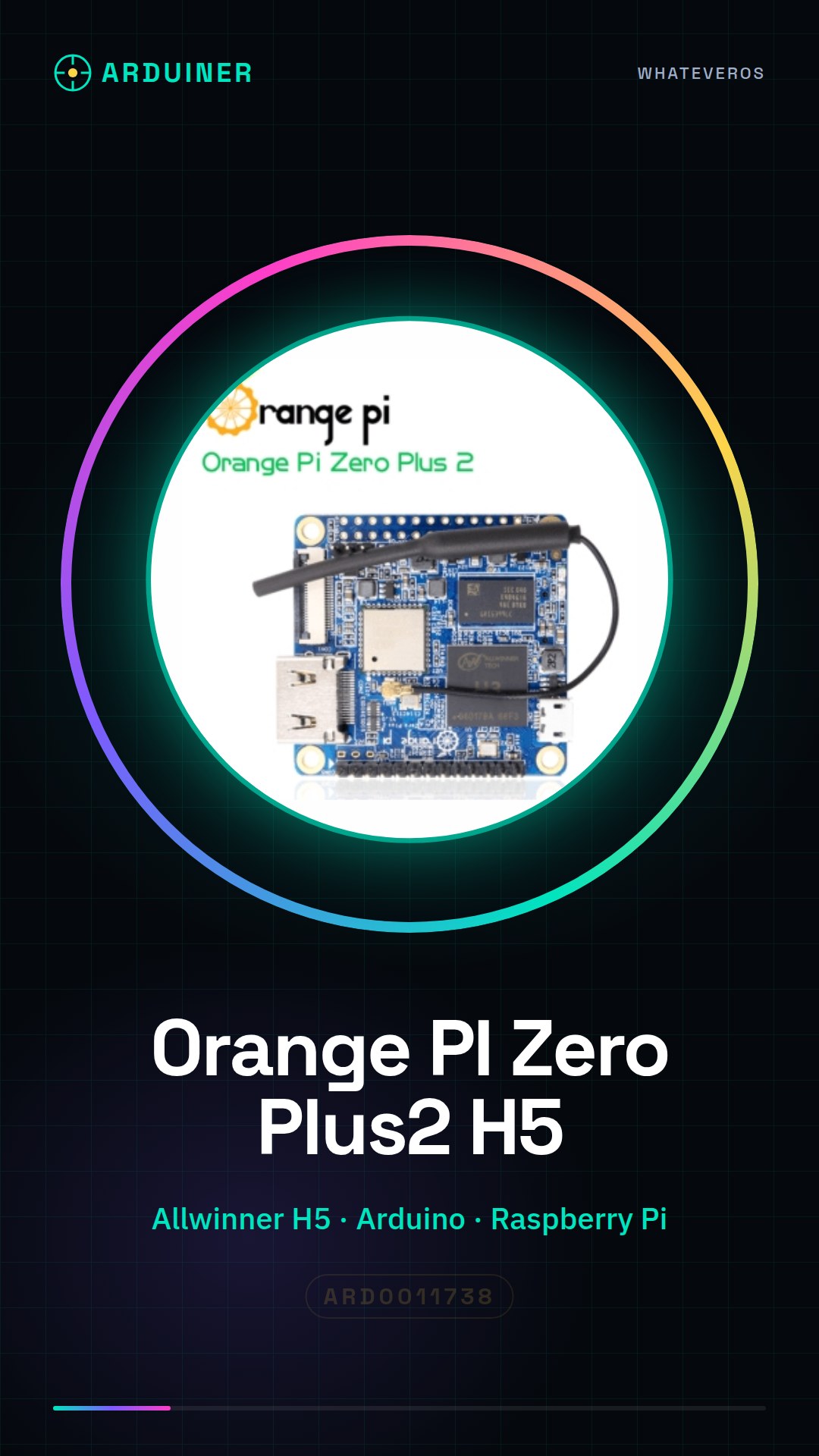
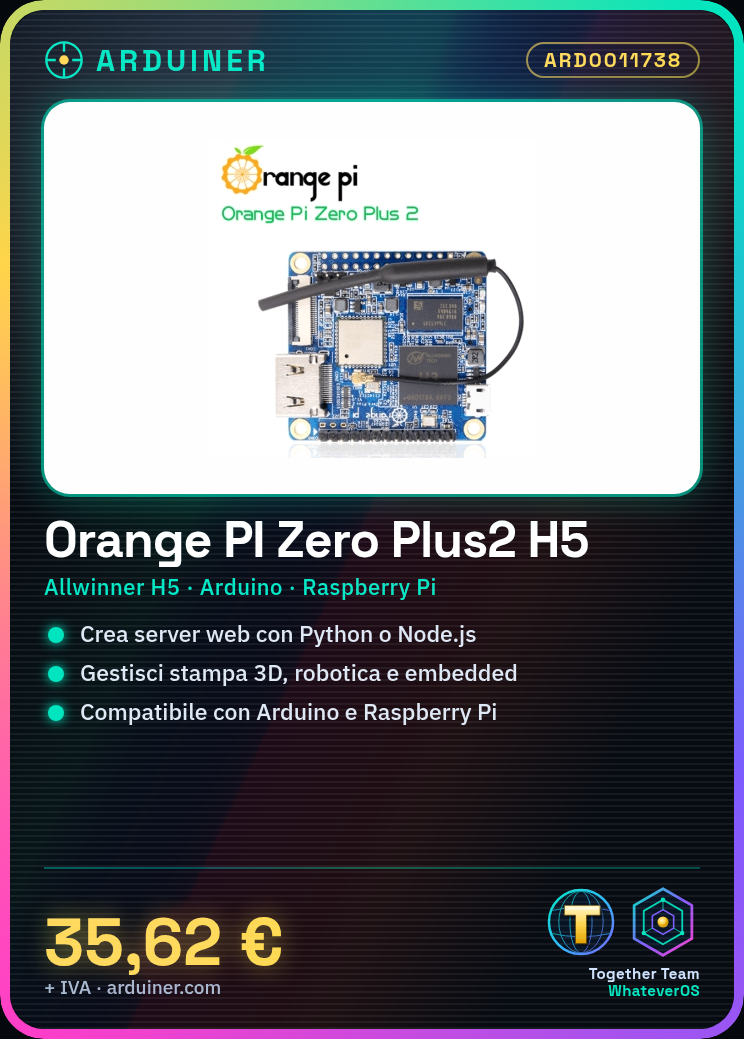
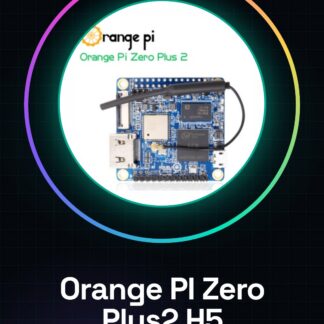
Orange PI Zero Plus2 H5 is a low-power single-board computer based on the Allwinner H5 processor, ideal for 3D printing, robotics, and embedded systems projects.
Features
- Quad-core Allwinner H5 Processor
- Compact dimensions
- Compatibility with Arduino and Raspberry Pi (check the datasheet)
What it is for
The Orange PI Zero Plus2 H5 can be used to create local web servers with Python or Node.js, install necessary packages, and manage 3D printing, robotics, and embedded systems projects. Its compatibility with Arduino and Raspberry Pi (check the datasheet) makes it versatile for various types of electronic projects.
Tutorial: How to use Orange PI Zero Plus2 H5
The Orange PI Zero Plus2 H5 is a small SBC (Single Board Computer) based on Allwinner H5, ideal for 3D printing, robotics, and embedded systems projects. This tutorial will guide you through the initial steps to start using it.
What you need
- Orange PI Zero Plus2 H5
- microSD with installed operating system
- USB power supply
- HDMI connector (if needed)
- monitor or TV
Steps
- 1. Check that the board is undamaged and verify the specifications on the datasheet.
- 2. Download a compatible operating system image for Orange PI Zero Plus2 H5 from the official project website (for example, Armbian).
- 3. Format the microSD with the operating system image using a tool like Etcher.
- 4. Insert the microSD into the Orange PI Zero Plus2 H5 board and connect it to the USB power supply.
- 5. Connect the HDMI connector to the TV or monitor to access the desktop.
- 6. Verify the installation of the operating system and basic configuration (language, timezone).
- 7. Install any system updates using the instructions provided on the official Orange PI Zero Plus2 H5 website.
- 8. Try connecting other devices such as keyboard and mouse to complete the initial installation.
Mini project
Create a local web server with the Orange PI Zero Plus2 H5 board using Python or Node.js, installing the necessary packages.
Common mistakes
- Operating system recognition issues on the microSD card.
- Unstable or incompatible HDMI connection.
- Lack of sufficient power supply for the board.
- Difficulty in installing updates or necessary packages.
Recommended accessories
- MicroSD Card Reader
- USB Power Supply with variable output (5V, 2A)
- HDMI Connector Kit
- Electronic Test Kit
Frequently asked questions
How can I get the datasheet?
The datasheet is available on the official Orange PI Zero Plus2 H5 project website.
Which operating system do you recommend?
Armbian is a good choice to start with.
Reviews
There are no reviews yet.