 EN
 IT Italiano
 ES Español
 FR Français
 DE Deutsch
Description
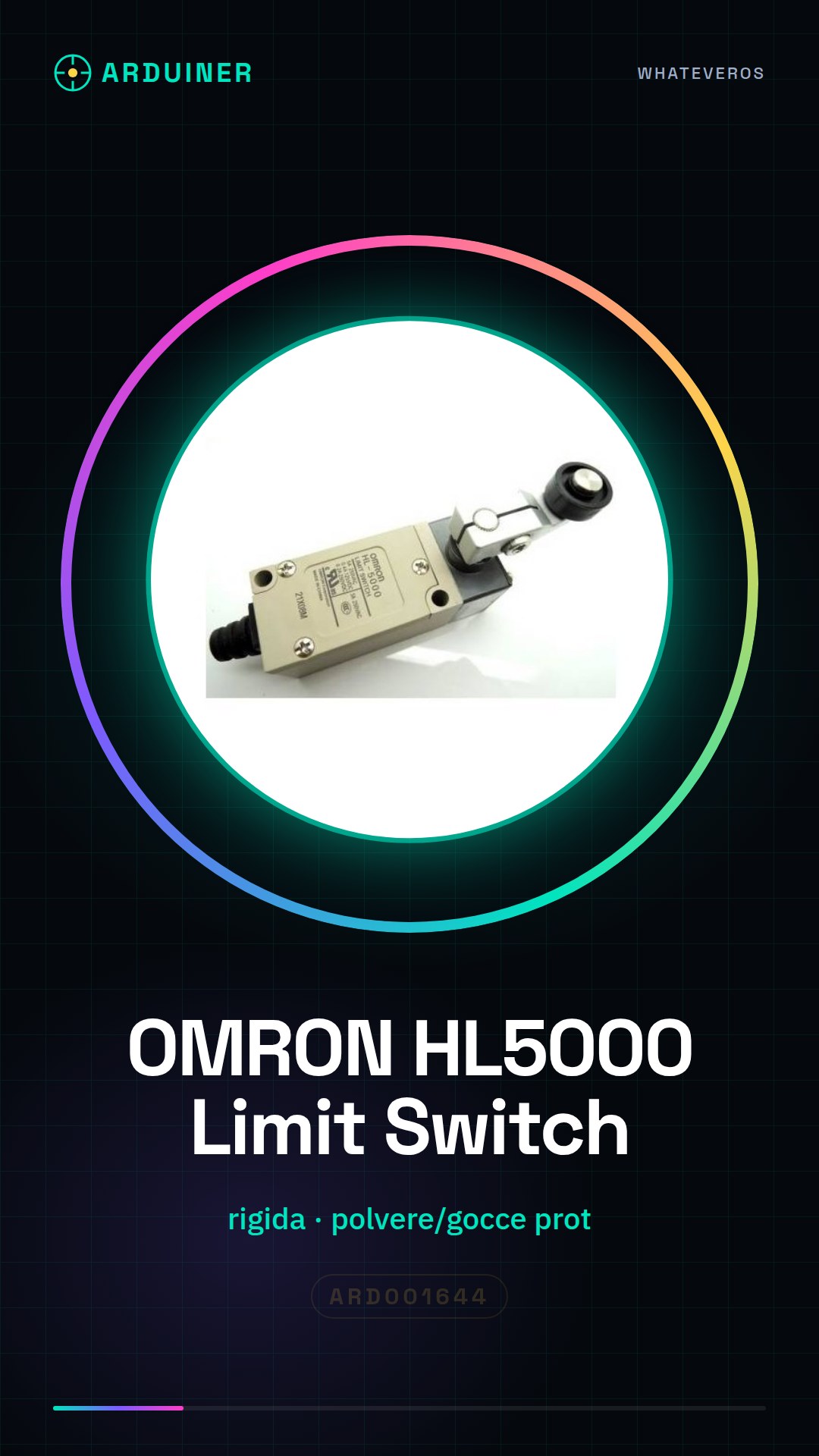
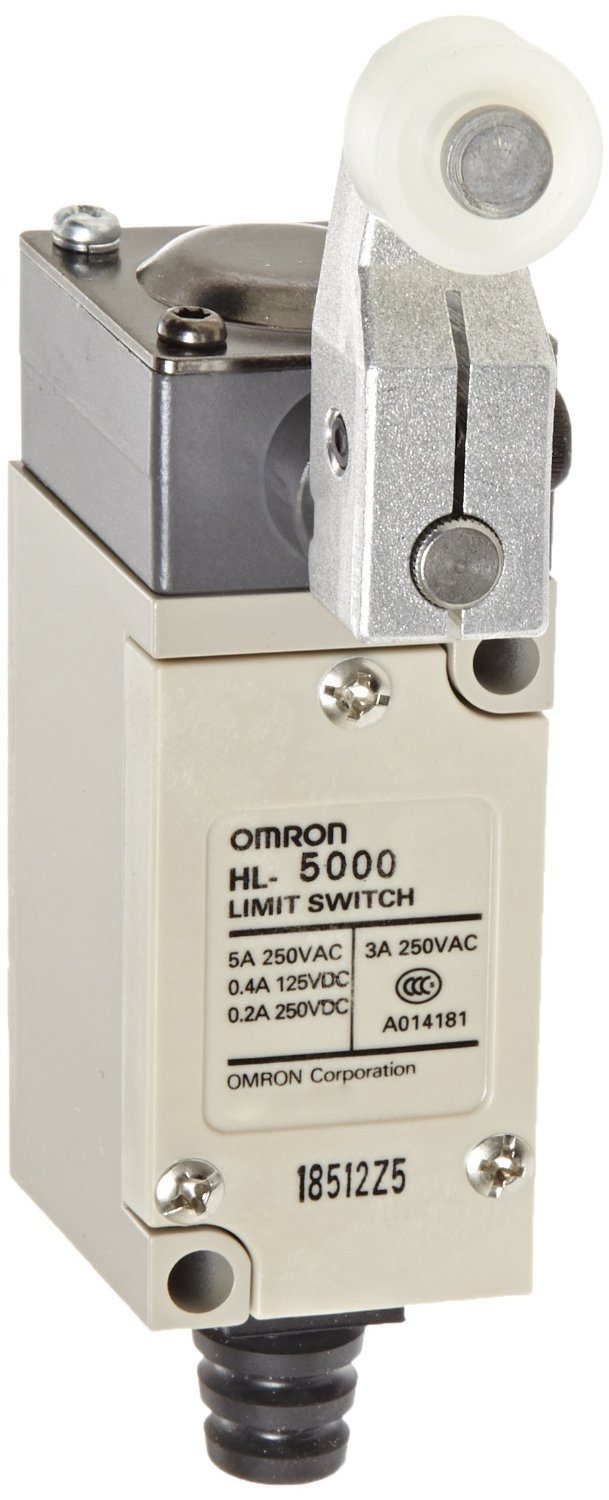
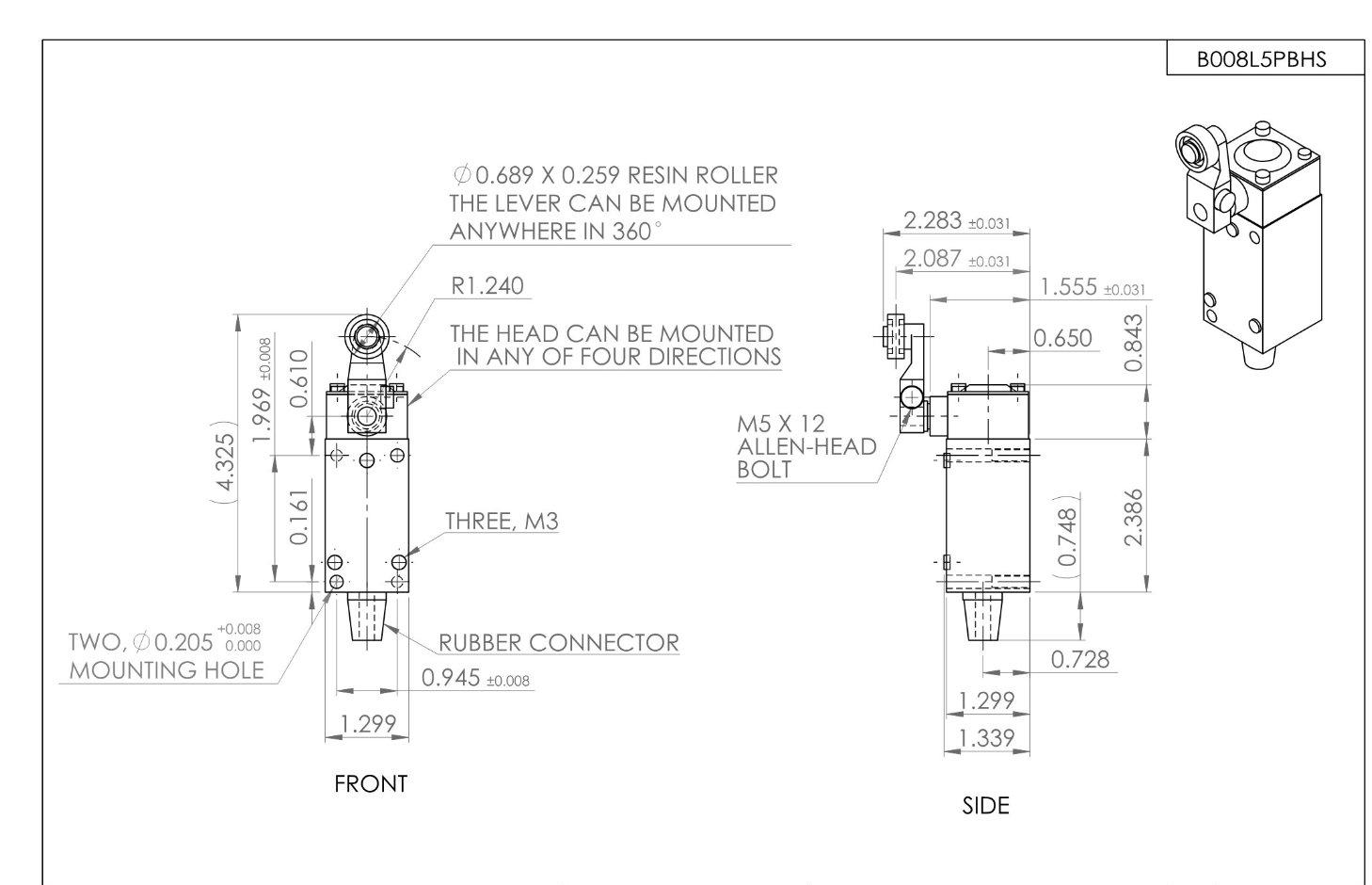
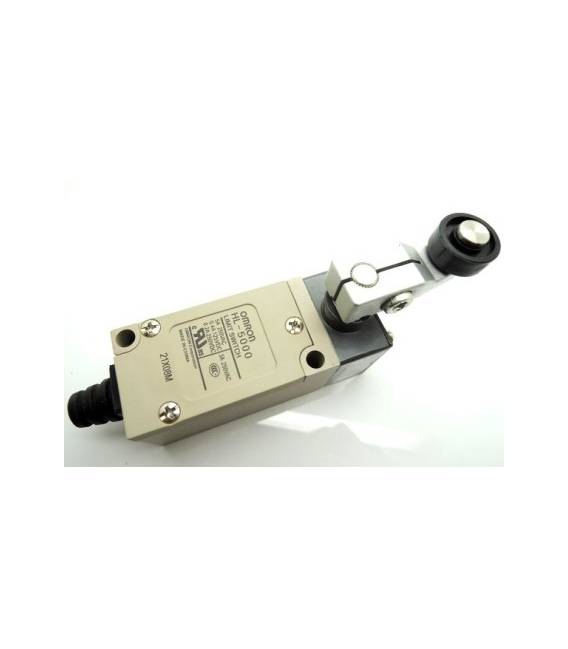
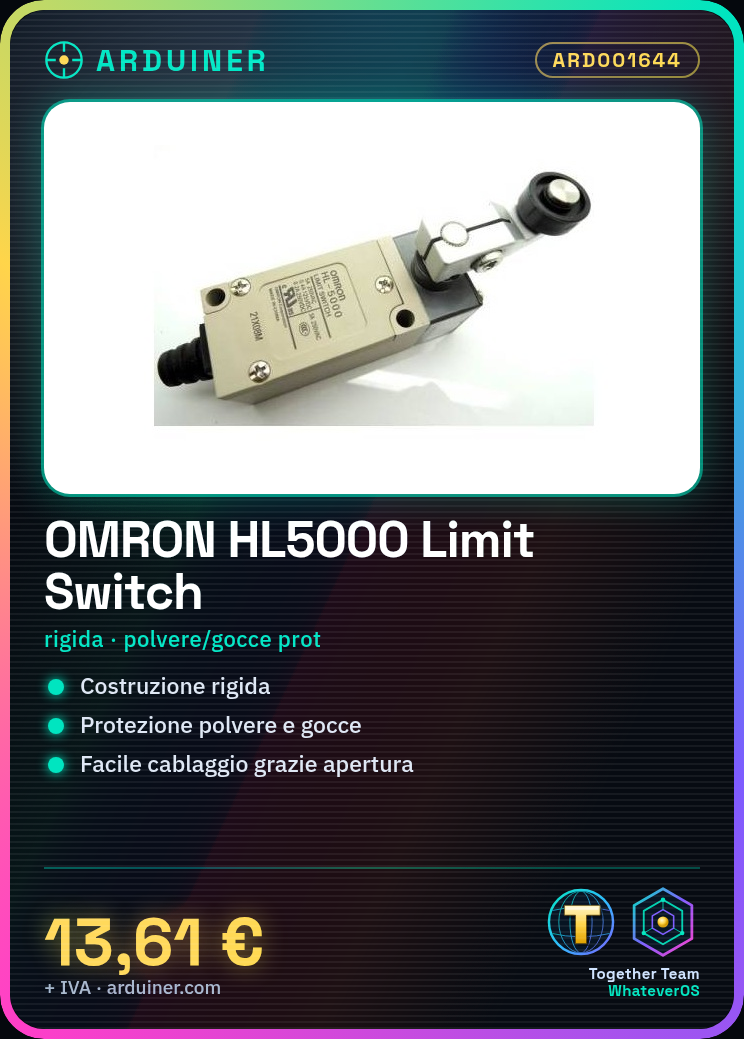
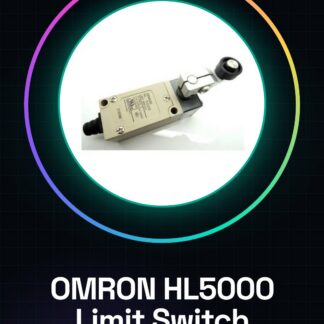
OMRON limit switch HL5000
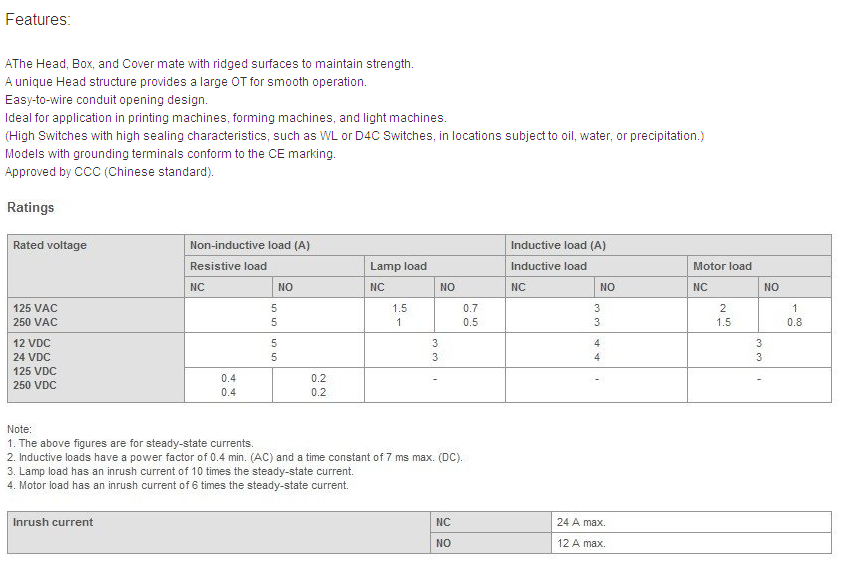
Product Features
|
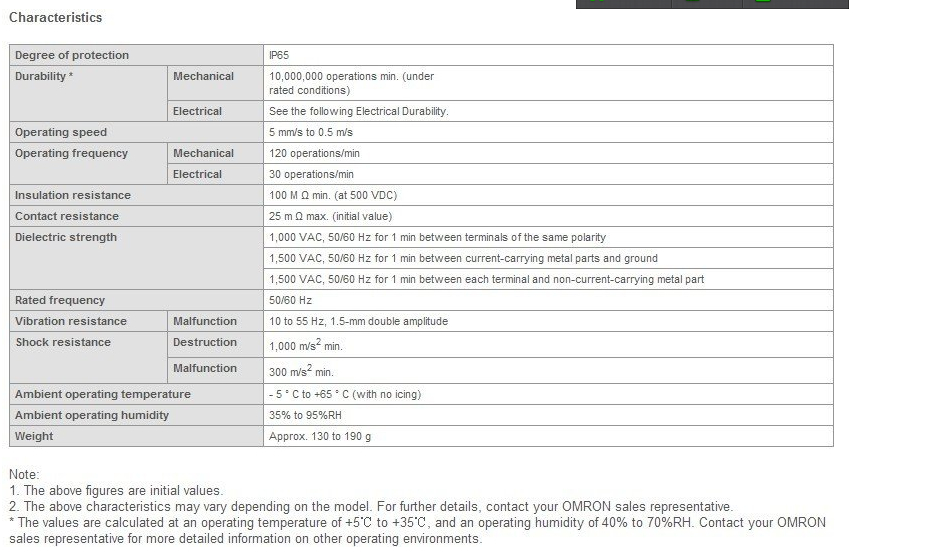
We have datasheets available for all components, if not present in the product download sheet, send us a message from the contact us module and we will publish it as soon as possible on our website.
Tutorial: How to use OMRON Limit Switch HL5000
The OMRON HL5000 switch is ideal for projects requiring a physical switch. Useful for beginners and intermediate makers.
What you need
- OMRON HL5000 Switch
- Arduino
- 10kΩ resistor
- Power cable
Steps
- Check the datasheet for the switch specifications.
- Connect the switch to an Arduino input pin (for example, A0).
- Connect a 10kΩ resistor between the input pin and GND.
- Load the example code to control the state of the button.
- Check the functionality with a simple program.
- Mount the button on a protoboard for easier assembly.
- Test the button with different positions (pressed and released).
- Verify that the button works correctly with the code
Example code
```
int buttonPin = A0;
int buttonState;

void setup() {
  pinMode(buttonPin, INPUT);
}

void loop() {
  buttonState = digitalRead(buttonPin);
  if (buttonState == HIGH) {
    Serial.println("Pulsante premuto");
  }
  else {
    Serial.println("Pulsante rilasciato");
  }
}
```
Mini project
Create a simple power switch for an led with this button. Connect an led and a 330Ω resistor between VCC and GND. Connect the button between VCC and pin A0 of Arduino.
Common mistakes
- Forget to connect the pull-down resistor.
- Connect the button directly to GND without resistor.
- Do not test the button before loading the code.
- Use pins other than A0 for the button.
Recommended accessories
- Led and 330Ω resistor
- Protoboard
- Perfect connectors
- 5V power cable
Frequently asked questions
The button does not work?
Check the correct connection and the code. Check the pull-down resistor.
What is the difference between a push button and a limit switch?
A push button is a normal button, while a limit switch has two positions (pressed and released).
Can I use this button for high voltage projects?
The button is designed for low to medium voltage projects. Check the specifications on the datasheet.
Reviews
There are no reviews yet.