 EN
 IT Italiano
 ES Español
 FR Français
 DE Deutsch
Description
What it is
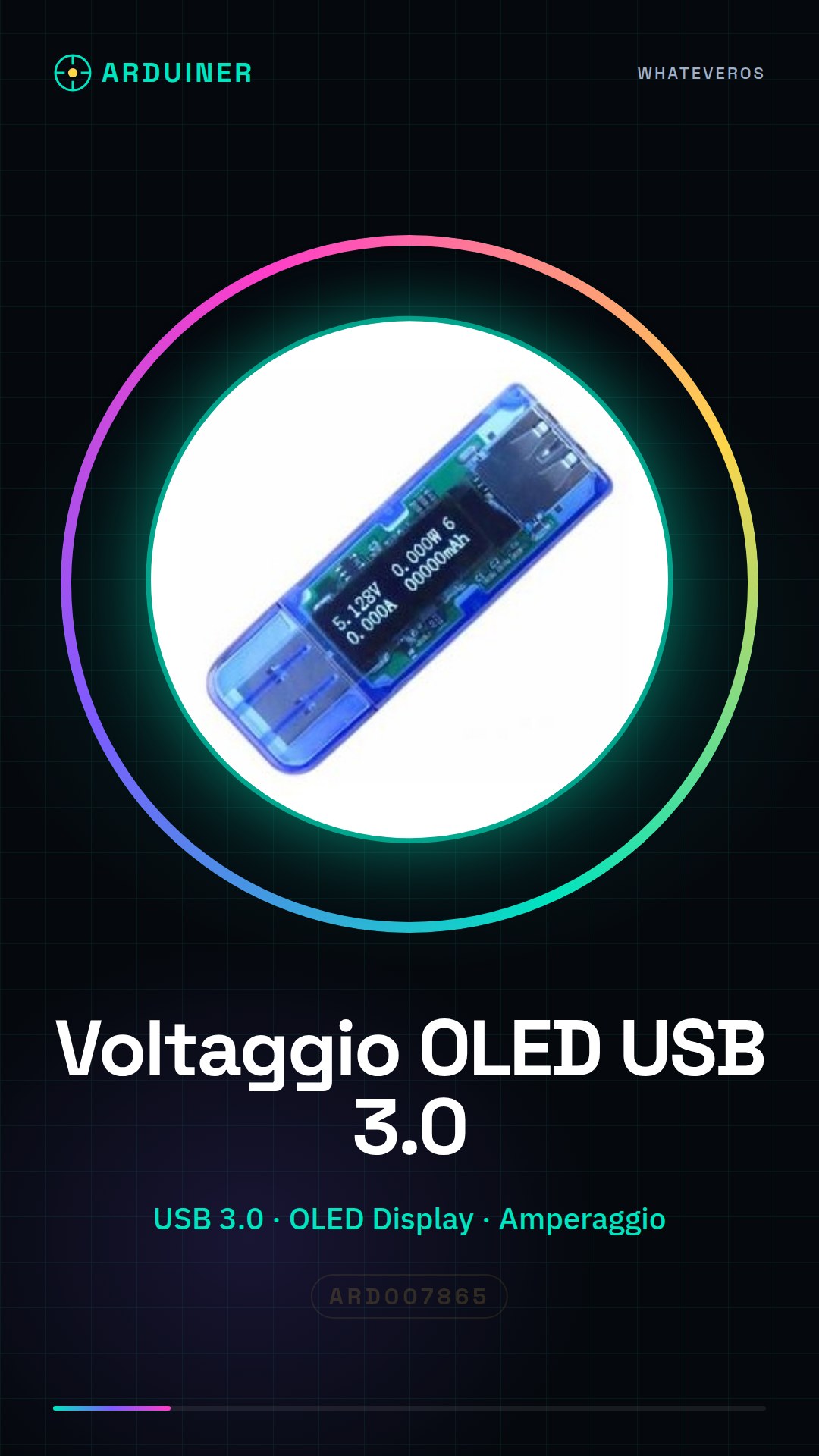
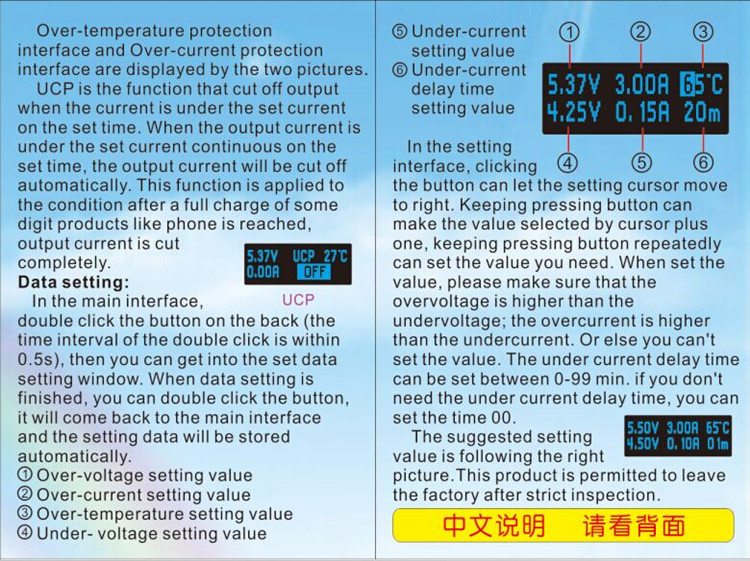
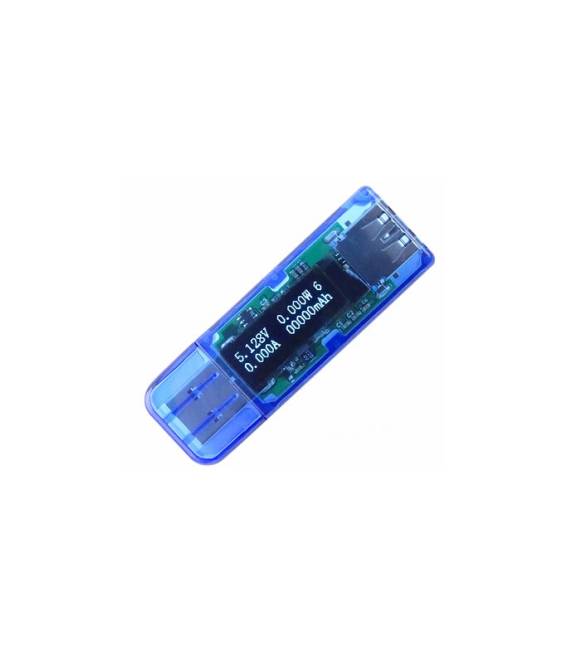
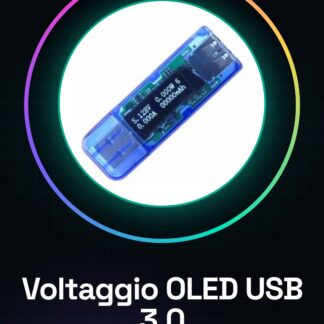
The ammeter voltmeter with OLED display is a useful device for monitoring energy levels in Arduino projects and other electronic systems. Connected via USB 3.0, it allows for easy interaction for both beginners and experts.
Features
- Measures voltage and amperage with OLED display.
- USB 3.0 connector for communication with Arduino and other projects.
What it is for
Main uses include creating an energy monitoring system that periodically records voltage, electrical current, and power in a 3.7V battery using the USB OLED ammeter voltmeter.
Tutorial: How to use USB OLED Ammeter Voltmeter
This ammeter voltmeter with OLED display is ideal for monitoring energy levels in Arduino projects. It is suitable for both beginners and experts.
What you need
- Arduino Uno or compatible
- USB A-B cable
- 3V-5V battery
Steps
- Connect the module to the computer via USB cable
- Install the necessary library for the OLED in the Arduino software
- Load the example sketch provided with the module onto Arduino
- Connect a battery to the VCC and GND ports of the module
- Check that the voltage, current, and power values are displayed correctly on the OLED display
- Adjust the resistance between the module and the power source to measure different currents
- Use the provided software interface (if available) to configure additional options for the voltammeter ammeter
- Explore additional features such as measuring electrical capacitance
Example code
/*
Sketch di esempio:
#include <Wire.h>
#include <Adafruit_GFX.h>
#include <Adafruit_SSD1306.h>

// Definizione del display OLED
#define SCREEN_WIDTH 128
#define SCREEN_HEIGHT 64
#define OLED_RESET     -1
#define OLED_DC_PIN    7
#define OLED_CS_PIN    5
Adafruit_SSD1306 display(SCREEN_WIDTH, SCREEN_HEIGHT, &Wire, OLED_RESET);
void setup() {
display.begin(SSD1306_I2C, 0x3c); // Indirizzo I2C del display
display.display();
delay(1000);
}

void loop() {
// Aggiungere qui il codice per leggere i valori dal voltaggiometro amperometrico e visualizzarli sul display OLED
}
Mini project
Create a simple energy monitoring system that periodically records the voltage, electrical current, and power in a 3.7V battery using the OLED USB voltammeter ammeter.
Common mistakes
- Do not check if the necessary drivers are installed on the computer
- Connect a high-power device without protective resistors
- Forget to update the OLED display settings to correctly display the data
- Use a battery with a voltage higher than the maximum voltage of the voltmeter
Recommended accessories
- Variable resistors
- 3V-5V batteries
- USB A-B cable
- Temperature sensors
Frequently asked questions
How can I configure the OLED display?
Use the Adafruit SSD1306 library to customize the appearance and features of the display
What is the maximum voltage that this voltmeter can measure?
Check the datasheet for the module specification

Reviews
There are no reviews yet.