 EN
 IT Italiano
 ES Español
 FR Français
 DE Deutsch
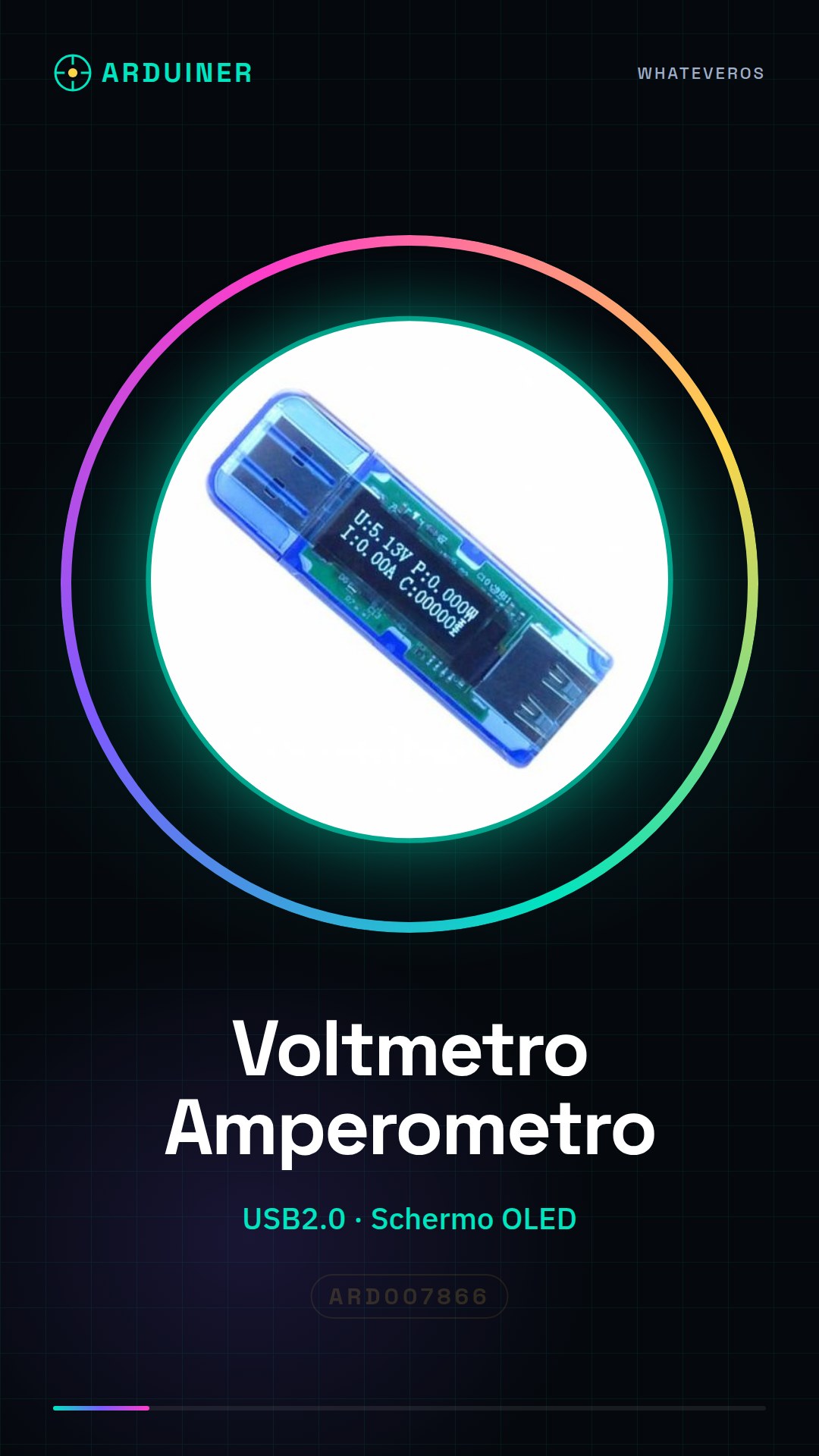
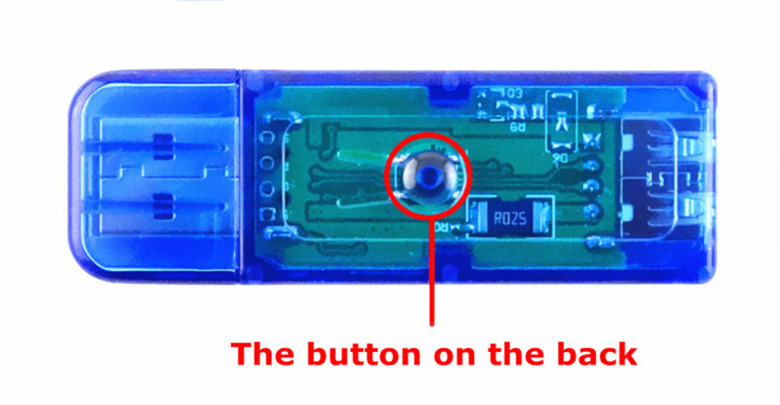
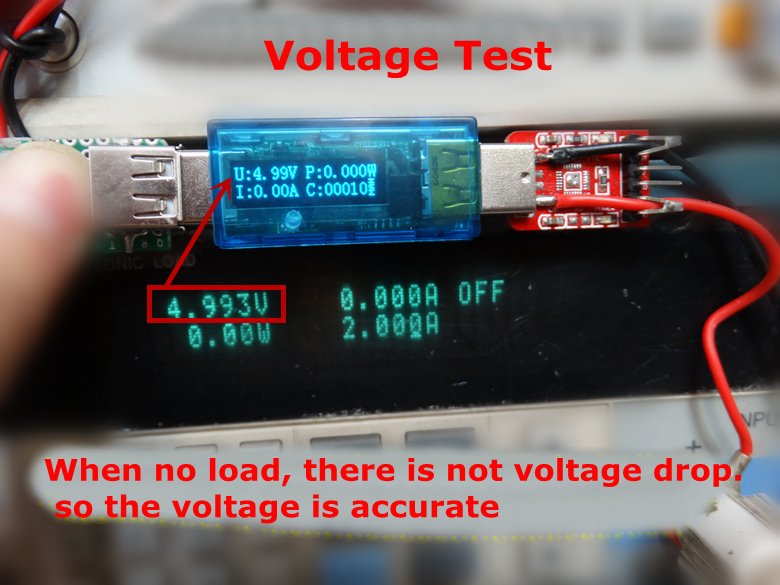
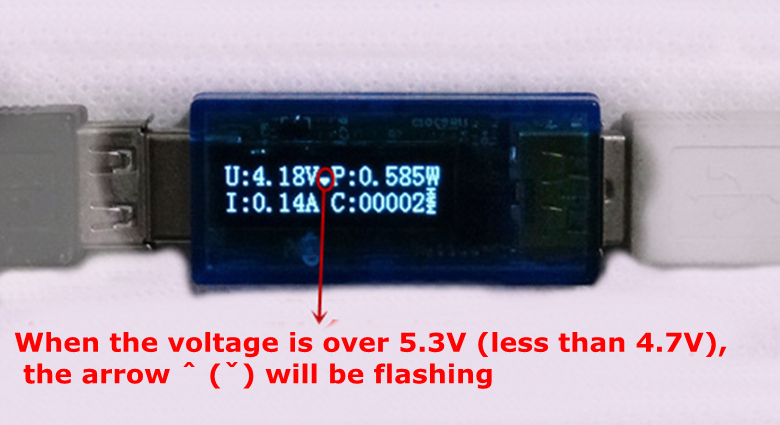
Description
What it is
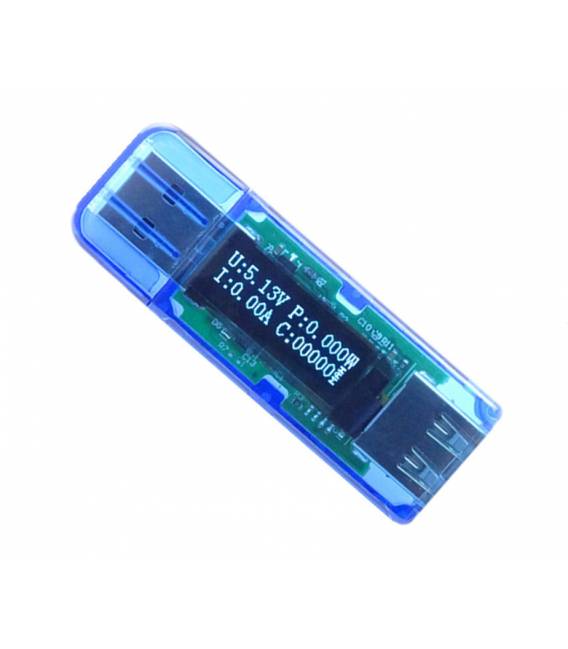
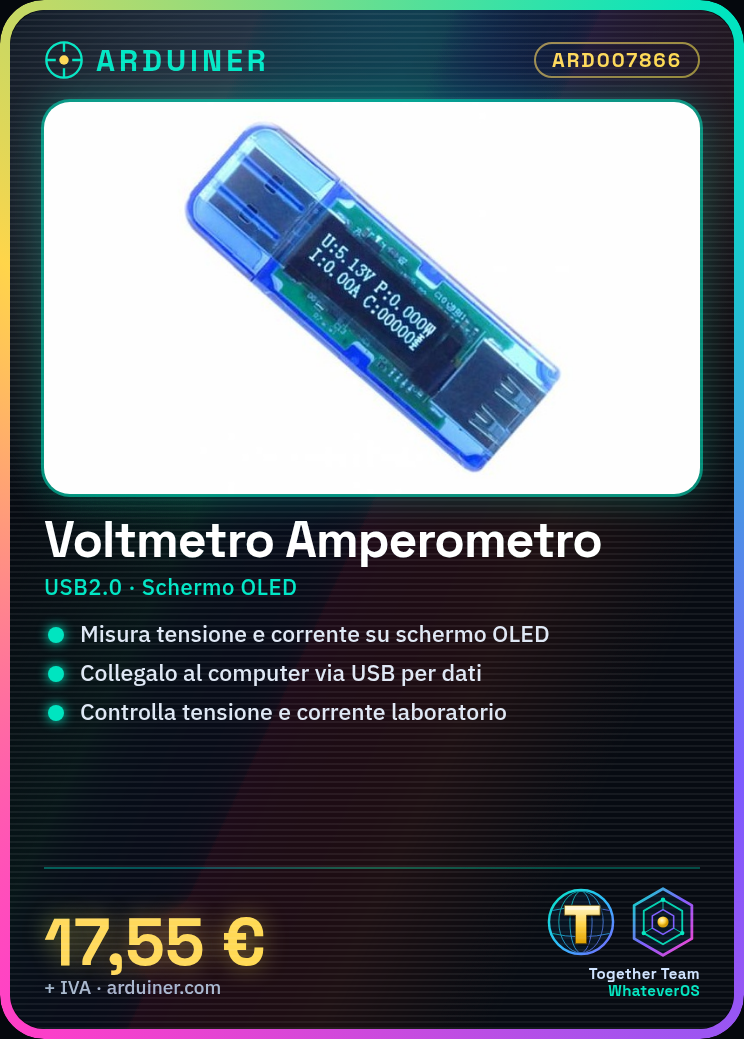
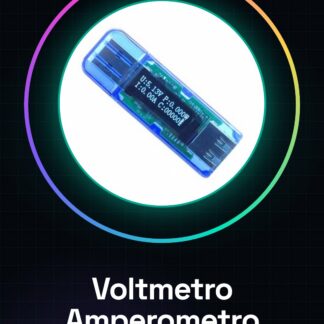
The digital multimeter ARD007866 is a multifunction device for measuring electrical voltage and current. This tool is designed for electronics enthusiasts and professionals who want to monitor voltage and current values in various types of circuits.
Features
- Multifunction voltage and current meter
- Integrated USB 2.0 OLED screen
What it is for
This meter is ideal for home or laboratory electronics projects, allowing monitoring and control of voltage and current values. It can be used for building simple power circuits with a voltage generator.
Tutorial: How to use USB Digital Voltmeter and Ammeter
This USB voltage and current meter is ideal for home and laboratory electronics projects. It is used to monitor and control voltage and current values.
What you need
- Digital USB Multimeter
- Computer with USB
- USB cable
- Electronic project
Steps
- 1. Connect the USB cable to the meter and the computer.
- 2. Turn on the computer and the meter.
- 3. Open the Arduino software on the computer.
- 4. Check the datasheet to see if the meter supports Arduino libraries.
- 5. Load the example code for Arduino (check the datasheet).
- 6. Connect the meter to the electronic project.
- 7. Read the voltage and current values on the OLED screen.
- 8. Verify the values with another measuring instrument for confirmation.
Example code
void loop() { Serial.println(analogRead(A0));}Mini project
Build a simple power supply circuit with a voltage generator and measure the voltage and current with this meter.
Common mistakes
- Do not check if the meter supports Arduino libraries.
- Connect the meter without turning on the computer first.
- Do not read the voltage and current values on the OLED screen.
- Omit verification of values with another measurement tool.
Recommended accessories
- Voltage generator
- Multimeter
- Electronic project
- USB cable
Frequently asked questions
Does the meter work with batteries?
No, the meter must be connected to a computer via USB.
Can I measure voltages above 5V?
Check the datasheet for supported maximum values.
Does the meter support Arduino libraries?
Check the datasheet if it supports Arduino libraries.
Reviews
There are no reviews yet.