 EN
 IT Italiano
 ES Español
 FR Français
 DE Deutsch
Description
What it is
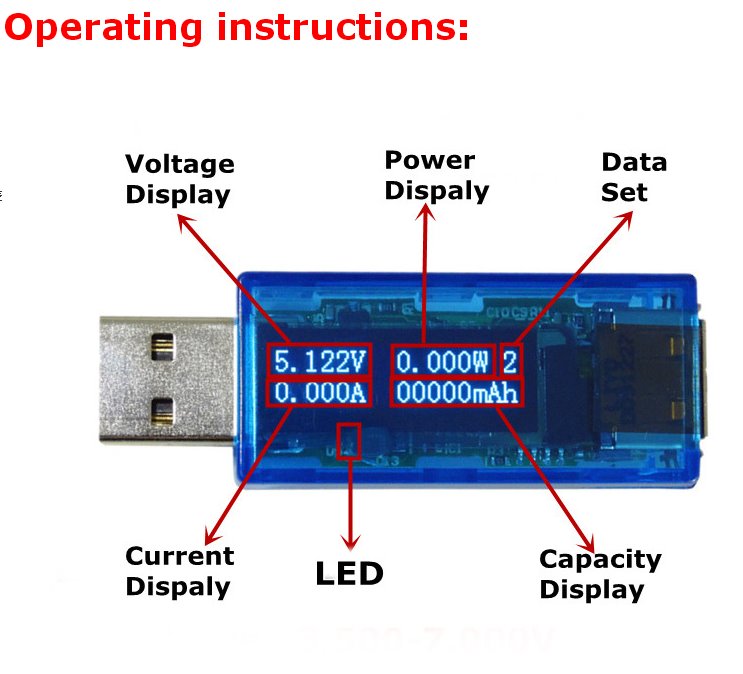
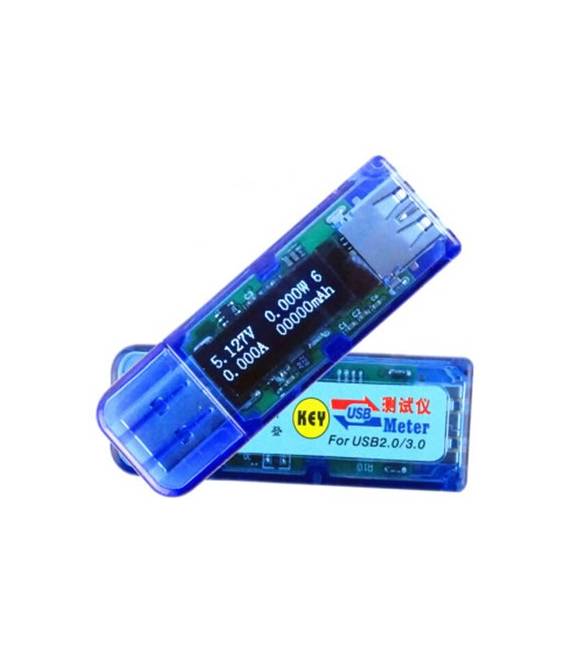
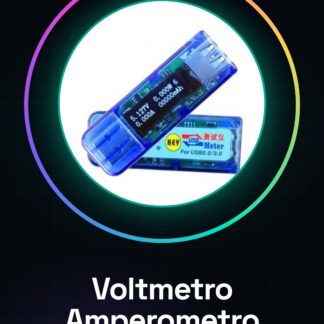
The USB Digital Voltmeter and Ammeter with OLED display is a measurement tool for electronics that allows monitoring voltage and current in circuits and projects. It is ideal for testing and diagnosing electronic components.
Features
- USB Digital Voltmeter and Ammeter with OLED display
- Low voltage voltage and current meter
What it is for
This volt-ammeter can be used to measure voltage and current in various electronic projects, such as monitoring the voltage of a 3.7V battery during charging.
Tutorial: How to use USB Digital Voltmeter and Ammeter
This tool measures voltage and current in low voltage circuits, ideal for testing and diagnosing electronic circuits.
What you need
- USB Digital Voltmeter and Ammeter
- Arduino or compatible microcontroller
- USB cable
- Test leads
Steps
- 1. Check the datasheet for maximum voltage specifications.
- 2. Connect the USB cable to the computer.
- 3. Connect the microcontroller to the voltmeter.
- 4. Start the Arduino software.
- 5. Load the minimal code for the interface.
- 6. Check electrical connections.
- 7. Measure voltage and current.
- 8. Analyze the displayed data.
Example code
void loop() {}Mini project
Measure the voltage of a 3.7V battery and adjust the battery charger.
Common mistakes
- Connect the voltmeter to voltages higher than the maximum supported.
- Forget to start the Arduino software.
- Do not check electrical connections before taking measurements.
Recommended accessories
- 3.7V battery
- Battery charger
- Protection resistor
- Multimeter
Frequently asked questions
How can I connect the voltmeter to a circuit?
Connect the positive end to the measurement point and the negative end to ground.
What are the maximum voltages supported?
Check the datasheet for precise specifications.
Can I use this voltmeter with a different microcontroller?
Make sure the USB protocol is compatible with your microcontroller.
Reviews
There are no reviews yet.