 EN
 IT Italiano
 ES Español
 FR Français
 DE Deutsch
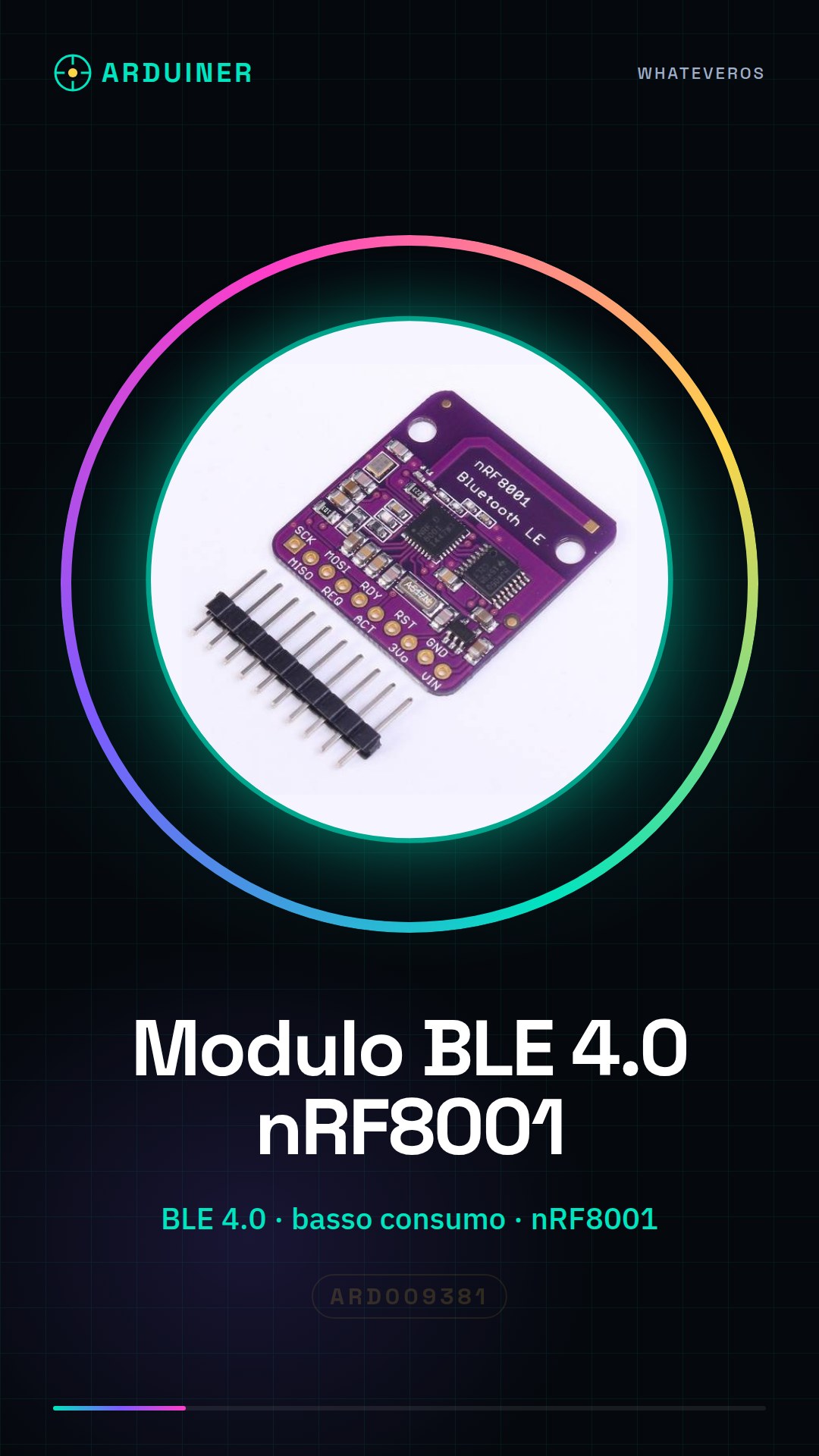
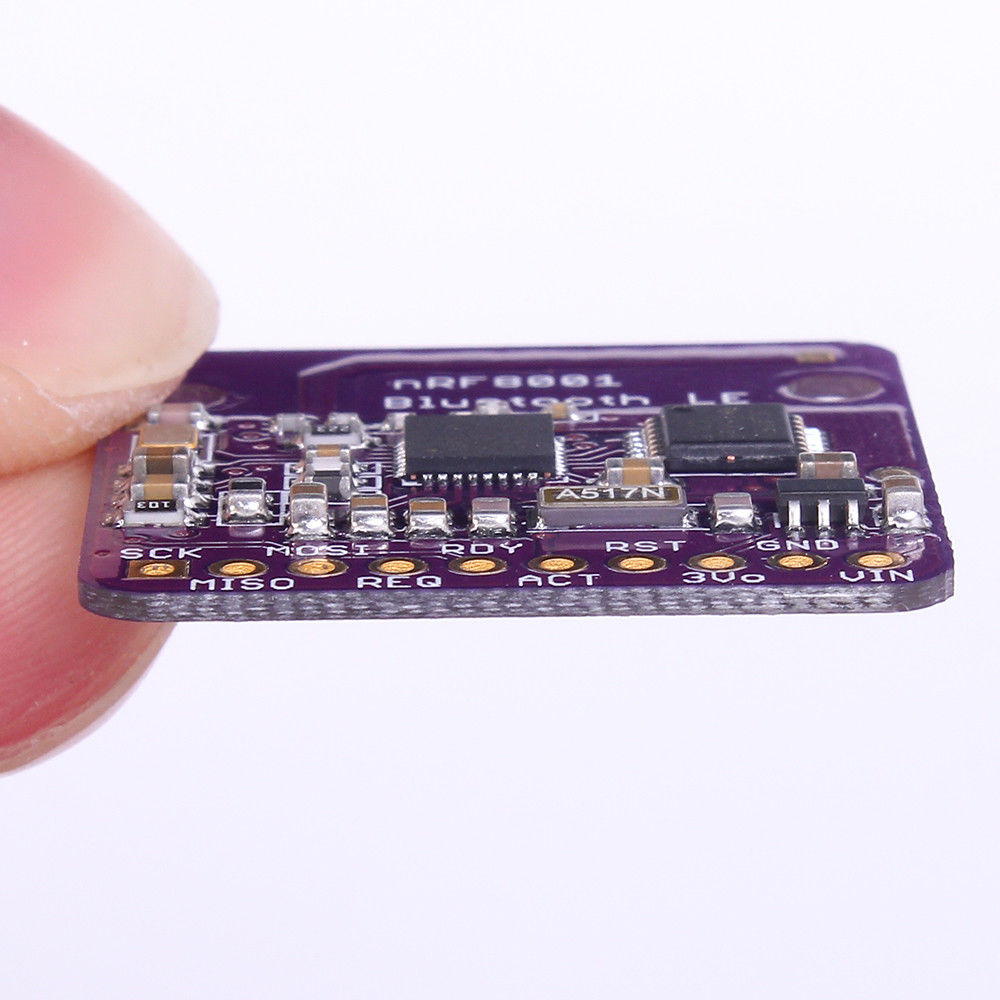
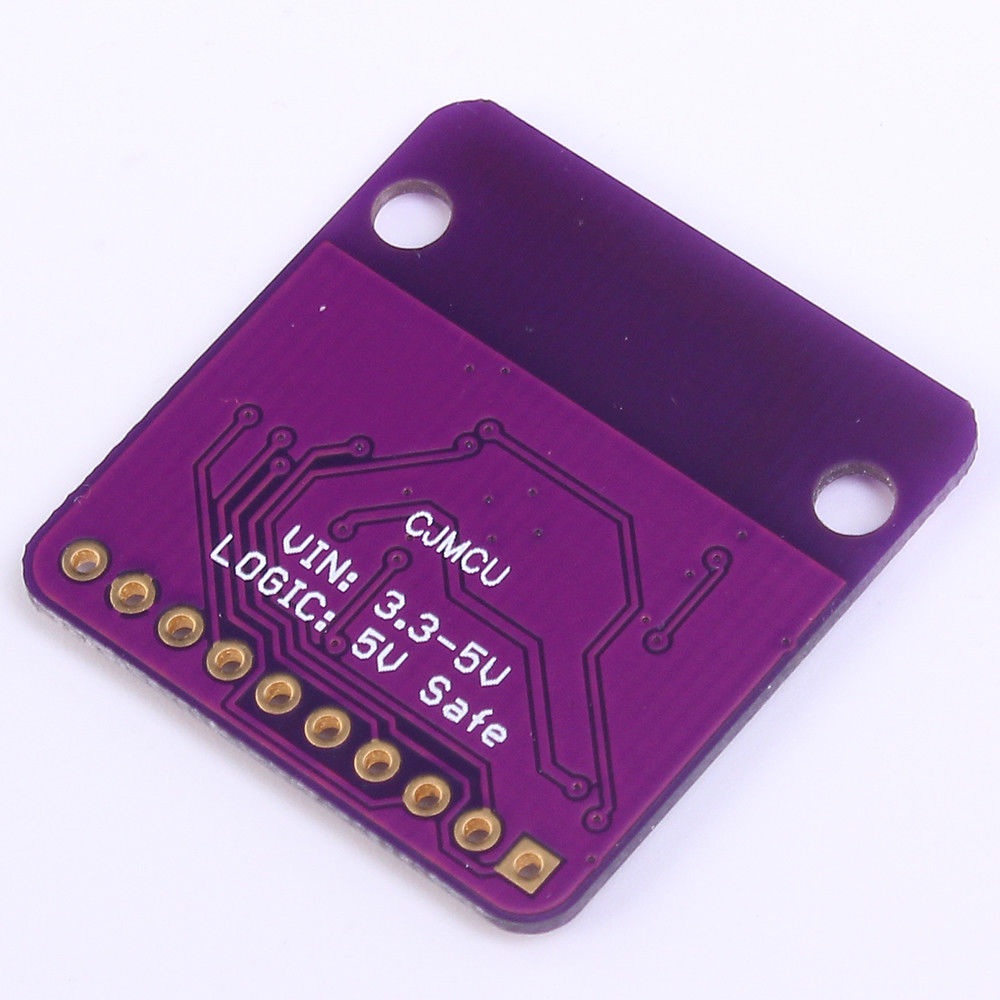
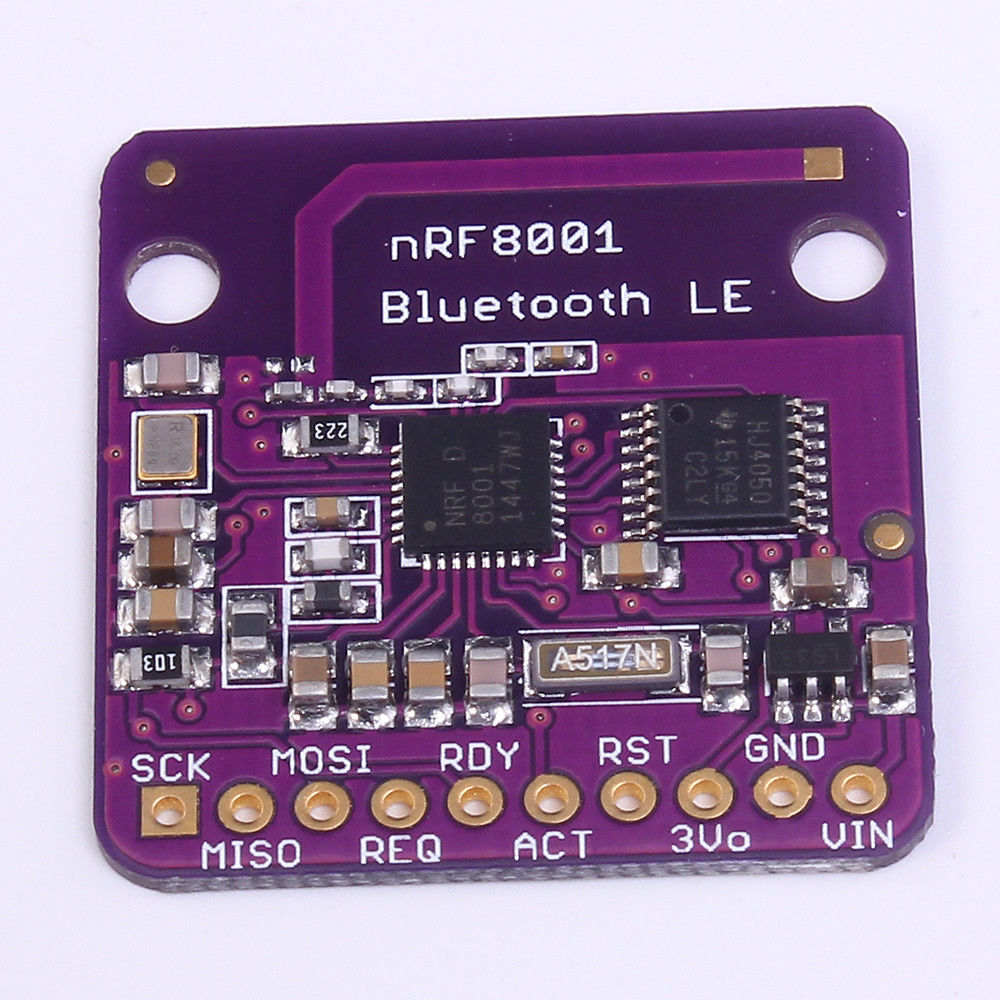
Description
What it is
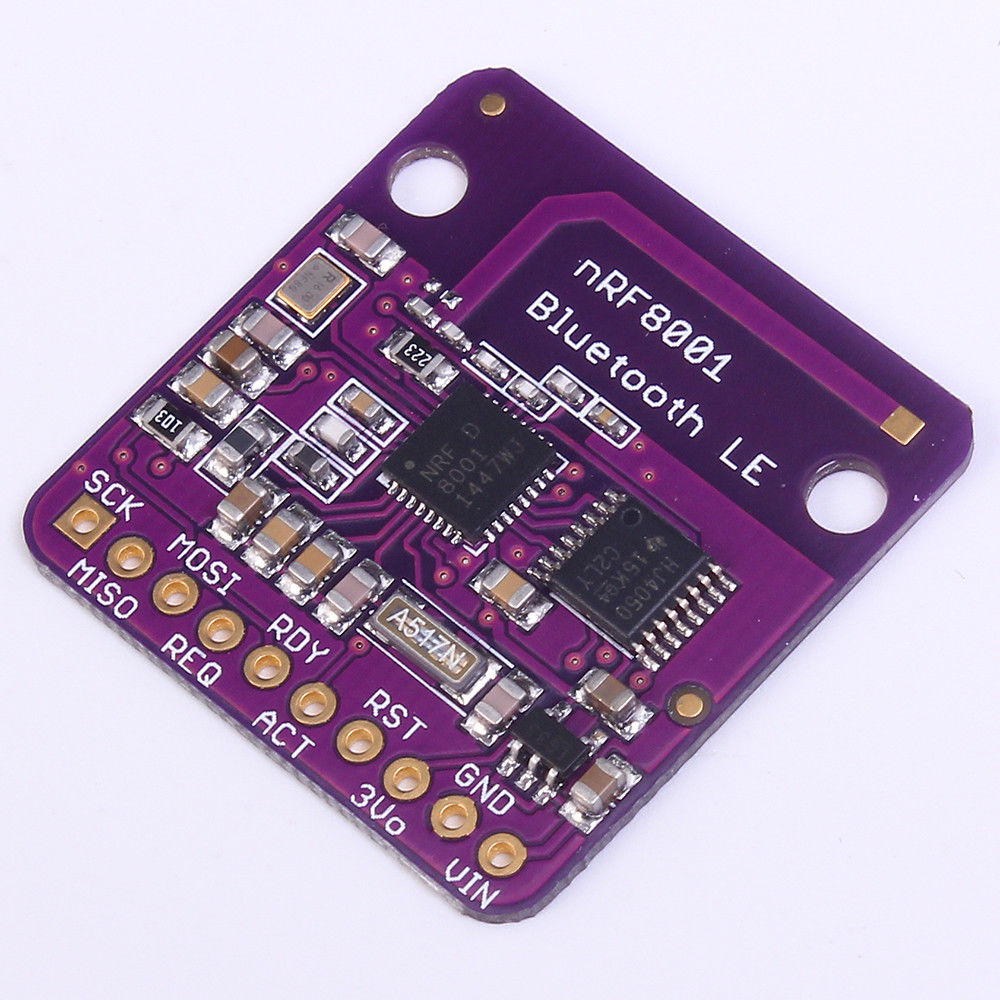
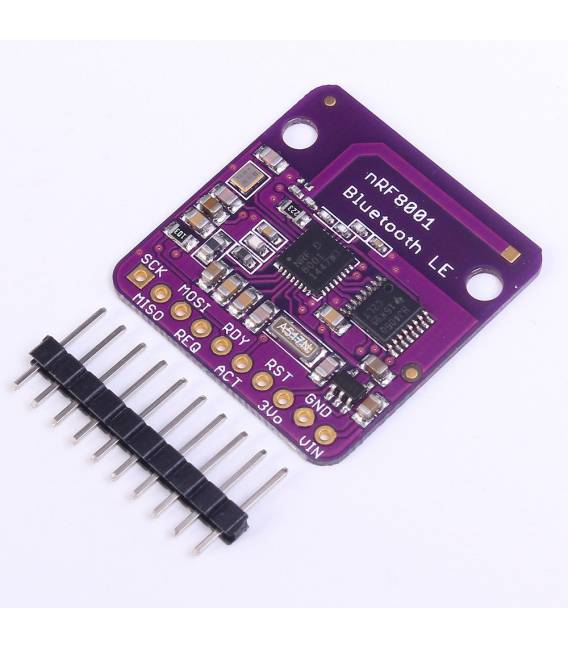
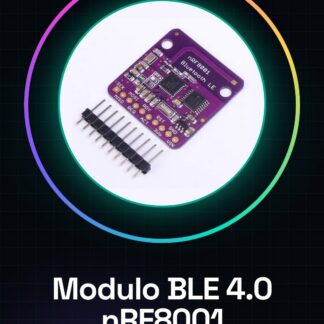
The nRF8001 Bluetooth BLE 4.0 Low Power Breakout module is an ideal component for electronic projects requiring wireless connectivity with low power consumption. This module allows bidirectional communication between Arduino or other microcontroller systems through Bluetooth Low Energy (BLE).
Features
- nRF8001 Based Bluetooth BLE 4.0 Module
- Low power consumption
What it is for
This module is suitable for IoT projects, remote devices, and any application requiring Bluetooth connectivity without compromising battery life. It is compatible with Arduino and is perfect for both beginners and more experienced makers.
Tutorial: How to Use the nRF8001 Bluetooth BLE 4.0 Module
This low power consumption Bluetooth BLE 4.0 module is ideal for projects requiring Bluetooth connectivity without sacrificing battery life. Perfect for beginner and intermediate makers.
What you need
- Arduino or compatible
- USB cable
- Soldering iron and pin headers
- Micro USB cable
Steps
- 1. Download the USB driver for your Arduino.
- 2. Connect the nRF8001 module to your Arduino with the correct pins.
- 3. Check the datasheet for the correct pin connections.
- 4. Load the example code onto Arduino IDE.
- 5. Configure the Bluetooth settings in the code.
- 6. Verify Bluetooth connectivity with a smartphone or computer.
- 7. Ensure the module is functioning correctly.
- 8. Disconnect and turn off the module.
Example code
```
#include <BLEDevice.h>
#include <BLEServer.h>
#include <BLEUtils.h>

void setup() {
  Serial.begin(9600);
  BLEDevice::init("ESP32_BT");
  BLEServer *pServer = BLEDevice::createServer();
  BLEService *pService = pServer->createService(BLEUUID("180F"));
  BLECharacteristic *pCharacteristic = pService->createCharacteristic(
    BLEUUID("2A37"),
    BLECharacteristic::PROPERTY_READ | BLECharacteristic::PROPERTY_WRITE);
  pCharacteristic->setValue("Hello World");
  pService->start();
  pServer->getAdvertising()->start();
  Serial.println("Server started");
}

void loop() {
  if (Serial.available()) {
    String value = Serial.readString();
    pCharacteristic->setValue(value);
  }
}
```
Mini project
Create a remote device to control an LED with a smartphone. In 30 minutes, you can configure the nRF8001 module and connect it to an LED to control it via Bluetooth.
Common mistakes
- Do not verify the pins correctly before connecting.
- Set the Bluetooth settings in the code.
- Forget to load the code onto Arduino IDE.
- Do not connect the nRF8001 module correctly.
Recommended accessories
- Arduino Nano
- USB cable
- LED
- Resistor for LED
Frequently asked questions
How can I verify the Bluetooth connection?
Use an app like nRF Connect to control connectivity.
Which pins should I use for the connection?
Check the datasheet for the correct pins.
What are the minimum requirements for the Arduino?
An Arduino compatible with BLE and Arduino IDE.
Reviews
There are no reviews yet.