 EN
 IT Italiano
 ES Español
 FR Français
 DE Deutsch
Description
What it is
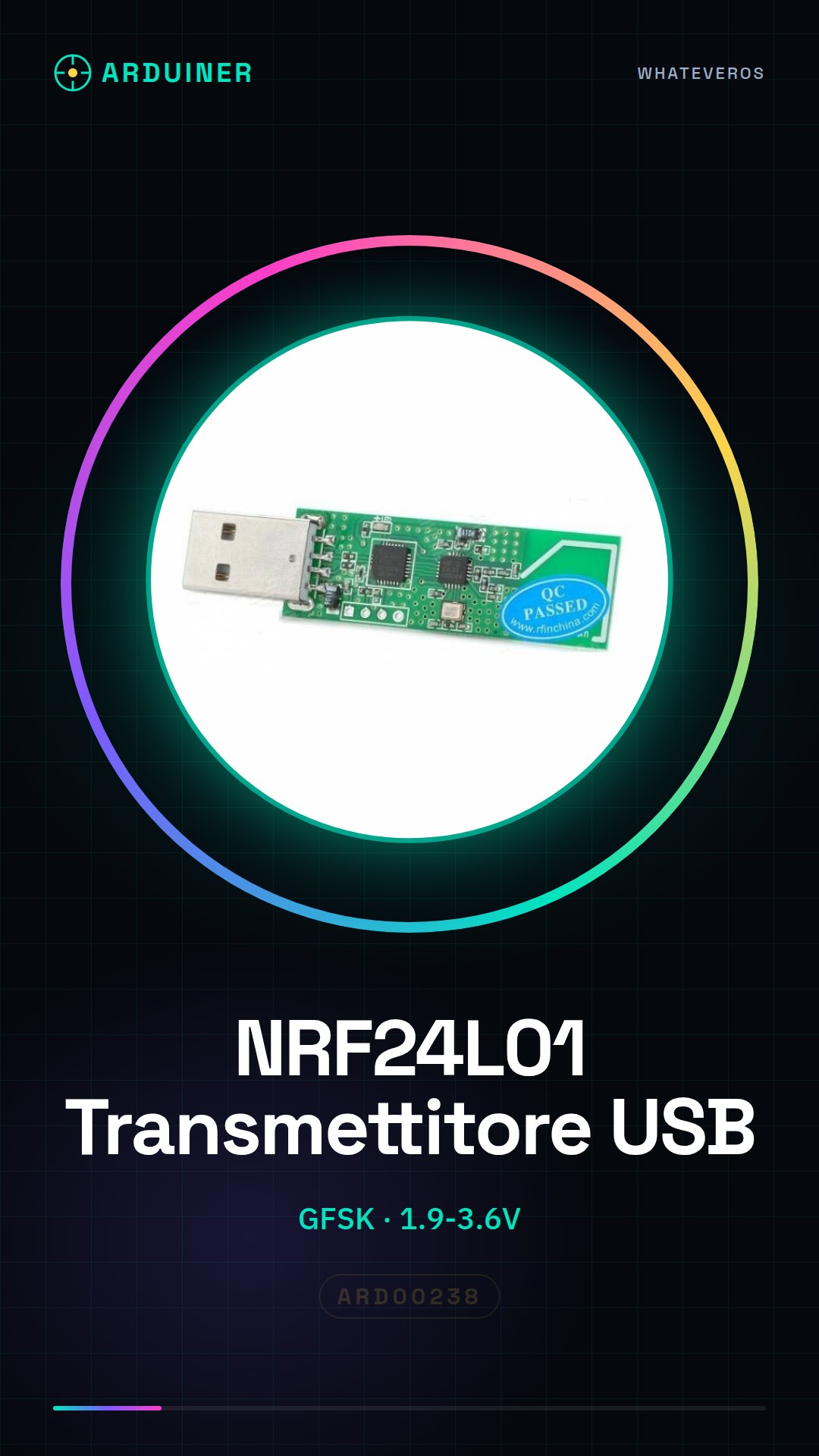
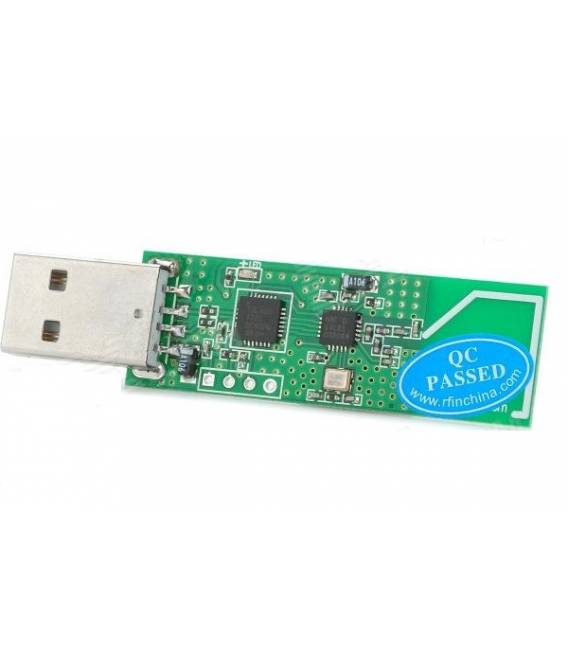
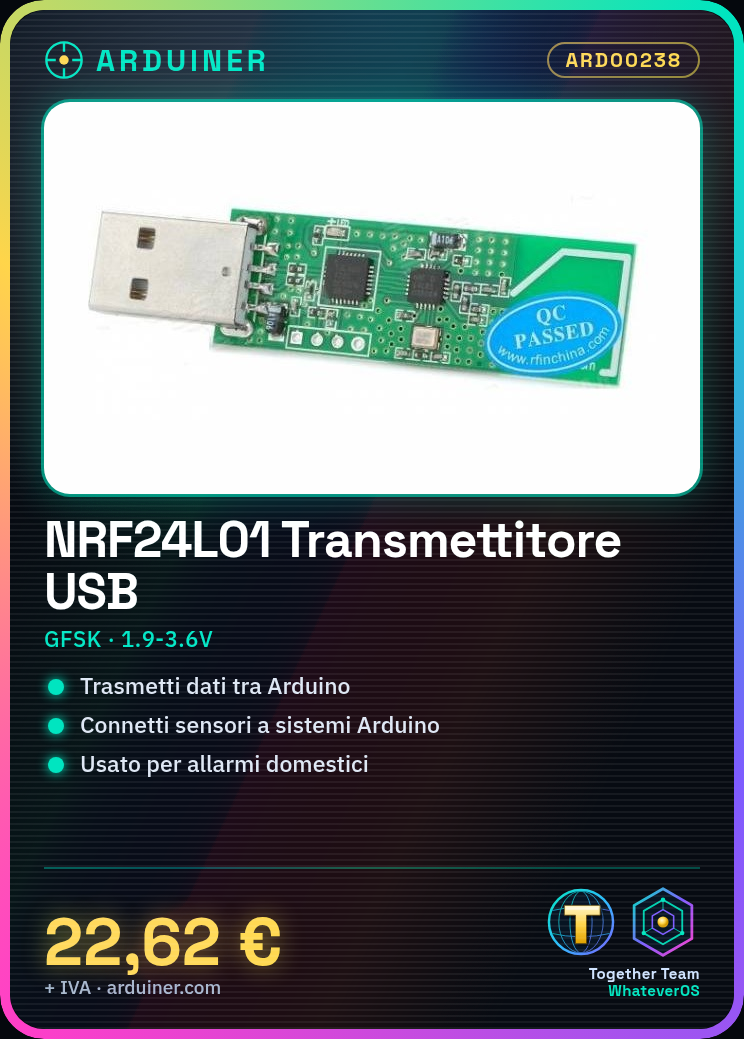
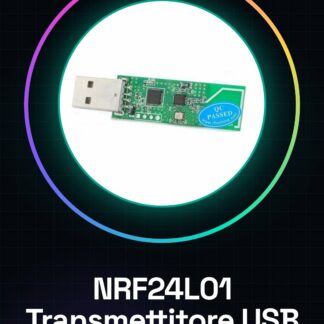
The NRF24L01 module is a wireless transmitter/receiver that enables wireless communication between Arduino devices and other IoT components. This module uses GFSK technology for stable data transmission.
Features
- Technology: GFSK
- Operating Voltage: 1.9V – 3.6V
What it is for
NRF24L01 modules are ideal for projects requiring wireless communication between devices, such as connecting sensors to Arduino or ESP systems. Examples of applications include home monitoring and alarm system implementation.
Tutorial: How to Use NRF24L01 Wireless Module (Wireless Module for Arduino)
The NRF24L01 module is a wireless transmitter/receiver ideal for wireless communication projects. Use it to connect sensors and devices.
What you need
- Arduino Uno
- NRF24L01 Module
- USB Cable
Steps
- Connect the NRF24L01 module to the Arduino following the pin mapping in the datasheet.
- Install the RF24 library from the Arduino IDE library manager.
- Configure the CSN and CE pins of the module in the RF24 library.
- Set the frequencies and channels for transmission/reception (check the datasheet).
- Write a sketch that sends data from one Arduino to another using the NRF24L01 module.
- Verify data reception on both Arduinos.
Example code
// Libreria RF24
#include <RF24.h>

// Definizione delle pin CSN e CE
const int PIN_CS = 9;
const int PIN_CE = 10;

// Oggetto RF24
RF24 radio(PIN_CE, PIN_CS);

void setup() {
  // Inizializza il modulo NRF24L01
  radio.begin();
}

void loop() {}
Mini project
Create a home security system with two Arduinos and sensors connected via NRF24L01.
Common mistakes
- Set the wrong frequency
- Incorrectly configure the CSN and CE pins
- Use the wrong version of the RF24 library
Recommended accessories
- Arduino Uno R3 Module
- USB Type B cable for Arduino
- PIR motion sensors
Frequently asked questions
How can I increase the range of the module?
Use external antennas or signal amplifiers.
What is the maximum data transmission speed?
Check the datasheet for exact specifications.
Reviews
There are no reviews yet.