 EN
 IT Italiano
 ES Español
 FR Français
 DE Deutsch
Description
What it is
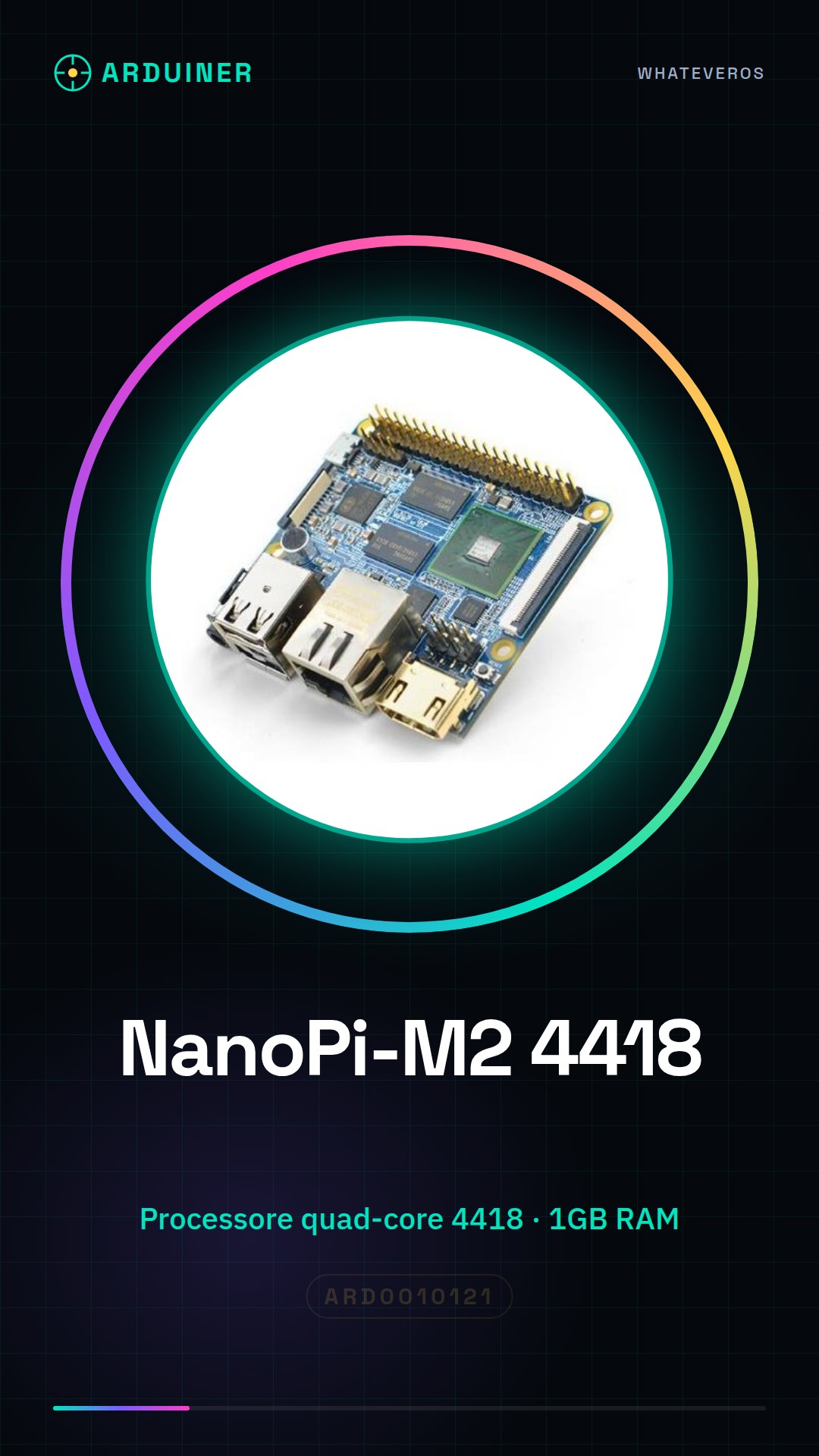
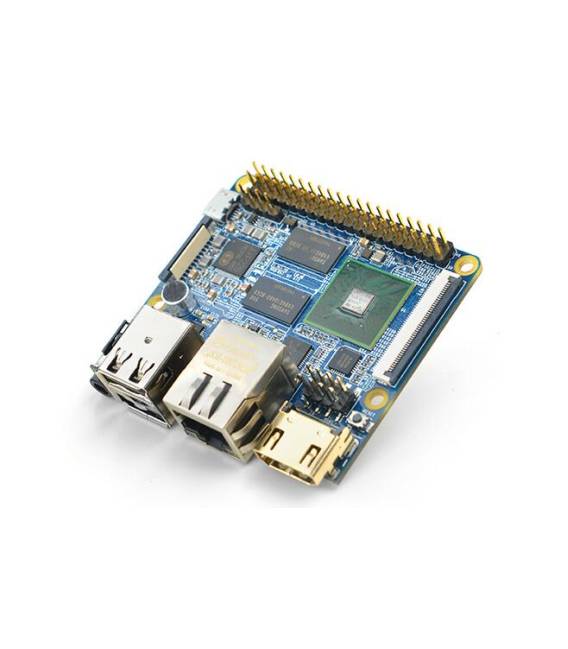
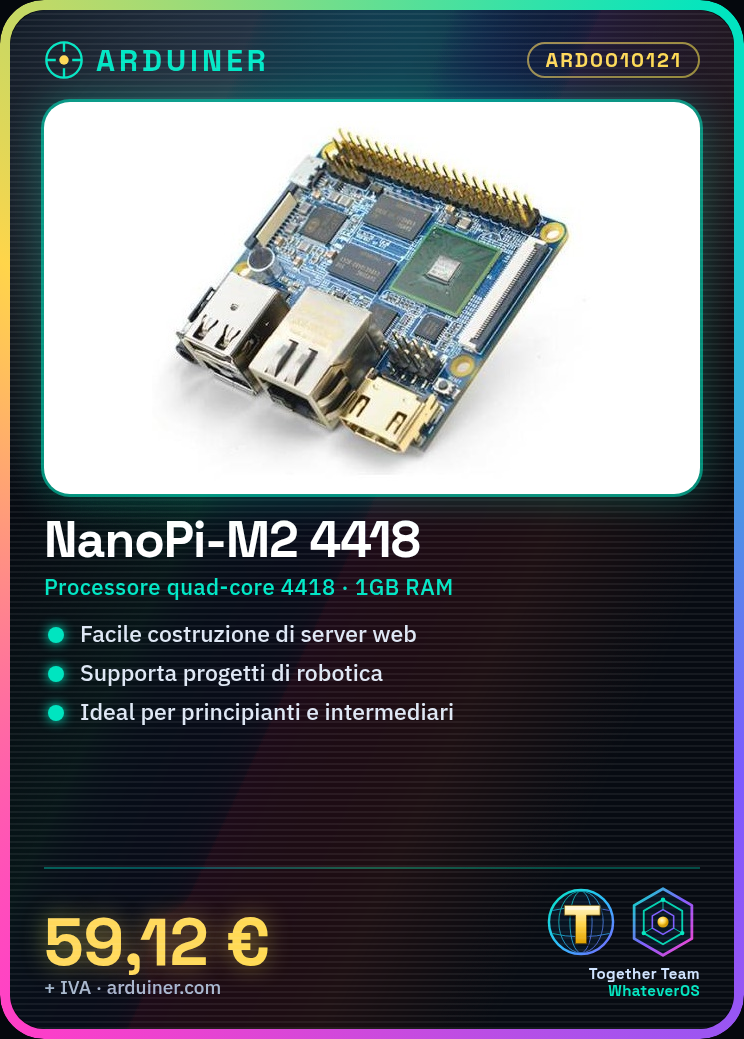
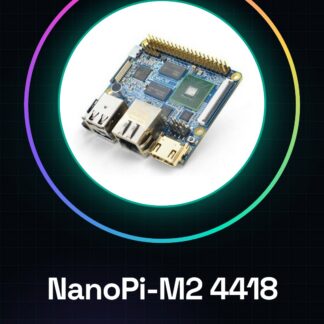
The NanoPi-M2 is an open-source development board featuring a quad-core processor and 1GB of RAM. Its architecture supports Gigabit Ethernet, making it suitable for advanced projects in areas such as IoT, robotics, and embedded software development.
Features
- Open-source development board
- Quad-core 4418 processor
- 1GB RAM
- Gigabit Ethernet
What it is for
The NanoPi-M2 is ideal for IoT, robotics, and embedded software development projects. It can be used by beginners and intermediates to create simple web servers or run other types of advanced applications.
Tutorial: How to use NanoPi-M2
The NanoPi-M2 is a versatile quad-core development board ideal for IoT, robotics, and embedded software development projects. Suitable for beginners and intermediates.
What you need
- NanoPi-M2
- Micro-USB cable
- Power supply (5V, 2A)
- HDMI cable (optional)
- Keyboard and mouse (optional)
Steps
- 1. Download the latest version of Yocto Project to configure the development environment.
- 2. Connect the NanoPi-M2 to the computer via Micro-USB.
- 3. Start the Yocto installer and follow the instructions to install the OS.
- 4. Once installed, disconnect the NanoPi-M2 from the computer.
- 5. Connect the NanoPi-M2 to a power source (5V, 2A).
- 6. If you want a monitor, connect an HDMI display.
- 7. Start the NanoPi-M2 and log in to the operating system.
- 8. Install the necessary software for your projects.
Mini project
Create a simple web server using the Arduino IDE and a static web service.
Common mistakes
- Do not use a power supply lower than 5V, 2A.
- Do not connect the NanoPi-M2 directly to the computer without a micro-USB cable.
- Ensure that the operating system is fully installed before disconnecting the NanoPi-M2.
- Do not use an HDMI cable that is not compact.
Recommended accessories
- Micro-SD card (4GB+)
- HDMI cable
- Power supply
- Keyboard and mouse
Frequently asked questions
How can I start the NanoPi-M2?
Connect the NanoPi-M2 to the power supply and start the system.
What software can I install on NanoPi-M2?
You can install any software compatible with Yocto Project.
What are the minimum requirements for the power supply?
The power supply must provide 5V, 2A.
Reviews
There are no reviews yet.