 EN
 IT Italiano
 ES Español
 FR Français
 DE Deutsch
Description
What it is
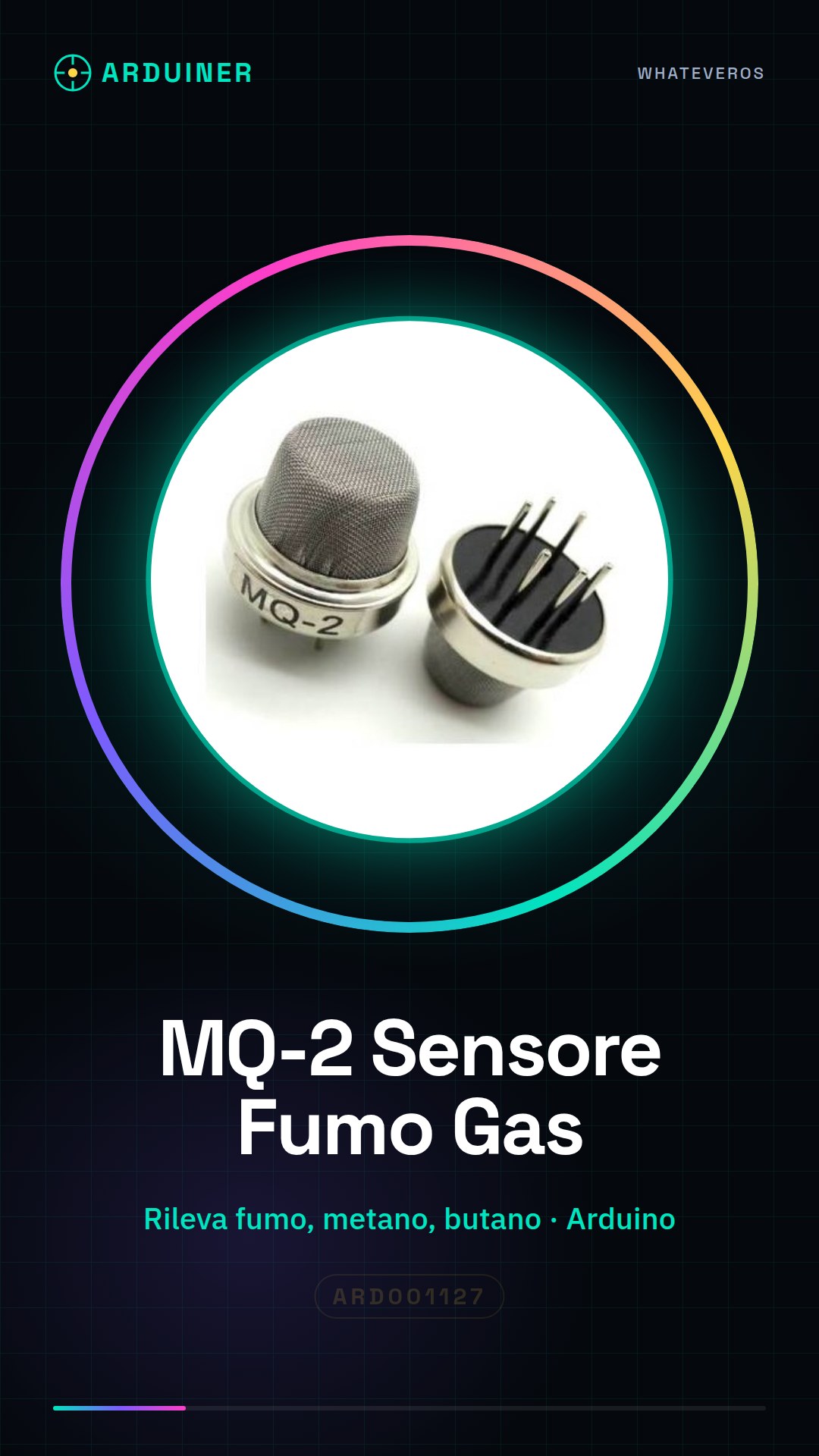
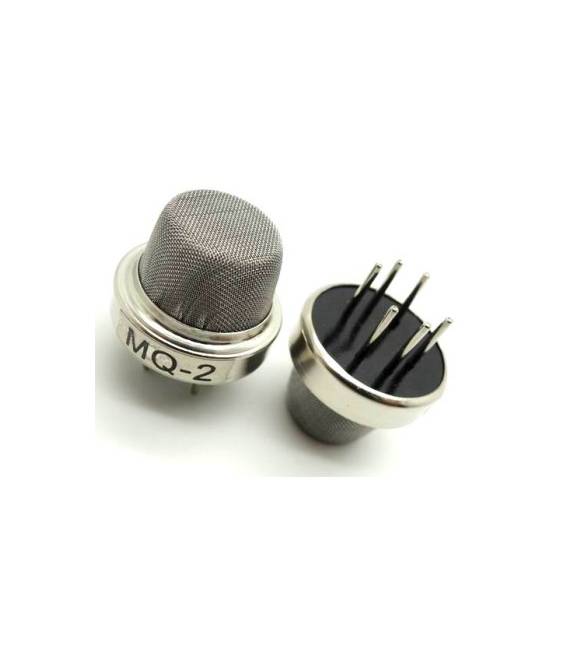
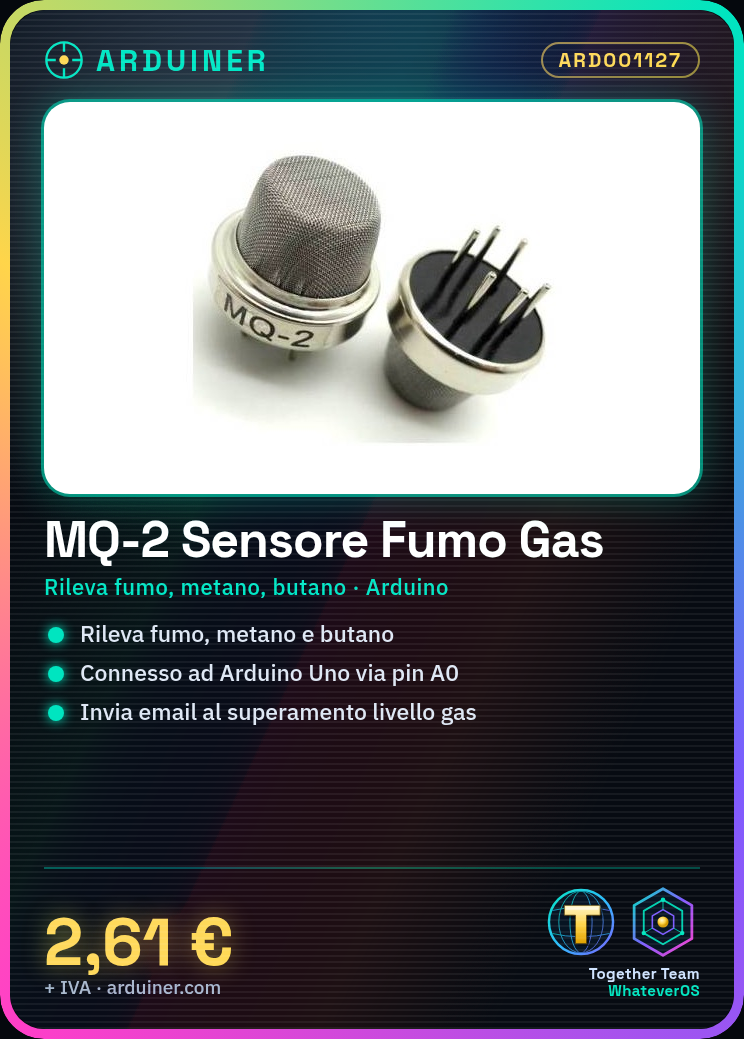
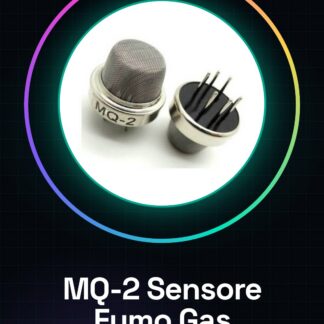
The MQ-2 sensor is an Arduino device designed to detect smoke, methane, and butane. It is particularly useful in home security and environmental monitoring applications.
Features
- Detects smoke, methane, and butane
What it is for
Ideal for home alarm projects that send email notifications when high levels of gas or smoke are detected. Compatible with Arduino.
Tutorial: How to Use MQ-2 Smoke Methane Butane Sensor
The MQ-2 sensor is an essential component for home security and environmental monitoring projects. It is ideal for beginner makers who want to create automatic smoke, methane, and other gas alarm systems.
What you need
- Arduino Uno or compatible
- jumper wire
- 5V power supply
Steps
- Connect the sensor MQ-2 pins to the Arduino connectors as follows: VCC to 5V, GND to GND, AO (analog) to Arduino pin A0.
- Open the Arduino IDE software and install the Adafruit MQ Gas Sensor Library.
- Write a sketch that reads analog values from the MQ-2 sensor and prints the results to the serial monitor console.
- Configure the sensor for the environment in which it will be used, checking the specifications on the datasheet.
- Test the system when exposed to smoke or test gas (be aware of safety regulations).
- Add a WiFi or Ethernet module if you want to send data online.
- Install an alarm feature that activates an audio signal or notification when gas levels exceed the threshold value.
- Customize the sensor sensitivity and update the sketch based on your requirements.
Example code
// Includi la libreria
#include <Adafruit_MQGasSensor.h>
// Definisci l'oggetto sensor
Adafruit_MQGasSensor gas;
void setup() {
gas.begin();
Serial.begin(9600);
}
void loop() {
float ppm = gas.readPPM();
Serial.println(ppm);
delay(1000);}
Mini project
Create a home alarm system that sends an email notification when the sensor detects elevated levels of smoke or gas.
Common mistakes
- Do not properly configure the sensor power supply.
- Ignore the initial calibration.
- Overload the Arduino digital pins with too many connected devices.
- Use an unoptimized alarm algorithm that generates frequent false positives.
Recommended accessories
- ESP8266 WiFi Module
- 5V Relay to activate external systems
- I2C LCD Display for data visualization
- Buzzer or bell
Frequently asked questions
How do I calibrate the MQ-2 sensor?
Follow the calibration instructions in the sensor’s datasheet for proper calibration.
How long does it take for the sensor to stabilize?
The sensor may require up to 30 minutes to reach a stable condition after power-on or environmental change.
Reviews
There are no reviews yet.