 EN
 IT Italiano
 ES Español
 FR Français
 DE Deutsch
Description
What it is
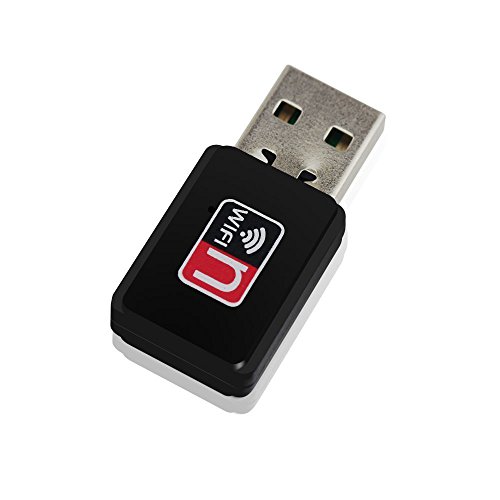
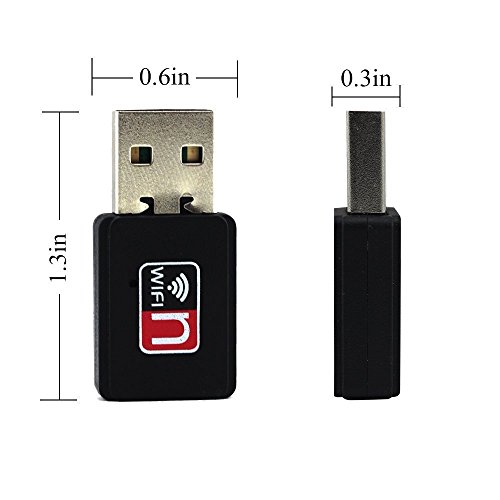
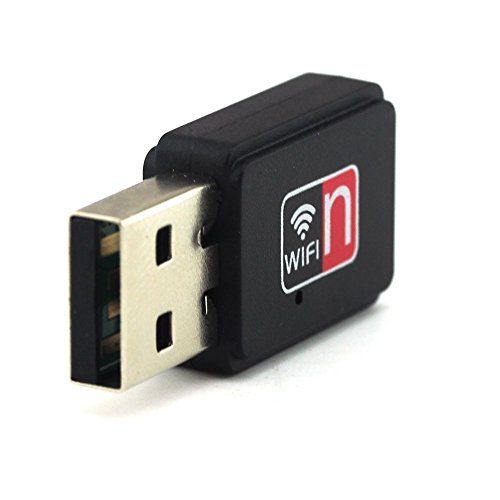
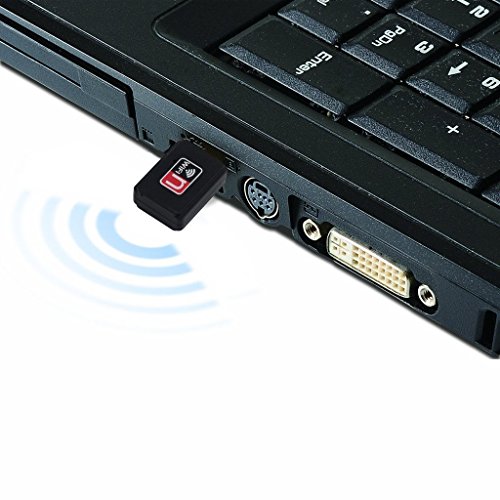
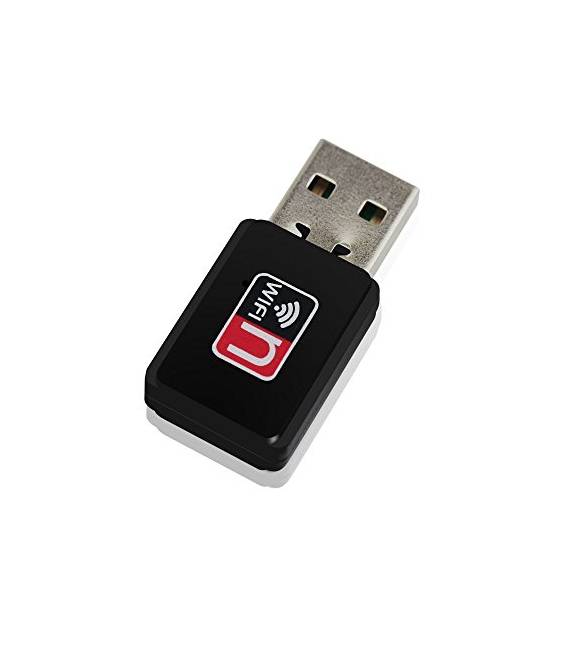
The Mini WiFi USB Dual Band ARD009908 Adapter is a device that allows you to easily connect Arduino devices to wireless Internet. This adapter supports 802.11n/g technology, providing a fast and stable wireless connection.
Features
- Compliant with IEEE 802.11n/g standard
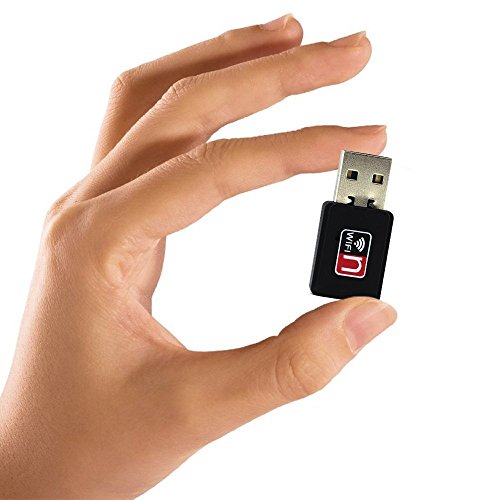
- Mini USB adapter for WiFi connectivity
What it is for
This adapter is ideal for Internet of Things (IoT) projects and remote monitoring. You can use it to create simple temperature sensors or other devices that send data to platforms like Blynk.
Tutorial: How to use Mini USB Adapter 150M WiFi Wireless Dual Band 802.11n / g7b
This USB adapter allows you to connect your Arduino device to the internet wirelessly. Useful for Internet of Things (IoT) projects and remote monitoring.
What you need
- Mini USB Adapter 150M WiFi Wireless Dual Band 802.11n / g7b
- Arduino or compatible
- Computer with USB
- WiFi Network
Steps
- 1. Check the datasheet for your adapter’s specifications.
- 2. Connect the USB adapter to your Arduino.
- 3. Power on your Arduino.
- 4. Verify the adapter’s proper power supply.
- 5. Connect the adapter to a USB power source from your computer.
- 6. Wait for the adapter to connect to your WiFi network.
- 7. Check the WiFi connection on your Arduino.
- 8. Try to send a test packet.
Mini project
Create a simple temperature sensor with Arduino and send data to an IoT platform like Blynk in 30 minutes.
Common mistakes
- Do not connect the adapter to a USB power source from your Arduino device.
- Do not check the WiFi connection on your Arduino.
- Do not wait for the adapter to connect to your WiFi network.
- Do not check the adapter’s proper power supply.
Recommended accessories
- Arduino Uno
- Temperature sensors
- USB cable
- Blynk
Frequently asked questions
How to check WiFi connection?
Use the command `WiFi.begin(ssid, password);` and verify if the connection is established correctly.
What are the minimum requirements for power supply?
Check the datasheet for minimum power supply requirements.
How to send data to Blynk?
Use the Blynk library and the command `Blynk.virtualWrite(VirtualPin, value);`.
Why can’t I connect to the WiFi network?
Verify the correctness of the SSID and password, and ensure that the WiFi network is active.
Reviews
There are no reviews yet.