 EN
 IT Italiano
 ES Español
 FR Français
 DE Deutsch
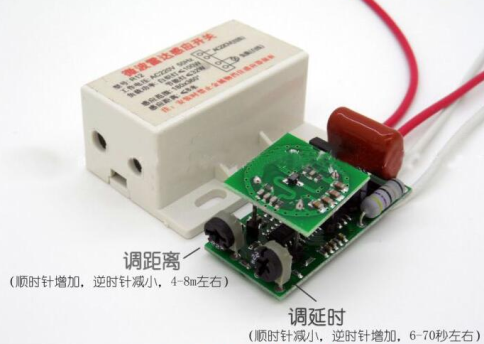
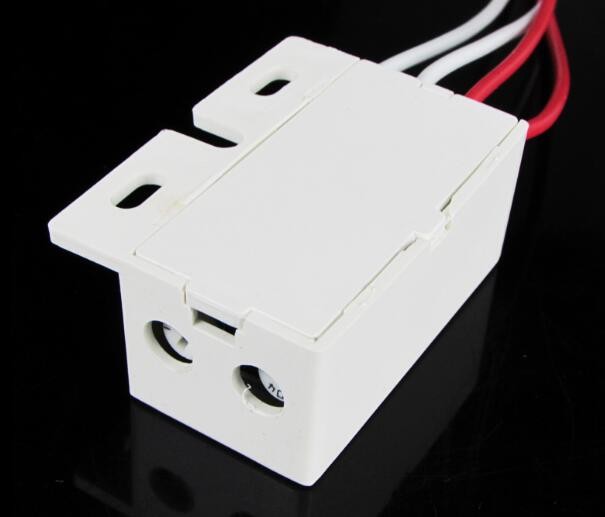
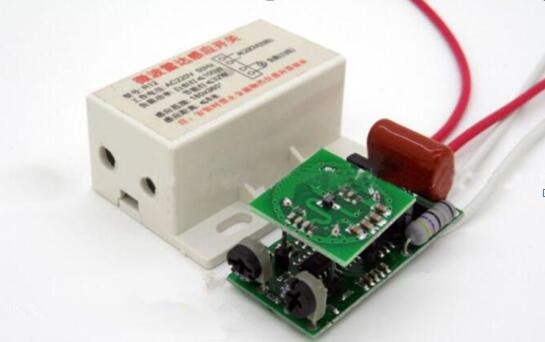
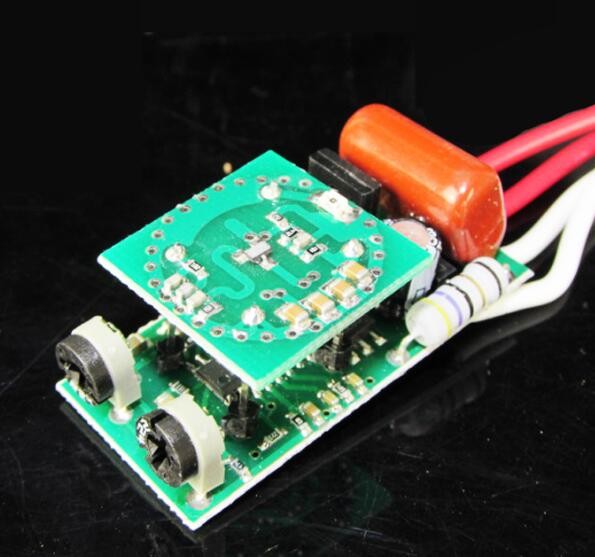
Description
What it is
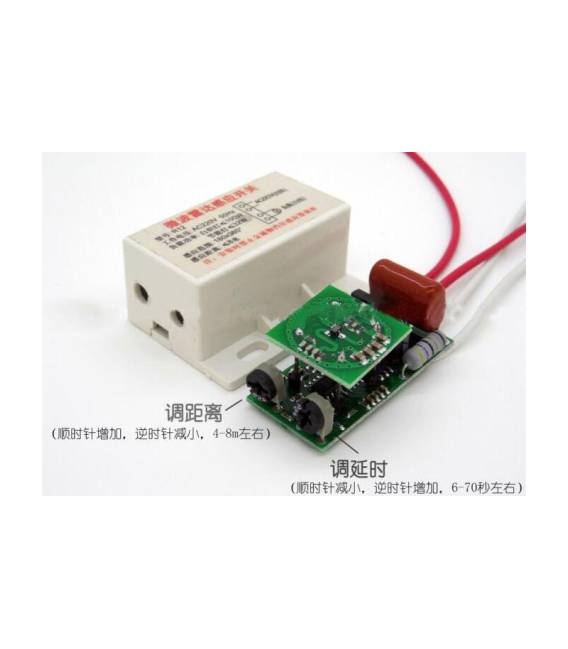
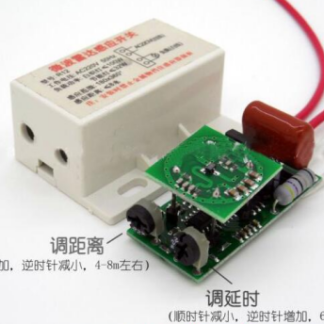
The Microwave Motion Sensor 220V with Distance Adjustment is an electronic device that detects the presence of movement in a defined area through microwave sound waves. The distance adjustment allows setting the sensitivity of the sensor and the detection area.
Features
- Power Supply: 220V
- Sensor Type: Microwave
- Distance Adjustment: Available
- SKU: ARD0010510
- Price: 8.85 €
What it is for
This sensor is ideal for Arduino projects and home security applications. It can be used to detect movement in areas such as doors, windows, or courtyards. Example use: create an alarm system for a door by connecting the sensor to an Arduino, writing a sketch for control, and adding a bell.
Tutorial: How to Use the Microwave Motion Sensor 220V with Distance Adjustment
This detector is ideal for projects requiring motion detection in domestic environments. Useful for beginners and intermediates, it serves to control doors, windows, and other accessories.
What you need
- Arduino or compatible
- 220V power supply cable
- Potentiometer
- 1kΩ resistor
- Test connector
Steps
- Check the datasheet for the sensor specifications.
- Connect the sensor to the Arduino using the pins indicated on the datasheet.
- Connect the potentiometer to the sensor to adjust the detection range.
- Connect the 1kΩ resistor between VCC and GND of the sensor for protection.
- Use a test connector to connect the sensor to the Arduino.
- Load the source code onto the Arduino.
- Test the sensor by adjusting the range with the potentiometer.
- Verify the proper functioning of the sensor.
Mini project
Create an alarm system for a door. In 30 minutes, connect the sensor to the Arduino, write a simple sketch for control, and add a bell.
Common mistakes
- Forget to properly adjust the distance with the potentiometer.
- Connect the sensor pins in reverse.
- Omit the protective resistor.
- Do not test the sensor before loading the code.
Recommended accessories
- Bell
- Arduino UNO
- Test lead
- Power supply 220V
Frequently asked questions
Does the sensor work with 110V?
No, the sensor is designed for 220V. Check the datasheet.
Can I use a compatible Arduino?
Yes, but check the compatibility on the datasheet.
How long does the battery last?
The sensor does not use batteries, it is powered directly by the 220V current.
Can I adjust the sensitivity of the sensor?
Yes, use the potentiometer to adjust the detection distance.
Reviews
There are no reviews yet.