 EN
 IT Italiano
 ES Español
 FR Français
 DE Deutsch
Description
What it is
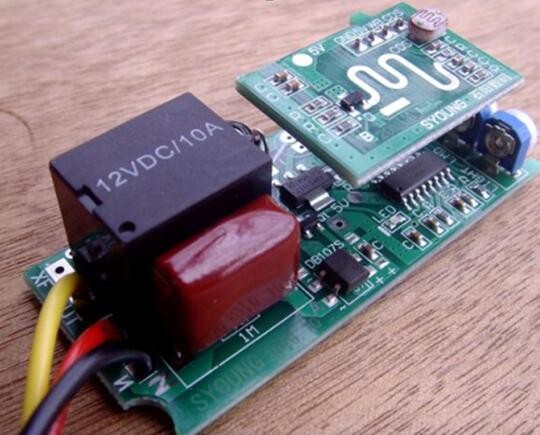
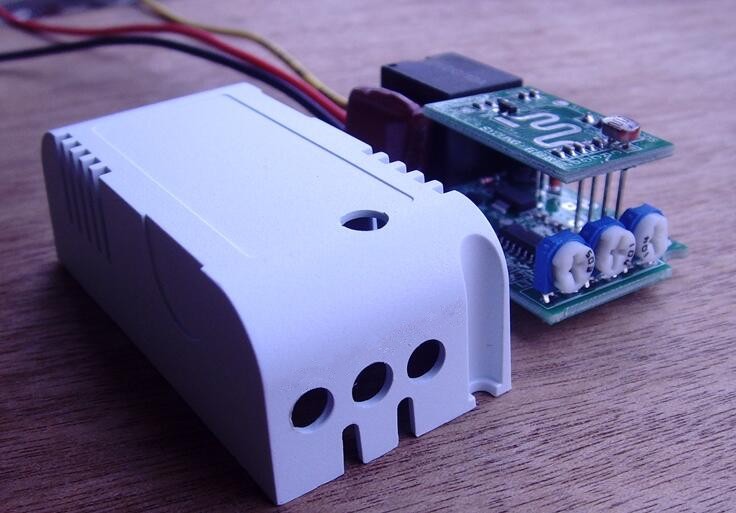
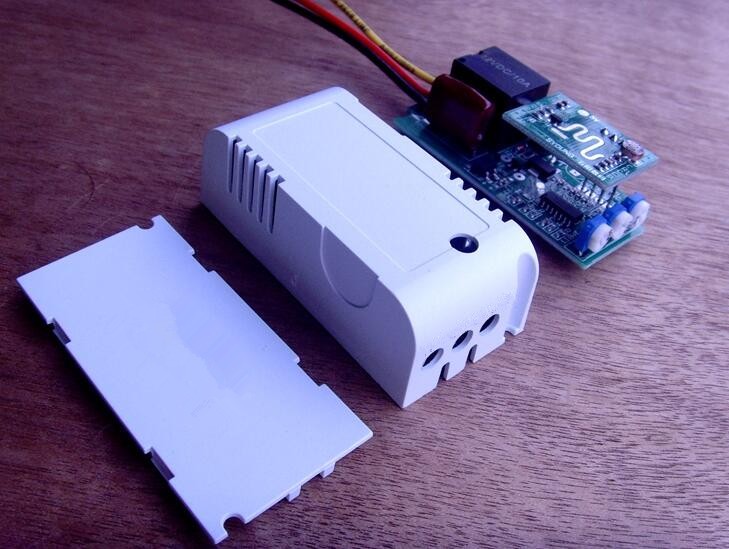
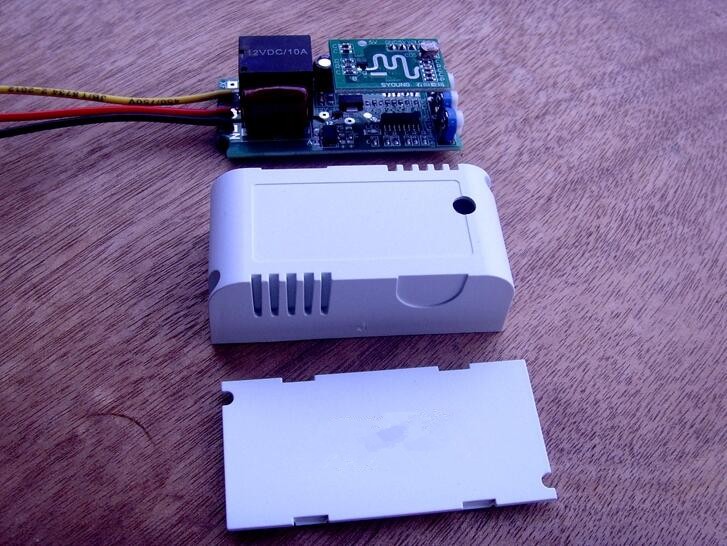
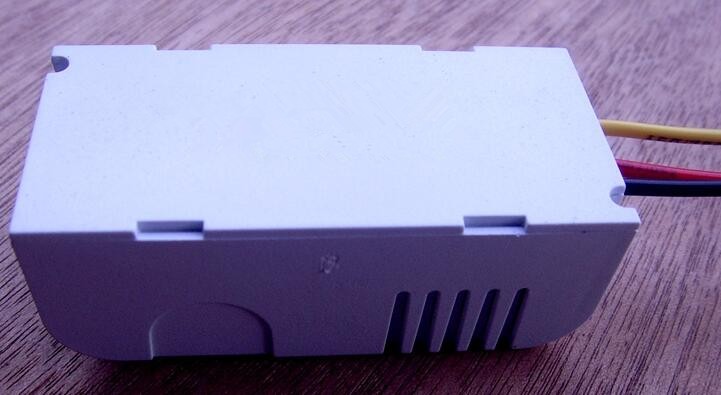
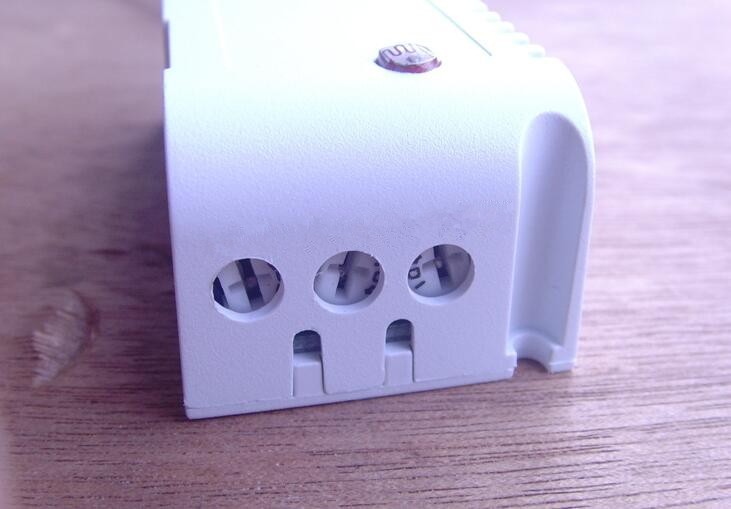
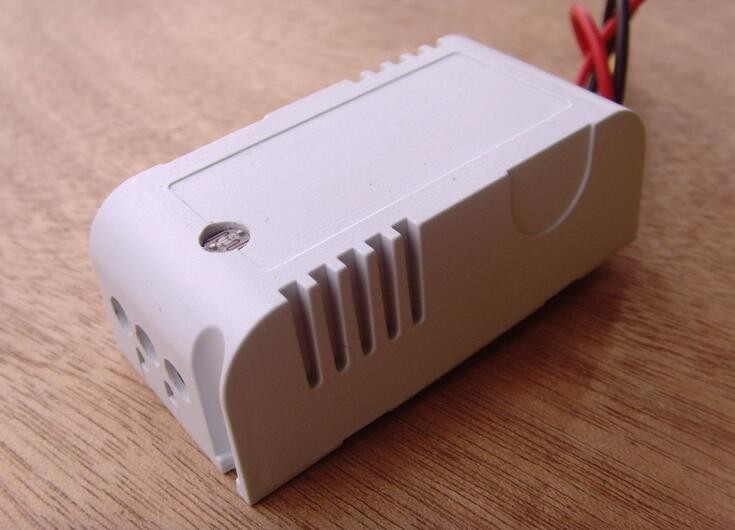
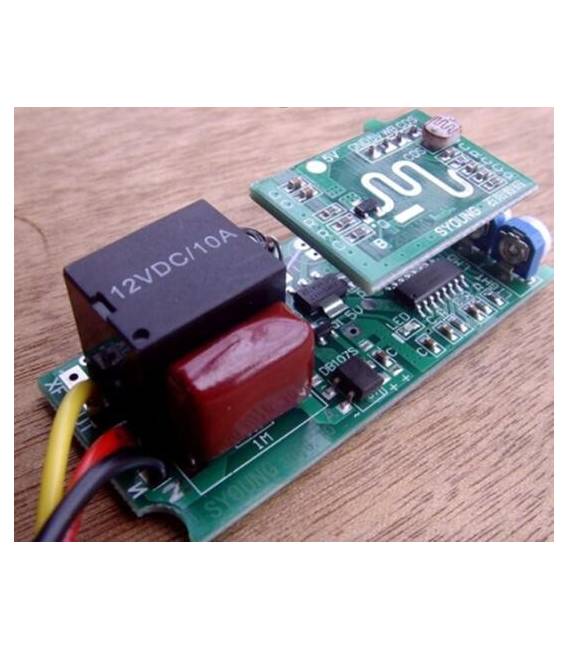
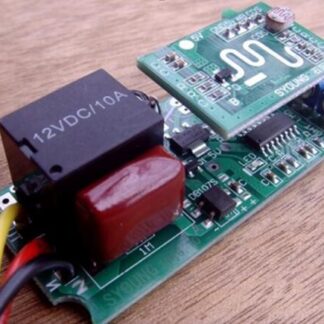
The Microwave Motion Sensor 220V with Button is an electronic device that detects the presence of movement in a defined area. It uses microwave sound waves to measure distance and movement of objects within its range of action.
Features
- Power Supply: 220V
- Detection Range: 0-6 meters
- Interface: Button
What it is for
This sensor is ideal for DIY and Arduino projects that require movement detection in domestic or industrial environments. It can be used to create simple alarm systems, turn lights on automatically when movement is detected, or control other electronic devices based on the presence of people. Its compatibility with Arduino and ESP makes it versatile for a wide range of applications.
Tutorial: How to Use Microwave Motion Sensor
This detector is ideal for projects requiring movement detection in domestic or industrial environments. Useful for beginners and intermediates.
What you need
- MicroWave Motion Sensor
- Arduino UNO or compatible
- 220V power supply cable
- 10kΩ resistor
Steps
- Check the datasheet for the sensor specifications.
- Connect the sensor to the Arduino via digital pins.
- Power the sensor with the 220V cable.
- Connect the 10kΩ resistor between the GND pin and a digital pin of the Arduino.
- Upload the following code to your Arduino.
- Test the sensor by placing and removing an object in front of it.
- Verify that the sensor LED turns on and off correctly.
- Check the datasheet for battery life duration
Example code
void setup() {
  pinMode(2, INPUT);
  pinMode(3, OUTPUT);
}

void loop() {
  if (digitalRead(2) == HIGH) {
    digitalWrite(3, HIGH);
  } else {
    digitalWrite(3, LOW);
  }
}
Mini project
Build a simple alarm system. Connect the sensor to an LED and a bell to alert when movement is detected.
Common mistakes
- Incorrect power supply: ensure you are using a 220V cable.
- Incorrect connection: check that the sensor is correctly connected to the Arduino.
- Missing resistor: the circuit will not work without the 10kΩ resistor.
- Incorrect Arduino code: check the code and make sure it is correct.
Recommended accessories
- Arduino UNO
- LED
- Buzzer
- USB cable for loading
Frequently asked questions
The sensor is not working.
Check the correct power supply and connection to the Arduino.
How can I customize the code?
Modify the code to suit your needs, for example by adding another LED.
The sensor lights up even without movement.
Check for interference and ensure the sensor is not being used incorrectly.
What are the specifications of the sensor?
Check the datasheet for all specifications.
Reviews
There are no reviews yet.