 EN
 IT Italiano
 ES Español
 FR Français
 DE Deutsch
Description
What it is
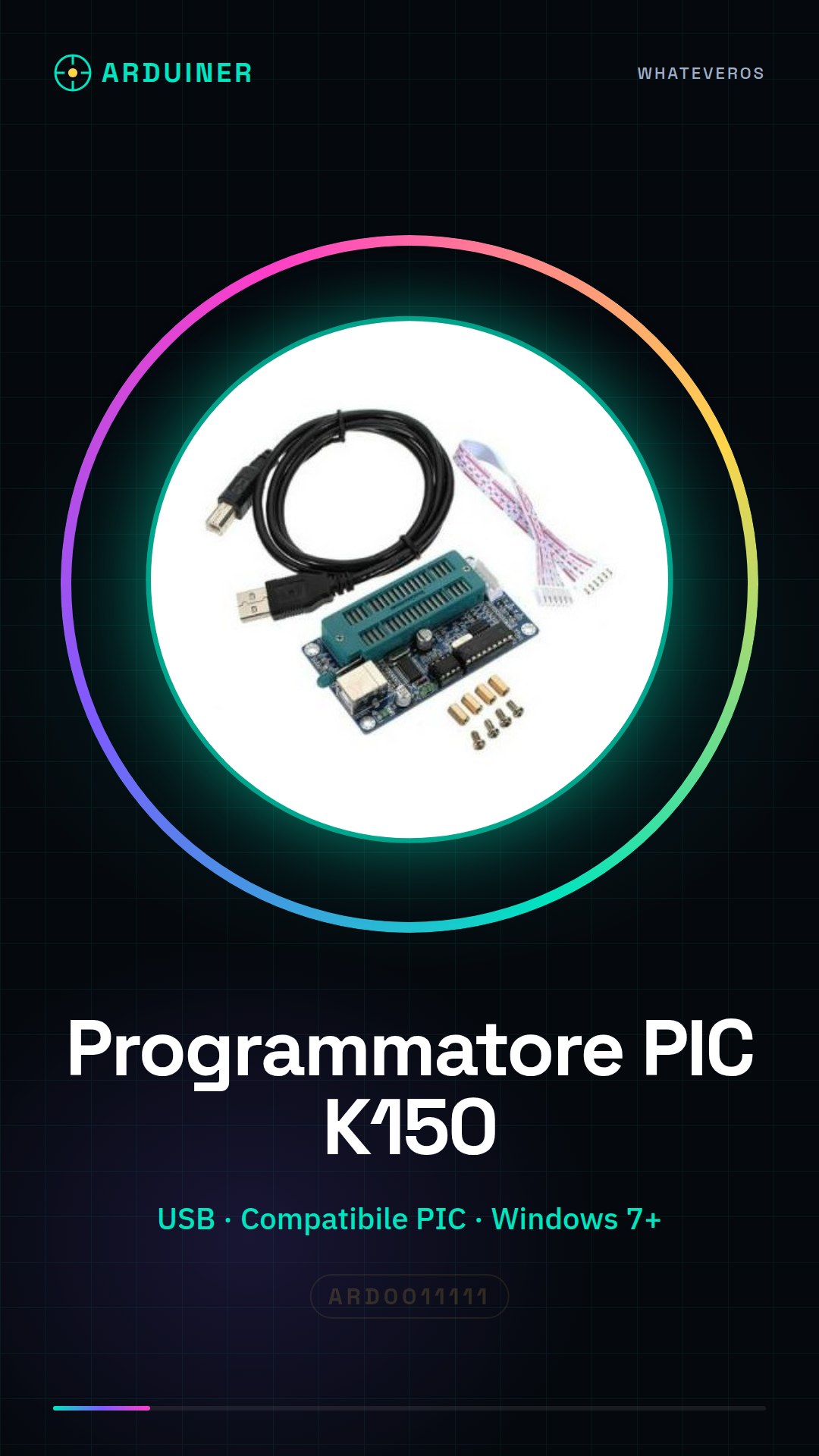
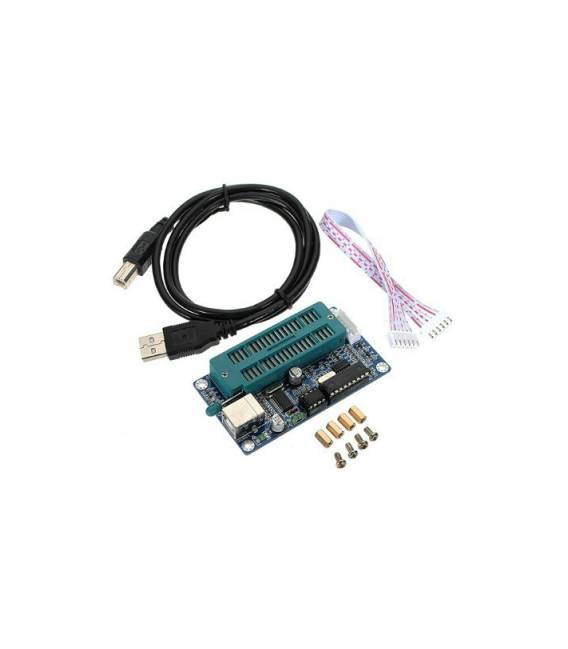
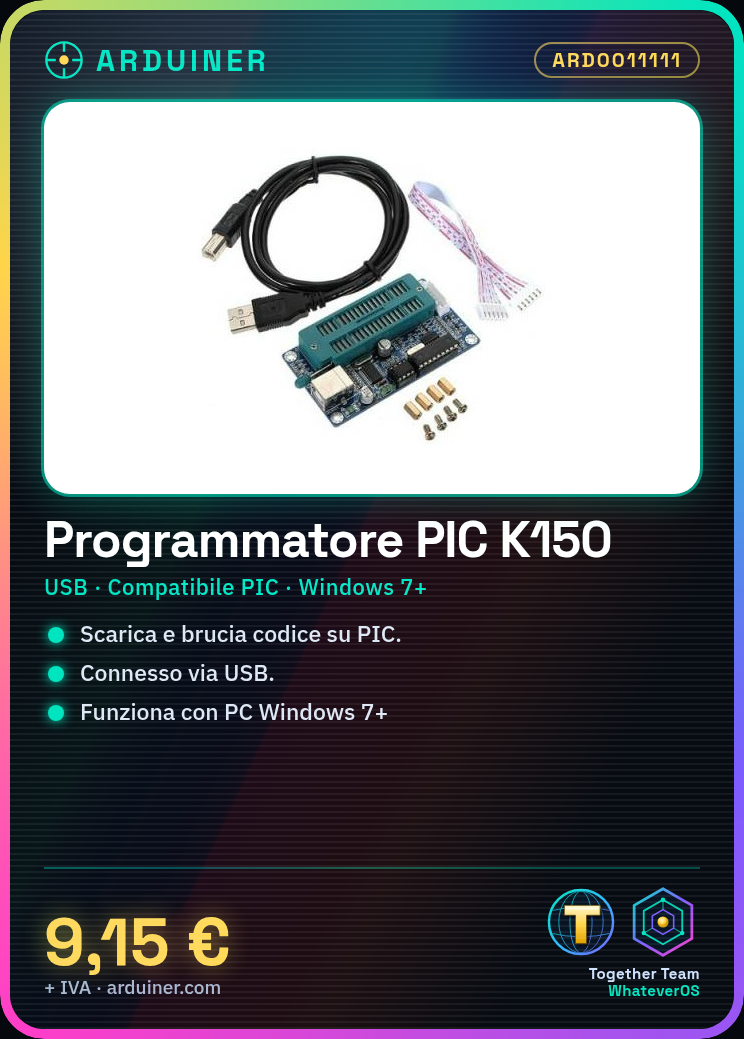
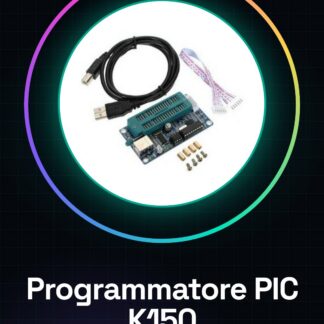
The PIC K150 Programmer Microchip is a tool for downloading and burning code onto PIC microcontrollers.
Features
- Compatible with PIC microcontrollers
- USB connection
- SKU: ARD0011111
- Price: 9.15 €
What it is for
The PIC K150 Programmer is necessary for programming PIC microcontrollers. It can be used to implement simple electronic projects such as pulse counting or LED on/off.
Tutorial: How to use PIC K150 Programmer
The PIC K150 Programmer is necessary for downloading programs onto PIC microcontrollers. Useful for those working with Microchip PIC microcontrollers and wanting to program them easily.
What you need
- PIC K150 Programmer
- Compatible PIC microcontrollers
- PC with Windows 7 or higher operating system
- USB cable
Steps
- Check the datasheet for microcontroller compatibility.
- Connect the PIC K150 Programmer to the PC via USB cable.
- Install the USB driver on the PC (check the Microchip website).
- Start the programming software (check the Microchip website).
- Select the microcontroller in the software.
- Load the program onto a .hex file.
- Select the PIC K150 Programmer as the programming device.
- Click on ‘Program’ to download the program onto the microcontroller.
Mini project
Program a PIC microcontroller to count and turn on/off an LED.
Common mistakes
- Do not install the USB drivers correctly.
- Select an incompatible microcontroller.
- Do not connect the PIC K150 Programmer correctly.
- Do not have the .hex file of the program.
Recommended accessories
- Compatible PIC microcontrollers
- LED
- Resistor
- USB cable
- PC with Windows 7 or higher operating system
Frequently asked questions
Why can’t I see the PIC K150 Programmer in the programming software?
Check that the USB driver is installed correctly and that the PIC K150 Programmer is properly connected to the PC.
Can I use this programmer with non-Microchip microcontrollers?
Check the datasheet to see if the PIC K150 Programmer supports other types of microcontrollers.
Does the PIC K150 Programmer support all PIC microcontrollers?
Check the datasheet for the list of compatible microcontrollers.



Reviews
There are no reviews yet.