 EN
 IT Italiano
 ES Español
 FR Français
 DE Deutsch
Description
What it is
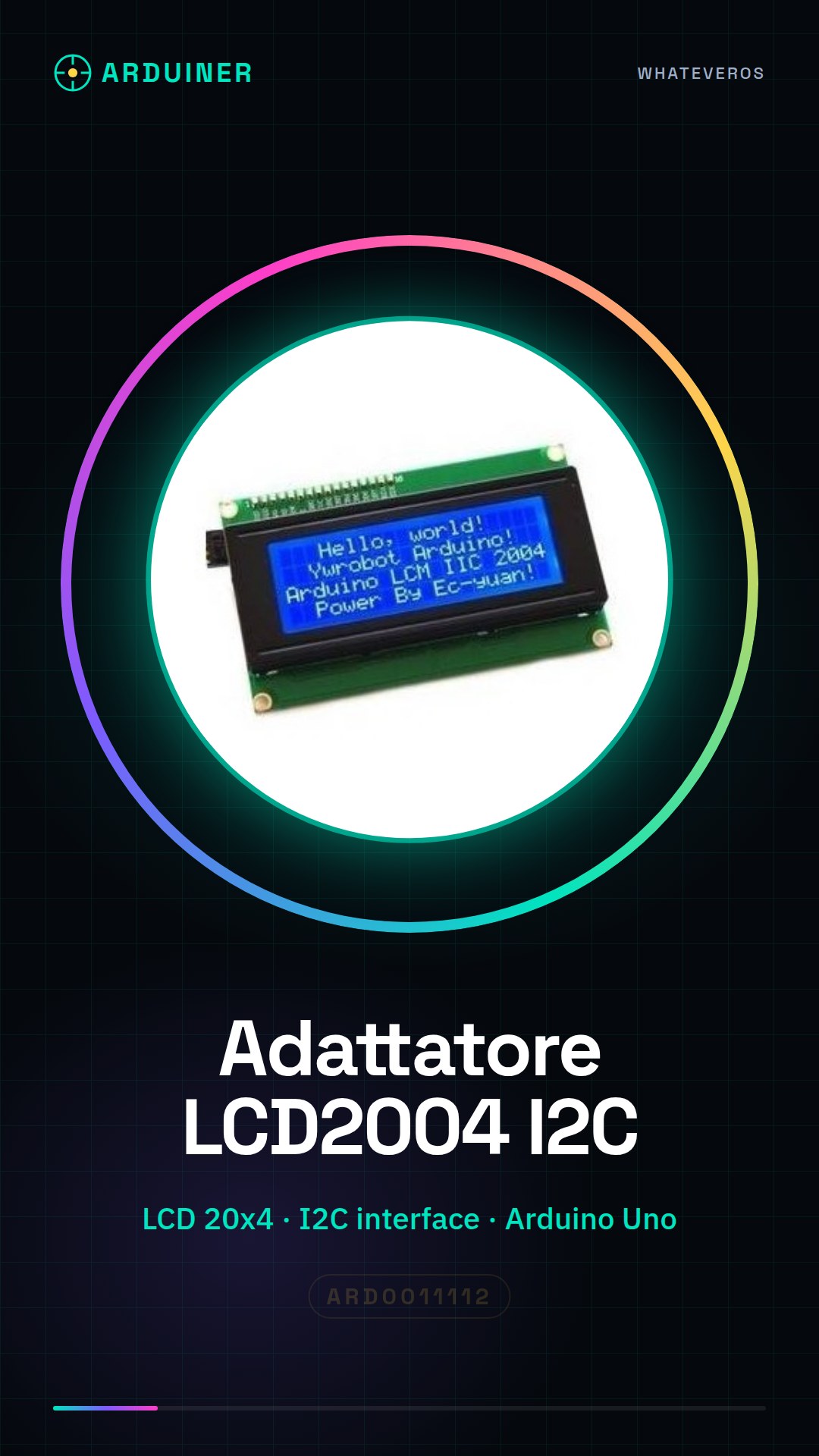
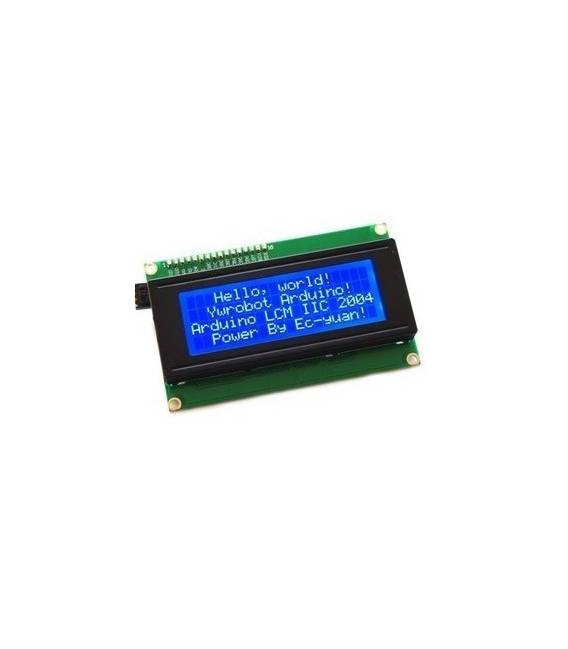
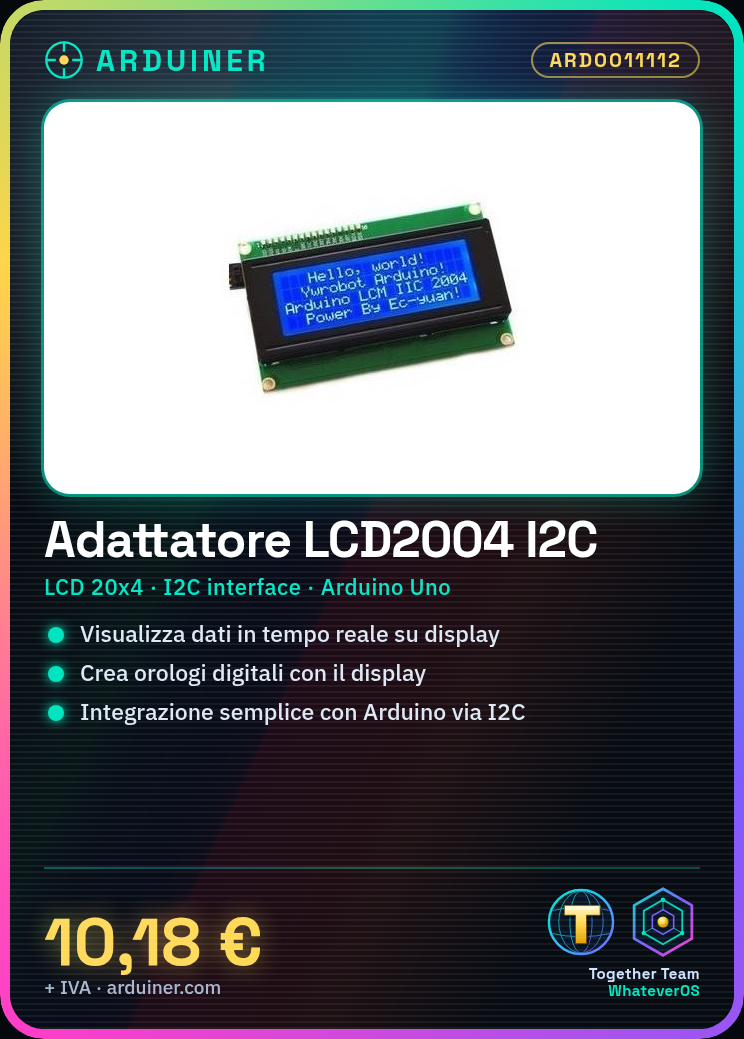
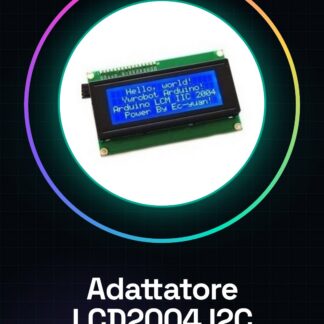
The LCD2004 + IIC I2C adapter is an electronic module that allows you to connect a 20-character by 4-line LCD display to an Arduino-based circuit.
Features
- 20 Character x 4 Line LCD Display
- I2C Interface
- SKU: ARD0011112
- Price: 10.18 €
- Availability: Pre-order
What it is for
This adapter is ideal for displaying real-time data on an LCD display. It can be used to create digital clocks, display sensor data, or provide user feedback in Arduino projects. Compatibility with the I2C protocol simplifies integration with most Arduino microcontrollers.
Tutorial: How to Use LCD2004 + IIC I2C Adapter
The LCD2004 + IIC I2C adapter allows you to easily connect a 20-character by 4-line LCD display to your Arduino project using the I2C protocol. Perfect for anyone who wants to display information in a simple and clear manner.
What you need
- Arduino Uno or compatible
- USB cable for Arduino
- LCD2004 + IIC I2C adapter
- LiquidCrystal_I2C library
- Arduino IDE software
Steps
- Connect the LCD2004 + IIC I2C adapter to the Arduino using the I2C cable.
- Open the Arduino IDE software and install the LiquidCrystal_I2C library.
- Check the I2C settings of the adapter in the datasheet.
- Write a simple sketch to test the LCD display.
- Upload the sketch to your Arduino.
- Verify that the text is displayed correctly on the display.
- Modify the sketch to display the desired information.
- Test the complete project.
Example code
LiquidCrystal_I2C lcd(0x27, 2, 1, 0, 4, 5, 6, 7); // Imposta l'indirizzo I2C del display e i pin
lcd.begin(20,4); // Inizializza il display
lcd.print("Benvenuto!"); // Stampa un messaggio di benvenuto
Mini project
Create a simple digital clock that displays the time and date on the LCD display.
Common mistakes
- I2C address error of the adapter.
- LiquidCrystal_I2C library not installed correctly.
- LCD display pins connected incorrectly.
- Error message in the Arduino IDE software.
Recommended accessories
- Arduino Uno
- LiquidCrystal_I2C Library
- I2C Cable
- Temperature and Humidity Sensors
Frequently asked questions
How can I verify the I2C address of the adapter?
Use a tool like i2c_scanner available in the Wire library.
What other LCD displays can I use with this adapter?
This adapter is specific to the LCD2004 display.
How can I change the text size on the display?
Use the ‘large’ and ‘small’ methods of the LiquidCrystal_I2C library.



Reviews
There are no reviews yet.