 EN
 IT Italiano
 ES Español
 FR Français
 DE Deutsch
Description
What it is
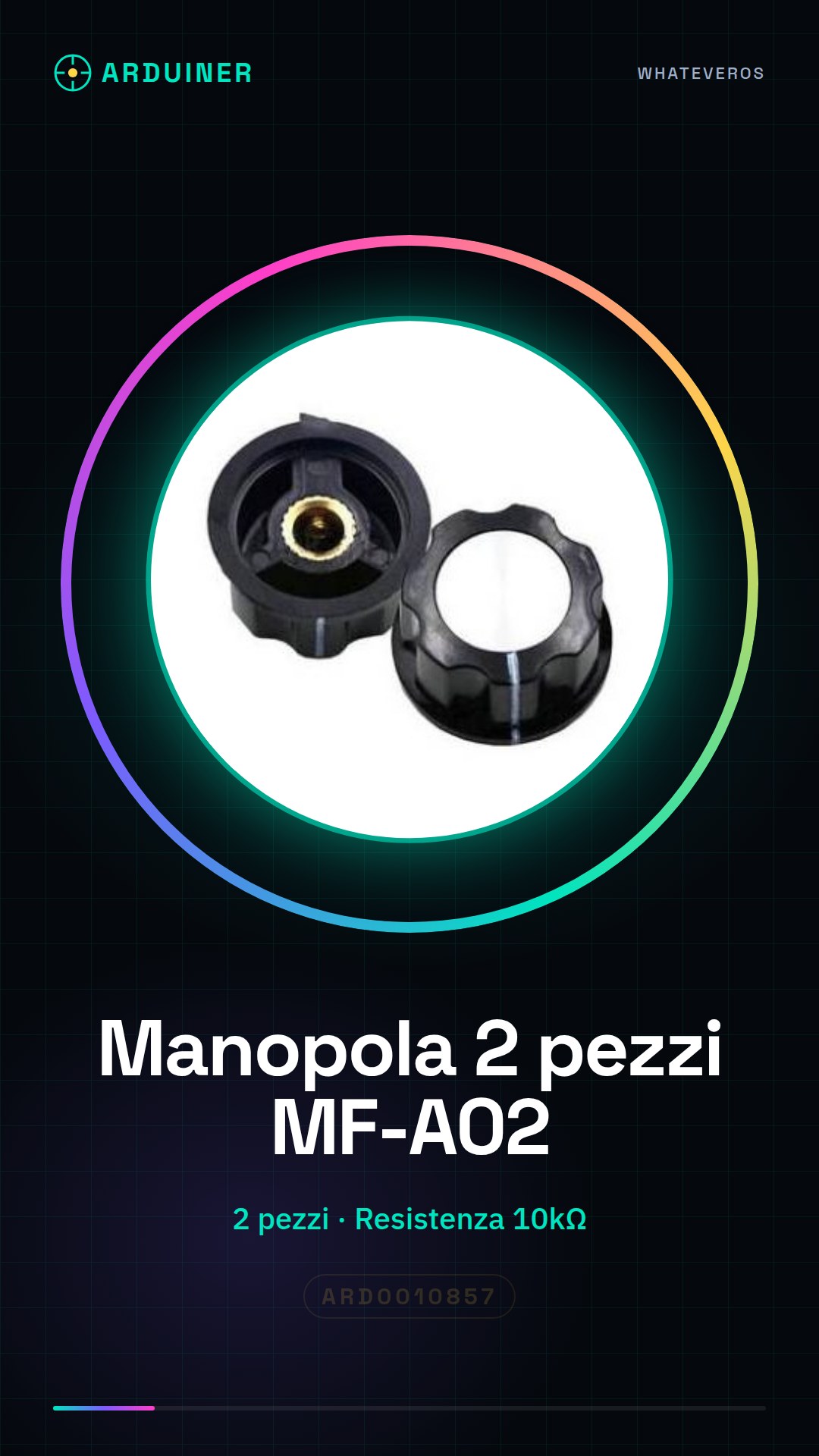
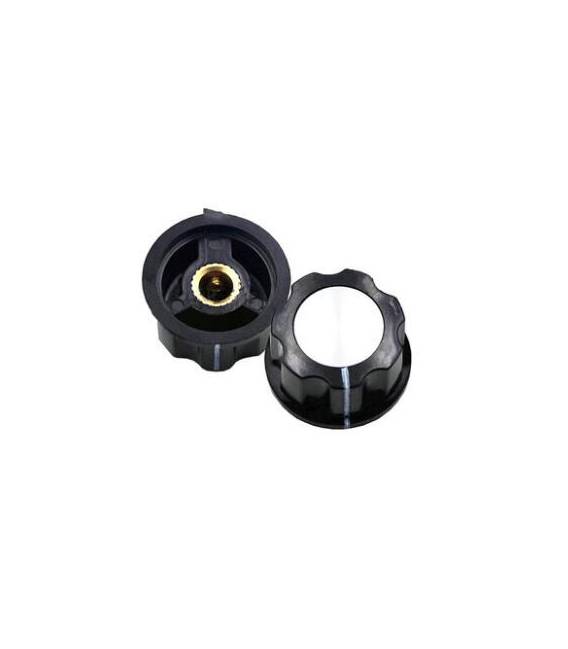
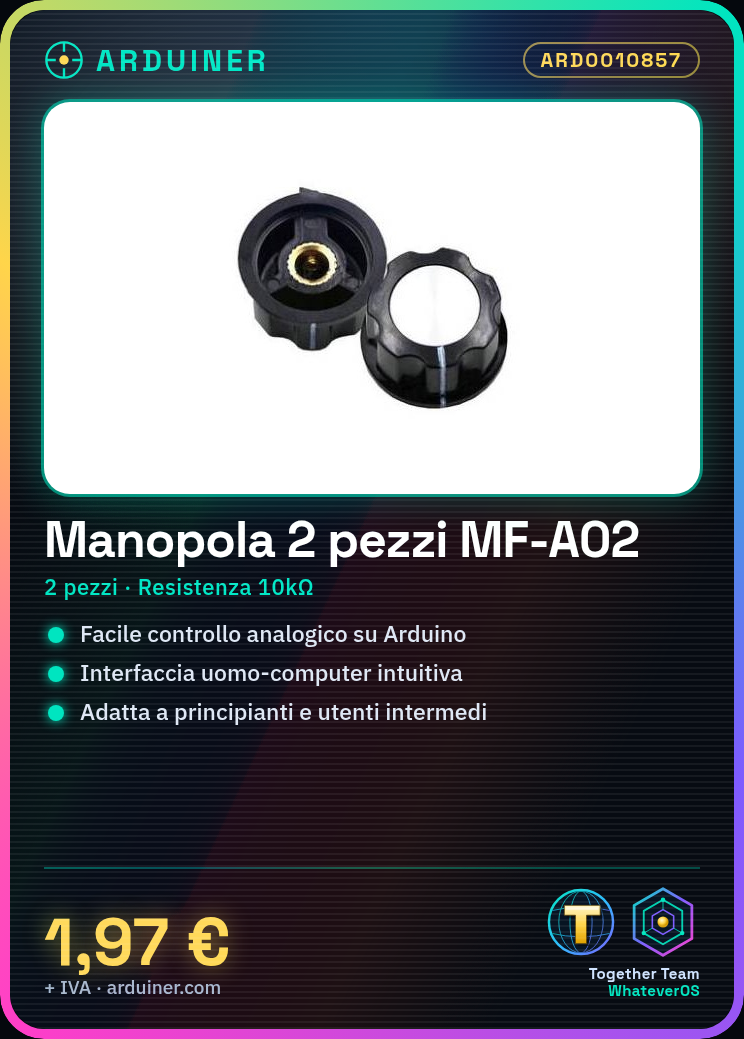
The MF-A02 knob is an electronic component consisting of two pieces, suitable for human-computer interactions. This device facilitates the development of Arduino projects, allowing builders to test and implement user input functions.
Features
- MF-A02 Component
- Composed of 2 pieces
What it is for
The MF-A02 knob is ideal for projects requiring a simple and intuitive user interface. It can be used in various contexts, such as creating remote controls for drones or other robotic devices. It is suitable for both beginners and intermediate users.
Tutorial: How to Use 2-Piece MF-A02 Knob
The 2-piece MF-A02 knob is ideal for controlling human-computer interfaces in human-robotic interface projects. Suitable for beginners and intermediate users.
What you need
- 2-Piece MF-A02 Knob
- Arduino
- USB cable
- 10kΩ resistor
Steps
- 1. Check the datasheet for the knob specifications.
- 2. Connect the potentiometer to pin A0 on the Arduino.
- 3. Connect the 10kΩ resistor between VCC and GND on the Arduino.
- 4. Download the provided Arduino code.
- 5. Upload the code to the Arduino.
- 6. Check the potentiometer movement with the onboard LED.
- 7. Adapt the code to control other components.
- 8. Test the potentiometer in various projects.
Example code
```
void setup() {
  pinMode(A0, INPUT);
  pinMode(LED_BUILTIN, OUTPUT);
}

void loop() {
  int val = analogRead(A0);
  digitalWrite(LED_BUILTIN, val > 512);
}
```
Mini project
Create a remote control for a drone using two MF-A02 potentiometers and a stepper motor.
Common mistakes
- Connect the potentiometer to a digital pin instead of an analog one.
- Omit the pull-up resistor.
- Forget to upload the code to the Arduino.
- Do not check the connections before running the code.
Recommended accessories
- Stepper motor
- PWM control
- Arduino Nano
- Short USB cable
Frequently asked questions
How can I verify if the potentiometer is working?
Connect it to an analog pin and check with an oscilloscope or an analog multimeter.
Can I use this potentiometer with a Raspberry Pi?
Check the datasheet to see if the potentiometer supports GPIO connections.
What are the movement limits of the potentiometer?
Check the datasheet for angle and resistance limits.
Can I use a resistor other than 10kΩ?
Check the datasheet to see if other resistance values are supported.


Reviews
There are no reviews yet.