 EN
 IT Italiano
 ES Español
 FR Français
 DE Deutsch
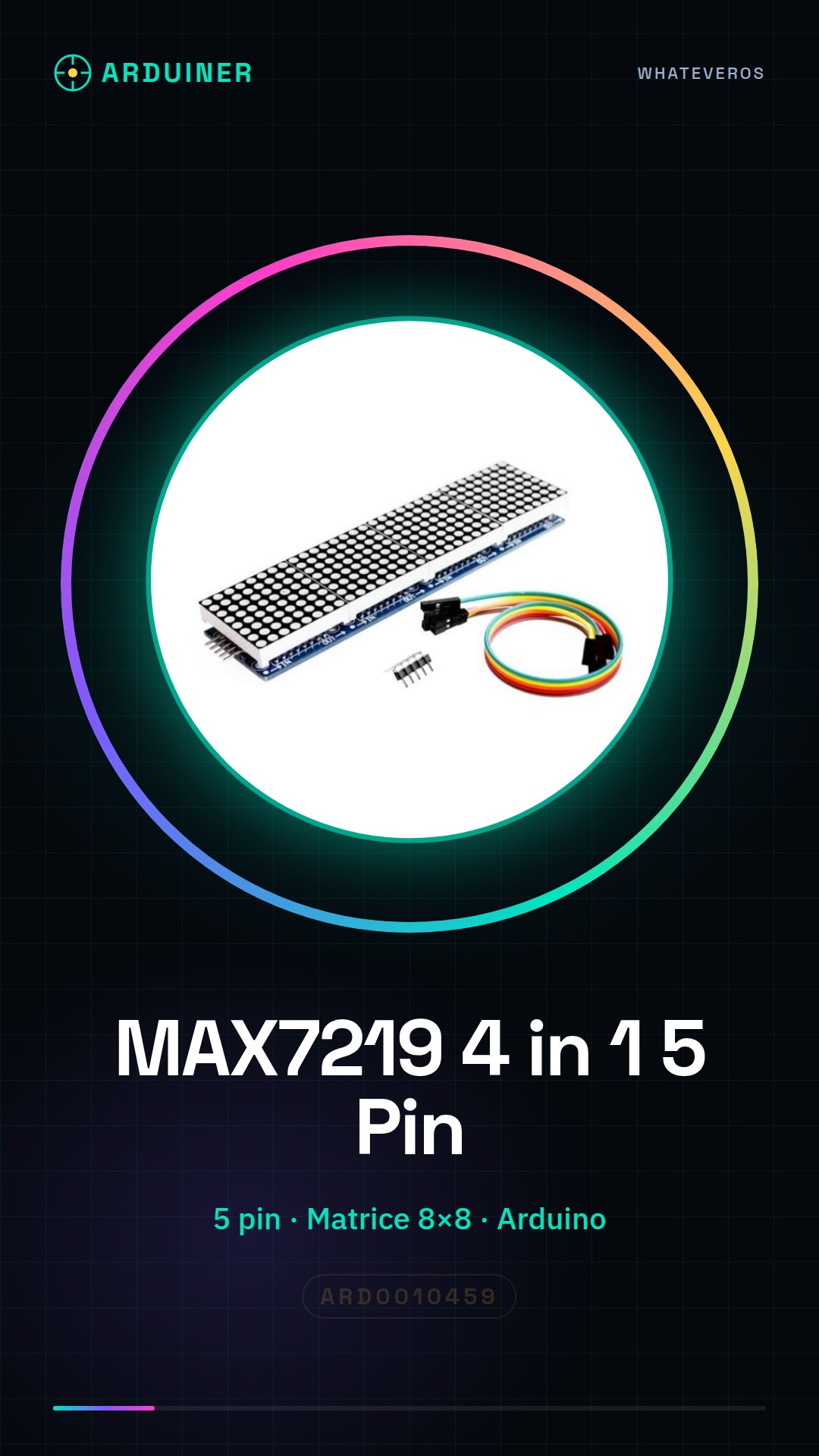
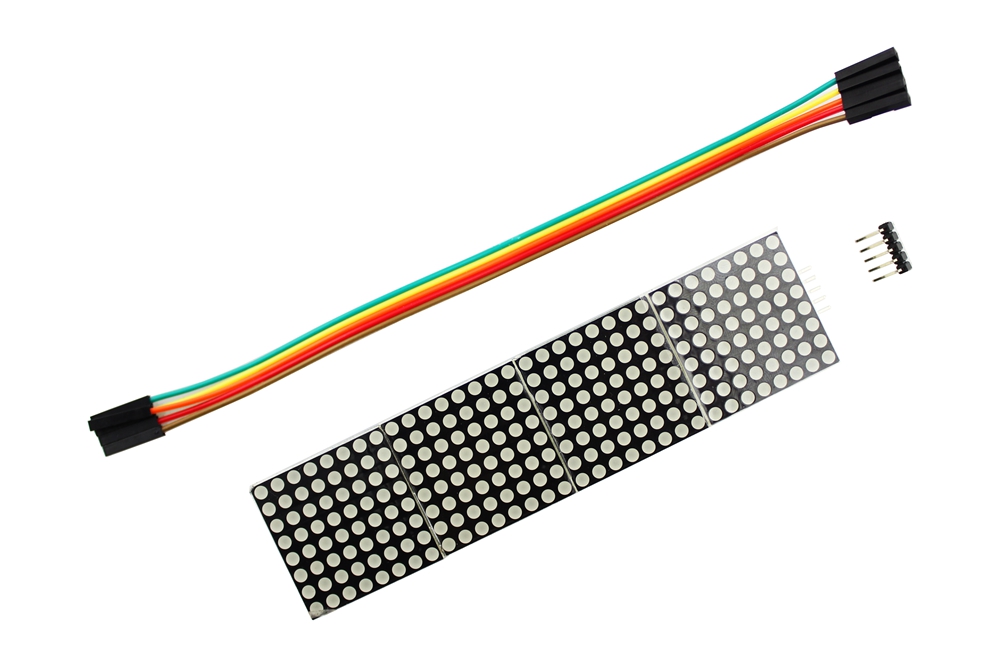
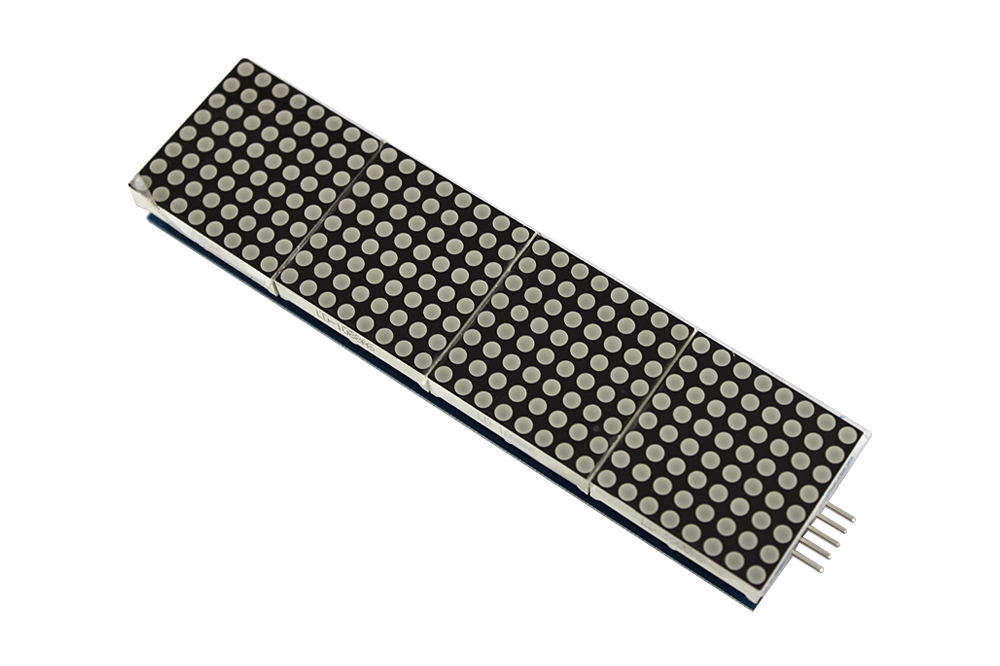
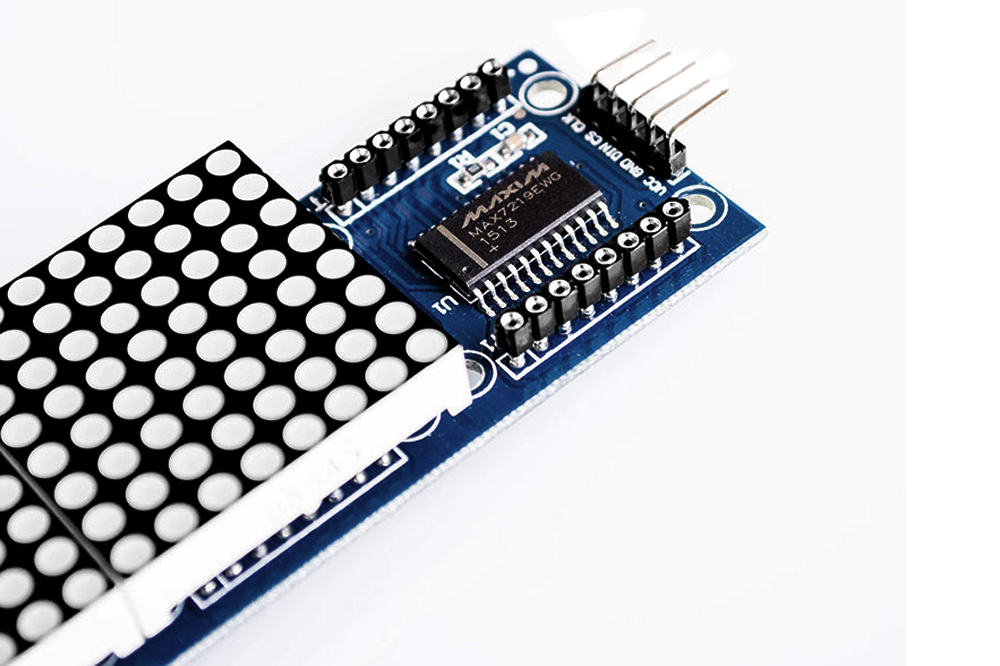
Description
What it is
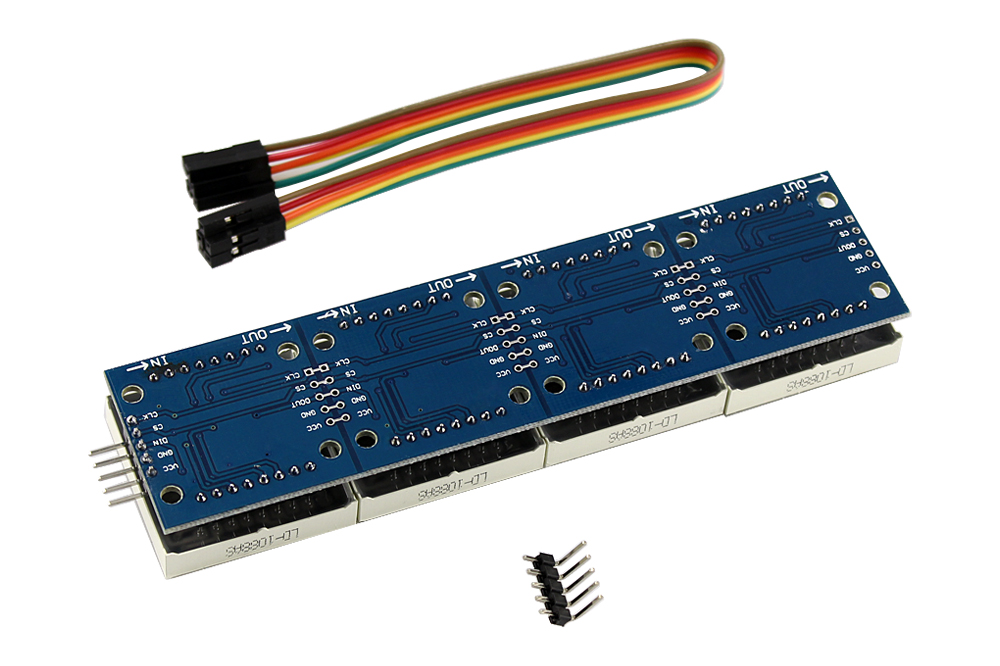
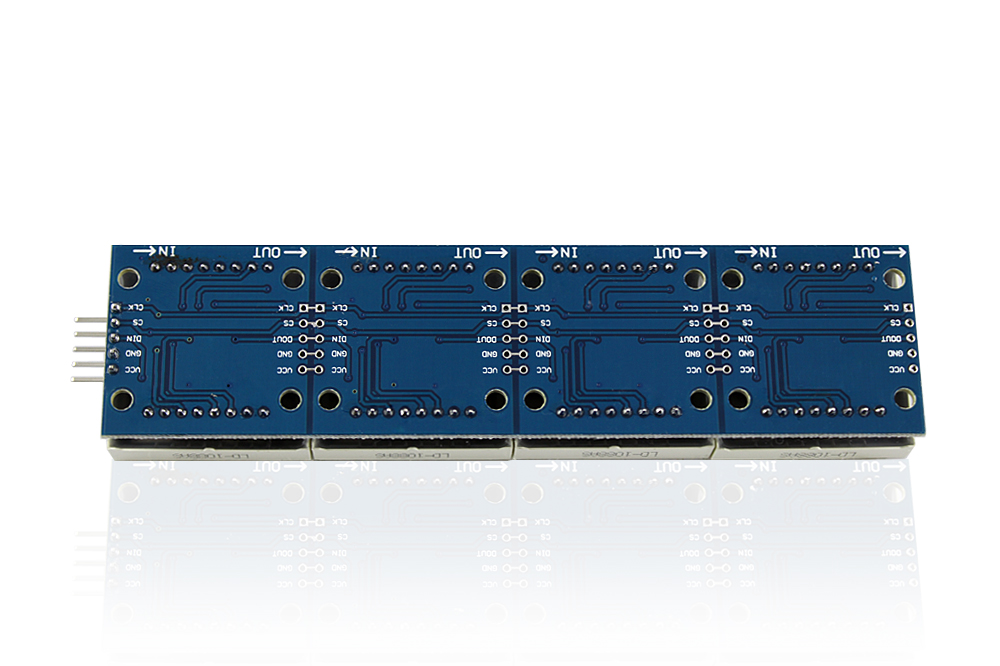
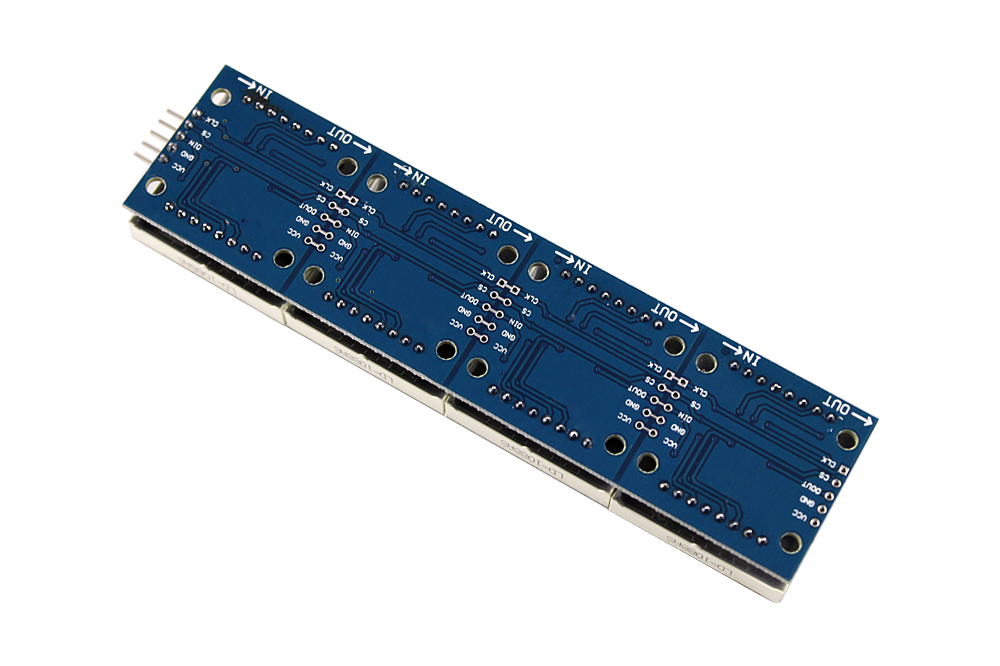
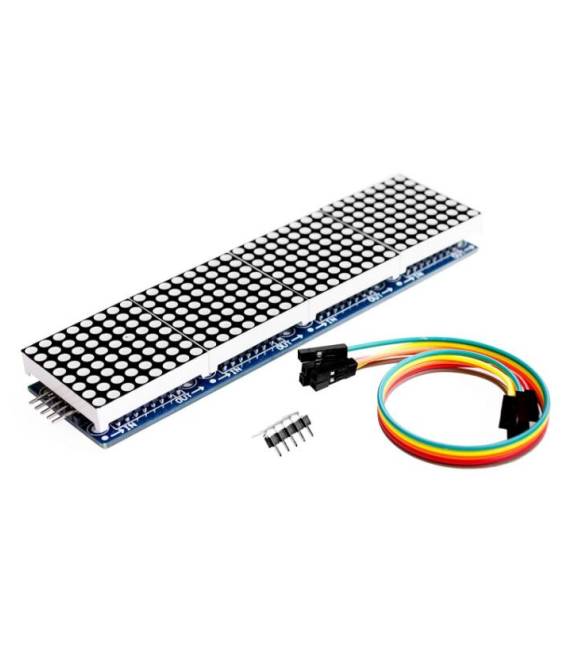
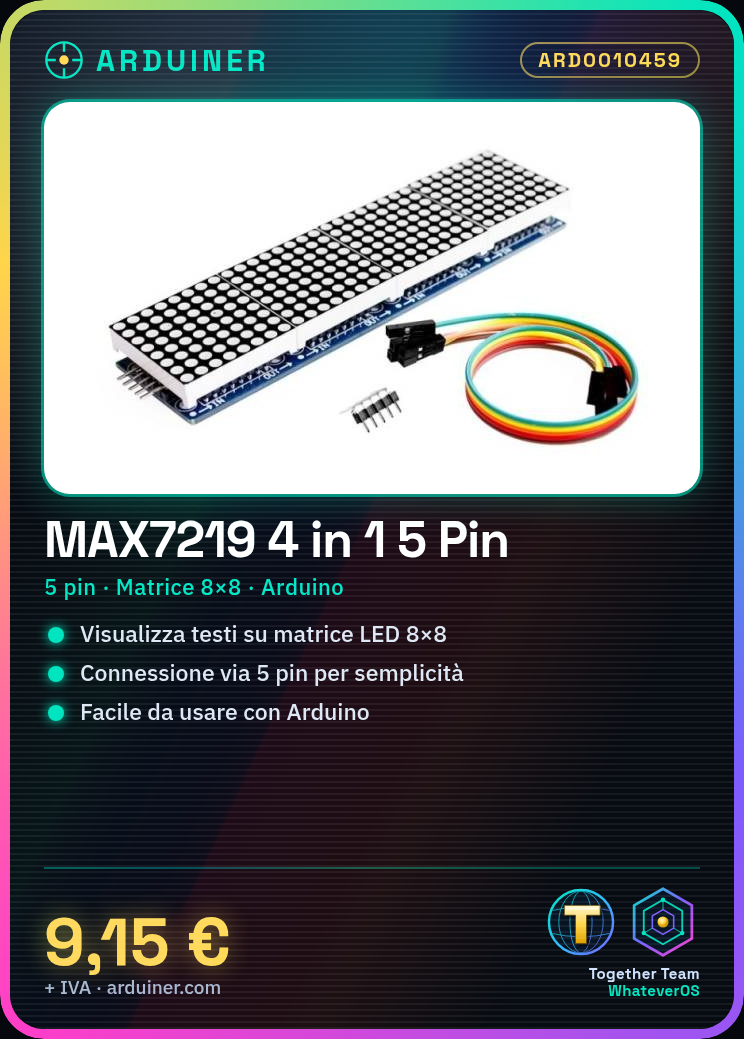
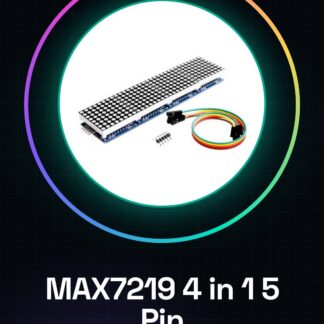
The MAX7219 Microcontroller is a device that allows managing and displaying an LED matrix with just five pins. This component is ideal for Arduino projects, offering advanced features in a simple-to-use package.
Features
- Manages an LED matrix with 5 pins
- Compatible with Arduino
What it is for
The MAX7219 is used for projects requiring text or image display on LED matrices. It is particularly useful for beginners and intermediates due to its ease of use and integration with Arduino. For example, a simple LED sign displaying the word ‘Arduino’ on an 8×8 matrix can be created in about 30 minutes.
Tutorial: How to Use MAX7219 4 In 1 5 Pin
The MAX7219 is a microcontroller ideal for displaying LED matrices on Arduino projects. Useful for beginners and intermediates.
What you need
- MAX7219
- Arduino
- Resistors (100 Ohm)
- LED Matrix (8×8)
- Dupont Wire
Steps
- 1. Install the MAX7219 library in the Arduino IDE.
- 2. Connect the VCC of the MAX7219 to 5V of the Arduino.
- 3. Connect the GND of the MAX7219 to GND of the Arduino.
- 4. Connect the DIN of the MAX7219 to D10 of the Arduino.
- 5. Connect the CS of the MAX7219 to D9 of the Arduino.
- 6. Connect the LOAD of the MAX7219 to VCC of the Arduino.
- 7. Connect the RES of the MAX7219 to GND of the Arduino.
- 8. Connect the LED matrix to the MAX7219
Example code
```
#include <MAX7219.h>

MAX7219 display(1, D10, D9);

void setup() {
  display.begin();
  display.setIntensity(7);
}

void loop() {
  display.write('H');
}```
Mini project
Create a simple LED display with the word ‘Arduino’ on an 8×8 matrix in 30 minutes.
Common mistakes
- Connect VCC to 3.3V instead of 5V.
- Omit the pull-up resistor on LOAD.
- Forget to set the intensity.
- Connect the CS to a pin other than D9.
Recommended accessories
- 8×8 LED matrix
- 100 Ohm resistors
- Arduino UNO
- Dupont cable
Frequently asked questions
How to set the intensity?
Use `display.setIntensity()` in the code.
Which pins to use?
Use D10 for DIN and D9 for CS.
Why doesn’t it work?
Check connections and code. Verify voltage on VCC.
Can I use a different matrix?
Check the datasheet to see if it is supported.
Reviews
There are no reviews yet.