 EN
 IT Italiano
 ES Español
 FR Français
 DE Deutsch
Description
What it is
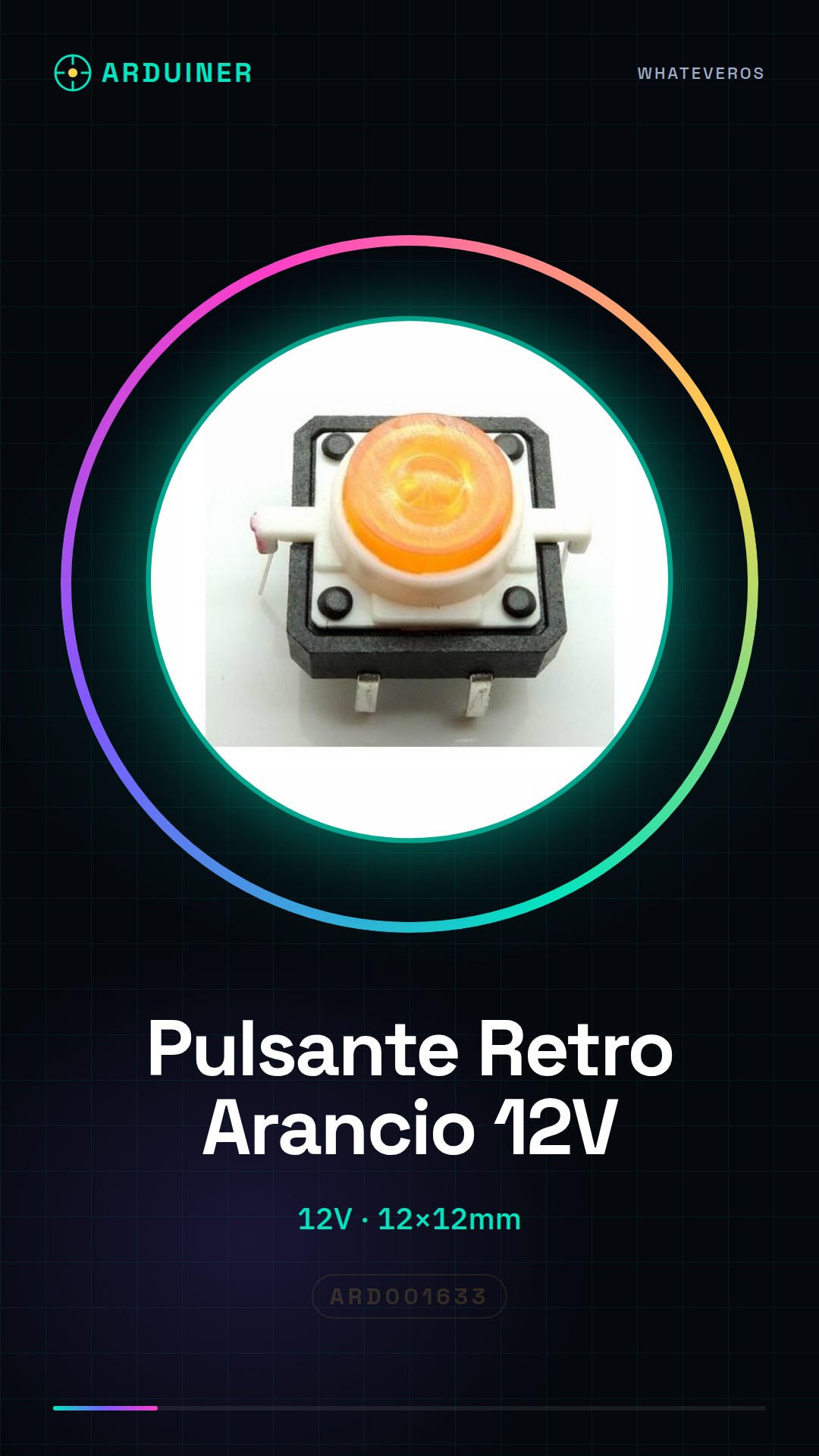
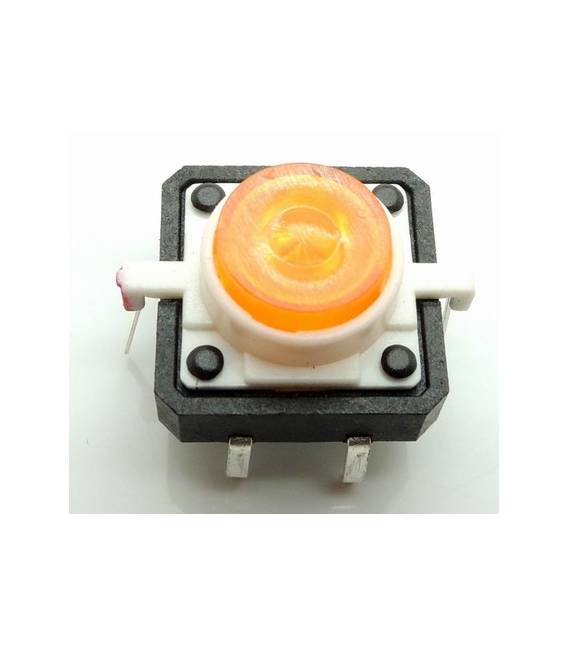
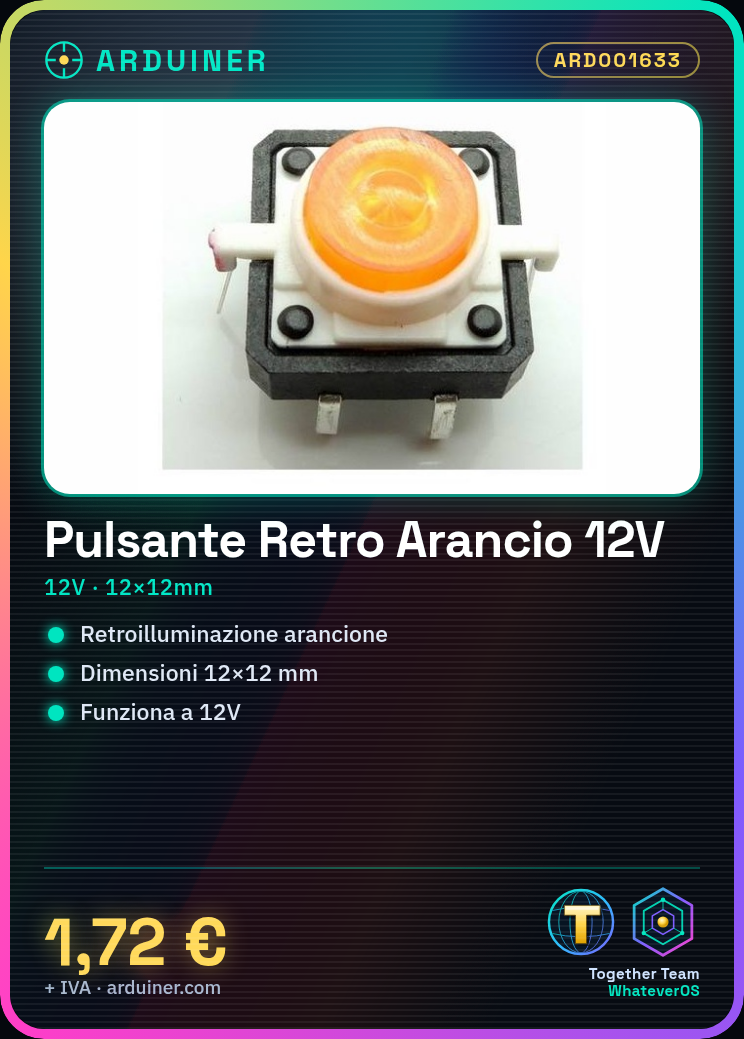
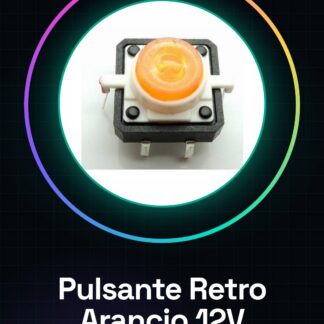
The Backlit Button with Orange LED 12V is an electronic component designed for use in various types of projects, including those based on Arduino. This button offers optimal visibility thanks to the integrated orange backlighting.
Features
- Type: Backlit Button with Orange LED 12V
- Dimensions: 12×12 mm
- Operating Voltage: 12V
What it is for
This backlit button is ideal for creating interactive user interfaces and modern devices. It is particularly suitable for projects that require immediate visual feedback, such as alarms or status indicators.
Tutorial: How to Use Backlit Button with Orange LED
This backlit button with orange LED is ideal for projects that require immediate visual feedback. Perfect for beginners and intermediate designers.
What you need
- Backlit Button with Orange LED
- Arduino or Compatible Microcontroller
- 330 Ohm resistor (check the datasheet)
- 12V power supply cable
Steps
- 1. Connect the button to the microcontroller using the input pins.
- 2. Connect the orange LED to the output pin of the microcontroller.
- 3. Connect the resistor between the LED and the output pin.
- 4. Attach the 12V power supply cable to the button.
- 5. Load the source code into the microcontroller.
- 6. Check the connections to ensure there are no incorrect connections.
- 7. Turn on the power and test the button.
- 8. Verify that the LED lights up when you press the button.
Example code
```void setup() {} void loop() { if (digitalRead(pulsante) == HIGH) { digitalWrite(led, HIGH); } else { digitalWrite(led, LOW); } }```Mini project
Create a simple alarm system with a button and an orange LED. Pressing the button should activate the alarm.
Common mistakes
- Don’t forget to connect the resistor to the LED.
- Power the button with a different power supply than 12V.
- Connect the LED to the ground pin of the microcontroller.
- Don’t test the connections before loading the code.
Recommended accessories
- Arduino Nano
- 330 Ohm resistor
- 12V power supply
- Perfect connection cable
Frequently asked questions
How can I check if the button works?
Press it and verify that the LED turns on or off correctly.
Can I use a different voltage than 12V?
Check the datasheet for the correct voltage.
Which pins to use on the microcontroller?
Use an input pin for the button and an output pin for the LED.


Reviews
There are no reviews yet.