 EN
 IT Italiano
 ES Español
 FR Français
 DE Deutsch
Description
What it is
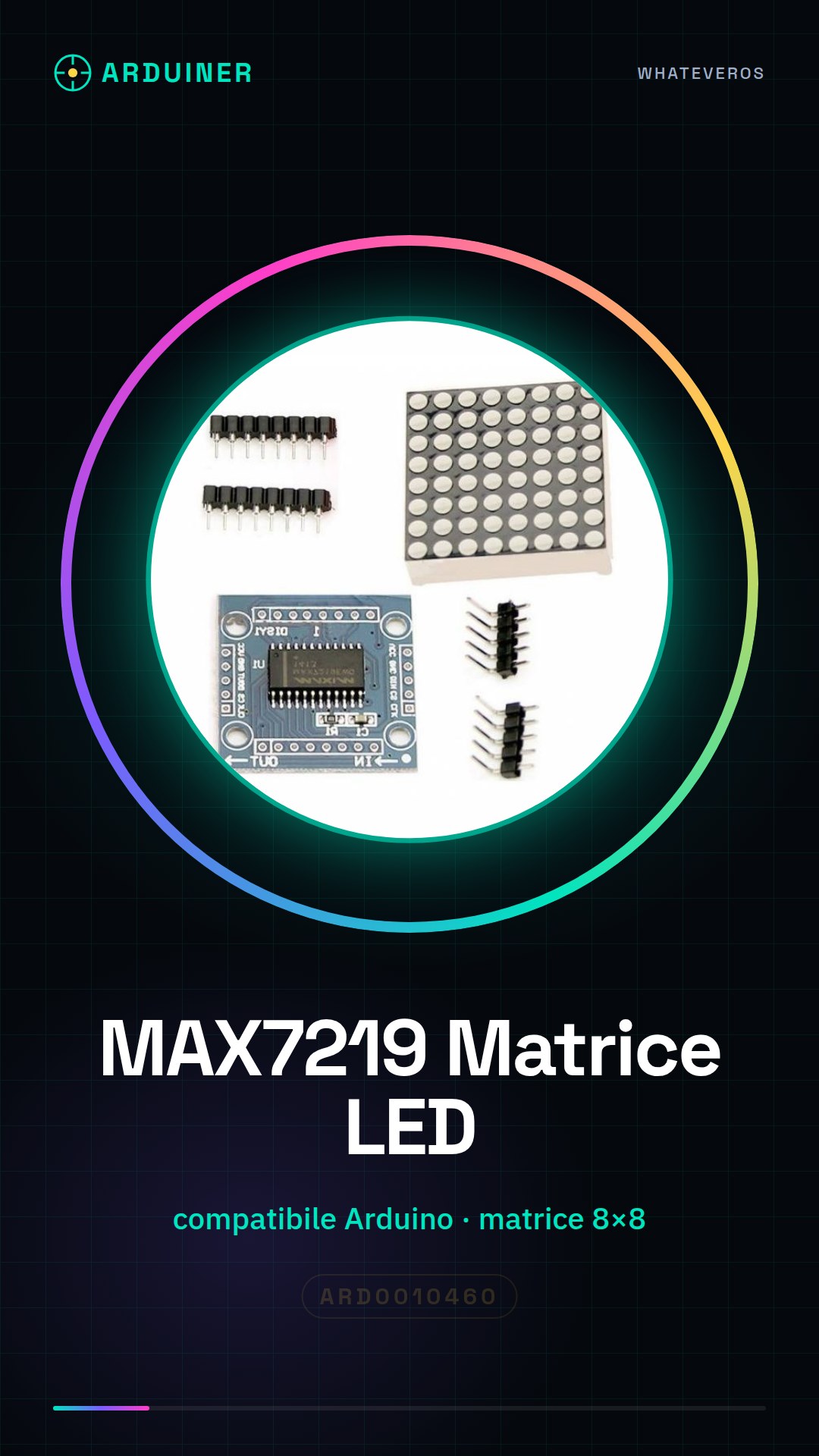
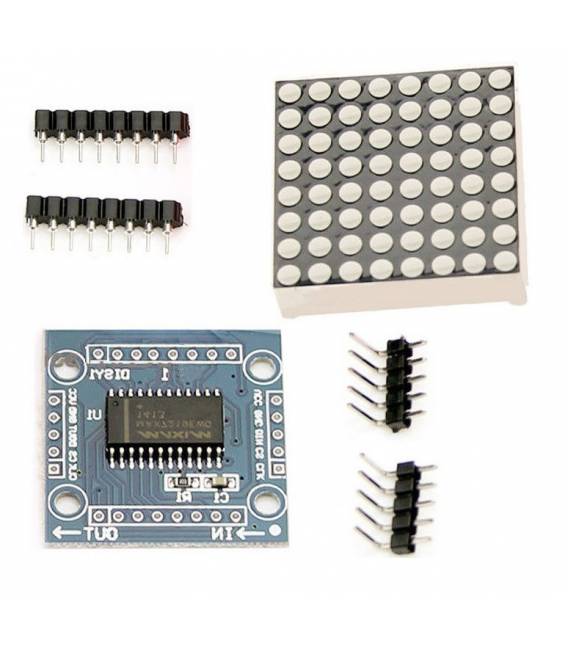
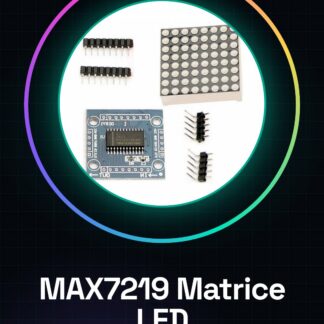
The MAX7219 kit is an electronic module that includes a microcontroller for managing an LED matrix. This component allows controlling an 8×8 LED matrix using only three digital pins of the microcontroller, making it ideal for interactive lighting projects or custom displays.
Features
- MAX7219 Microcontroller
- Compatible with Arduino
- Manages an 8×8 LED matrix
- Reduces circuit complexity by using only three digital pins
What it is for
Ideal for beginners who want to create luminous displays or display messages. It can be used in combination with a temperature sensor like the DS18B20 to show ambient temperature in degrees Celsius.
Tutorial: How to Use MAX7219 Module Kit with LED Matrix
The MAX7219 module is an electronic component that allows controlling an 8×8 LED matrix using only three digital pins of the microcontroller. Ideal for beginners who want to create luminous displays or display messages.
What you need
- Arduino Uno
- MAX7219 Module Kit with LED Matrix
- USB Cable
- Connect to Computer
Steps
- Connect the MAX7219 module to the Arduino board using the appropriate connectors.
- Check that the VCC, GND, and DIN pins of the kit are correctly connected to the digital pins of the Arduino as indicated in the documentation.
- Download the LedControl library from the official GitHub repository or from the Arduino website.
- Insert the following code in your Arduino IDE to test the installation of the MAX7219 module.
- Compile and upload the sketch to your Arduino. Verify that the LEDs of the matrix light up according to the instructions in the code.
- Modify the code to display custom messages or perform other functions with the LED matrix.
Example code
LedControl lc = LedControl(12, 11, 10, 0); // definizione dell'oggetto
void setup() {
    lc.setIntensity(0, 5);
}

void loop() {
    lc.setChar(0, 0, 'A', 0);
}
Mini project
Create a glowing display that shows the ambient temperature in degrees Celsius. Use a temperature sensor like DS18B20 and connect it to your Arduino.
Common mistakes
- Incorrect pin connection
- Missing installation of LedControl library
- Configuration error with MAX7219 module
- Incorrect messages displayed due to errors in the code
Recommended accessories
- DS18B20 temperature sensor
- 4.7kΩ resistor
- Arduino Uno Electronic Protection Kit
- ESP8266 Wi-Fi Antenna
Frequently asked questions
How can I change the intensity of the LED matrix?
Use the setIntensity() method from the LedControl library.
What is the difference between MAX7219 and MAX7221?
MAX7221 supports 8x8x8 matrices, while MAX7219 supports only 8×8. Both have the same basic functionalities.
Can I connect multiple matrices to a single Arduino?
Yes, by using multiple MAX7219 modules and configuring the data pins (DIN) correctly for each one.
Reviews
There are no reviews yet.