 EN
 IT Italiano
 ES Español
 FR Français
 DE Deutsch
Description
What it is
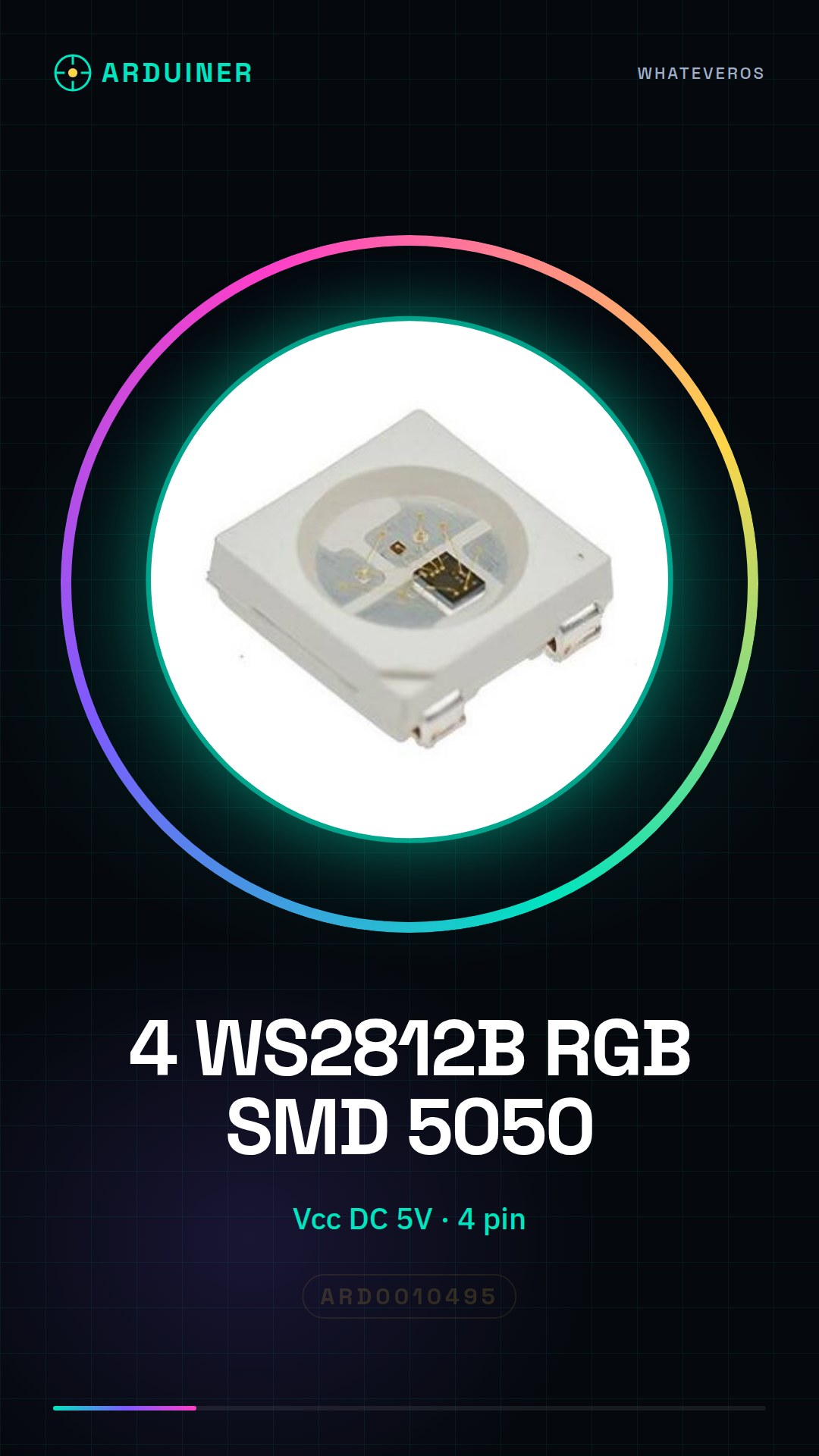
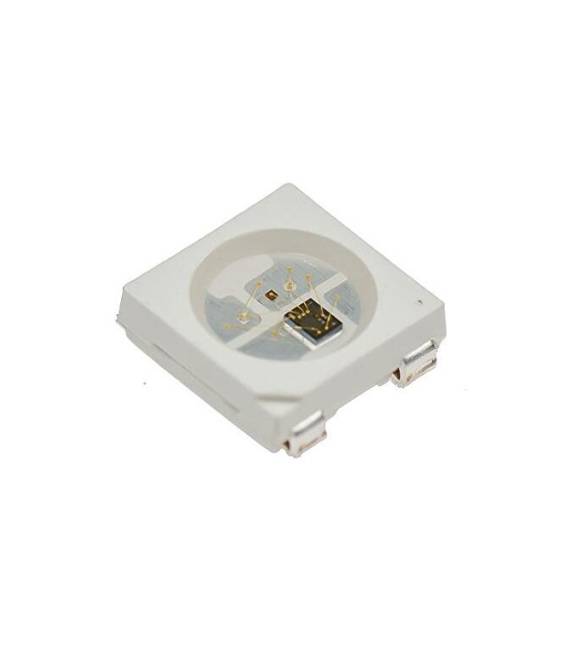
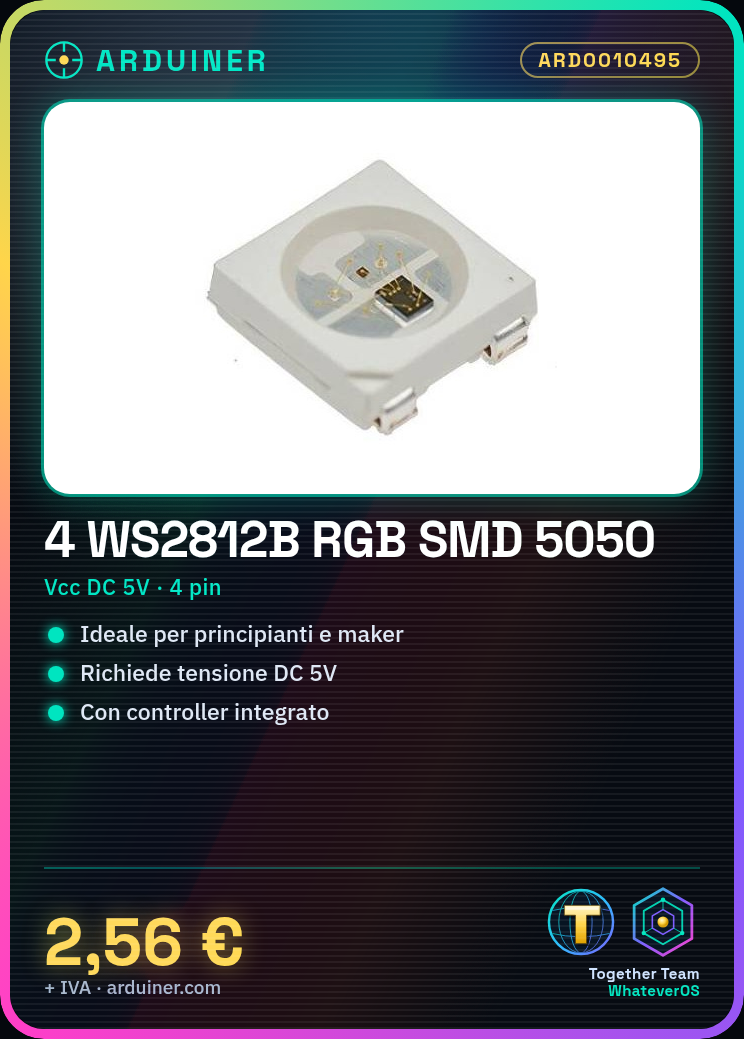
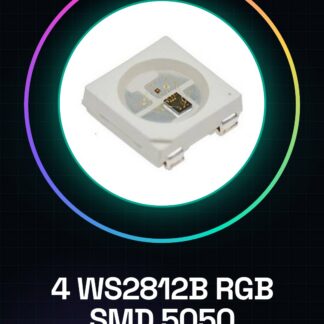
The WS2812B RGB SMD 5050 are small infrared modules with an integrated controller, ideal for RGB lighting projects. This kit contains 4 pieces of WS2812B LEDs that require a DC voltage of 5V.
Features
- Type: WS2812B RGB SMD 5050 SOP 4 PIN LED with integrated controller
- Vcc: DC 5V
What it is for
The WS2812B LEDs are perfect for Arduino and 3D printing projects. Ideal for beginners and makers who want to create dynamic lighting effects.
Tutorial: How to use WS2812B RGB SMD LEDs
The WS2812B LEDs are small infrared modules with integrated control for easy use in RGB lighting projects. Ideal for beginners and makers who want to create dynamic lighting effects.
What you need
- Arduino Uno
- USB cable
- Protective pens
Steps
- Connect the WS2812B module to pin 6 of Arduino (check the datasheet for the correct configuration)
- Download the Adafruit NeoPixel library from GitHub and install it in Arduino IDE
- Write a simple sketch that changes the LED colors every second
- Save the code as ‘WS2812B_test’
Example code
Adafruit_NeoPixel strip = Adafruit_NeoPixel(4, 6, NEO_GRB + NEO_KHZ800);
void setup() {
strip.begin();
}
void loop() {
for (int i=0; i<256; i++) {
strip.setPixelColor(0, strip.Color(i, 0, 0));
strip.show();
}
}
Mini project
Create an RGB lighting installation with 4 WS2812B LEDs that change color based on music. Use a noise sensor to control the brightness intensity.
Common mistakes
- Connect the module to a voltage higher than 5V
- Do not install the NeoPixel library
- Use a pin incompatible with WS2812B
Recommended accessories
- Adafruit NeoPixel library
- Arduino Uno R3
- Spiral printed circuit prototyping kit
- USB A-B cable for Arduino
Frequently asked questions
How can I change the color speed?
Modify the delay value in the for loop of the sketch.
What is the difference between WS2812B and WS2811?
WS2812B has a more recent and efficient integration that includes PWM control, while WS2811 requires a separate chip for PWM control.
Reviews
There are no reviews yet.