 EN
 IT Italiano
 ES Español
 FR Français
 DE Deutsch
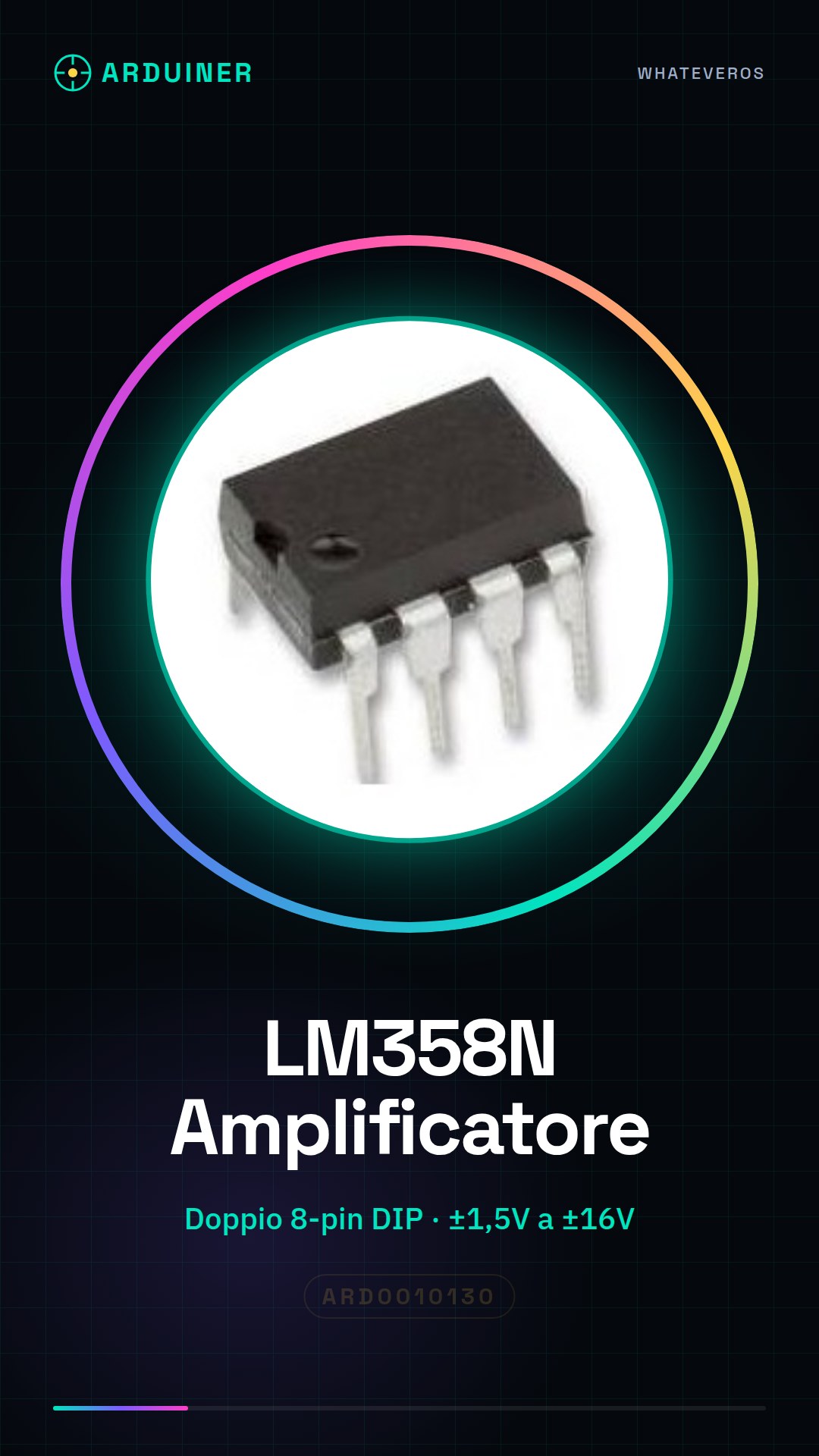
Description
Tutorial: How to Use the LM358N Operational Amplifier
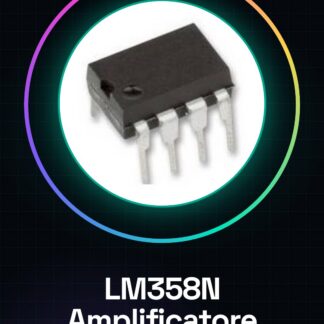
The LM358N is a dual operational amplifier in DIP (Dual Inline Package) format used for various types of electronic applications, such as signal filtering, audio signal amplification, or use as a comparator. It is ideal for both beginners and experts.
What you need
- Arduino
- Breadboard
- Jumper wires
- Power supply
Steps
- Install the LM358N component on the breadboard, ensuring that the pins are correctly aligned with the breadboard holes.
- Connect the power supply to the Vcc and GND terminals of the LM358N. Check the datasheet for supported power supply range (from ± 1.5V to ± 16V).
- Connect the input signal to the non-inverting (+) pin of the LM358N.
- Connect the reference signal to the inverting (-) pin of the LM358N.
- Connect the output of the operational amplifier to a digital thermometer or other devices for data reading.
- If necessary, add bypass capacitors between Vcc and GND near the LM358N component to reduce interference.
- Write the Arduino sketch to acquire signals from the LM358N and display them on the serial monitor or a display.
- Test the circuit with various input levels to verify that the operational amplifier is functioning correctly.
Example code
/*Sketch Arduino per testare LM358N*/
void setup() {
  Serial.begin(9600);
}

void loop() {
  int val = analogRead(A0); // Leggi il segnale dall'LM358N collegato a A0
  Serial.println(val);
}
Mini project
Create a simple alarm system using the LM358N as a comparator to detect the presence of people or objects in the field of view of a sensor.
Common mistakes
- Incorrect power supply
- Input signal connected to the wrong pin
- Missing bypass capacitors
Recommended accessories
- Arduino Uno R3
- Large breadboard
- Colored jumper wires
- Variable power supply
Frequently asked questions
What is the minimum and maximum voltage for the LM358N?
Check the component datasheet.
How can I use the LM358N as a comparator?
Connect the input signals to the inverting (-) and non-inverting (+) pins, then connect the output to an LED or a relay.
Reviews
There are no reviews yet.